


Have you ever been on a video call where the other person’s voice sounds like it’s stuttering or breaking up? Or maybe they seem to talk over you because their words arrive late? That annoying glitch isn’t just bad luck-it’s usually caused by network jitter. The invisible hero that fixes this problem is called a jitter buffer, which is a temporary storage area in your device that smooths out irregular packet arrival times to ensure continuous playback. Without it, modern real-time communications would be nearly unusable.
We rely on instant connection for everything from Zoom meetings to cloud gaming. But the internet isn’t actually built for instant delivery. It’s designed to move data reliably, not quickly. When packets take different paths or get stuck in traffic, they arrive at unpredictable intervals. This variability is what we call jitter. A jitter buffer acts like a shock absorber, holding back packets just enough so they can be played out smoothly, preventing those robotic gaps in speech.
How Jitter Buffers Actually Work
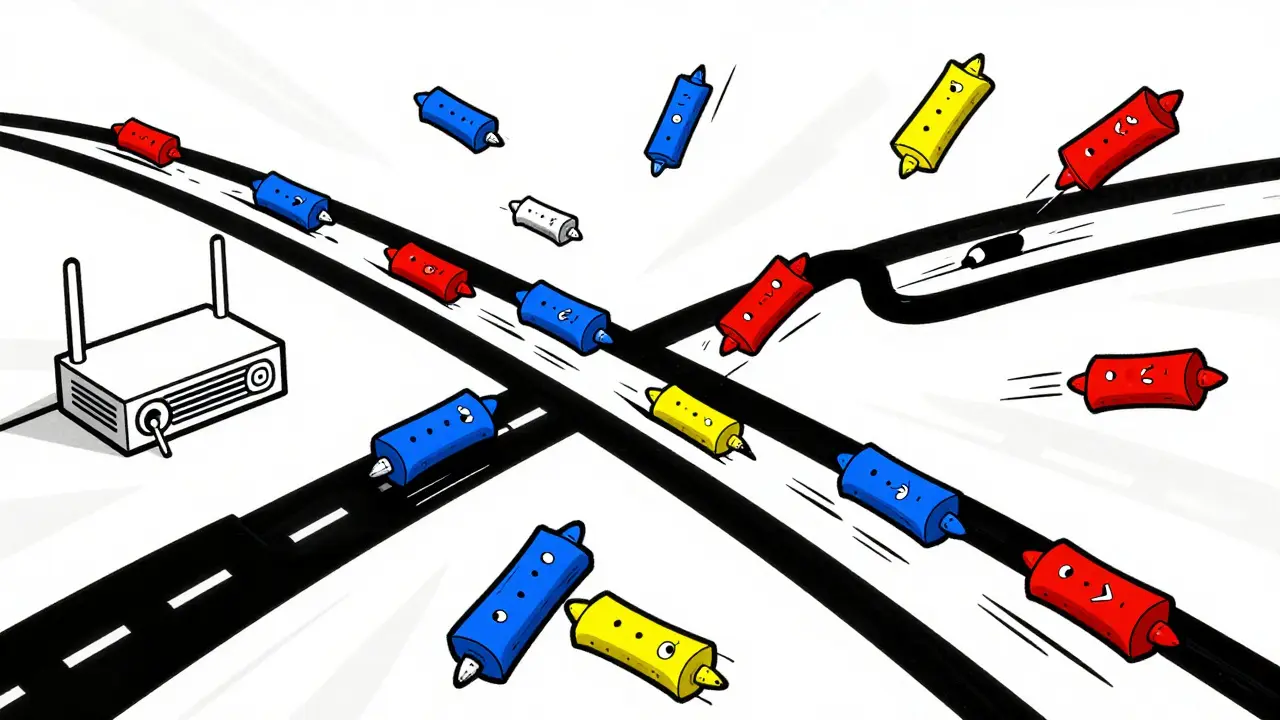
To understand why we need these buffers, you have to look at how digital audio travels. When you speak into your microphone, your software breaks your voice into tiny chunks of data called packets. These packets are sent over the internet using protocols like RTP (Real-time Transport Protocol). In a perfect world, every packet would travel the exact same distance and arrive at the exact same time. But the internet is messy.
Sometimes one packet takes a shortcut while another gets delayed by a congested router halfway across the country. If your computer tried to play these packets the moment they arrived, you’d hear a jumbled mess of silence and overlapping noise. Instead, the receiver uses a jitter buffer. Here is the step-by-step process:
- Capture: As packets arrive from the network, the jitter buffer stores them temporarily.
- Reorder: Packets often arrive out of sequence. The buffer looks at the sequence numbers and puts them back in the correct order.
- Delay: The buffer holds the packets for a specific amount of time-usually between 60 and 200 milliseconds.
- Playout: Once the timer hits zero, the buffer releases the packets to the audio decoder at a steady, constant rate.
This small delay allows late-arriving packets to "catch up" with the earlier ones. By the time the audio reaches your speakers, the stream is smooth. The trade-off is simple: you add a tiny bit of latency to eliminate the chaos of variable delays.
Static vs. Adaptive Jitter Buffers
Not all jitter buffers are created equal. There are two main types used in today’s systems: static and adaptive. Knowing the difference helps explain why some calls feel sluggish while others stay crisp even on shaky connections.
A static jitter buffer has a fixed size. For example, an engineer might set a VoIP phone to always wait 100 milliseconds before playing audio. This works well if the network conditions never change. However, if the network suddenly gets worse, that 100ms window won’t be enough to hold the late packets, resulting in choppy audio. Conversely, if the network improves, you’re still waiting 100ms unnecessarily, making conversations feel laggy.
An adaptive jitter buffer, on the other hand, changes its size in real-time. Most modern platforms, including WebRTC browsers and apps like Microsoft Teams or Zoom, use adaptive buffers. They constantly monitor the network. If they detect high jitter, they expand the buffer to catch more late packets. If the network stabilizes, they shrink the buffer to reduce latency. This dynamic adjustment is crucial for maintaining quality without sacrificing interactivity.
| Feature | Static Buffer | Adaptive Buffer |
|---|---|---|
| Size Adjustment | Fixed (Manual) | Dynamic (Automatic) |
| Best Use Case | Predictable LAN environments | Variable WAN/Wireless networks |
| Latency Control | Poor (Can be too high or too low) | Good (Optimizes for current conditions) |
| Complexity | Low | High (Requires algorithm processing) |
The Latency Trade-Off: Why Timing Matters
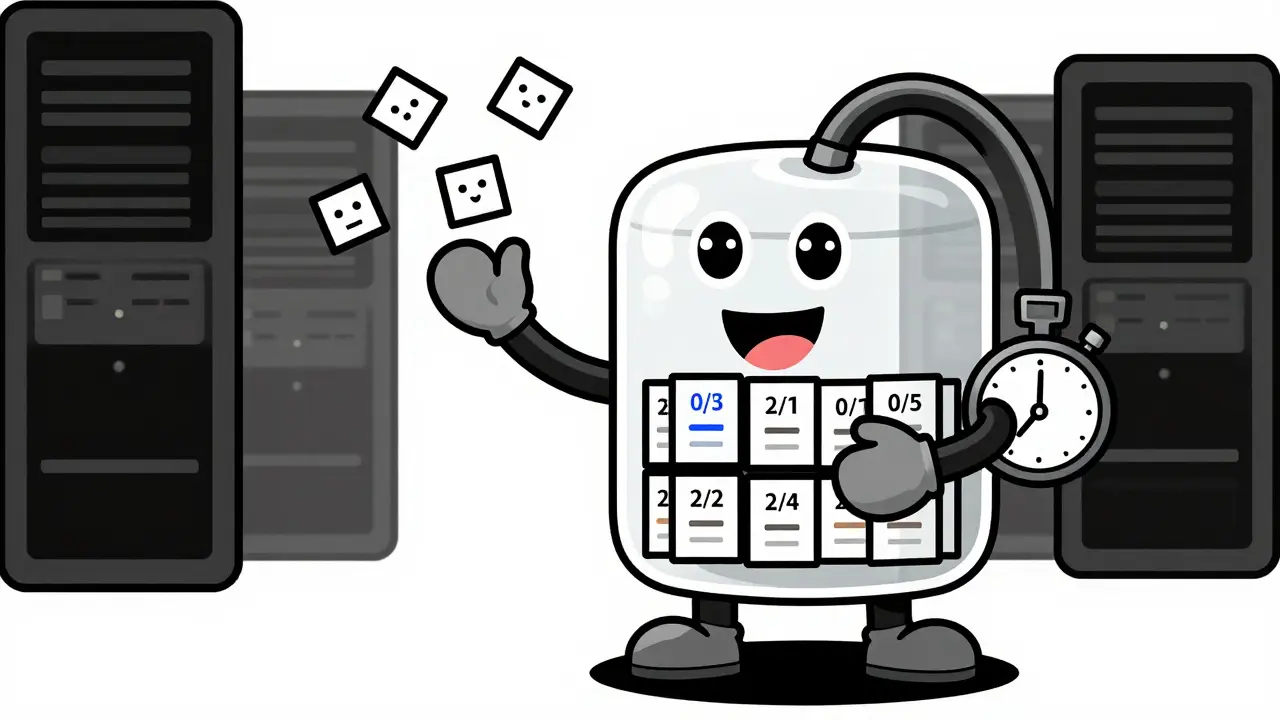
You might wonder why we don’t just make the jitter buffer huge to catch every single late packet. The answer lies in human psychology and conversation flow. According to ITU-T G.114 standards, a one-way delay of under 150 milliseconds is considered transparent-meaning you don’t notice it. Between 150 and 400 milliseconds, people start to notice the lag, leading to awkward pauses or talking over each other. Above 400 milliseconds, the conversation becomes frustratingly difficult.
Jitter buffer delay is just one part of the total end-to-end latency. Other factors include encoding time, transmission speed, and decoding time. If you set your jitter buffer to 500 milliseconds to guarantee no packet loss, you’ve likely pushed the total delay past the point where natural conversation is possible. Users will complain that the other person keeps interrupting them because the audio feedback loop is broken.
This is why configuration matters. On a local area network (LAN), engineers often set jitter buffers to around 60 milliseconds. On international links or wireless networks, where jitter is higher, buffers might need to be 200 to 300 milliseconds. Finding the sweet spot requires balancing the risk of audio dropouts against the annoyance of conversational lag.
Beyond Smoothing: Reordering and Error Concealment
Modern jitter buffers do more than just wait for packets. They actively repair the data stream. One common issue is duplicate packets. Sometimes, network congestion causes a packet to be sent twice. The jitter buffer identifies these duplicates using sequence numbers and discards the extra copies to prevent echo-like artifacts.
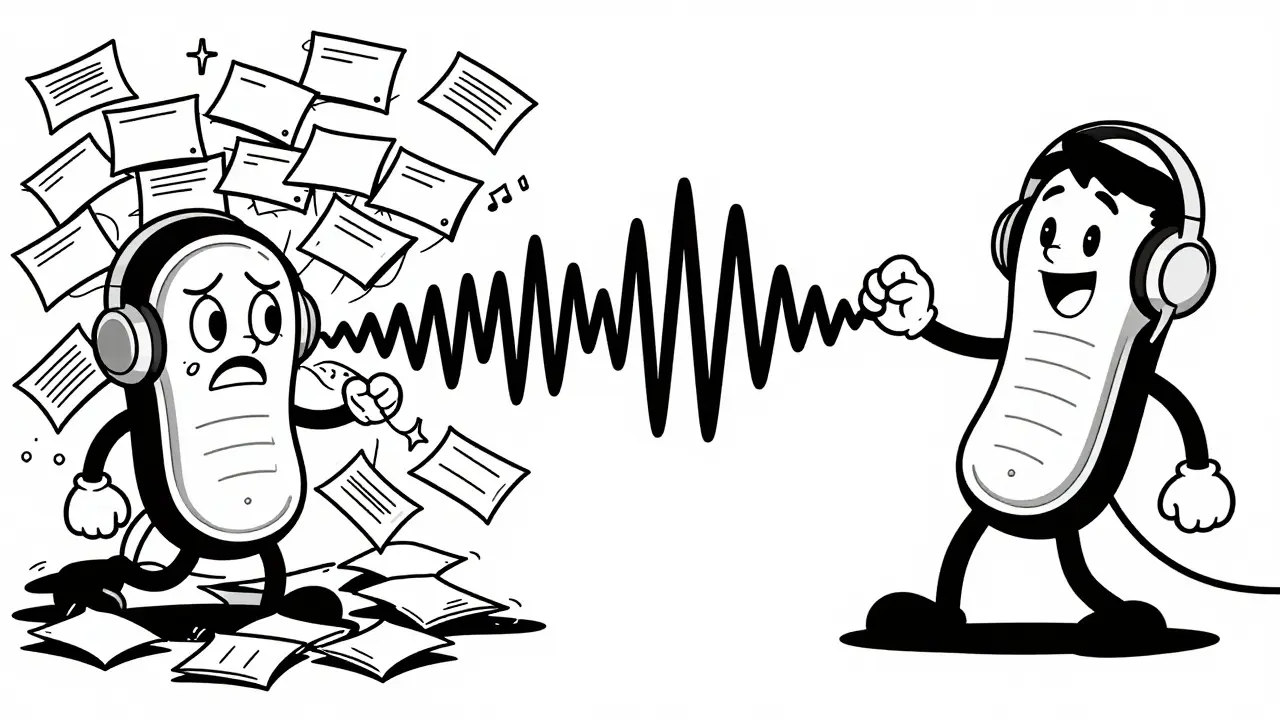
Another critical function is handling packet loss. Even with a buffer, some packets will never arrive. If a packet is missing when the playout timer runs out, the buffer can’t just stop the audio. Instead, it uses error concealment techniques. Simple methods might repeat the last good frame of audio. More advanced codecs, like Opus, use Packet Loss Concealment (PLC) to synthesize missing audio based on previous patterns. This makes the gap less noticeable, though it’s never as clear as the original sound.
Some systems also integrate Forward Error Correction (FEC). FEC sends redundant data along with the original packets. If a packet is lost, the receiver can reconstruct it from the redundancy. However, using FEC increases the required buffer size because the system needs to wait long enough to see if the repair data arrives. This creates a complex engineering puzzle: stronger protection often means higher latency.
Practical Tips for Better Call Quality
If you are managing VoIP systems or troubleshooting poor call quality, here are actionable steps to optimize jitter buffering:
- Measure Before You Guess: Use tools like Wireshark or dedicated VoIP monitoring software to measure actual jitter levels on your network. Don’t rely on defaults alone.
- Tune for Your Network Type: If you are on a stable fiber connection, keep the buffer low (around 60-100ms). If you are using cellular data or satellite links, increase the minimum buffer significantly (200ms+).
- Allow Warm-Up Time: For adaptive buffers, let the connection run for a few minutes before expecting peak performance. The algorithm needs time to gather statistics about the network behavior.
- Check for QoS Issues: Jitter buffers can only do so much. Implement Quality of Service (QoS) rules on your routers to prioritize VoIP traffic over file downloads or streaming video. This reduces the root cause of jitter rather than just masking it.
- Monitor CPU Usage: Adaptive algorithms require processing power. Ensure your endpoints and servers have enough CPU headroom to calculate jitter estimates without dropping packets themselves.
FAQ
What is the ideal jitter buffer size for VoIP?
There is no single ideal size, but generally, 60-100 milliseconds is optimal for local networks (LANs) to minimize latency. For wide-area networks (WANs) or wireless connections, sizes between 150-300 milliseconds are common to handle higher variability. The goal is to stay below 150ms total one-way delay if possible, per ITU-T recommendations.
Why does my audio sound robotic during calls?
Robotic or choppy audio is usually a sign that the jitter buffer is too small for the current network conditions. Late packets are being discarded because they arrive after the playout timer has already passed. Increasing the buffer size or improving network stability can resolve this.
Do jitter buffers work with TCP?
Yes, but they are less common. Most real-time media uses UDP because it doesn't retransmit lost packets, which would cause unacceptable delays. However, if an application uses TCP for media, it still needs a jitter buffer to smooth out the variable delays caused by TCP's congestion control and retransmission mechanisms.
Can I disable the jitter buffer?
Technically yes, but it is rarely recommended. Disabling the buffer removes the smoothing mechanism, causing any network variation to result in immediate audio glitches, gaps, or out-of-order playback. It might be done for ultra-low-latency testing, but for normal use, it degrades quality significantly.
How does WebRTC handle jitter?
WebRTC uses an adaptive jitter buffer built into the browser. It automatically adjusts the playout delay based on observed network conditions, aiming to balance low latency with smooth playback. Developers have limited direct control over this, but they can influence it through bandwidth estimation and codec selection.





Write a comment