

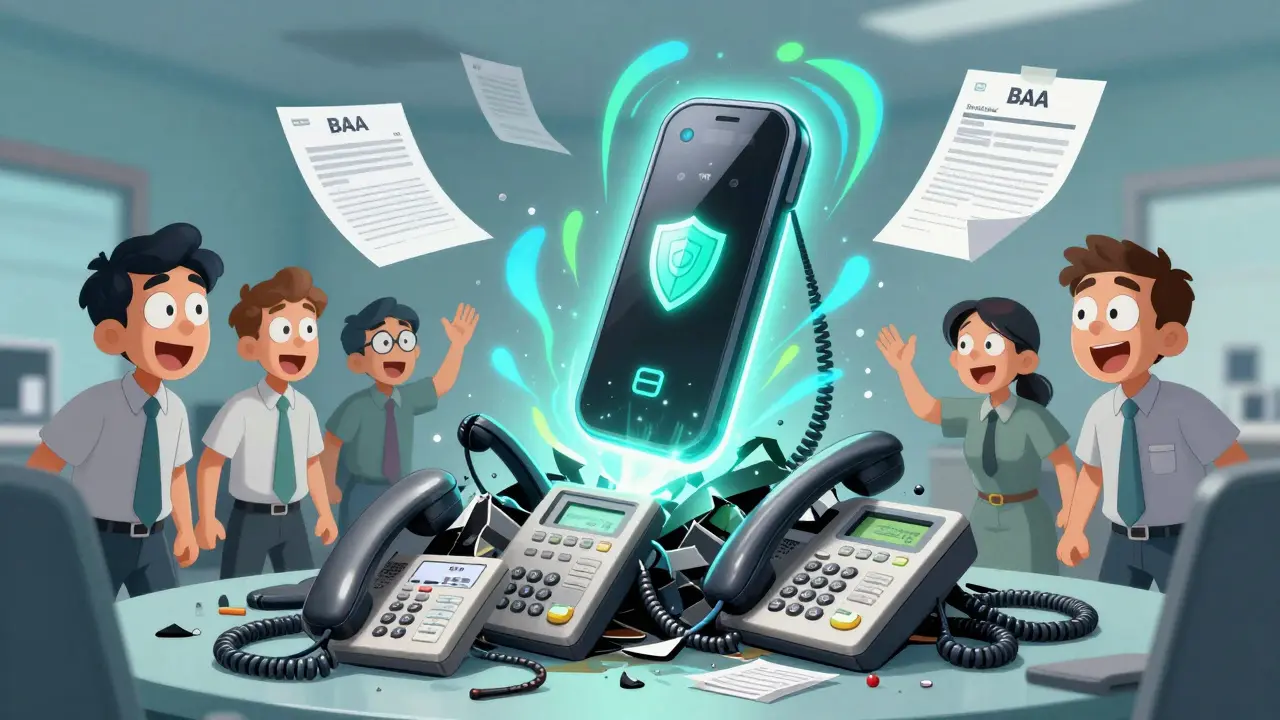

When your clinic’s phone system goes down, patients don’t just get frustrated-they cancel appointments, call competitors, or worse, don’t get urgent care when they need it. For medical practices, the phone isn’t just a tool-it’s a lifeline. And in 2026, that lifeline is almost always a VoIP system. But not just any VoIP. If you’re handling patient data, you need a system that follows HIPAA rules. Because if you don’t, you’re risking fines, lawsuits, and your reputation.
Why Your Medical Practice Can’t Ignore HIPAA Compliance
HIPAA isn’t a suggestion. It’s federal law. And when your phone system records a patient’s name, date of birth, symptoms, or even their appointment time, that’s Protected Health Information (PHI). Once it’s digitized and sent over the internet, it becomes electronic PHI (ePHI). That means every call, voicemail, text, or video chat you make must be secured. Most small practices still use old landlines or basic VoIP systems that don’t meet HIPAA standards. That’s dangerous. A single data breach can cost you $50,000 to $1.5 million per violation. And that’s not counting the damage to your name. Patients trust you with their health. They expect you to protect their data too. The good news? Modern VoIP systems can do far more than just make calls. They can reduce no-shows by up to 40% with automated reminders. They can connect directly to your EHR. They can let your staff work from home without compromising security. But only if they’re built for healthcare.What Makes a VoIP System HIPAA-Compliant?
There’s no official "HIPAA-certified" phone system. That’s a marketing myth. Compliance isn’t a sticker-it’s a process. Here’s what actually matters:- Business Associate Agreement (BAA): Your VoIP provider must sign a BAA. This legally binds them to protect your patients’ data. If they won’t sign one, walk away.
- Encryption in transit and at rest: Calls must use TLS for signaling and SRTP for voice data. Voicemails, recordings, and transcripts must be encrypted when stored.
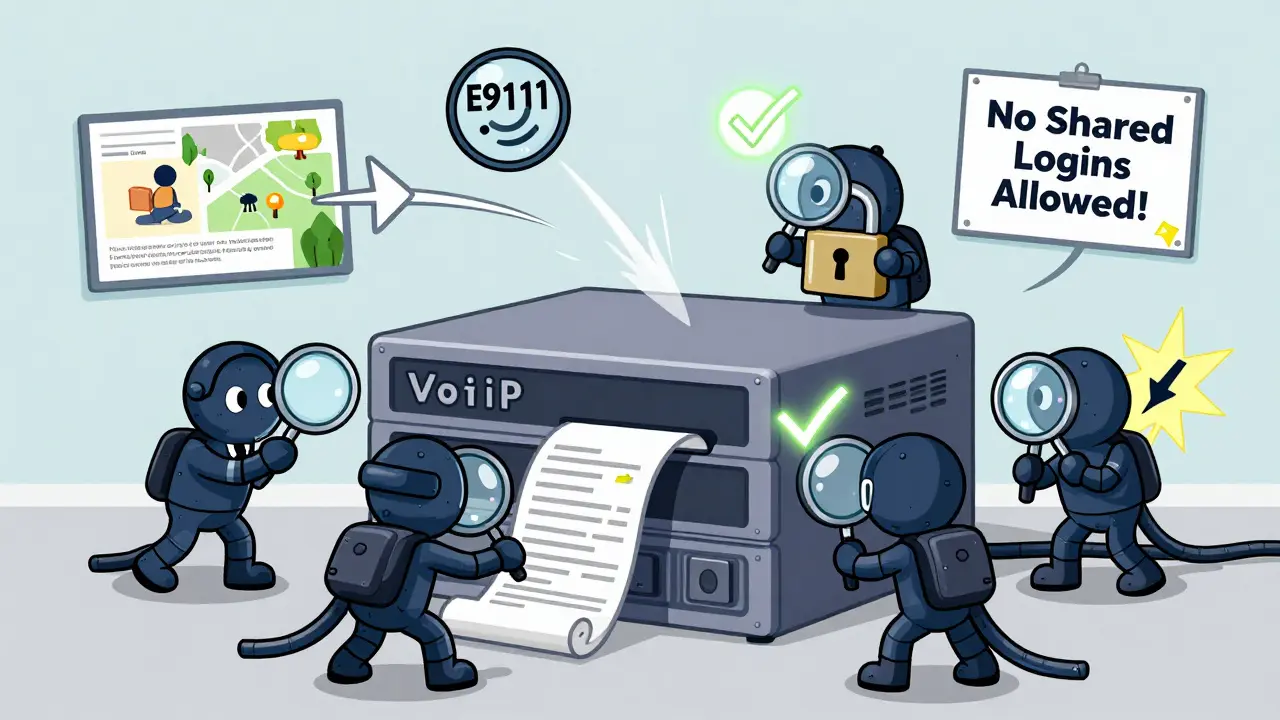
- Access controls: Only authorized staff should access patient communications. That means multi-factor authentication (MFA), single sign-on (SSO), and role-based permissions. No shared logins.
- Audit logs: Every call, login, file export, and setting change must be recorded. These logs can’t be edited or deleted. They’re your proof of compliance.
- E911 compliance: If someone calls 911 from your VoIP phone, emergency responders must know exactly where they are-even if the user is working remotely.
Top HIPAA-Compliant VoIP Providers for Medical Practices in 2026
You don’t need to guess which systems work. Here are the providers medical practices are actually using:- RingCentral: Holds HITRUST CSF certification. Offers encrypted calls, video meetings, SMS, and online faxing. Integrates with Epic and Cerner. Used by clinics with 50+ locations.
- CallHippo: Built for small practices. Includes call masking, virtual numbers, and smart call routing. Easy setup, low cost, and full BAA support.
- Vonage: Strong EHR integrations. Lets you record calls with automatic redaction. Has secure voicemail transcription and role-based access.
- Falkon SMS: The best option for HIPAA-compliant texting. SOC 2 certified. Used by clinics replacing traditional SMS with secure messaging.
- 8x8 and Nextiva: Both offer solid compliance features, multi-location support, and mobile apps. Good for practices planning to scale.
Features That Actually Save Time (and Money)
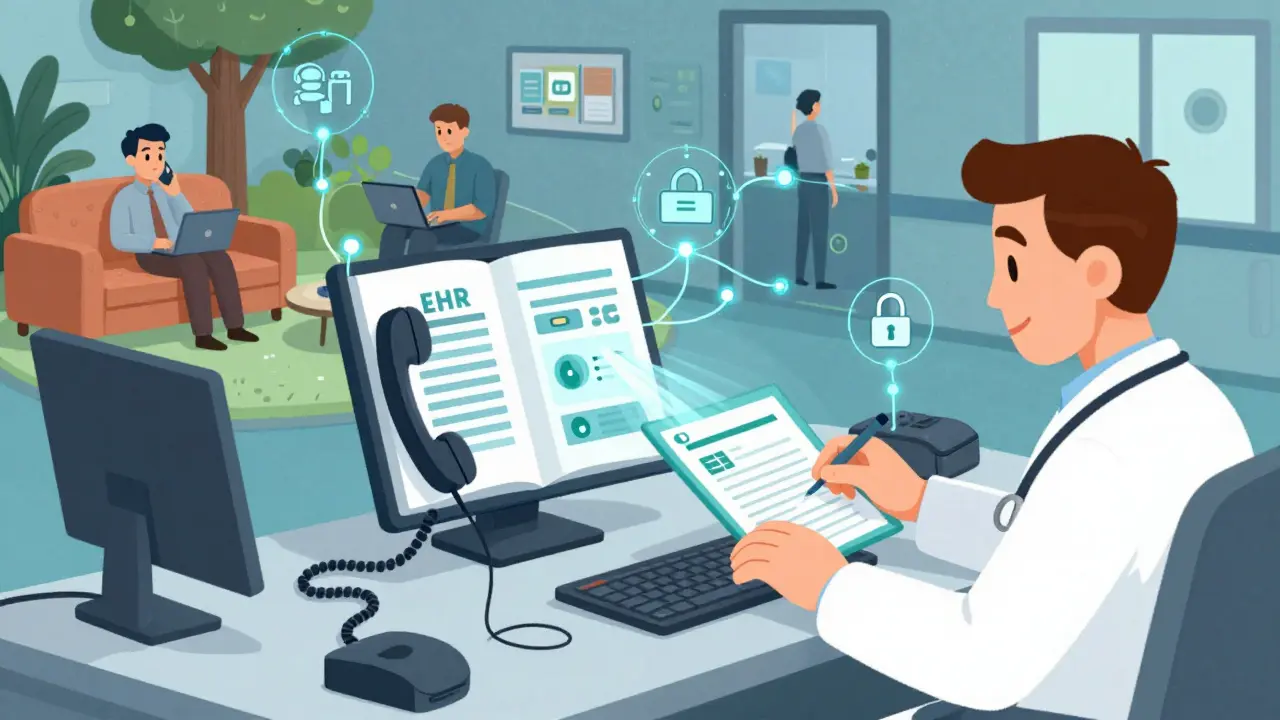
A good healthcare VoIP system does more than just keep you compliant-it makes your day easier:- EHR integration: When a patient calls, their chart pops up on your screen. No more digging through files. RingCentral and Vonage do this with Epic, Athenahealth, and Cerner.
- Automated appointment reminders: Send texts or voice messages 24 hours before an appointment. Reduce no-shows without hiring extra staff.
- Smart IVR: Let patients check their lab results, reschedule, or request refills without talking to anyone. Use voice prompts in multiple languages.
- Secure video visits: Start a video call from your EHR with one click. No third-party links. No patient downloading apps.
- Call recording with redaction: Record conversations for training or legal reasons. Automatically mute or delete sensitive phrases like social security numbers.
- Mobile and desktop apps: Your staff can answer calls from their phone or laptop. Works anywhere with Wi-Fi. No need for physical phones at every desk.
What to Check Before You Switch
Don’t just sign up and hope for the best. Do this before you commit:- Map your ePHI: Where does patient data live? Voicemails? Transcripts? Call logs? Texts? Know every spot.
- Test your network: VoIP needs stable internet. Run a speed test. You need at least 100 Kbps per call. If you have 10 phones, you need 1 Mbps minimum. Add a backup ISP.
- Check QoS settings: Your router must prioritize voice traffic. Otherwise, calls drop or sound like robots.
- Verify E911: Give your provider your clinic’s exact address. Test it. If someone calls 911 from a remote worker’s home, does the system update the location?
- Run a pilot: Try the system for 2 weeks with one department. Test call queues, after-hours routing, and interpreter services.
Training Your Team Is Just as Important as the Tech
You can have the most secure system in the world-but if your receptionist leaves a voicemail on her personal phone, you’re still in violation. Train everyone:- Never discuss PHI on unsecured lines (personal phones, Zoom, WhatsApp).
- Always log out when stepping away from your desk.
- Report lost or stolen devices immediately.
- Know how to use encryption and redaction tools.
Benefits Beyond Compliance
Switching to a HIPAA-compliant VoIP system isn’t just about avoiding fines. It’s about upgrading your practice:- Save money: No more paying for landlines, fax machines, or separate voicemail systems.
- Scale easily: Open a new office? Add 10 phones in minutes. No technicians needed.
- Improve care: Faster access to records, fewer missed calls, better follow-ups.
- Work remotely: Your providers can answer calls from home, the hospital, or while traveling.
- Get insights: See which hours have the most calls, how long patients wait, and where bottlenecks happen.
Final Checklist Before You Buy
Before you sign anything, make sure you’ve confirmed:- Provider signs a BAA with clear scope
- Encryption is enabled for calls, voicemails, and transcripts
- MFA and SSO are required for all logins
- Audit logs are available and uneditable
- E911 works for remote users
- System integrates with your EHR
- Training materials are provided
- Customer support includes healthcare specialists
Healthcare communication has changed. The old way-landlines, fax machines, paper logs-isn’t just outdated. It’s risky. The right VoIP system doesn’t just keep you compliant. It makes your practice faster, smarter, and more resilient. Start with the right foundation. Your patients-and your bottom line-will thank you.
Is a regular VoIP system okay for a medical practice?
No. Regular VoIP systems don’t encrypt data properly, don’t sign Business Associate Agreements (BAAs), and don’t maintain audit logs required by HIPAA. Using one puts your practice at risk of fines, lawsuits, and reputational damage. Even if you think you’re not storing PHI, metadata like caller ID and call duration can still be considered protected health information.
What happens if I don’t have a BAA with my VoIP provider?
Without a BAA, your VoIP provider isn’t legally responsible for protecting patient data. If a breach occurs, you-your practice-are fully liable. The Department of Health and Human Services can impose fines up to $1.5 million per violation. You may also face criminal charges if negligence is proven. A BAA isn’t paperwork-it’s your legal shield.
Can I use Zoom or Google Meet for patient video calls?
Only if they’re configured for HIPAA compliance. Standard Zoom and Google Meet don’t meet HIPAA standards. But Zoom for Healthcare and Google Workspace for Healthcare offer encrypted, BAA-covered video calls. Always confirm the service is explicitly designed for healthcare and has a signed BAA before using it for patient visits.
Do I need special phones for HIPAA-compliant VoIP?
No. Most HIPAA-compliant VoIP systems work with standard IP phones, softphones on computers, or mobile apps. The compliance comes from the software, encryption, and policies-not the hardware. But make sure your phones support secure protocols like SRTP and TLS. Avoid consumer-grade devices that don’t allow encryption settings.
Can I use VoIP for texting patients?
Yes-but only with platforms designed for healthcare. Regular SMS is not HIPAA-compliant. Use services like Falkon SMS or RingCentral’s HIPAA-compliant messaging. These encrypt messages, require authentication, and provide audit trails. Never use iMessage, WhatsApp, or standard texting apps for patient communication.
How do I know if my VoIP provider is truly compliant?
Ask for their BAA, then verify their certifications: HITRUST CSF, SOC 2 Type II, or ISO 27001. Request a copy of their security policy. Ask how they handle data encryption, audit logs, and breach notifications. If they can’t answer clearly or refuse documentation, they’re not compliant. Don’t take their word for it-demand proof.
Can I keep my existing phone number when switching to HIPAA VoIP?
Yes. Most HIPAA-compliant providers allow number porting. You can transfer your current landline or VoIP number to the new system. This avoids confusing patients and maintains continuity. Make sure your provider handles the porting process and confirms the number is active before canceling your old service.
Is cloud-based VoIP safer than on-premise systems?
For most medical practices, yes. Cloud providers like RingCentral and Vonage have teams dedicated to security, regular updates, and enterprise-grade encryption. On-premise systems require your practice to manage firewalls, patches, and backups-which most clinics don’t have the staff or expertise to do well. Cloud systems also offer automatic failover and geo-redundancy, reducing downtime.







Anand Pandit
18 Mar 2026 at 02:10Been using RingCentral for our clinic since last year and it’s been a game changer. No more missed calls, automated reminders cut our no-shows by half, and the EHR integration means we’re not juggling 5 tabs anymore. The BAA was easy to get - just asked and they sent it over in 2 hours. Honestly, if you’re still on landlines, you’re not just outdated, you’re making extra work for yourself.
Also, the mobile app lets our docs take calls from home or the hospital without any hassle. Staff love it. Patients notice the difference too. Worth every penny.