

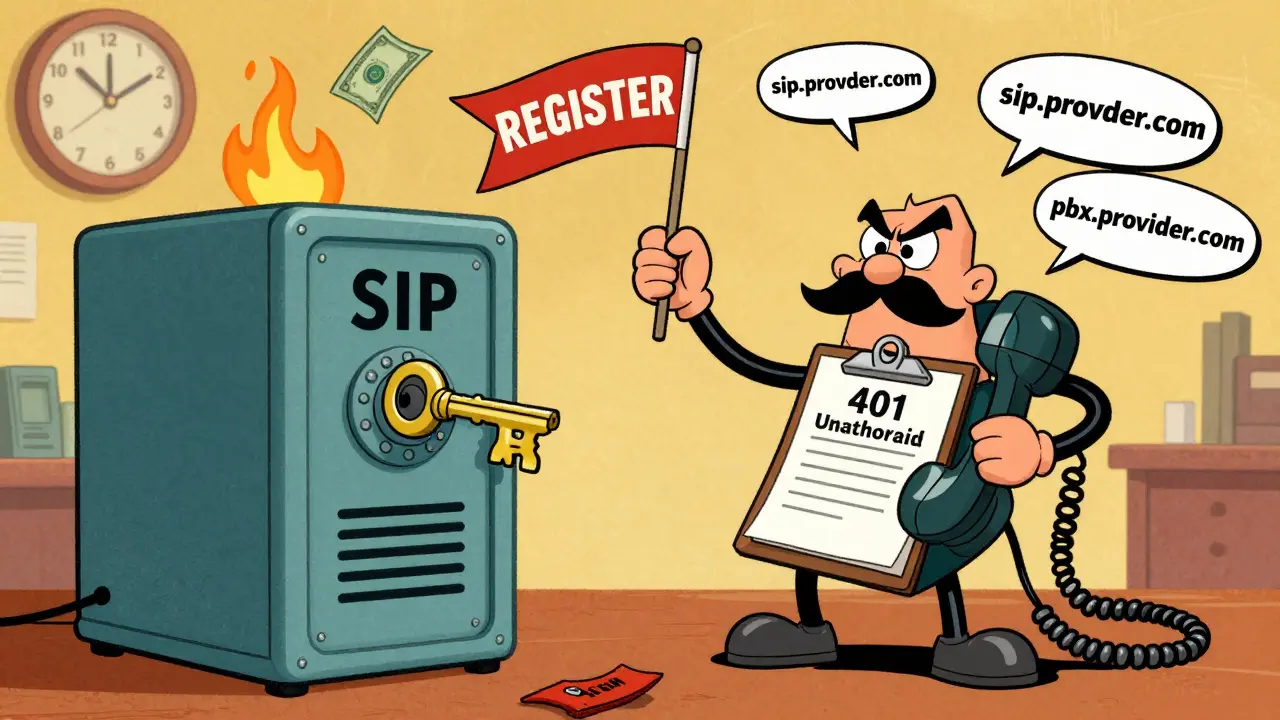

When your VoIP phone says SIP registration failed, it’s not just a glitch-it’s a dead line. No calls go out. No calls come in. And if you’re running a business, every minute of silence costs money. The most common reason? Authentication problems. Not network issues. Not firewall blocks. Not broken hardware. It’s usually something simple: a mismatched password, an incorrect realm, or a cached setting that refuses to update.
What SIP Registration Actually Does
SIP (Session Initiation Protocol) is the engine behind VoIP calls. When your phone, ATA, or PBX boots up, it sends a REGISTER request to your provider’s server. Think of it like checking in at a hotel front desk. The server responds with a 401 Unauthorized-essentially saying, "Prove who you are." Your device then sends back credentials: username, password, and the realm (the server’s identity). If all three match exactly, the server replies with 200 OK and your phone becomes active on the network.Failure at any step means no registration. And without registration, your device is invisible. It can’t make or receive calls. Even if your internet is fine, your phone might as well be unplugged.
Why Authentication Fails (The Real Culprits)
Most people assume the password is wrong. And yes, that happens. But according to the 2024 VoIP Security Benchmark Report, 52% of SIP authentication failures are caused by realm mismatches. That’s more than half.- Realm mismatch: The server says "pbx.provider.com" but your phone is configured for "sip.provider.com". Even a capital letter difference or a trailing dot breaks it.
- Wrong username: Your SIP URI might be sip:[email protected], but the authentication username is just "101". They’re not always the same.
- Expired or changed password: Providers rotate passwords silently. If you haven’t checked your portal in months, your config is outdated.
- Transport protocol mismatch: Your device uses UDP, but the server only accepts TLS. Or your firewall blocks port 5061.
- Cached settings: Systems like 3CX and FreePBX hold onto old configs in memory. A simple "apply" doesn’t always refresh them.
- Certificate trust issues: If you’re using TLS, and your device doesn’t trust the server’s certificate, registration fails-even with perfect credentials.
Here’s the kicker: 63% of IT admins mistake realm mismatches for firewall problems. They spend hours opening ports, checking NAT, and tweaking QoS-while the real fix is a one-character change.
Step-by-Step Fix: The 7-Minute Checklist
Follow this sequence. Don’t skip steps. Don’t guess. Work from the simplest to the most complex.- Check the error message (30 seconds). Look at your phone’s display or PBX logs. Does it say "401 Unauthorized"? That’s authentication. If it says "Timeout" or "No route", it’s network.
- Verify credentials on the provider’s portal (2 minutes). Log into your VoIP provider’s dashboard. Copy the SIP username, password, and realm exactly. Don’t rely on what’s in your config file-those can be outdated.
- Match the realm exactly (1 minute). Compare the realm in your device settings to the one on the provider’s site. Pay attention to case, dots, hyphens, and spaces. Example: "mycompany.com" ≠ "MyCompany.com" ≠ "mycompany.com."
- Switch from UDP to TCP (1 minute). Many providers now require TCP or TLS for security. UDP is faster but less reliable. Change the transport setting to TCP. If that doesn’t work, try TLS.
- Reboot the device (2 minutes). Power cycle your phone, ATA, or PBX. This clears temporary memory and forces a fresh registration attempt.
- Check SIP REGISTER logs (3 minutes). On FreePBX, go to Tools → SIP Settings → Logs. On 3CX, check the Activity Log. Look for the exact moment the 401 appears. Does the realm in the server’s challenge match what you’re sending?
- Update firmware (5-15 minutes). Outdated firmware can have bugs in SIP authentication. Check your device manufacturer’s site. Cisco, Grandstream, and Yealink all release updates that fix registration loops.
Platform-Specific Fixes
Different systems behave differently. Knowing your platform saves time.Cisco Unified Communications Manager
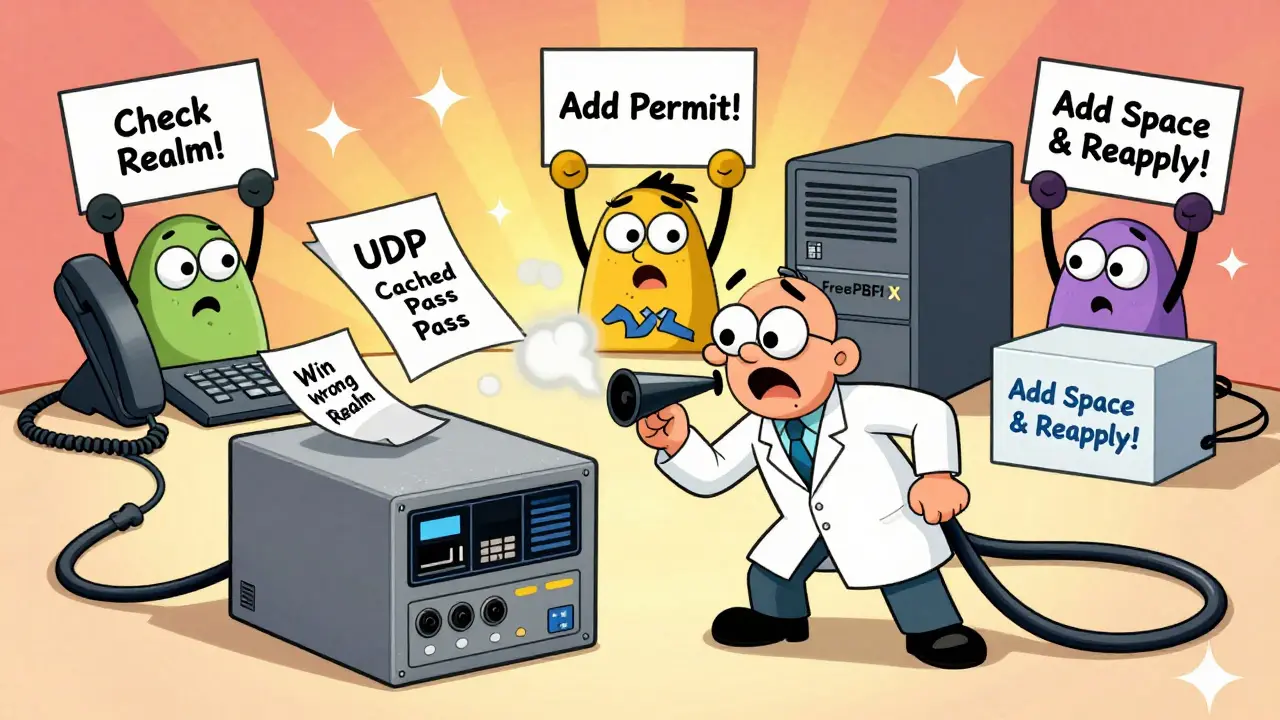
Cisco devices are notorious for realm mismatches. The server might challenge with "192.168.1.10" but your phone is configured for "sip.yourcompany.com". Even if the password is right, it fails. The fix? Go to the SIP profile in CUCM, edit the realm field, and make it match the server’s challenge exactly. Cisco’s 2023 update added automatic realm detection-but if you’re on an older version, you still have to do it manually.FreePBX
FreePBX users often see "Failed to authenticate on REGISTER" even with correct credentials. The issue? Missing permit entries. Go to Settings → SIP Settings → Trunks → Your Trunk → Advanced Settings. Under "Permit", add your provider’s IP address. If you don’t know it, check your provider’s documentation or call support. 92% of these cases are fixed this way.3CX
3CX has a hidden quirk. You can change a setting, click "Apply," and nothing happens. The UI caches the old config. The fix? Open the SIP trunk settings. Change something-even just add a space after the password, then delete it. Now click "Apply." This forces a true config refresh. Users report 100% success with this trick.Network and Security Gotchas
Even if your credentials are perfect, the network can block registration.- MTU issues: If your network path has a low Maximum Transmission Unit (MTU), SIP REGISTER packets can fragment. This causes the server to receive a corrupted message and respond with 401. Try lowering your MTU to 1400 on your router.
- Firewall rules: SIP uses port 5060 (UDP/TCP) and 5061 (TLS). But RTP (voice data) uses ports 16384-32767. If those are blocked, registration might appear to work-but calls fail. Ensure both are open.
- TLS certificate trust: If your provider uses a self-signed or expired certificate, your device may reject it. On IP phones, you may need to manually import the provider’s CA certificate. On PBX systems, check "Verify Server Certificate" settings.
What to Do When Nothing Works
If you’ve done all the above and it still fails:- Test with a different device. Borrow a phone or use a softphone like Zoiper. If it registers, your original device is the problem.
- Check your license. Some PBX systems (like 3CX) lock registration if you’ve exceeded your licensed user count. Log into your PBX admin panel and verify your license status.
- Call your provider. They can check their logs. They might see your device sending the wrong realm or an expired password. Providers often know more than you think.
Preventing Future Failures
Don’t just fix it-lock it down.- Store credentials in a secure password manager-not a sticky note.
- Set calendar reminders to check your VoIP portal every 3 months for password or realm changes.
- Enable automatic firmware updates on your devices.
- Use TCP or TLS instead of UDP. It’s slower but far more reliable for authentication.
- Document your exact settings: SIP URI, auth username, password, realm, transport, server IP. Keep a printed copy.
With SIP authentication, precision beats speed. One wrong character. One cached setting. One expired password. That’s all it takes. But once you know what to look for, fixing it takes less than ten minutes.
Why does my SIP phone say "401 Unauthorized" even with the right password?
The password might be correct, but the realm (server identity) or username doesn’t match what the server expects. The realm is often different from your domain name-check your provider’s portal for the exact realm string. Also, the authentication username may be just your extension number, not your full SIP URI.
Can a firewall cause SIP registration to fail?
Yes, but usually not directly. Firewalls block SIP traffic on port 5060/5061 or RTP ports (16384-32767), which can prevent registration. However, if you’re seeing a 401 error, the request reached the server-so the firewall isn’t the main issue. It’s likely a credential or realm mismatch. Still, ensure those ports are open if other fixes don’t work.
Should I use UDP, TCP, or TLS for SIP registration?
UDP is fastest but unreliable for authentication. TCP is more stable and recommended for most setups. TLS is the most secure and is now required by many providers due to encryption standards. If your phone supports TLS and your provider requires it, use TLS. If you’re unsure, try TCP first-it solves most registration issues without the complexity of certificates.
Why does my 3CX system stop registering even after I fix the settings?
3CX aggressively caches SIP trunk configurations. Simply clicking "Apply" often doesn’t trigger a true update. To force a refresh, open the trunk settings, make a minor change (like adding and removing a space in the password field), then click "Apply" again. This tricks the system into reloading the config.
How do I know if my provider changed my SIP realm?
Log into your provider’s online portal and check the SIP account details. Compare the realm listed there with what’s in your device or PBX. If they don’t match exactly-including case and punctuation-you’ve found the issue. Providers often update realms silently during system upgrades, especially if they’re moving to newer security standards.
Is there a way to automatically detect SIP authentication issues?
Yes. Newer systems like Cisco CUCM 15.0 and AI-powered platforms like Vonage’s AI Operations Center can now auto-detect realm mismatches and credential drift. They compare your config against the provider’s current settings and flag discrepancies. While this tech is still emerging, it’s expected to reduce authentication failures by 65% by 2026.
Can expired certificates cause SIP registration to fail?
Absolutely. If your SIP server uses TLS and its SSL/TLS certificate has expired or isn’t trusted by your device, registration will fail-even with perfect credentials. Check your device’s certificate trust settings. On IP phones, you may need to manually install the provider’s root certificate. On PBX systems, disable "Verify Server Certificate" temporarily to test-if registration works, the certificate is the issue.









selma souza
27 Jan 2026 at 05:09The notion that realm mismatches are the primary cause of SIP registration failures is not merely correct-it’s statistically undeniable. Yet, I see professionals wasting hours on firewall diagnostics when the solution is a three-second copy-paste from the provider’s portal. This isn’t technical debt; it’s intellectual laziness dressed up as troubleshooting. The 2024 VoIP Security Benchmark Report is clear: 52% of failures stem from realm errors. If you’re still using UDP, you’re not just outdated-you’re negligent. TCP or TLS isn’t optional; it’s baseline professionalism.