


When your business outgrows basic phone lines, you face a real decision: Cloud PBX or On-Premises PBX? It’s not just about bells and whistles-it’s about who pays, who manages, and who gets left behind when things change. Many assume cloud is the clear winner. But in 2026, the truth is more complicated. For some companies, keeping hardware on-site still makes sense. Let’s break it down-no fluff, just what actually matters.
Where the Money Really Goes
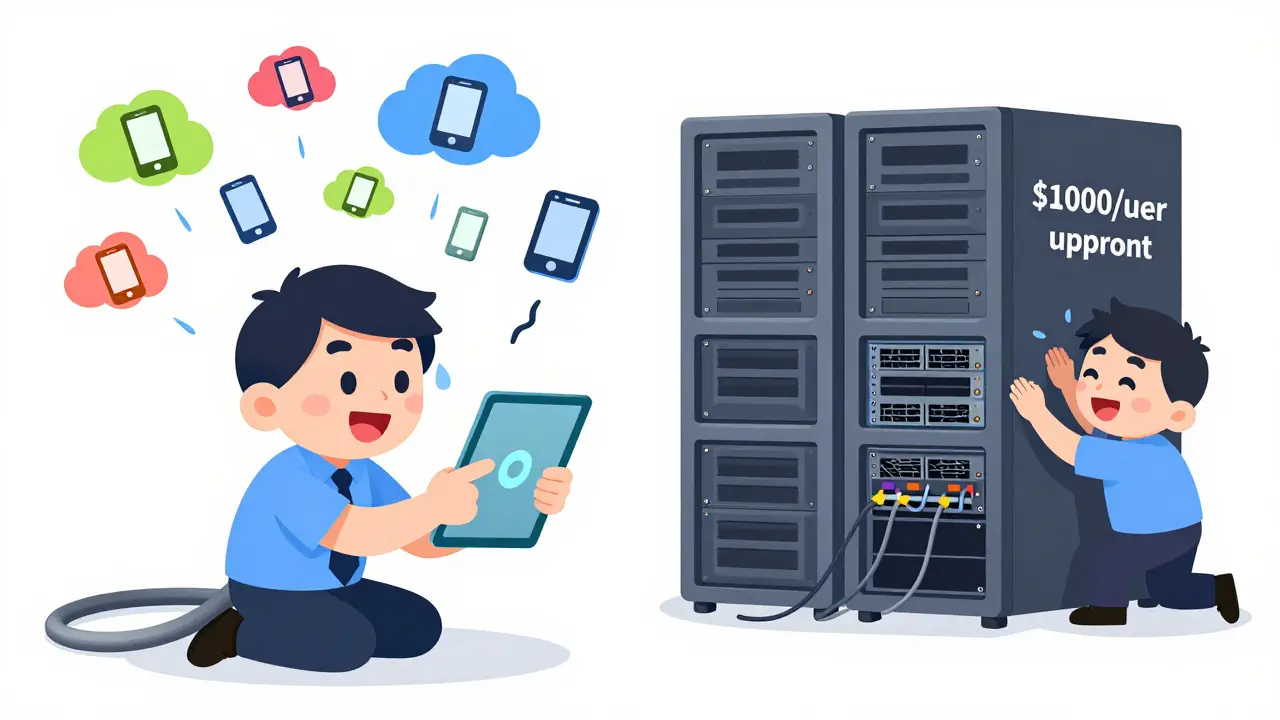
Cloud PBX costs $15 to $35 per user each month. That’s it. No surprise bills. You pay for what you use, and if you hire five more people next quarter? Just click a button. No new servers. No electricians. No IT team scrambling to wire a new rack. On-Premises PBX? That’s a different story. You’re looking at $500 to $1,000 per user upfront. That’s for servers, phones, licenses, and installation. But here’s the twist: after that, your monthly cost drops-sometimes below $10 per user. So if you’ve got 500+ employees and plan to keep them for a decade, the math can work. But don’t forget the hidden costs. On-premise systems guzzle power. A single server rack uses about $7,400 a year in electricity alone. Add cooling, backup generators, and dedicated space, and you’re talking real money. Cloud? All that’s handled by the provider. You just pay for calls.Setup Time: Days vs. Months
Need a phone system yesterday? Cloud PBX wins. You can be up and running in hours. Plug in a desk phone, log in, assign extensions. Done. No technicians on-site. No waiting for hardware to ship. Even remote workers can join from home without a single VPN configuration. On-Premises? That’s a project. Weeks, sometimes months. You need to buy hardware, install it in a server room, configure routers, test lines, train staff, and make sure your network can handle the traffic. If your IT team is small, this isn’t just time-consuming-it’s risky. One misstep and your whole phone system goes dark.Who Fixes It When It Breaks?
Cloud PBX? The provider handles everything. Updates? Automatic. Security patches? Done in the background. New features like AI call summaries or real-time sentiment analysis? Rolled out to all users at once. You don’t lift a finger. On-Premises PBX? You’re on your own. If a firmware update breaks call routing, you fix it. If a server overheats, you replace it. If you need to add 20 new lines, you buy more hardware, find space for it, and power it up. And if your IT team is stretched thin? That’s when things go sideways. One small company in Wisconsin lost three days of customer calls last year because their one IT guy was sick, and no one knew how to reboot the PBX.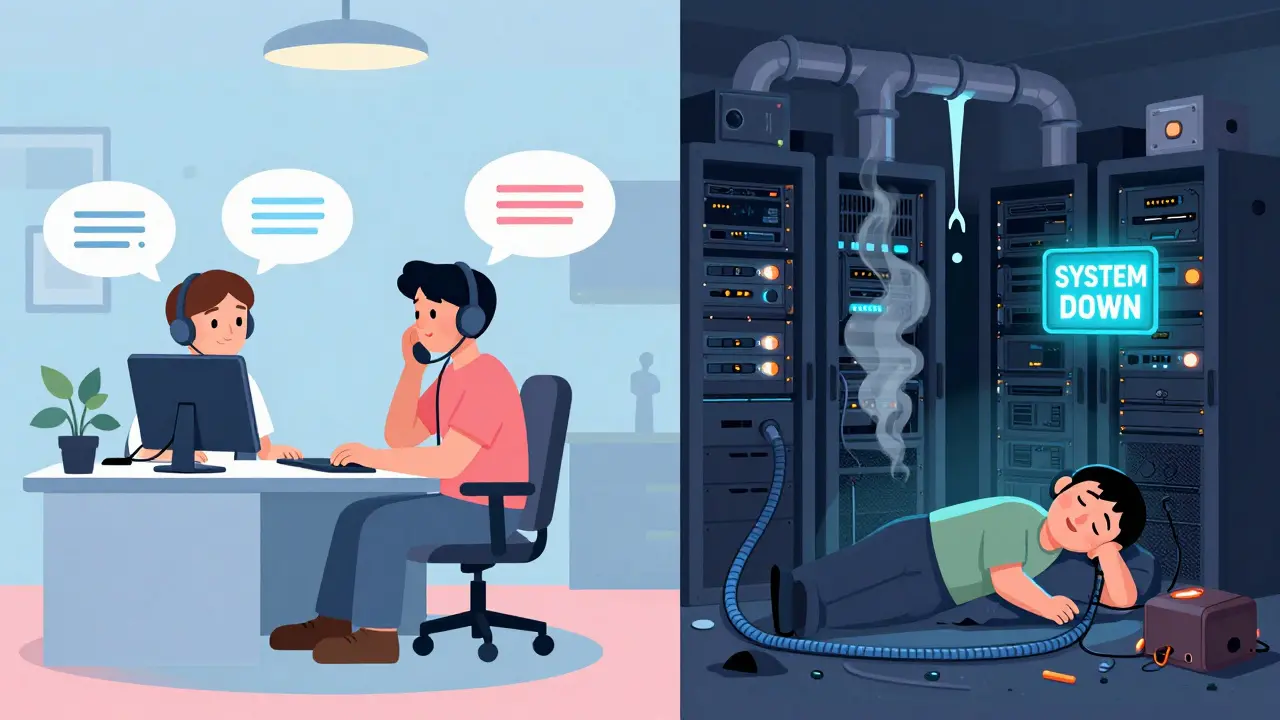
AI and Smarter Calls
Cloud PBX systems in 2026 aren’t just phones-they’re AI assistants. They listen to every call. If a customer sounds angry, the system flags it in real time and alerts a manager. They automatically summarize calls, log notes into your CRM, and even suggest the best agent to handle the next caller based on past ratings. All of this runs on cloud servers from AWS or Azure-powerful, scalable, and always updated. On-Premises PBX? You can add AI, but it costs extra. Like, $20,000 extra. And even then, it’s clunky. You’re stuck with outdated software unless you upgrade your entire server. Most on-premise systems still can’t do real-time tone analysis or smart routing. If you want modern features, cloud is the only path.Remote Work? Global Teams?
If your team works from home, another state, or another country, Cloud PBX is the only choice that doesn’t make your head hurt. No VPNs. No complex routing. A sales rep in Mexico can pick up calls as if they’re in your Madison office. A customer service rep in Poland can answer calls from your U.S. customers without extra hardware or licenses. On-Premises PBX? It’s a nightmare. Remote workers need VPNs, which slow down calls and add security risks. Adding a new location? You’re buying more hardware, running cables, and setting up a new server room. For businesses with seasonal staff, pop-up offices, or hybrid teams, this isn’t scalable-it’s a bottleneck.Security and Control: What Really Matters?
Some companies-especially in healthcare, defense, or finance-insist on on-premise because they want data to never leave their building. And yes, that’s valid. If you’re required by law to keep call records on-site, then cloud isn’t an option. But here’s the catch: Cloud PBX providers are more secure than most small businesses. They follow SOC2 and HIPAA standards. They have military-grade firewalls, encrypted backups, and 24/7 monitoring. If your IT team has three people and no security specialist, you’re actually safer in the cloud. On-premise gives you physical control-but only if you know how to use it. If your team doesn’t patch servers regularly, your system is wide open to hackers. Cloud doesn’t eliminate risk. It just shifts it to experts who do this full-time.
What Happens When the Internet Goes Down?
This is the big one. On-Premises PBX can keep working even if your internet dies. Calls route through traditional phone lines or backup circuits. For hospitals, emergency services, or factories where every call matters, that’s priceless. Cloud PBX? It’s dead without internet. Period. That’s why smart businesses using cloud systems always have a backup plan-like forwarding calls to mobile phones or using a secondary internet provider. But if you’re in a rural area with unreliable service, cloud might be too risky.Final Decision: Who Should Choose What?
Choose Cloud PBX if:- You have fewer than 500 employees
- Your team is small or doesn’t have dedicated IT
- You need remote workers or plan to expand geographically
- You want AI features like call summaries, sentiment alerts, or smart routing
- You prefer predictable monthly costs over big upfront payments
- You have 500+ employees and plan to keep them for 7+ years
- You have a large, skilled IT team that can manage servers
- You’re in a highly regulated industry with strict data laws
- Your location has unreliable internet
- You need phone service to work during power or internet outages
One Last Thing: Hosted PBX Isn’t the Middle Ground
Some vendors call their service “hosted PBX” and pretend it’s a hybrid. It’s not. If the system runs on someone else’s servers, it’s cloud. If you own the hardware, it’s on-premise. Don’t get fooled by marketing terms. The real difference is control vs. convenience.There’s no universal winner here. Cloud PBX dominates for flexibility, innovation, and ease. On-Premises PBX still holds ground for control, stability, and offline resilience. The right choice depends on your team, your budget, and your tolerance for complexity. Pick based on your real needs-not what the sales rep told you.
Is Cloud PBX really cheaper than on-premise?
It depends. Cloud PBX has lower upfront costs and predictable monthly fees, making it cheaper for most small to mid-sized businesses. But for large companies with 500+ users staying for 10+ years, on-premise can have a lower total cost over time-once you cover the initial $500-$1,000 per user investment. The real savings come from avoiding server power, cooling, and IT labor costs.
Can I use Cloud PBX if my internet is slow?
Not reliably. Cloud PBX needs consistent, high-speed internet. If your connection drops below 100 Kbps per call, you’ll get lag, dropped calls, or poor audio. Businesses with unreliable internet should either upgrade their connection or keep an on-premise backup line. Some use dual ISPs or cellular failover to stay online.
Do I need special phones for Cloud PBX?
No. You can use IP deskphones, softphones on computers or phones, or even mobile apps. Many Cloud PBX providers include free softphones. The only requirement is that your phones support SIP (Session Initiation Protocol), which almost all modern business phones do. You don’t need to buy expensive hardware unless you want advanced features like video calling or touchscreens.
What happens to my existing phone numbers if I switch to Cloud PBX?
You keep them. Cloud PBX providers let you port your existing numbers over-usually within 1-7 business days. This includes local, toll-free, and international numbers. Most providers handle the paperwork for you. Just make sure your current provider doesn’t charge early termination fees.
Can I mix Cloud PBX and on-premise systems?
Yes, but it’s complex. Some businesses use cloud for remote teams and on-premise for their main office. This is called a hybrid setup. But you need compatible systems, unified dialing, and a strong network connection between locations. Most companies avoid this unless they have a very specific reason-like regulatory requirements for one location. For most, going fully cloud is simpler.
Is Cloud PBX secure enough for HIPAA compliance?
Yes, if you choose a provider that’s HIPAA-compliant. Many top Cloud PBX vendors offer encrypted call storage, audit logs, and signed Business Associate Agreements (BAAs). You still need to configure access controls and train staff, but the infrastructure itself meets federal standards. On-premise systems can also be HIPAA-compliant-but only if you maintain the same level of security, which most small teams can’t.
How long does it take to switch from on-premise to Cloud PBX?
Typically 2-4 weeks. The timeline depends on how many users you have, how complex your current system is, and whether you need to port numbers. The provider handles most of the setup, but you’ll need to test calls, reconfigure voicemail, and train staff. Most companies complete the transition in under a month with minimal disruption.








poonam upadhyay
4 Mar 2026 at 10:34Oh my god, this post is a MASTERCLASS in cutting through the BS. I work at a mid-sized fintech in Bangalore, and we switched from on-premise last year-what a nightmare it was. The server room? A sauna. The IT guy? Gone. The monthly bill? $28k. Then we went cloud. Suddenly, our call center in Pune could take calls from London like it was next door. AI summaries? Saved us 20 hours a week. And no, we didn’t need new phones-just downloaded the app. Seriously, why is anyone still wrestling with racks? You’re not saving money-you’re paying in stress, electricity, and sleep.
Also-why does every vendor say ‘hosted PBX’ like it’s magic? It’s just cloud with a fancy name. Stop lying to us.