



You might think running a customer service team from scattered living rooms is a logistical nightmare. It isn’t. In fact, it’s becoming the standard. By 2032, the global Cloud Contact Center as a Service (CCaaS) market is projected to hit USD 24.45 billion, driven largely by companies realizing they don’t need physical offices to handle calls. The secret sauce? A combination of Voice over Internet Protocol (VoIP) technology and smart Automatic Call Distribution (ACD). This setup lets your agents log in from anywhere, turning their home computers into powerful call centers while keeping management in full control.
What Is a Remote VoIP Contact Center?
At its core, a remote contact center replaces traditional landlines and on-premise hardware with internet-based infrastructure. Instead of buying expensive PBX systems for an office, you subscribe to a cloud platform. Agents download a lightweight application or use a web browser to access their Agent Desktop. This unified interface handles voice calls, emails, chats, and SMS in one window. The provider hosts everything in their data centers, delivering routing, recording, and analytics over the public internet. You provide the people; they provide the plumbing.
This model shifts the burden of maintenance away from your IT team. Features like Interactive Voice Response (IVR) and CRM integrations are activated via the provider’s dashboard. No complex server installations. No wiring headaches. Just credentials and a stable connection. For businesses scaling up or down quickly, this flexibility is invaluable. You can onboard ten new agents in a day without buying a single piece of hardware.
The Role of Cloud ACD in Routing Calls
If VoIP is the highway, Automatic Call Distribution (ACD) is the traffic controller. In a traditional setup, ACD simply passed calls to the next available person. Modern cloud ACD is far smarter. It analyzes caller data, IVR selections, and agent skills before connecting anyone. Did the caller press '2' for billing? The system routes them only to agents trained in billing. Is the caller a VIP? They skip the queue entirely.
This intelligence works regardless of location. Whether an agent is in Madison, Mumbai, or a home office in Maine, the ACD treats them as part of the same pool. It checks real-time availability and skill sets to ensure the best possible match. This prevents overload on specific teams and reduces wait times. According to Webex, effective ACD operates in three stages: identifying the caller, prioritizing the queue, and applying routing strategies. When done right, customers feel understood rather than shuffled around.

Setting Up the Agent Desktop at Home
Getting an agent ready to work from home is surprisingly simple. Most leading platforms offer browser-based desktops that require no heavy software installation. However, there are still technical baselines to meet. Companies like Enterprise Mobility explicitly state that remote staff must supply their own computer hardware and internet. This usually means a modern laptop or desktop capable of running web applications smoothly and a broadband connection with low latency.
- Hardware: A reliable computer, noise-canceling headset, and dual monitors if possible for multitasking.
- Network: A wired Ethernet connection is preferred over Wi-Fi to prevent jitter and dropped calls.
- Software: Browser compatibility (Chrome, Edge, Firefox) and any necessary security plugins provided by the vendor.
Vendors like Talkdesk and Five9 have streamlined this process. Their platforms allow "forward-to-phone" capabilities, meaning if an agent’s softphone fails, the system can route calls to their mobile number automatically. This redundancy ensures business continuity even if home internet acts up. The goal is to make the home environment feel as professional and reliable as a corporate floor.
Top Platforms Powering Remote Teams
Choosing the right platform affects everything from call quality to employee satisfaction. Several vendors dominate the space in 2026, each offering distinct advantages for remote setups. While features overlap, differences lie in pricing models, AI capabilities, and integration depth.
| Platform | Key Strength | Best For | G2 Rating (Approx.) |
|---|---|---|---|
| Five9 | Mature ecosystem, strong global support | Mid-to-large enterprises needing stability | 4.1 / 5 |
| Talkdesk | AI-driven routing, user-friendly UI | Companies focusing on CX automation | 4.4 / 5 |
| Amazon Connect | Pay-as-you-go, deep AWS integration | Tech-savvy teams already using AWS | N/A (Varies) |
| Genesys Cloud CX | Advanced AI orchestration, omnichannel | Complex, high-volume contact centers | Highly Rated |
Five9 remains a solid choice for reliability, serving over 3,000 organizations worldwide. Users praise its stability, though some find the interface less intuitive than newer competitors. Talkdesk, on the other hand, markets itself heavily on ease of use and AI features like "Talkdesk Guardian" for security. Amazon Connect appeals to developers who want granular control and lower upfront costs, charging per minute used rather than per seat. Your choice depends on whether you value simplicity, scalability, or cost-efficiency most.
Measuring Performance Without Watching Over Shoulders
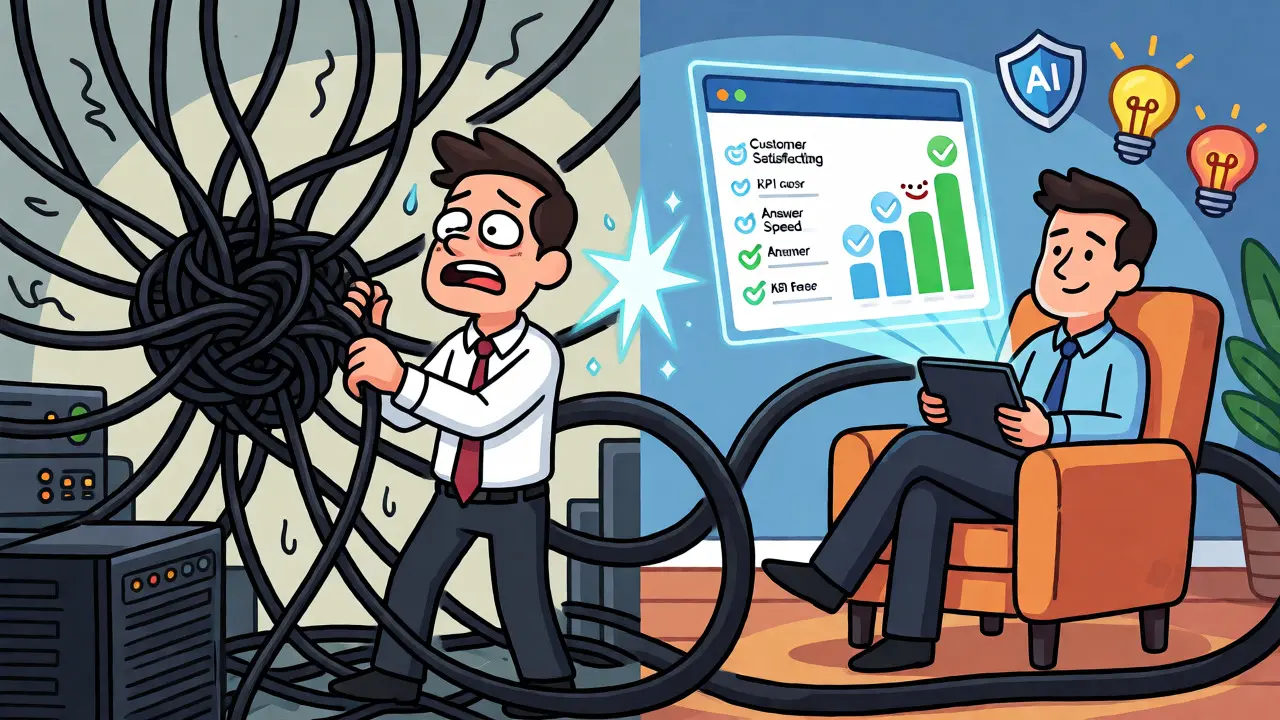
Supervising remote agents requires trust backed by data. You can’t see if someone is taking a long break, but you can see if their metrics drop. Key performance indicators (KPIs) become your eyes. Metrics like Average Speed of Answer (ASA), First Call Resolution (FCR), and Customer Satisfaction Score (CSAT) are critical. If ASA spikes, your ACD routing might be inefficient. If FCR drops, training may be needed.
Real-time dashboards provided by platforms like NICE CXone or RingCentral allow supervisors to monitor queue lengths and agent status instantly. Some tools even offer "call barging," letting managers listen in on live conversations for coaching purposes. This transparency helps maintain quality standards across distributed teams. Remember, though, that data should guide improvement, not just punishment. Use these insights to identify trends, such as peak call times requiring extra staffing, rather than micromanaging every second.
Common Pitfalls and How to Avoid Them
Transitioning to a remote model isn’t without challenges. The biggest issue is often connectivity. Home internet varies wildly. One agent might have fiber optics; another has spotty cable. This inconsistency can lead to poor call quality. Mitigate this by setting strict bandwidth requirements during hiring and providing stipends for upgraded plans. Another common pitfall is isolation. Remote agents can feel disconnected from company culture. Regular video check-ins and virtual team-building activities help bridge this gap.
Security is another concern. Home networks aren’t always secure. Ensure all devices have updated antivirus software and enforce multi-factor authentication (MFA) for logging into the agent desktop. Vendors like Talkdesk include built-in security controls, but endpoint hygiene remains the agent’s responsibility. Finally, avoid overloading agents with too many channels. While omnichannel support is great, switching between chat, email, and voice rapidly can cause fatigue. Balance workload distribution carefully.
Do I need special hardware for remote VoIP agents?
Generally, no specialized telephony hardware is required. Most agents use a standard computer with a USB headset and a webcam. The software runs in a browser or as a lightweight app. However, a wired Ethernet connection is strongly recommended over Wi-Fi to ensure call stability and reduce latency.
How does cloud ACD differ from traditional phone systems?
Traditional ACD systems rely on local servers and basic rules like "next available agent." Cloud ACD uses AI and real-time data to route calls based on skills, customer history, and current queue conditions. It also integrates seamlessly with CRMs and other digital tools, which legacy systems often struggle to do.
Can remote agents handle multiple communication channels?
Yes. Modern agent desktops are designed for omnichannel support. Agents can manage voice calls, live chats, emails, and SMS messages from a single interface. This allows for better context retention, as the agent sees the entire customer journey regardless of how the customer contacted the business.
What happens if an agent's home internet fails?
Most robust platforms offer failover options. For example, Talkdesk allows "forward-to-phone," where calls are redirected to the agent’s mobile device if their primary internet connection drops. This ensures customers are never sent straight to voicemail due to a temporary home network issue.
Is it cheaper to run a remote contact center?
Typically, yes. You save on real estate, utilities, and hardware maintenance. While you pay subscription fees for the CCaaS platform, these costs are often lower than maintaining on-premise infrastructure. Additionally, accessing a global talent pool can reduce labor costs compared to hiring in expensive urban centers.






Write a comment