



Imagine you are stuck on hold for ten minutes. Your phone buzzes with a text message from the company you are calling. It says, "We see you are waiting. Would you like to continue this conversation via chat instead?" You click yes, and suddenly, an agent is already typing back, knowing exactly why you called. This is not magic; it is a well-designed call-to-chat transition. In modern unified communications, moving between voice and text is no longer a luxury. It is a necessity for keeping customers happy and reducing operational costs.
The ability to switch modes mid-interaction has evolved from a niche feature into a core expectation. According to Zendesk’s 2022 CX Trends report, 73% of consumers want to start a support request in one channel and finish it in another without repeating their story. When businesses fail to bridge these gaps, they lose trust and revenue. Let’s look at how these transitions work, why they matter, and how to implement them without losing context.
Why Context Is King in Mode Switching
The biggest failure point in call-to-chat flows is the loss of memory. If a customer explains their issue over the phone and then has to type it out again in a chat window, the transition has failed. Shep Hyken, a customer service expert, notes that forcing customers to repeat information doubles their perceived effort and drives churn. To avoid this, systems must preserve conversational context across channels.
Here is how successful platforms handle this:
- Unified Identity: The system uses the caller’s phone number (E.164 format) as the primary key to link the voice session with the subsequent chat thread.
- Shared Data Model: Tools like Zendesk Sunshine Conversations create a single conversation object that houses multiple sources (voice, SMS, web chat) under one ID.
- Automatic Summarization: Advanced AI agents can transcribe the initial voice interaction and inject a summary into the chat interface before a human agent even joins.
When done right, the customer feels like they are talking to the same person, just through a different medium. This continuity is what analysts call "omnichannel" support, distinct from "multichannel" support where channels operate in silos.
The Economic Case for Deflecting Calls to Chat
Cost reduction is often the primary driver for implementing call-to-chat deflection. Voice calls are expensive because they require real-time bandwidth and dedicated agent attention. Chat allows for asynchronous handling and higher concurrency rates. Let’s look at some rough numbers based on typical US pricing from providers like Twilio.
| Channel | Average Duration | Cost Per Unit | Total Estimated Cost | Agent Concurrency |
|---|---|---|---|---|
| Voice Call | 10 minutes | $0.0085/min | $0.085 | 1:1 |
| Chat/SMS | 8 messages | $0.0079/msg | $0.063 | 1:3 to 1:5 |
While the direct telephony cost savings might seem small per interaction, the real value lies in agent productivity. An agent can handle three to five concurrent chats but only one voice call at a time. By deflecting routine inquiries-like password resets or order status checks-to chat, companies can reduce average handle times and scale support teams more efficiently. Vendors like Infobip claim telephony cost reductions of up to 30% for clients who successfully move significant volume to OTT messaging apps like WhatsApp.
Technical Implementation Patterns
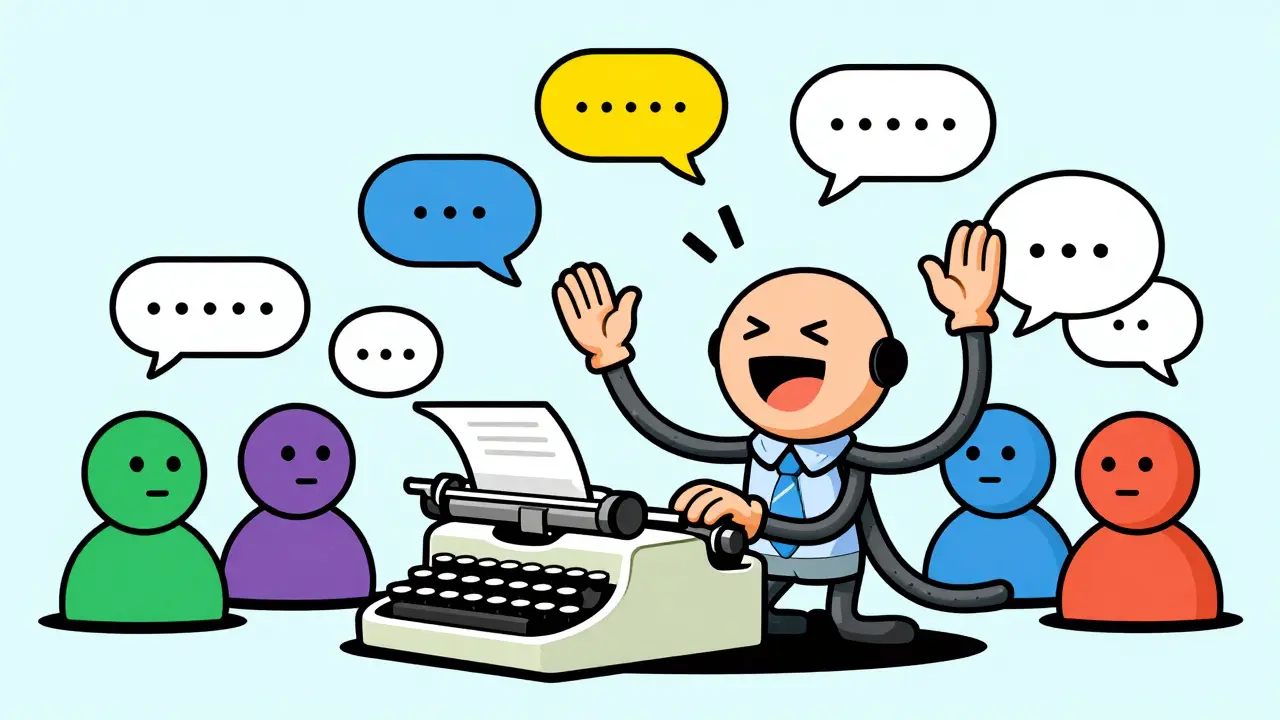
Building a seamless transition requires bridging two very different technical worlds: real-time voice protocols (like SIP/RTP) and HTTP-based messaging APIs. Here are the most common patterns used in 2026:
- IVR Deflection: During a call, if the queue wait time exceeds a threshold (e.g., 300 seconds), the Interactive Voice Response (IVR) offers the caller a button press option to receive a text message. The system sends an SMS with a deep link or opens a two-way SMS thread using the Twilio REST API.
- Live Agent Transfer: A human agent on a voice call realizes the issue requires screen sharing or file uploads. They trigger a "voice-to-digital" transfer, sending a chat link to the customer’s phone while staying on the line to guide them until the connection is established.
- Asynchronous Follow-up: If a call is abandoned or missed, the system automatically sends a chat message acknowledging the attempt and inviting the user to continue the conversation at their convenience.
- AI-to-AI Handoff: Emerging systems allow AI voice bots to detect when they are speaking to another AI agent. Instead of continuing a natural-language dialogue, they switch to compressed machine protocols for faster data exchange, a concept demonstrated by projects like Gibberlink.
Each pattern requires careful engineering to ensure the customer identifier remains consistent. For example, linking a logged-in web session with a phone number can be tricky if the user does not explicitly connect their accounts. Race conditions-where a user stays on the call while also starting a chat-must be handled by prioritizing one channel or merging the streams intelligently.
User Experience: Classic vs. Conversational Modes
Mode switching isn’t limited to voice versus text. Within digital interfaces, users increasingly expect fluid transitions between interaction styles. Consider form builders like PlatoForms. Traditionally, forms were static pages with multiple fields (Classic mode). Now, many tools offer a "Conversational" mode where the form renders as a one-question-at-a-time chat flow.
This shift matters because long forms cause drop-offs. Research from Typeform indicates that converting static surveys into conversational flows can increase completion rates by 10-40 percentage points. The key insight here is that the underlying data schema remains unchanged; only the presentation layer shifts. Users appreciate the flexibility to engage with content in a way that feels less like filling out paperwork and more like having a dialogue.
In developer tools, we see similar friction. Issues in GitHub repositories for tools like Cursor and Visual Studio Code highlight user frustration when switching between "agent," "edit," or "ask" modes breaks the conversation context. Just as in customer support, developers want their context window to persist regardless of the UI mode they toggle into. This suggests a broader trend: users expect continuity across all modalities, whether they are supporting a business or writing code.
Security and Compliance Challenges
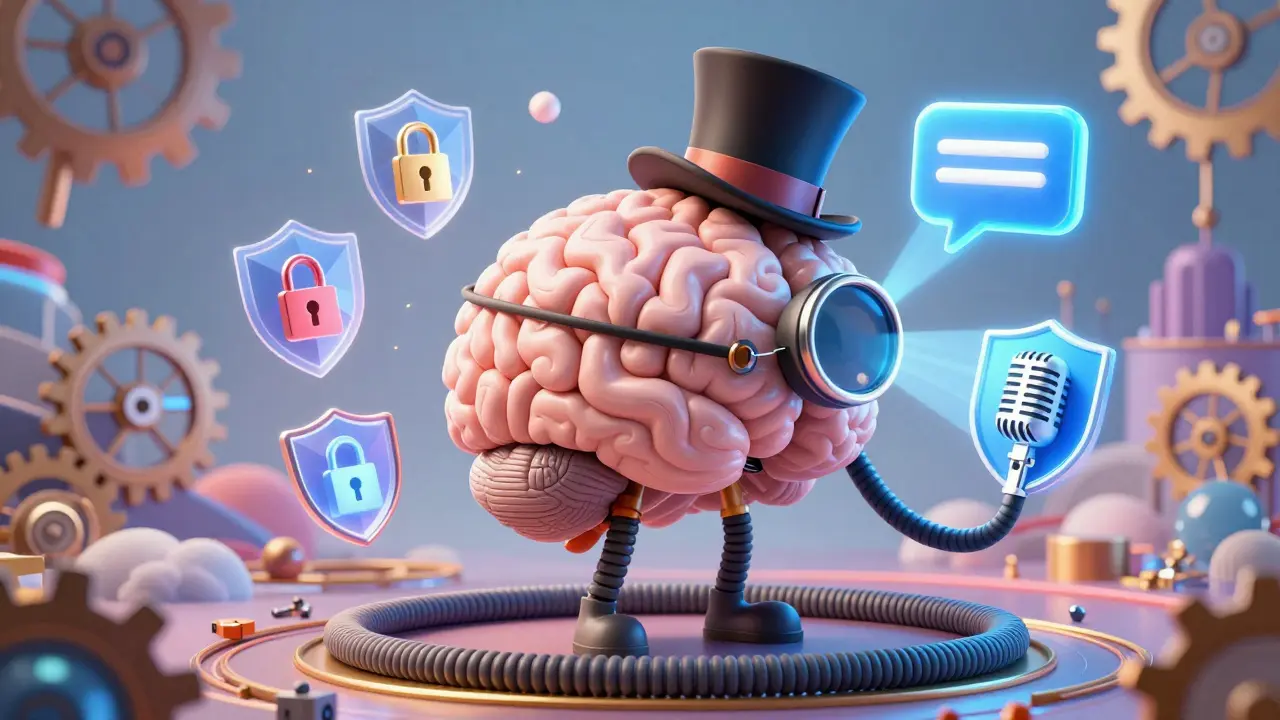
Transitioning between modes introduces security complexities. Voice calls and text chats often fall under different regulatory frameworks. For instance, HIPAA regulations in healthcare may require specific retention policies for call recordings, while GDPR in Europe imposes strict consent requirements for storing chat logs.
Architects must ensure that:
- Privacy Notices Cover Both Modes: Users must understand that switching from voice to chat means their conversation history will be stored differently.
- Data Minimization Is Respected: Do not automatically copy full audio recordings into chat transcripts unless necessary. Summarize instead.
- Encryption Is Enforced: Use TLS 1.2+ for HTTPS connections and SRTP for VoIP streams. Ensure data at rest is encrypted with standards like AES-256.
Platforms like Salesforce Service Cloud and Microsoft Dynamics 365 provide admin controls to set retention limits (e.g., 30 days for calls, 365 days for chats), but configuring these correctly requires cross-functional alignment between legal, IT, and customer success teams.
The Future: AI-Orchestrated Multimodal Conversations
By 2026, AI is making mode transitions dynamic rather than static. Gartner predicts that 60% of customer service interactions will involve AI by this year. These systems don’t just wait for a user to ask to switch channels; they proactively recommend the best mode based on context.
For example, if an AI detects that a customer is describing a complex visual problem, it might suggest switching to a video call or a screen-sharing chat. If the issue is simple and the customer is driving, it might push a concise SMS summary. Large Language Models (LLMs) like OpenAI’s GPT-4 and Anthropic’s Claude enable this by maintaining a coherent state across diverse inputs. The line between "call" and "chat" is blurring, giving way to continuous, AI-orchestrated conversations that adapt to the user’s immediate needs.
What is the difference between multichannel and omnichannel support?
Multichannel support means offering several channels (phone, email, chat) but operating them independently. Customers often have to repeat themselves when switching. Omnichannel support integrates these channels so that context, history, and identity follow the customer seamlessly from one mode to another.
How much can call-to-chat deflection save a business?
Savings vary, but studies show telephony cost reductions of 10-30%. More significantly, agent productivity increases because staff can handle 3-5 concurrent chats compared to just one voice call, allowing businesses to scale support without linearly increasing headcount.
Is it secure to switch from a voice call to a text chat?
Yes, if implemented correctly. Both channels must use strong encryption (SRTP for voice, TLS for data). However, compliance rules differ; for example, HIPAA and GDPR impose specific retention and consent requirements that must be configured separately for voice recordings and chat logs.
What is IVR deflection?
IVR deflection is a strategy where an Interactive Voice Response system offers callers an alternative channel, such as SMS or web chat, usually when wait times are high. This moves the interaction to a lower-cost, asynchronous mode while preserving the customer’s intent.
How do AI agents handle mode switching?
Modern AI agents use Large Language Models to maintain context across channels. They can summarize a voice call into a chat note instantly. Advanced systems, like those experimenting with Gibberlink, can even detect other AI agents and switch to optimized machine-to-machine protocols for faster data exchange.




Write a comment