



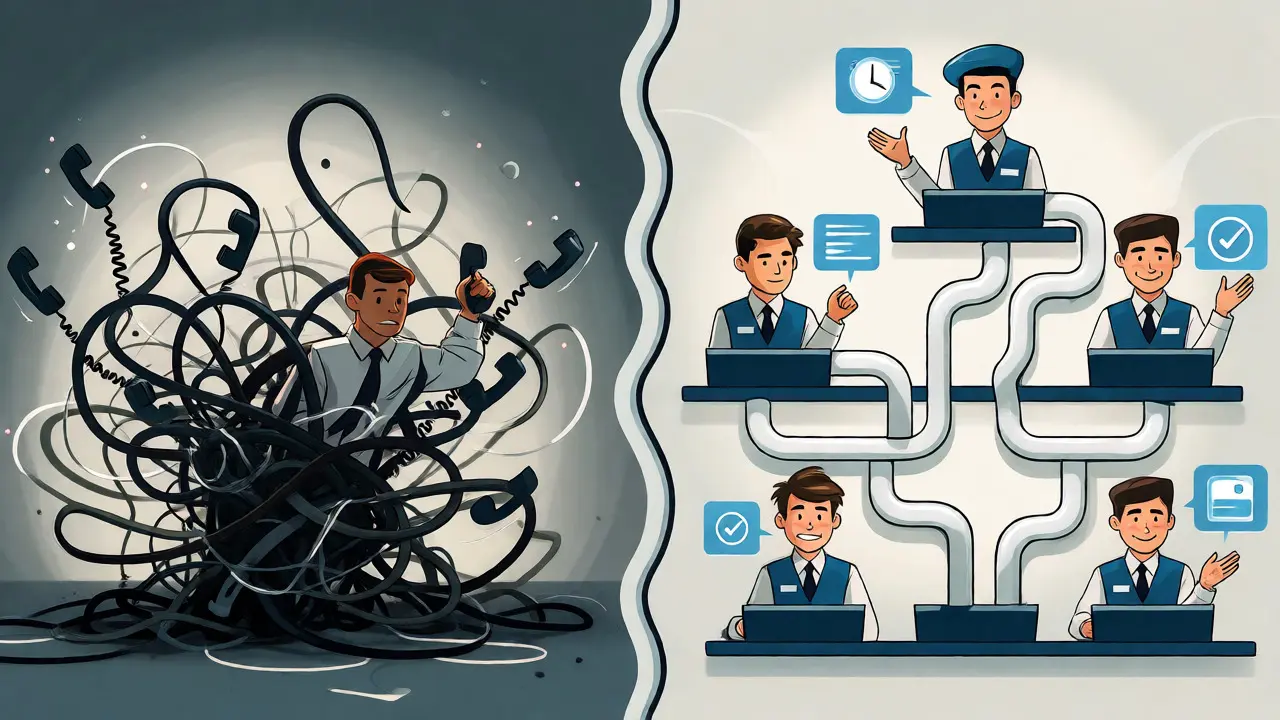
You know that feeling when you call customer support, hear the hold music loop for the tenth time, and realize you’ve wasted twenty minutes of your life just waiting to say "hello"? It’s frustrating. But here’s a twist most people don’t expect: staying on the line often feels worse than hanging up and letting them call you back. A study from Johns Hopkins University found that callers experienced three to six times less discomfort per minute when waiting offline for a callback compared to holding in a live telephone queue.
This isn't just about comfort; it's about business survival. When implemented correctly, callback options can cut average online waiting times by up to 71%. That’s massive. If you’re running a contact center, ignoring this feature means leaving money on the table and burning out your agents. Let’s break down how callbacks work, why they’re better than traditional holds, and how to set them up without creating a new mess of abandoned calls.
The Psychology Behind Why Callbacks Work
Why does a callback feel easier than a hold? It comes down to control. When you’re on hold, you’re trapped. You can’t cook dinner, drive home, or answer another email because you’re tethered to the phone. The uncertainty of "how long will this take?" spikes anxiety.
A virtual queue removes that tether. You keep your spot in line but regain control of your time. Researchers at the University of North Carolina confirmed that while customers might technically wait longer in total elapsed time (because the system might not call back instantly), their perceived wait time drops significantly. They aren’t counting seconds; they’re living their lives.
However, there’s a catch. The same study noted that if the expected wait time is short, people actually prefer staying on the line. Nobody wants to hang up for a two-minute wait. Callbacks shine when waits stretch into five, ten, or fifteen minutes. Your job is to figure out where that threshold is for your specific audience.
Three Main Types of Callback Models
Not all callbacks are created equal. Most modern VoIP platforms offer three distinct ways to handle this request. Choosing the wrong one for your workflow can lead to chaos.
- Immediate (In-Queue) Callback: This is the most common. The customer stays in the digital queue but hangs up the physical line. When an agent frees up, the system dials them. It preserves their position exactly as if they were still holding. This is best for high-volume, general support queues.
- Scheduled Callback: Here, the customer picks a specific time slot, like "Call me between 2 PM and 4 PM." This is ideal for specialist appointments, sales demos, or complex technical issues where the customer needs to be prepared with documents or a quiet room.
- Web-Invoked Callback: The user clicks a button on your website or app instead of calling. This bypasses the IVR entirely. It’s great for reducing inbound call volume during peak hours because users who browse often prefer typing over talking.
For most businesses, starting with Immediate Callbacks is the safest bet. It requires the least change to existing routing logic and directly addresses the pain point of long hold times.
Technical Architecture: More Than Just a Button
Implementing callbacks isn’t just about adding a prompt that says "Press 1 to have us call you." Under the hood, you need a robust architecture. If you treat callbacks like regular inbound calls, your reporting will be garbage, and your agents will be confused.
A solid setup involves three separate queues:
- Inbound Queue: Where the call starts.
- Callback Virtual Queue: Where the caller’s data sits while they are offline. This tracks their priority and original intent.
- Outbound Callback Queue: The actual dialing engine. This is where the system attempts to reach the customer.
Platforms like Genesys Cloud CX recommend keeping these as separate reporting entities. Why? Because a callback attempt is different from an inbound call. An inbound call fails if the customer hangs up. A callback fails if the customer doesn’t answer, or if the number is busy. Mixing these metrics makes it impossible to see if your problem is staffing or technology.
You also need to integrate with your CRM. When the callback connects, the agent must see the reason for the original call, any notes left by the customer, and their history. If the agent has to ask, "So, what was this about again?", you’ve failed. Context preservation is non-negotiable.

Setting the Trigger: When to Offer a Callback
Should you offer a callback on every single call? Absolutely not. If the wait is 30 seconds, offering a callback adds friction. It forces a decision on a customer who would have been done before they finished reading the prompt.
Use evidence-based thresholds. One operational study in financial services triggered callbacks only after 3 minutes of waiting. Another suggested testing 60-second, 3-minute, and 5-minute intervals to see which yields the best balance of abandonment rates and satisfaction.
| Strategy | Trigger Condition | Best For | Risk |
|---|---|---|---|
| Time-Based | Wait exceeds X minutes | General Support | Might annoy short-wait callers |
| Queue-Length Based | More than Y people ahead | Predictable Volumes | Ignores agent speed differences |
| Service Level Forecast | Projected SLA breach | High-Priority Queues | Complex to configure |
Start simple. Set a trigger at 2-3 minutes. Monitor your abandonment rate. If people are hanging up before the prompt appears, lower the threshold. If acceptance rates are low, raise it. There is no magic number; there is only data.
Compliance and Trust: The FCC Factor
Here is where many companies get tripped up. In the United States, you cannot just blast outbound calls whenever you want. The FCC has strict rules regarding autodialed and prerecorded calls to wireless numbers.
Generally, a customer calling you gives implied consent for you to call them back regarding that specific issue. However, this consent is narrow. It does not authorize marketing calls later. It does not necessarily cover artificial voice messages unless explicitly agreed to.
To stay safe:
- Confirm the phone number clearly before disconnecting.
- State the expected window (e.g., "We’ll call you within 10 minutes").
- Ensure your Caller ID displays a recognizable local number, not a generic toll-free block.
- Record the consent event in your logs.
If you miss the promised window, trust evaporates. A late callback is often viewed more negatively than a long hold because it breaks a promise. Reliability matters more than speed.
Vendor Landscape: What’s Available in 2026?
Callback functionality is now standard across most enterprise and SMB cloud contact centers. You don’t need custom code anymore, but you do need to watch the pricing tiers.
As of late 2026, major players include:
- Genesys Cloud CX: Offers deep configuration. Entry-level plans start around $75/user/month, with advanced callback features included early on. It’s powerful but has a steep learning curve.
- Talkdesk: Known for AI-driven routing. Plans start higher, around $85-$105/user, but reviewers praise its automation capabilities.
- Five9: Strong presence in mid-market. Prices hover around $119-$159/seat, often with usage fees for voice minutes.
- Twilio Flex: Best for developers. It provides the building blocks (like the "Queued Callback" task queue) but requires you to build the logic yourself. Cheaper per seat ($25+), but higher implementation cost.
Don’t just look at the sticker price. Check if "outbound minutes" are included. Some vendors charge extra for the minutes used to dial the customer back. Over a year, this can double your bill.
Measuring Success: Beyond Average Speed of Answer
If you only track "Average Speed of Answer" (ASA), you’ll miss the point. ASA measures how long someone waits *on the phone*. With callbacks, you need to measure "Total Elapsed Time" (time from request to resolution) and "Connection Rate" (how many callbacks actually connect).
Key metrics to watch:
- Callback Acceptance Rate: What percentage of offered callbacks are taken?
- Fulfillment Rate: Of those accepted, how many successfully connected?
- Abandonment Reduction: Did overall abandonment drop compared to the control group?
- First Contact Resolution (FCR): Did the callback solve the issue, or did the customer call back again?
A high connection rate with low FCR is bad. It means you’re reaching people but not solving problems. A low connection rate means your timing or phone numbers are off. Balance is key.
Implementation Checklist
Ready to roll this out? Don’t go big bang. Pilot it.
- Map Your Queues: Identify which queues suffer most from long holds.
- Select a Threshold: Choose a wait time trigger (e.g., 3 minutes).
- Configure Virtual Queues: Set up the backend separation between inbound and outbound.
- Define Failure Paths: What happens if they don’t answer? Voicemail? Retry once? Send SMS?
- Pilot: Run it on one team for 2-4 weeks.
- Analyze: Compare against historical data. Adjust thresholds.
Callbacks aren’t a silver bullet. They won’t fix understaffing. If you don’t have enough agents, the callback queue will just grow until it becomes a backlog. But if you use them wisely, you transform your contact center from a place of frustration to a hub of efficient communication.
Do customers actually prefer callbacks over holding?
It depends on the wait length. Studies show that for waits under 2-3 minutes, customers prefer holding. For longer waits, preference shifts heavily toward callbacks because they allow multitasking. Approximately 63% of surveyed customers prefer requesting a callback when wait times are significant.
What happens if the customer doesn't answer the callback?
Most systems retry once or twice within a set window. If unanswered, the call typically goes to voicemail or is marked as "abandoned." You should define a clear policy: some businesses send an SMS link to reschedule, while others simply let the ticket close automatically.
Are callback options compliant with TCPA/FCC regulations?
Generally, yes, provided the customer initiated the inquiry. This creates prior express consent for a return call regarding that specific issue. However, you must ensure your Caller ID is accurate, avoid calling outside reasonable hours (8 AM - 9 PM local time), and honor opt-out requests immediately.
Can callbacks increase my outbound calling costs?
Yes. Unlike inbound calls, which are often bundled, outbound minutes may incur additional charges depending on your VoIP provider. Always check if your plan includes unlimited outbound domestic minutes or if you pay per minute for callback connections.
How do I prevent duplicate callback requests?
Use database checks based on the caller's ANI (Automatic Number Identification). If a number already has an active callback request in the queue, the system should either reject the new request or merge it, preventing the customer from receiving multiple simultaneous calls.





Write a comment