

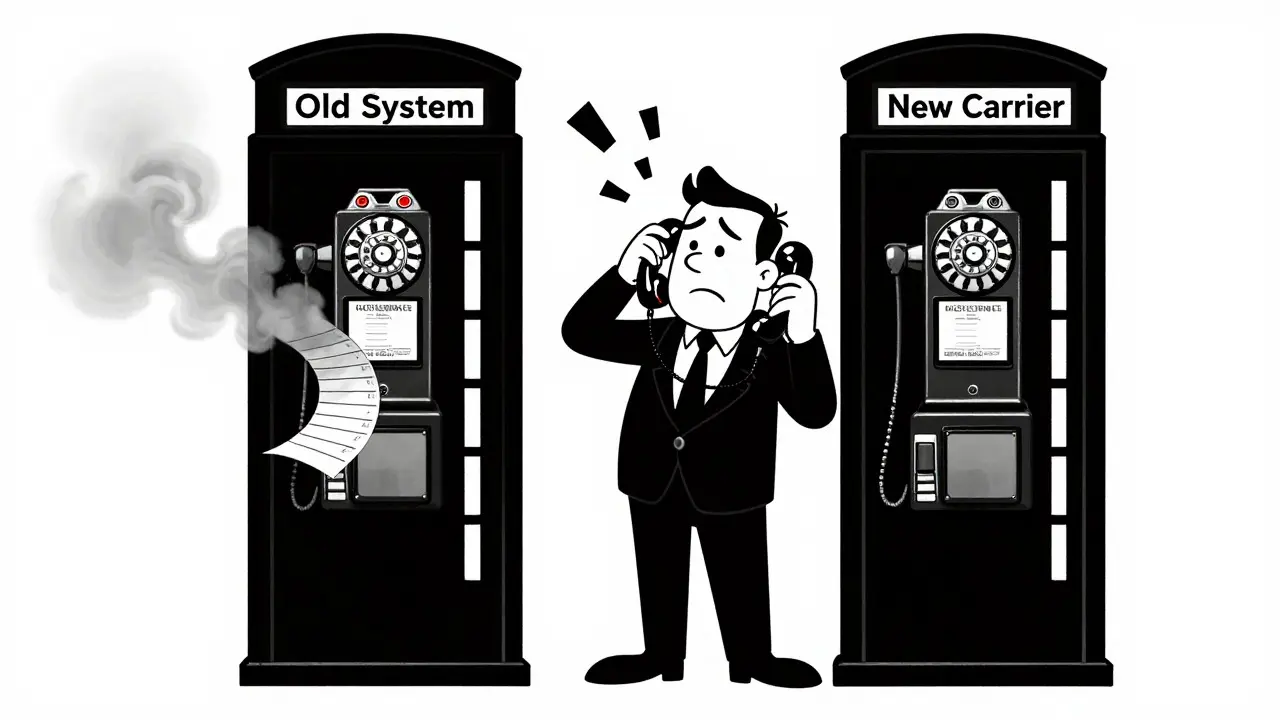

You just switched your business phone system or ported your personal number to a new carrier. The calls work. The texts go through. But when you look for that critical voicemail from last year or try to verify a call date for a legal dispute, the history is gone. This happens because data migration of telephony metadata like call logs and voicemails rarely happens automatically.
Most people assume that moving a phone number moves everything attached to it. It doesn't. When you port a number, the carrier transfers the line identity, but the historical data-your Call Detail Records (CDRs) and stored voice messages-usually stays behind in the old system's database. If you don't actively extract and archive this data before cutting over, it can vanish permanently once the old account is deactivated.
Why Your Call History Isn't Moving With You
To understand why this data gets left behind, you have to look at how phone systems store information. There are two distinct types of data here: the record of the call and the audio of the message.
Call Detail Records (CDRs) are structured databases containing who called whom, the timestamp, duration, and routing info. These are often stored in proprietary formats specific to the platform you are using. For example, if you are on an on-premises PBX like FusionPBX, your CDRs live in its local SQL database. If you move to a cloud provider like RingCentral, their system starts a fresh ledger. They don't have a mechanism to pull your old SQL rows and inject them into their cloud interface.
Voicemails are even trickier. A voicemail isn't just one file; it is an audio file (often .m4a, .amr, or .wav), metadata (who sent it, when), and sometimes a text transcription. Cloud platforms treat these as ephemeral objects tied to the active subscription. When you cancel the old service, the server wipes the mailbox to free up space. There is no "forward" button for historical voicemails across different carriers.
The Compliance Trap: Why You Can't Just Delete Old Data
If you think losing a few old voicemails is just an inconvenience, you might be underestimating the risk. In many industries, call logs and recordings are legal assets. Losing them during a migration can lead to massive fines.
Consider the regulatory landscape:
- Financial Services: Under FINRA Rule 3170, broker-dealers must retain telephone conversations for at least three years. SEC Rule 17a-4 often requires six years of retention for books and records. This data must be stored in WORM (Write Once, Read Many) storage to prevent tampering.
- General Telecom: The FCC requires carriers to retain toll-billing records for at least 18 months (47 C.F.R. § 42.6).
- Privacy Laws: GDPR and UK data protection laws classify voicemails and transcriptions as personal data. This means you not only have to keep them for a set time but also ensure they are irrecoverably destroyed after that period expires.
If you migrate to a new system without exporting your old CDRs first, you may find yourself unable to produce evidence for a complaint or audit that occurred under your previous provider. The burden of proof shifts to you, and without those exported CSV files, you are out of luck.
Exporting From Cloud UCaaS Platforms
Modern Unified Communications as a Service (UCaaS) providers make exporting data easier than ever, but you have to know where to look. Most do not offer a single "Move All Data" button. Instead, they provide APIs or admin portals for bulk downloads.
| Platform | Call Log Export Method | Voicemail Export Method | Key Limitation |
|---|---|---|---|
| Zoom Phone | Admin Portal: Analytics > Recordings > Export (CSV/ZIP) | Bulk download via Admin Portal; Audio in MP3/M4A | Voice transcripts are not included in standard voicemail exports; audio must be preserved separately. |
| RingCentral | Call Log API (JSON format) or scheduled email reports | Admin Portal download or API access | API returns JSON, requiring conversion to CSV for most archives. Data is not stored indefinitely by default. |
| Microsoft Teams | Teams Admin Center: Usage Reports (last 3 months) or eDiscovery | Included in Microsoft 365 Content Search/eDiscovery exports | Default UI only shows ~30 days of history. Older data requires complex eDiscovery queries. |
| Google Voice | Google Takeout (.zip archive) | Google Takeout includes voicemail audio | Data remains tied to the original Google Account. Porting the number does NOT move the history to the new account. |
A common pitfall with Google Voice is the illusion of transfer. Users often port their GV number to a mobile carrier or a different Google account. The number moves, but the call log, spam filters, and voicemail greetings stay locked in the old account. Experts recommend keeping the old account active solely for archival access or using Google Takeout immediately before the switch to save the data locally.
Migrating From On-Premises PBX Systems
If your business runs legacy hardware like Cisco Unity or Grandstream UCM, the process is more technical but offers deeper control. These systems store data locally, meaning you have physical or direct digital access to the files.
For Cisco Unity Connection, administrators typically use tools like COBRAS (Cisco Object Backup and Restore Application Suite). This utility allows you to back up entire mailboxes, including voicemail messages as WAV attachments. You can then restore these to a new server or archive them externally. For simpler needs, enabling the Web Inbox allows users to manually forward important voicemails to their email before the system is decommissioned.
FusionPBX offers a cleaner path for CDRs. You can select a tenant, export the Call Detail Records directly to a CSV file via the web interface, and import that same CSV into a new FusionPBX instance. This preserves the structure of your call history, making it searchable in the new environment. However, this works best when migrating between identical software versions. Moving from FusionPBX to a cloud SaaS provider usually means the CSV becomes a read-only archive rather than a live database.
Preserving Personal Mobile Data
Individuals switching phones or carriers face a different set of challenges. Carriers almost never transfer call logs or voicemails to the new device. You have to do it manually.
On iOS, Visual Voicemail stores messages in a way that is hard to access directly. However, you can open the Phone app, go to Voicemail, tap a message, and hit the Share icon. Choose "Save to Files" to store it as an .m4a audio file. For call logs, third-party apps like iMazing allow you to connect your iPhone to a computer and export the entire call history to Excel or CSV. This creates a permanent, portable record that survives any carrier change.
Android users have slightly more flexibility built-in. Many Android devices allow you to share voicemails directly from the dialer app, saving them as .amr or .m4a files. For call logs, apps like "Calls to PDF" let you generate a formatted document of your recent calls, which can be emailed to yourself or saved to cloud storage like Google Drive. This step takes five minutes but saves hours of frustration later.
The Migration Checklist: Step-by-Step
To ensure nothing slips through the cracks, follow this workflow before you deactivate your old service:
- Inventory Your Data Needs: Determine what you legally need to keep. Is it all calls? Only business-related ones? How far back? Check your industry regulations (FINRA, GDPR, etc.).
- Export CDRs Early: Don't wait until the cutover day. Use the admin portal or API to download call logs for the past 1-5 years. Convert JSON outputs to CSV if necessary for easier searching.
- Archive Voicmails Manually: Since bulk voicemail imports are rare, focus on archiving. Download audio files and save them in a structured folder system (e.g., Year/Month/Sender). Include the metadata (date/time) in the filename.
- Verify Integrity: Open a sample of the exported files. Play the audio. Check that the timestamps in the CSV match the actual call dates. Corrupted files are useless in a legal dispute.
- Store Securely: Move these archives to a secure, offline, or WORM-compliant storage solution. Do not leave them on the old provider's server, as access will be revoked upon cancellation.
- Document the Process: Keep a record of how and when you migrated the data. This proves chain-of-custody if auditors ask why the data isn't in the new live system.
FAQ
Do call logs transfer when I port my phone number?
No. Porting a phone number only transfers the line identity. Historical call detail records (CDRs) remain with the original carrier or service provider. You must manually export these logs before canceling the old service.
How long should I keep my call logs and voicemails?
Retention periods vary by industry. General telecom records often require 18 months to 3 years. Financial services (FINRA) require 3 to 6 years. GDPR jurisdictions may limit voicemail retention to 30-90 days unless consent is given. Always check your specific regulatory requirements.
Can I import old call logs into Zoom Phone or RingCentral?
Generally, no. Most UCaaS platforms do not support importing historical call logs into the live user interface. They are designed to start fresh. You should export old data to CSV/JSON and store it in an external archive for reference and compliance.
What happens to my Google Voice history if I port the number away?
The call history, voicemails, and settings remain tied to the original Google Account. They do not move to the new carrier or a new Google Account. You must use Google Takeout to archive this data before the port is complete.
How can I back up voicemails from my iPhone?
You can manually save individual voicemails by opening the Phone app, selecting the voicemail, tapping Share, and choosing "Save to Files." For bulk backups, desktop software like iMazing can export visual voicemails as audio files and call logs as spreadsheets.





Brannen Hall
2 Aug 2026 at 07:33Everyone panicking about losing their call logs is missing the point. Most of this data is useless noise anyway.