

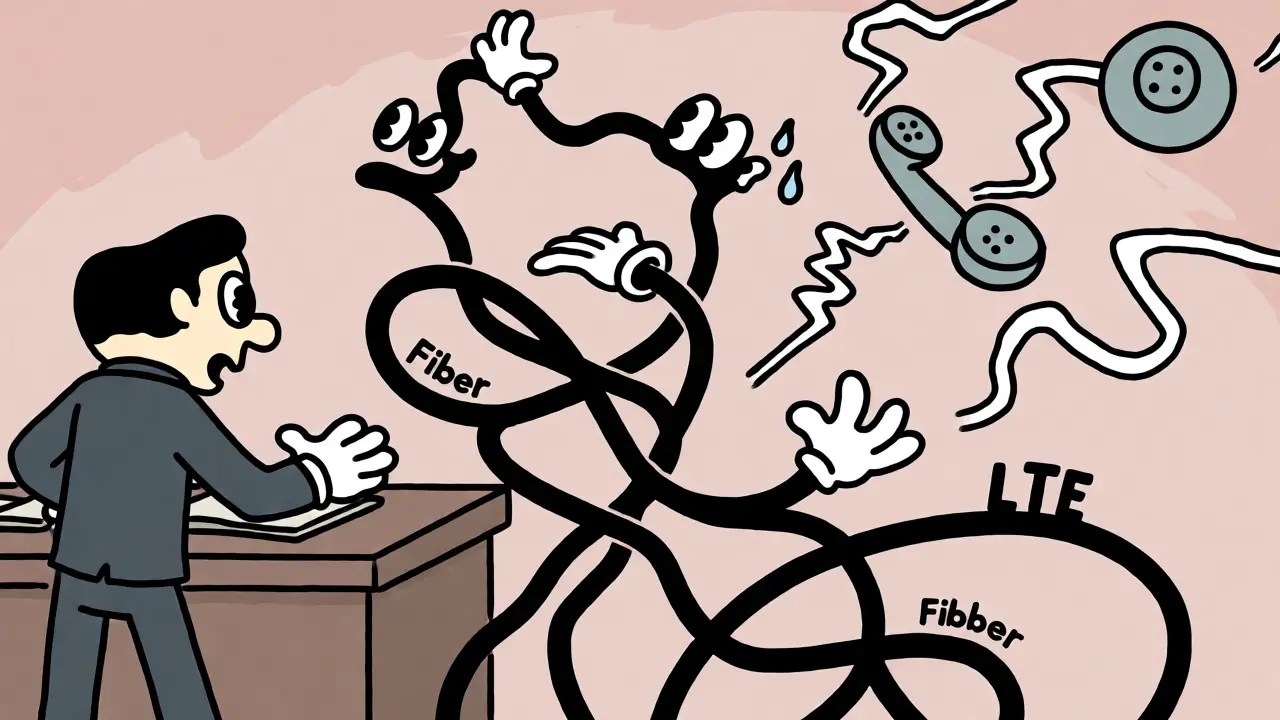

You’ve got two internet connections. One is a fast fiber line, the other is a backup LTE or cable connection. You plug them both into your router, enable Dual WAN, and expect your business phone system to become bulletproof. But then, during a busy Tuesday afternoon, calls start sounding robotic. Audio cuts out for half a second. People complain about echo. You realize that adding more bandwidth didn’t fix the problem; it might have actually made it worse.
Here is the hard truth: Dual WAN setups do not automatically improve Voice over IP (VoIP) call quality. In fact, if configured incorrectly, they can degrade it. The magic isn't in having two cables; it’s in how your network handles the transition between them and how it prioritizes voice packets against data traffic. This guide breaks down exactly how Link Aggregation and failover mechanisms affect real-time voice communication, what metrics actually matter, and how to configure your gear so your customers stop hearing "please hold" because their own network dropped the call.
The Difference Between Failover and Aggregation
Before we talk about audio glitches, you need to understand what your router is actually doing with those two connections. Most people use the terms interchangeably, but they are fundamentally different operations with different impacts on VoIP.
Failover is exactly what it sounds like: redundancy. You designate one connection as primary and the other as secondary. The router constantly pings a target (like Google’s DNS or your SIP provider) on the primary link. If that ping fails, the router switches all traffic to the secondary link. For VoIP, this is great for uptime-if your ISP goes down completely, your phones stay on. But it does nothing for day-to-day call quality. If your primary fiber line is congested or has high jitter, failover won’t help until the line completely dies.
Link Aggregation (or bonding) tries to combine the bandwidth of both links into a single logical pipe. It splits traffic across both connections to increase total throughput. While this sounds ideal, standard per-session load balancing can be disastrous for VoIP. Why? Because a single voice call is a stream of tiny packets sent every 20 milliseconds. If your router sends packet #1 through the Fiber link and packet #2 through the Cable link, and the Cable link is slightly slower, packet #2 arrives before packet #1. Your phone receives them out of order, causing jitter and choppy audio.
Why VoIP Hates Standard Load Balancing
Voice is a real-time protocol. It uses UDP, which doesn’t care about delivery guarantees-it cares about speed. Data transfers (like downloading a PDF) use TCP, which reorders packets and asks for retransmissions. That’s fine for files. It’s terrible for live conversations.
When you enable basic dual-WAN load balancing without session affinity, you risk splitting a single RTP (Real-time Transport Protocol) stream across two paths with different latencies. Let’s say your Fiber link has 20ms latency and your Cable link has 40ms. If packets alternate between these links, your receiver sees a consistent 20ms jitter. Jitter buffers in your phone try to smooth this out, but if the variation exceeds the buffer size (usually around 30-50ms), packets get dropped. The result? Gaps in speech, robotic voices, or complete call drops.
| Mode | Bandwidth Usage | Jitter Risk | Failover Time | Best For |
|---|---|---|---|---|
| Active/Standby Failover | Single link at a time | Low (Stable path) | Seconds (Can drop calls) | Basic redundancy |
| Per-Session Load Balance | Both links used | High (Path asymmetry) | N/A (No active switch) | Data-heavy sites |
| SD-WAN / Bonding | Both links used intelligently | Very Low (Packet duplication/FEC) | Sub-second (Seamless) | Critical VoIP environments |
The Killer Metric: Latency and Jitter Thresholds
To keep calls clear, you need to stay within specific technical limits. These aren’t arbitrary numbers; they come from telecom standards like ITU-T G.114. If you exceed them, humans notice.
- One-way Latency: Must be under 150 ms. Anything higher creates noticeable delay, making conversation feel awkward. Users start talking over each other.
- Jitter: Must be under 30 ms. Jitter is the variation in packet arrival time. High jitter forces the jitter buffer to expand, adding latency, or to discard packets, creating gaps.
- Packet Loss: Must be under 1%. With VoIP, losing even a few consecutive packets can make a word unintelligible.
Standard dual-WAN routers often lack the sophistication to maintain these metrics during a switchover. When a health check detects a failure, the router stops sending traffic on Link A and starts on Link B. This process takes time-often 3 to 10 seconds depending on the check interval. During those seconds, any active VoIP call will likely drop because the RTP stream disappears. The user hears silence, then a dial tone, then has to redial.

How SD-WAN and Bonding Fix the Problem
If simple failover causes drops and load balancing causes jitter, what works? Enter SD-WAN and advanced channel bonding technologies. These solutions don’t just route traffic; they manage it at the packet level.
True bonding solutions, like Peplink SpeedFusion or Cisco Meraki MX series, use encrypted tunnels to a head-end server. They monitor the quality of both links in real-time. If Link A starts showing high jitter, the system instantly shifts voice traffic to Link B without resetting the session. Even better, some systems use Packet Duplication. This technique sends every voice packet over both links simultaneously. If one packet gets lost or delayed on Link A, the duplicate arrives safely via Link B. The receiver discards the late arrival and plays the early one. This virtually eliminates packet loss and jitter for critical calls, at the cost of doubling bandwidth usage for voice traffic only.
Another key feature is Forward Error Correction (FEC). FEC adds redundant data to voice streams. If a packet is lost, the receiver can mathematically reconstruct it using the extra data from neighboring packets. This is crucial for cellular backups (LTE/5G), where packet loss is common due to signal interference.
Configuration Best Practices for Clear Calls
You don’t need enterprise-grade SD-WAN to get good results, but you do need to configure your current hardware correctly. Here is how to tune a standard dual-WAN setup for VoIP.
- Enable Session Affinity (Sticky Sessions): Ensure that once a VoIP call starts on one WAN link, all subsequent packets for that call stay on that same link. Do not let the router balance individual packets. Look for settings labeled "Source IP Persistence" or "Flow-Based Balancing."
- Prioritize Voice Traffic (QoS): Configure Quality of Service rules to tag VoIP traffic with DSCP EF (Expedited Forwarding). Give this class the highest priority. Bulk data downloads should never compete with voice packets for bandwidth.
- Adjust Health Check Intervals: Default ping intervals are often too slow (e.g., every 10 seconds). Reduce this to 1-2 seconds for faster detection. However, be careful-too aggressive checks can cause "flapping," where the router switches back and forth rapidly, destroying call stability.
- Dedicate a WAN for Voice (If Possible): If you have three links, consider dedicating the most stable one exclusively to VoIP. Use the others for general internet. This removes the variable of path selection entirely for voice.
- Disable SIP ALG: Application Layer Gateways often interfere with VoIP by rewriting port information incorrectly when NAT is involved. Disable SIP ALG on your router to prevent one-way audio issues during failovers.

Troubleshooting Common Dual WAN VoIP Issues
Even with good settings, things break. Here are the most common symptoms and fixes.
Symptom: One-Way Audio After Failover. Cause: The SIP signaling went through WAN A, but the media (RTP) started flowing through WAN B. The remote party expects media from WAN A’s public IP. Fix: Ensure your SIP provider supports multi-IP registration or use a static IP address for your primary WAN. Alternatively, force all VoIP traffic (signaling and media) through a single designated WAN interface.
Symptom: Robotic or Choppy Audio During Heavy Download. Cause: Bandwidth saturation. Even with QoS, if the download saturates the link, queues build up, increasing latency. Fix: Implement traffic shaping. Cap the maximum bandwidth available for non-voice traffic to leave headroom for bursts. Also, ensure your jitter buffer on the phones is set appropriately (auto-adjust is usually best).
Symptom: Calls Drop Exactly Every X Seconds. Cause: Router flapping. The health check is detecting intermittent failures, switching links mid-call. Fix: Increase the number of failed pings required before a switch occurs (e.g., require 3 consecutive failures instead of 1). This prevents transient network hiccups from triggering a full failover.
Is It Worth Upgrading?
For small offices with fewer than 10 users, a well-configured dual-WAN firewall with session affinity is often sufficient. You accept the risk that a hard failover might drop a few calls, but daily quality remains high.
For larger organizations or those relying on cloud-hosted PBXs, investing in an SD-WAN appliance or a bonding-capable router is usually worth the cost. The ability to maintain sub-second failover times and utilize packet duplication transforms VoIP from a fragile service into a robust utility. Remember, the goal isn’t just to keep the lights on; it’s to ensure that when someone dials your main line, they hear a clear voice, not a digital glitch.
Does adding a second internet connection improve VoIP call quality?
Not directly. A second connection improves availability and protects against total outages. Call quality depends on the stability and low latency of the active link. Without proper configuration like QoS and session affinity, adding a second link can actually worsen quality due to jitter and packet reordering.
What is the difference between link aggregation and load balancing for VoIP?
Load balancing distributes sessions across links, which can split a single voice call across two paths with different latencies, causing jitter. Link aggregation (bonding) combines links into a logical pipe, often using techniques like packet duplication to ensure voice packets arrive reliably regardless of individual link performance.
How long should a VoIP failover take?
Ideally, less than one second. Standard routers may take 3-10 seconds to detect a failure and switch routes, which is enough time to drop an active RTP stream. SD-WAN and bonding solutions aim for seamless transitions under 500ms to keep calls alive.
Why do I have one-way audio when using Dual WAN?
This usually happens when SIP signaling and RTP media take different paths or when the NAT table expires during a failover. Ensuring symmetric routing (same path for send/receive) and disabling SIP ALG on the router typically resolves this issue.
Do I need SD-WAN for VoIP redundancy?
You don't strictly need it, but it is highly recommended for mission-critical environments. SD-WAN provides application-aware routing, allowing you to pin VoIP traffic to the best-performing link dynamically and handle failovers without dropping calls, which basic dual-WAN routers cannot do effectively.





Write a comment