

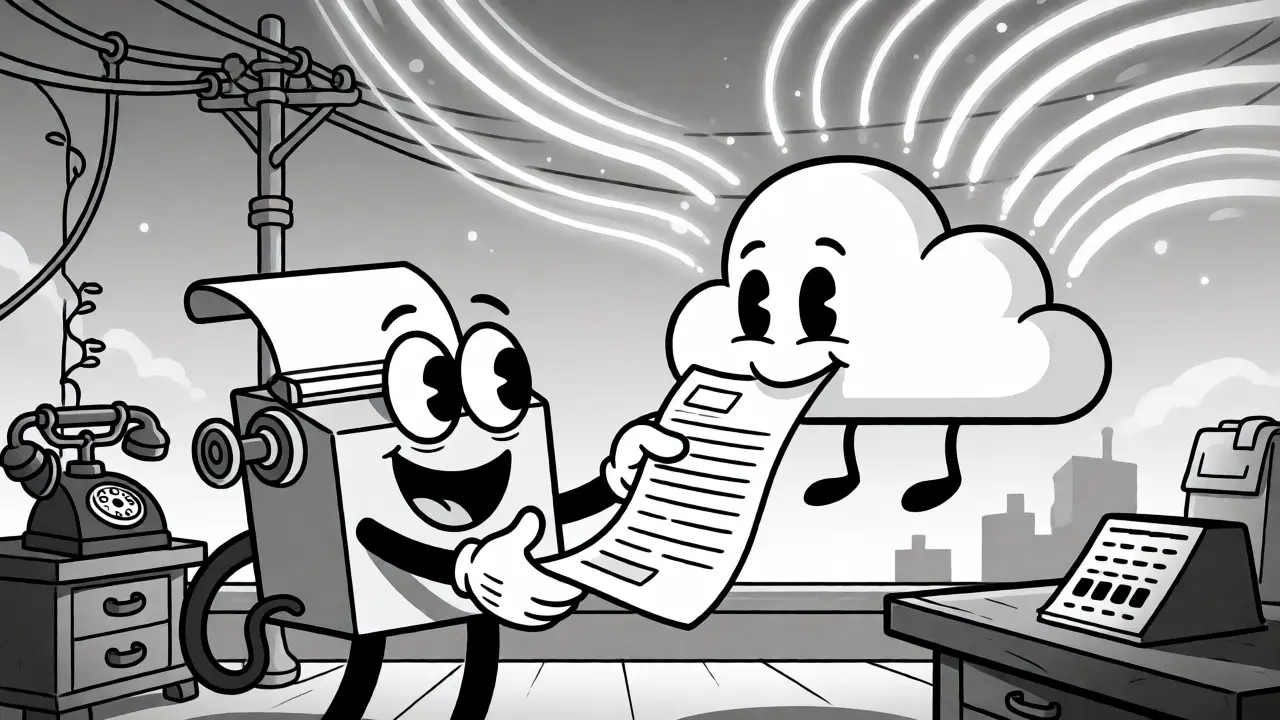

Remember the last time you had to walk across the office, wait for a fax machine to warm up, feed it paper, and hope it didn’t jam? For many businesses, that ritual is over. But here’s the twist: faxing isn’t dead. In fact, billions of pages are still sent annually because hospitals, lawyers, and government agencies rely on them. The difference today is that you don’t need a physical machine or an analog phone line to send a document. You can do it from your browser, your email client, or even a mobile app.
This shift is powered by Virtual Fax, which integrates seamlessly with modern VoIP systems. Instead of converting digital data into analog signals for a copper wire, these services handle the conversion in the cloud. Whether you use Gmail, Outlook, or a dedicated web portal, you can send a PDF as a fax and receive incoming documents as email attachments. It’s cleaner, cheaper, and surprisingly reliable if you understand how it works under the hood.
How Virtual Fax Actually Works
You might wonder how a digital file becomes a fax without a machine. There are two main ways this happens, depending on whether you’re using a real-time connection or a store-and-forward service.
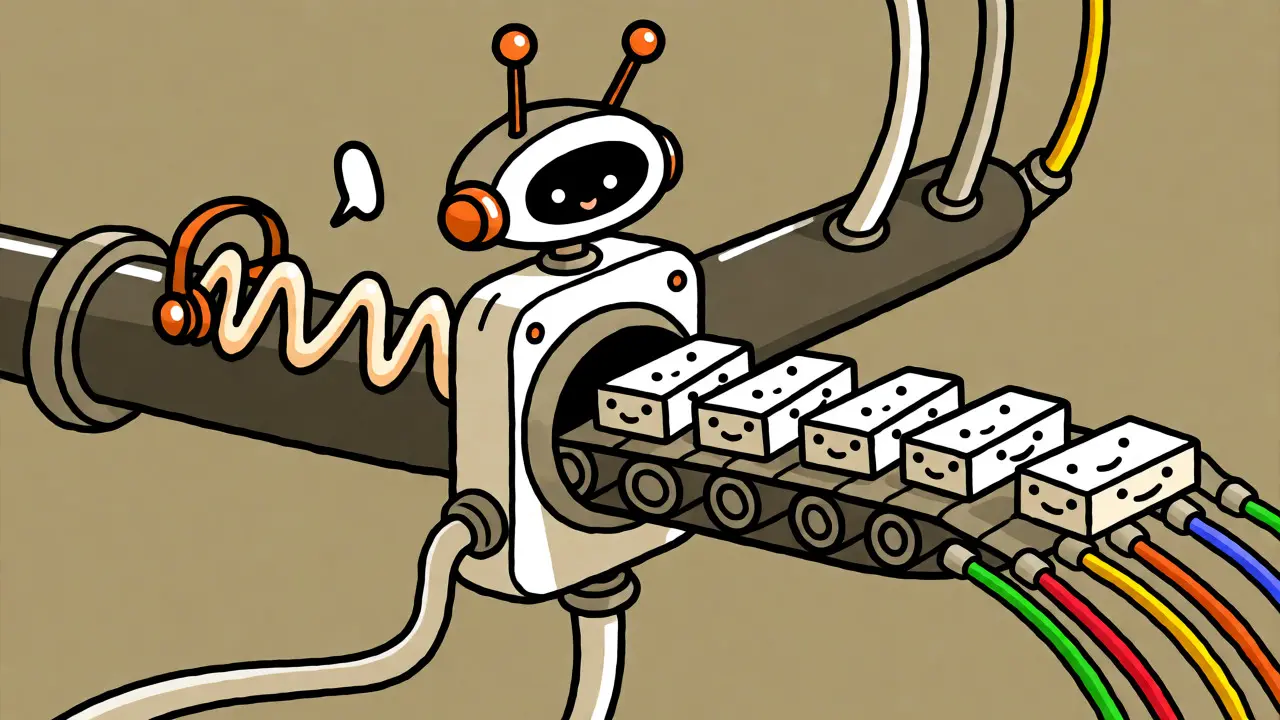
The first method is Fax over IP (FoIP). This is often used in corporate environments where a PBX system handles calls. When you dial a fax number through your VoIP phone, the system detects the fax tones. Instead of treating it like a voice call, it switches protocols. Most modern systems use T.38, an ITU-T standard designed specifically for sending faxes over packet networks. T.38 demodulates the fax signal at the sender’s end, sends the data as packets over the internet, and remodulates it at the receiver’s end. This is more efficient than sending raw audio but requires both ends to support the protocol.
The second, more common method for individuals and small businesses is Cloud Fax or Online Faxing. Here, you upload a document to a provider’s server or email it to a specific address. The provider converts your file into a fax format and transmits it to the destination number via traditional telephone lines or their own VoIP gateways. Incoming faxes are converted back into digital files, usually PDFs, and emailed to you. This approach removes the need for any local hardware configuration entirely.
Sending Faxes from Your Inbox
If you already live in your email client, you probably don’t want to log into a separate website just to send a document. Good news: most top-tier virtual fax services integrate directly with Microsoft 365 and Google Workspace.
To send a fax via email, you typically follow a simple pattern:
- Compose a new email: Attach the document you want to send (PDFs are best, though JPGs and TIFFs often work).
- Format the recipient field: Enter the fax number followed by the provider’s domain. For example, if you use a service called "faxprovider.com," you might type
[email protected]. - Add a subject line: Some providers require the destination number in the subject line if you’re forwarding from a different address.
- Send: The provider picks up the email, converts the attachment, and initiates the fax transmission.
You’ll usually get an automated reply confirming delivery or explaining why it failed. If the recipient’s line is busy, the system retries automatically. This workflow saves time and keeps all your communication records in one searchable place-your inbox.
T.38 vs. G.711: Why Protocol Matters
If you’re managing a business VoIP system, you’ve likely heard terms like T.38 and G.711. These aren’t just acronyms; they determine whether your faxes arrive clearly or turn into garbled noise.
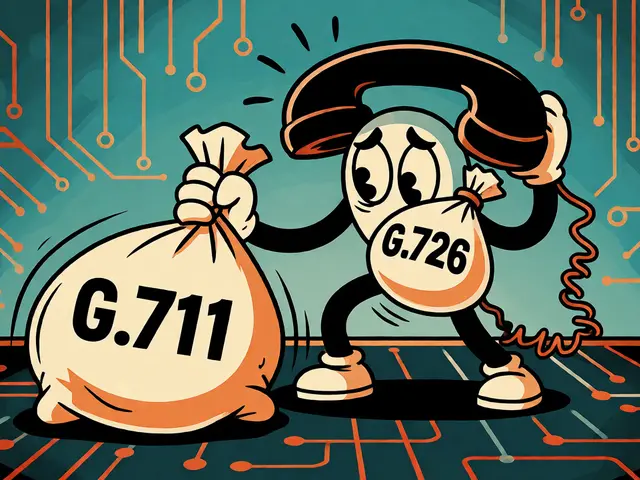
G.711 passthrough treats fax data like voice audio. It sends the modem tones exactly as they sound. This works fine on clean, low-latency connections but fails easily if there’s packet loss. Even 1% packet loss can corrupt a page. It also uses more bandwidth because it’s uncompressed.
In contrast, T.38 is smarter. It breaks the fax data into discrete packets and includes redundancy information. If a packet gets lost, the receiver can reconstruct the missing piece. This makes T.38 far more resilient to the jitter and latency inherent in internet traffic. However, T.38 requires end-to-end support. If your VoIP provider supports it but the receiving carrier doesn’t, the call may fall back to G.711 or fail entirely.
| Feature | G.711 Passthrough | T.38 Fax Relay |
|---|---|---|
| Data Handling | Carries raw audio tones | Converts tones to data packets |
| Bandwidth Usage | High (64 kbps constant) | Lower (variable based on content) |
| Packet Loss Tolerance | Very Low (fails >1%) | High (uses redundancy) |
| Latency Sensitivity | Moderate | Higher (timer-based) |
| Best Use Case | Simple, local setups | Remote, complex networks |
Security and Compliance Considerations
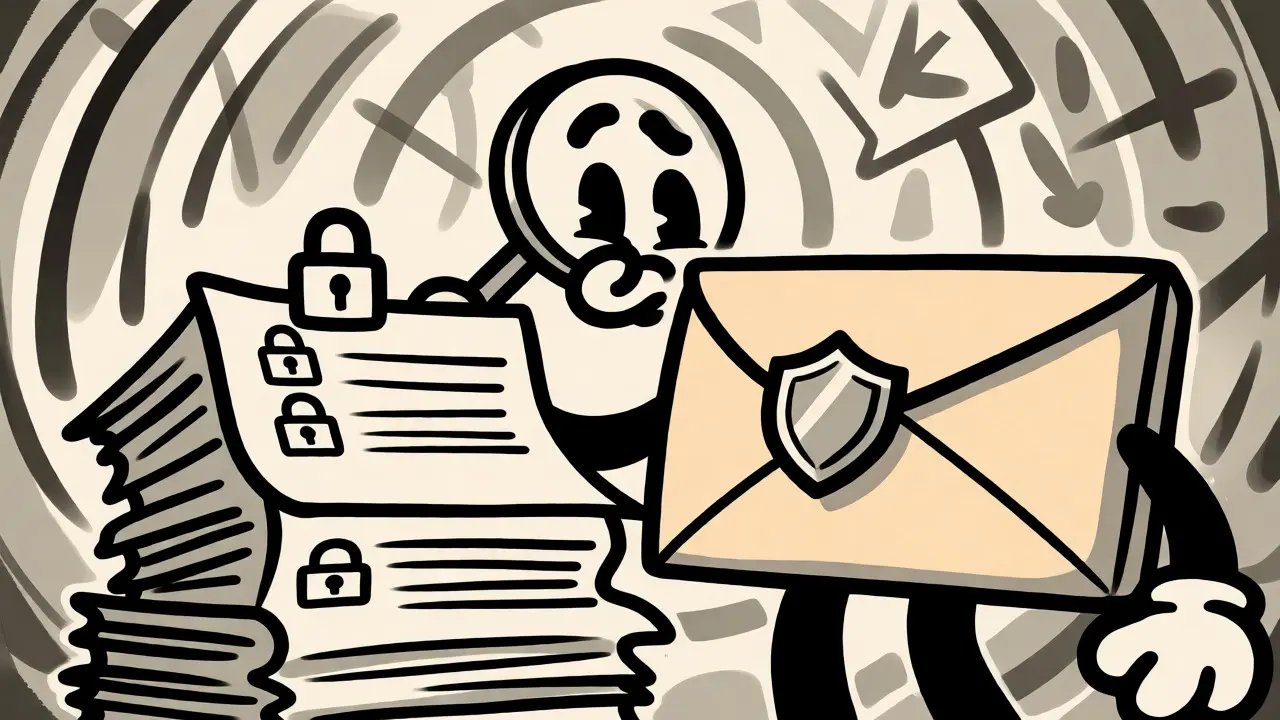
Faxing often involves sensitive data, especially in healthcare and legal fields. A physical fax machine sitting in a shared hallway poses security risks-anyone can pick up the printout. Virtual fax offers better control, but only if configured correctly.
Look for providers that offer HIPAA compliance. This means they sign a Business Associate Agreement (BAA), encrypt data in transit and at rest, and maintain audit logs. Services like eFax and Fax.Plus advertise these features, but you must verify the specific plan level. Basic tiers often lack HIPAA guarantees.
Email delivery introduces another risk vector. If your email account is compromised, attackers could see your fax history. Use strong passwords, enable multi-factor authentication, and consider setting up a dedicated email alias for fax notifications rather than using your primary personal address. Also, ensure your provider deletes stored copies after a set period unless you explicitly choose retention.
Choosing the Right Service for Your Needs
Not all virtual fax services are created equal. Pricing models vary wildly, so calculate your monthly volume before committing.
For light users sending fewer than 100 pages a month, a pay-as-you-go model or a basic subscription around $10-$20/month works well. Providers like Send2Fax offer plans starting near $12/month for home offices. If you’re sending international faxes regularly, check the per-page rates for those destinations-they can be significantly higher than domestic ones.
Businesses with multiple employees should look for team features. Can you share a single fax number among several users? Does the platform allow role-based access so interns can’t view confidential medical records? Integration capabilities matter too. If you use Salesforce or HubSpot, a service with native plugins lets you attach faxes directly to customer records, streamlining your workflow.
Finally, test the service before buying. Most reputable providers offer free trials. Send a test fax to a known working machine. Check the quality of the received image. Verify that delivery reports are accurate. If the trial feels clunky or slow, move on.
Common Pitfalls and Troubleshooting
Even with advanced tech, things go wrong. Here’s how to fix the most common issues.
Garbled Images: This usually indicates packet loss or codec mismatch. If you’re on a VoIP network, ask your admin to prioritize fax traffic or switch to T.38. If you’re using cloud fax, try resending in a simpler format like black-and-white TIFF instead of color PDF.
No Delivery Confirmation: Sometimes the fax goes through, but the confirmation email bounces. Check your spam folder. Ensure your email client isn’t blocking messages from the fax provider’s domain.
Busy Signal Errors: Traditional fax machines are slow. They take time to process each page. If you’re sending a large document, the recipient’s machine might stay busy for minutes. Wait longer before retrying, or split large documents into smaller batches.
International Failures: Not all numbers accept faxes globally. Some countries have different signaling standards. Verify the country code format (e.g., +44 for UK) and ensure the destination number is active for fax reception.
Do I need a dedicated phone number for virtual fax?
Yes, you generally need a phone number associated with your fax account to receive inbound faxes. Many providers let you port an existing landline number or assign a new local, toll-free, or international number. You can often send faxes without a dedicated number, but receiving requires one.
Is virtual fax secure enough for HIPAA-compliant documents?
It can be, but not by default. You must choose a provider that offers HIPAA compliance, signs a Business Associate Agreement (BAA), and provides encryption for data in transit and at rest. Always verify these terms in writing before sending protected health information.
Can I send faxes from my smartphone?
Absolutely. Most major virtual fax providers offer iOS and Android apps. You can scan documents using your phone’s camera, select recipients from your contacts, and send faxes instantly. Notifications for delivery status appear directly on your device.
What happens if the recipient’s fax machine is off-hook?
If the recipient’s line is busy or the machine is off-hook, the fax will fail to connect. Cloud fax services typically attempt redelivery several times over a set period (e.g., 24 hours). You’ll receive a failure notification if all attempts fail, allowing you to contact the recipient manually.
Does virtual fax work with older analog fax machines?
Yes, that’s the whole point. Virtual fax bridges the gap between digital senders and analog receivers. Your document is converted digitally, transmitted over the internet or PSTN, and printed on the recipient’s traditional Group 3 fax machine just like a regular fax would.


Write a comment