

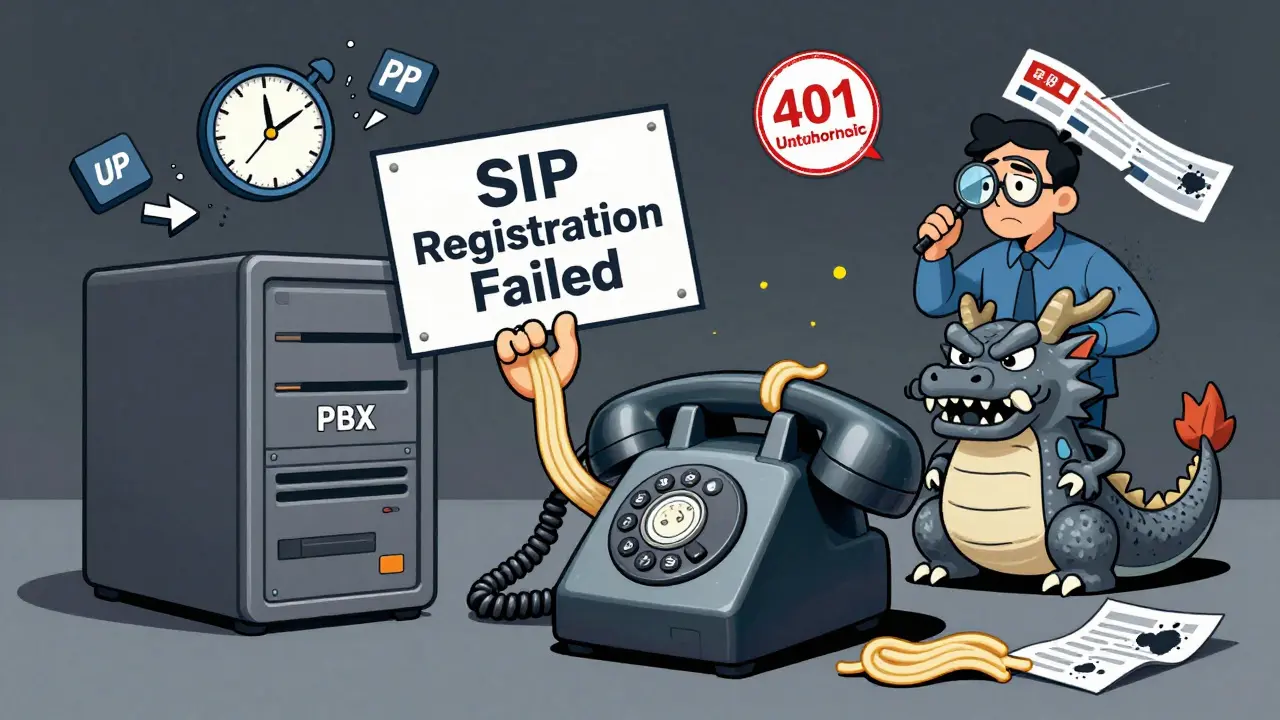

When your VoIP phone shows SIP registration failed, it’s not just a glitch-it’s a silent outage. Your calls won’t go through. Incoming calls drop before ringing. Your team can’t reach customers. And if you’re running a small business, every minute of downtime costs money. This isn’t rare. About 35% of all VoIP problems reported by managed service providers are SIP registration failures tied to authentication. The fix isn’t always complex, but it’s easy to miss if you don’t know where to look.
What SIP Registration Actually Means
SIP (Session Initiation Protocol) is the backbone of modern VoIP. It’s what tells your phone, “Hey, I’m here, ready to make and receive calls.” The registration process is simple in theory: your phone sends a request to your PBX or SIP provider’s server. The server says, “Who are you?” Your phone replies with a username and password. If they match, the server says, “Welcome,” and your phone stays registered. If not, you get stuck with a SIP registration failed error. The most common response you’ll see is SIP 401 Unauthorized. That’s not a network error. It’s a password problem. The server is saying, “I don’t recognize your credentials.” Sometimes it’s 403 Forbidden-your credentials are wrong or blocked. Or 404 Not Found, meaning the username or domain doesn’t exist on the server. These aren’t random. They’re clues.Why Authentication Fails: The Top 5 Causes
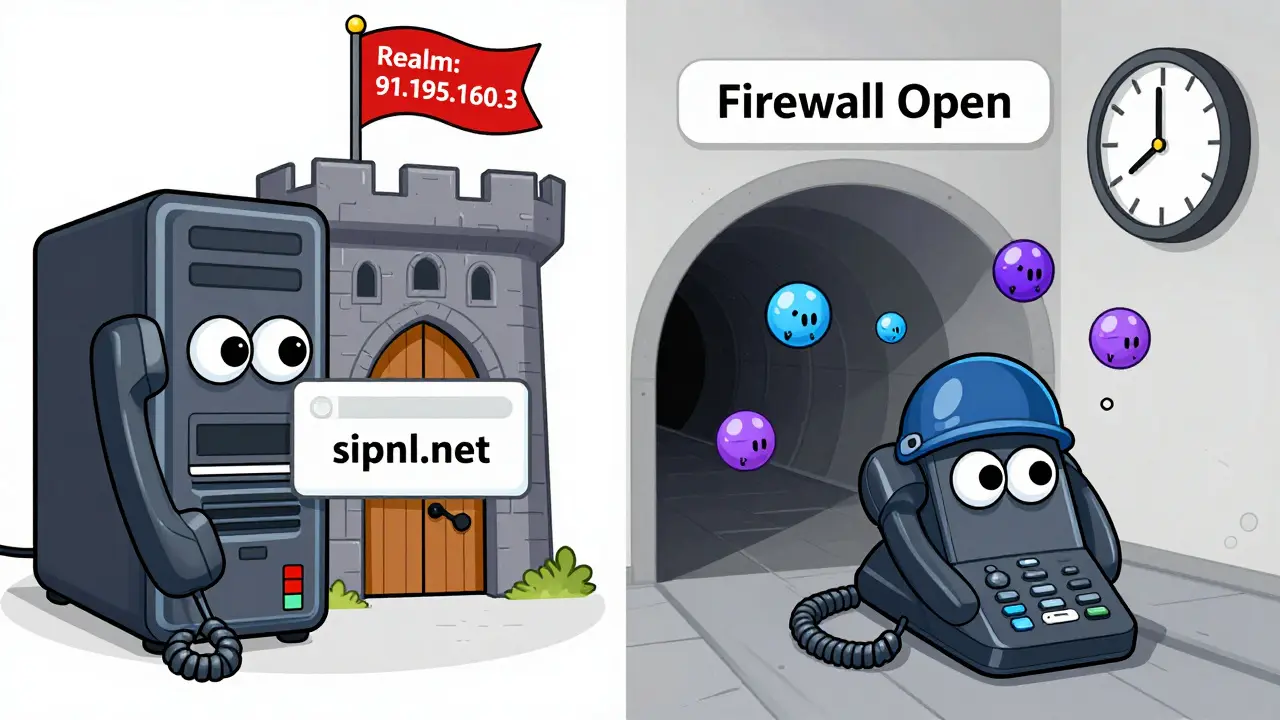
Most people assume the password is wrong. And yes, that happens. But in 60% of cases, according to TeleDynamics, the real issue is a mismatch between what your phone expects and what the server demands. Here are the five most common reasons:- Wrong realm: The server sends a realm like
91.195.160.3, but your phone is configured forsipnl.net. This exact mismatch broke a Cisco gateway in 2010-and it still breaks systems today. The realm is like a security zone. If your phone and server don’t agree on it, authentication fails. - Wrong transport protocol: Your phone might be set to UDP, but the server only accepts TCP or TLS. UDP is faster, but it’s fragile. Packet fragmentation from low MTU settings can kill SIP messages before they reach the server. Switching to TCP fixed 45% of registration failures in VoIPDocs.io’s 2022 case studies.
- Firewall blocking return traffic: SIP registration isn’t one-way. The server sends a response back to your phone. If your firewall lets the request out but blocks the reply, you’ll get a 401 error even with perfect credentials. Asymmetric routing is the silent killer here.
- Time sync issues: SIP digest authentication uses timestamps to prevent replay attacks. If your phone’s clock is off by more than 30 seconds, the server rejects the request. NTP (Network Time Protocol) must be enabled on your PBX and phones.
- License limits or blocked accounts: Systems like Avaya IP Office won’t register a phone if you’ve run out of extension licenses. Some providers lock accounts after too many failed attempts. Check your provider’s portal-not just your phone’s settings.
How to Diagnose the Problem
Don’t guess. Follow a step-by-step process.- Check if it’s one phone or all phones. If only one device fails, it’s a local config issue. If all phones lose registration, the problem is on the server side or your internet connection.
- Look at the exact error message. On a Cisco phone, check the syslog. On FreePBX, look for “Failed to authenticate on REGISTER.” On 3CX, the UI might show no error at all-just a red dot next to the trunk. Write down the code: 401, 403, 404?
- Verify credentials. Go to your SIP provider’s portal. Copy the username, password, and realm exactly. Paste them into your phone’s settings. Don’t retype. Typos happen.
- Change transport from UDP to TCP. This is the single most effective fix for unexplained 401 errors. In your phone or PBX settings, switch the transport protocol to TCP. Save. Reboot the device. Try again.
- Check your firewall. Make sure UDP/TCP port 5060 (and 5061 for TLS) are open for both directions. Block outbound SIP? Fine. Block inbound replies? That’s your problem. Use a tool like Wireshark to capture traffic. Look for SIP 401 responses that never reach your phone.
- Confirm NTP is working. On your PBX, check the system time. Compare it to time.gov. If it’s off, fix your NTP server settings. Most enterprise PBXs sync automatically. Small systems often don’t.
Platform-Specific Gotchas
Different systems behave differently. Knowing this saves hours.- 3CX: Sometimes, changing nothing fixes it. Users report that clicking into the SIP trunk settings, then clicking “OK” without making changes triggers a re-registration. It’s a UI bug-but it works.
- FreePBX (chan_sip or PJ-SIP): Outbound calls might work while inbound registration fails. Why? Because outbound calls use different authentication settings. In PJ-SIP, you must explicitly add your provider’s IP address to the “Permit” field in the trunk settings. Otherwise, the server’s response gets blocked.
- Cisco Unified Communications Manager: Check syslog for lines like “Authentication failed for user.” Cisco logs the exact realm and username it received. Compare that to what’s in your phone’s config.
- Asterisk: The error “There were no auth ids available” means the system received an OPTIONS request (a keep-alive ping) but couldn’t match it to any configured authentication entry. Double-check your
sip.conforpjsip.conffor missingauthlines.
What to Do If Nothing Works
You’ve checked credentials. You switched to TCP. Your firewall is open. Time is synced. Still no registration?- Try a different device. Borrow a known-working SIP phone. Plug it in with the same settings. If it registers, your original phone is faulty or has corrupted config.
- Test from a different network. Connect your phone to a mobile hotspot. If it registers now, your office network is blocking something. Look for deep packet inspection, VoIP firewalls, or carrier restrictions.
- Check for rate limiting. Some providers lock accounts after 5 failed attempts. Log into your provider’s portal and reset the authentication counter.
- Use SIP trace tools. Tools like SIPp or Wireshark can capture the full registration exchange. Look for the first 401 response. Does the realm match what you’re sending? Is the username correct? Is the password hashed properly? If you’re not familiar with SIP packets, ask your provider for a trace-they often provide this for free.

Future Fixes: Moving Beyond Passwords
Digest authentication using MD5 is old. It’s insecure. It’s fragile. That’s why it breaks so often. The industry is slowly moving to certificate-based authentication. Instead of a password, your phone uses a digital certificate signed by your provider. No typing. No typos. No realm mismatches. The SIP Forum predicts this will cut authentication failures by 65% by 2027. Some newer systems already support it. Meanwhile, AI-powered diagnostics are starting to appear in PBX systems. By 2025, platforms like 3CX and Cisco will automatically detect a realm mismatch and suggest the fix-without you needing to dig through logs. But for now? You still need to do the work. And you can do it.Prevention: How to Avoid This Next Time
Don’t wait for failure. Set up smart habits:- Always use TCP instead of UDP for SIP signaling. It’s more reliable.
- Keep a master spreadsheet of all SIP trunks: provider, username, password, realm, transport, port, IP address. Update it every time you change a setting.
- Enable NTP on every device. Even small VoIP phones can sync with time.google.com.
- Test new phones before deploying. Plug one in, register it, make a test call. Then roll out the rest.
- Document everything. If you hire a technician later, they shouldn’t have to guess what’s in your system.
VoIP is powerful. But it’s only as good as its weakest link-and authentication is often that link. Fixing SIP registration failures isn’t about magic. It’s about checking the basics, one by one. Do that, and you’ll spend less time troubleshooting and more time talking.
Why does my SIP phone show "401 Unauthorized" even with the right password?
The password might be correct, but the realm, transport protocol, or server domain might not match what the SIP server expects. Many providers use an IP address as the realm (like 91.195.160.3), not a domain name. If your phone is configured with the wrong realm, authentication fails even with perfect credentials. Always copy the realm exactly from the 401 response or your provider’s setup guide.
Should I use UDP or TCP for SIP registration?
Use TCP. While UDP is faster, it’s prone to packet loss and fragmentation, especially on networks with low MTU settings. TCP is more reliable because it ensures all packets arrive in order. In 45% of cases, switching from UDP to TCP resolves SIP registration failures. TCP also works better through firewalls and NAT devices.
Can a firewall cause SIP registration to fail?
Yes. SIP registration requires two-way communication. Your phone sends a request to the server on port 5060 (or 5061 for TLS), and the server sends a response back. If your firewall blocks incoming traffic on those ports-even if outbound is allowed-the response never reaches your phone. This creates a 401 error that looks like an authentication problem. Check your firewall logs for blocked SIP packets.
Why do outbound calls work but inbound registration fails?
Outbound calls often use a different authentication method than registration. For example, in FreePBX with PJ-SIP, outbound calls might use a separate credential set, while registration requires the trunk’s SIP identity to be explicitly permitted in the firewall settings. If the provider’s IP isn’t listed in the "Permit" field, the registration response gets blocked-even if the password is correct.
Is my time clock affecting SIP registration?
Yes. SIP digest authentication uses timestamps to prevent replay attacks. If your phone or PBX clock is off by more than 30 seconds, the server will reject the authentication request. Enable NTP (Network Time Protocol) on all devices. Sync them with a reliable time server like time.google.com or time.windows.com.
What should I do if my SIP provider says my credentials are correct but it still won’t register?
Ask them for the exact realm, transport protocol, and server IP they expect. Then compare it to your device’s settings. Often, providers list a domain name, but their server actually uses an IP address as the realm. Also, ask if your account is locked due to too many failed attempts. Some providers auto-lock after 5 failures. Reset it through their portal.
Can a license limit cause SIP registration to fail?
Yes. Systems like Avaya IP Office, Mitel, or even some hosted PBXs won’t register a new phone if you’ve hit your extension limit. Even if your credentials are perfect, the server will return a 403 or 404 error. Log into your provider’s portal and check your active extensions. Remove unused ones or upgrade your plan.









James Boggs
26 Jan 2026 at 15:25Thank you for this comprehensive guide. I've seen too many technicians bypass the basics and blame the network when it's simply a realm mismatch or NTP misconfiguration. Following your step-by-step diagnostics saved our call center last quarter. TCP over UDP is non-negotiable now in our deployment standards.