



Picture this: your sales team in London is closing a deal with a client in New York. The connection drops every few seconds. Voices sound robotic. You lose the contract. This isn’t just an annoyance; it’s a direct hit to your bottom line. For global offices, Voice over IP (VoIP) is the backbone of communication, but getting it right across international borders requires more than just buying a fast internet connection.
You need precise VoIP bandwidth planning. It’s not about guessing how much data you’ll use. It’s about calculating exact requirements based on codecs, concurrent calls, and network overhead. If you get the math wrong, you either overspend on unnecessary capacity or underserve your teams with poor quality. Let’s break down exactly how to size your international links so your global workforce stays connected without breaking the bank.
The Core Math: Calculating Bandwidth Per Call
Before you can plan for hundreds of users, you need to understand the cost of a single call. Many people assume that if a codec uses 64 Kbps, they only need 64 Kbps of bandwidth. That’s a dangerous mistake. The raw audio payload is only part of the story. Every packet traveling across the internet carries headers that add significant weight.
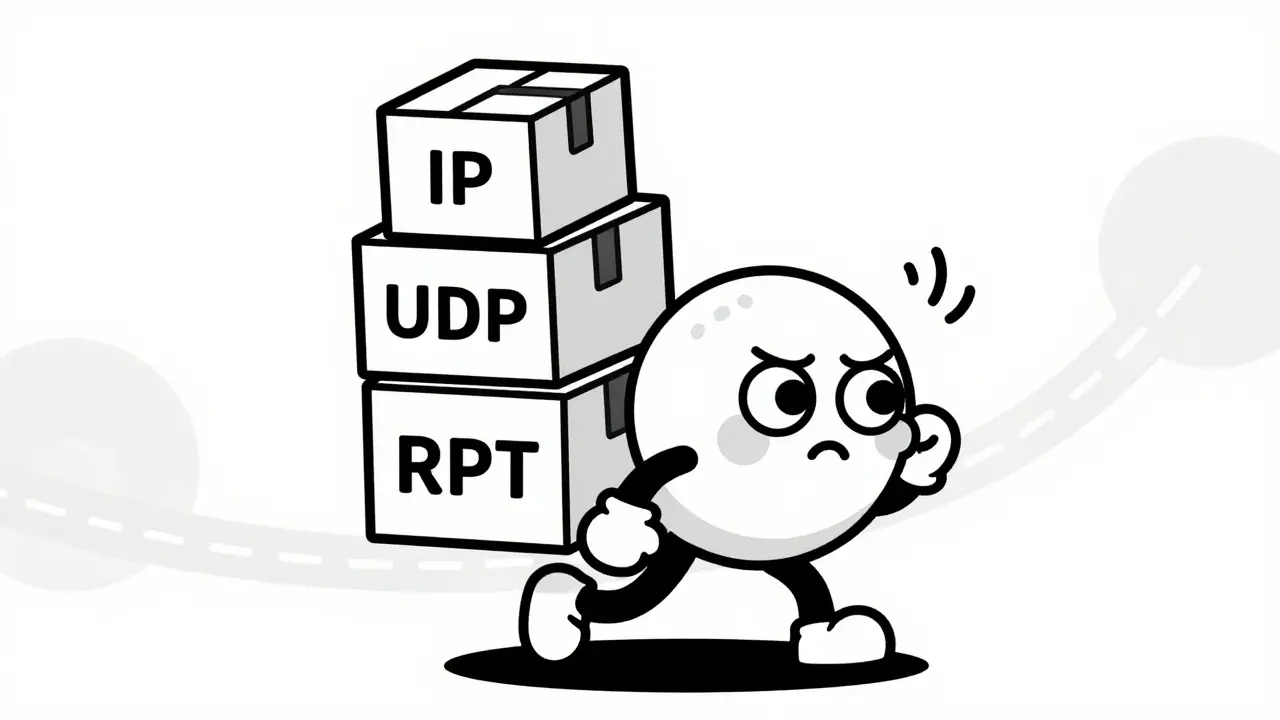
When a voice packet travels over an IP network, it gets wrapped in several layers of protocol headers:
- IP Header: Adds 20 bytes
- UDP Header: Adds 8 bytes
- RTP Header: Adds 12 bytes
That’s 40 bytes of overhead per packet. For standard voice packets sent every 20 milliseconds, this overhead adds roughly 20% to your total bandwidth requirement. Then you have Layer 2 framing (Ethernet), which adds another 18-38 bytes depending on your configuration. If you’re using a VPN for security, encapsulations like GRE or IPSec add even more.
Here is what the real-world numbers look like for common codecs:
| Codec | Payload Rate | Total Bandwidth (with Overhead) | Quality Profile |
|---|---|---|---|
| G.711 | 64 Kbps | ~80-85 Kbps | Standard Telephone Quality |
| G.729 | 8 Kbps | ~24-28 Kbps | Compressed (Good for constrained links) |
| Opus | Variable | ~40-50 Kbps | Wideband/HD Audio |
For planning purposes, most engineers use 85 Kbps per call for G.711 to account for all overheads. If you choose G.729, you might drop to 24 Kbps per call. But remember, compression comes at a cost. G.729 is more sensitive to packet loss and jitter. If your international link is unstable, compressed audio will sound worse than uncompressed audio under the same conditions.
Determining Concurrent Calls: The Erlang Factor
A common mistake is multiplying the number of employees by the bandwidth per call. If you have 100 employees, you don’t need bandwidth for 100 simultaneous calls. People talk, email, and attend meetings at different times. You need to calculate concurrent calls.
Network engineers use Erlang B calculations to estimate this. A simple rule of thumb for general office staff is that 10-20% of users will be on a call at any given time during the busy hour. For call centers, this number jumps to 50-80%. Let’s look at a practical example.
Imagine a London office with 120 employees. Based on historical data, you estimate that 30% of them will be on a call simultaneously during peak hours. That’s 36 concurrent calls. Using G.711 at 85 Kbps per call:
36 calls × 85 Kbps = 3,060 Kbps (approx. 3 Mbps)
This is your baseline voice traffic. But you never provision a network at 100% capacity. You need headroom for bursts, signaling traffic, and unexpected spikes. Add a safety margin of 20-30%. So, your required dedicated bandwidth for voice becomes roughly 3.6 Mbps. This calculation ensures that even when everyone decides to call home at once, the quality remains stable.
The International Challenge: Latency and Jitter
Bandwidth is only half the battle. When you send voice data across oceans, you fight against physics. Light takes time to travel through fiber optic cables. Submarine cables connecting continents add unavoidable propagation delay. The ITU-T G.114 standard sets strict guidelines for acceptable latency:
- Under 150 ms one-way: High user satisfaction. Conversations feel natural.
- 150-400 ms one-way: Acceptable, but noticeable delays occur. Users may interrupt each other.
- Over 400 ms one-way: Poor quality. Conversations become frustrating.
For international links, staying under 150 ms is ideal, but often difficult due to distance. More critical than raw latency is Jitter, which is the variation in packet arrival times. If packets arrive unevenly, the receiver’s buffer fills up or empties out, causing choppy audio. Keep jitter below 20-30 ms. Packet loss should remain under 1% for G.711 and under 0.5% for compressed codecs. Anything higher leads to dropped words and robotic voices.
Choosing Your Transport: MPLS vs. SD-WAN vs. Internet
How you move this traffic matters as much as how much bandwidth you buy. There are three main ways to handle international VoIP traffic:
- MPLS (Multiprotocol Label Switching): This is the traditional enterprise choice. You pay premium prices for a private, dedicated circuit. MPLS offers predictable latency, low jitter, and strong Service Level Agreements (SLAs). It’s expensive but reliable. If budget allows and quality is non-negotiable, MPLS is the gold standard.
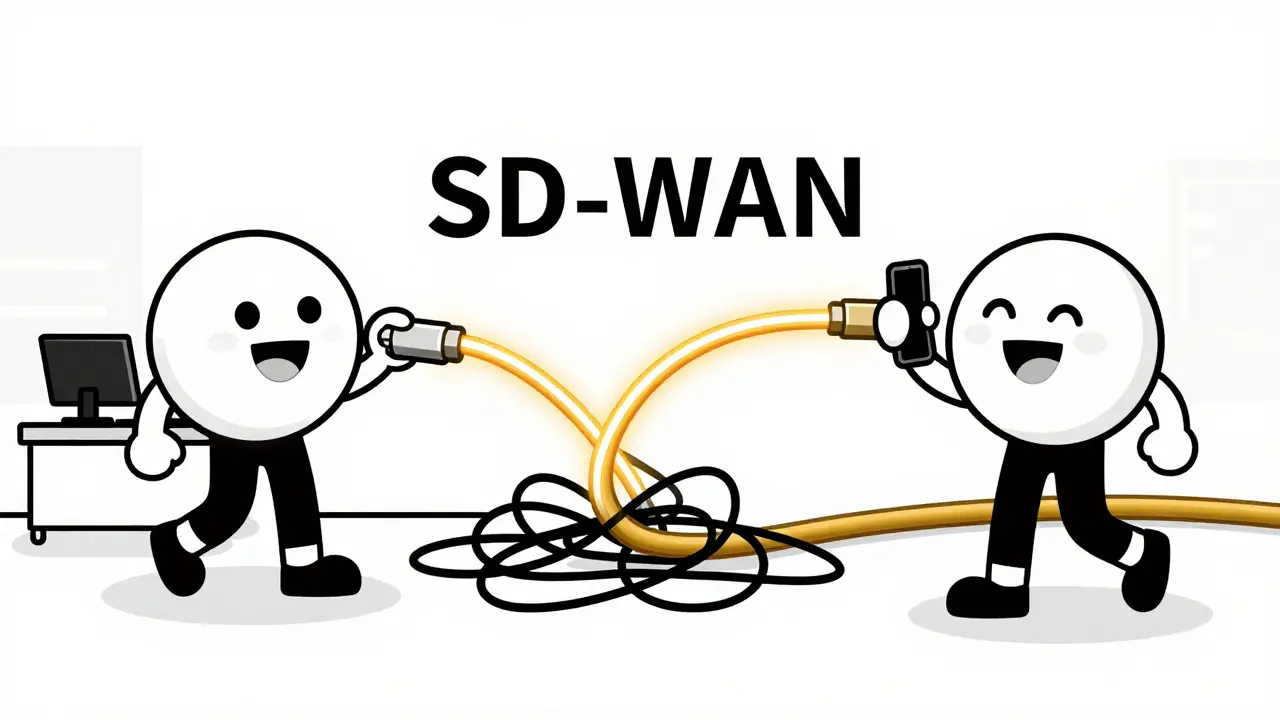
- SD-WAN (Software-Defined WAN): This is the modern favorite. SD-WAN aggregates multiple connections (like broadband, LTE, and MPLS) and steers traffic dynamically. If the internet path to New York gets congested, SD-WAN instantly shifts the VoIP traffic to a better route. It provides near-MPLS reliability at a fraction of the cost.
- Public Internet: Cheapest option, but riskiest. Traffic competes with Netflix, YouTube, and downloads. Without careful management, voice quality suffers. Only suitable for small offices with very low call volumes.
For global offices, SD-WAN has become the sweet spot. It allows you to use cheaper broadband links while maintaining high-quality voice paths through intelligent routing and forward error correction (FEC).
Implementing QoS to Protect Voice Traffic
Even with ample bandwidth, a large file download can choke off your VoIP calls. This is why Quality of Service (QoS) is mandatory. QoS prioritizes voice packets over other data types. You configure your routers and switches to mark VoIP traffic with specific DSCP values.
The industry standard for voice media is EF (Expedited Forwarding), which corresponds to DSCP value 46. When a router sees EF-marked packets, it places them in a strict priority queue. These packets jump ahead of emails, backups, and web browsing. However, there’s a catch: if you allocate too much bandwidth to this priority queue, other traffic starves. Cisco recommends limiting the strict priority queue to no more than 33% of the total link bandwidth. This ensures voice gets first dibs without crippling the rest of your network.
Security Overheads and Encryption
In today’s landscape, unencrypted VoIP is a security risk. You must use SRTP (Secure Real-Time Transport Protocol) for media and TLS (Transport Layer Security) for signaling. Encryption adds computational load to endpoints and Session Border Controllers (SBCs). It also adds a small amount of bandwidth overhead-typically less than 5%. While negligible for a few calls, this adds up in large deployments. For 5,000 concurrent calls, encryption could add several Mbps to your total requirement. Plan for this extra load, especially if your hardware is older or less powerful.
Practical Steps for Implementation
Ready to build your global VoIP architecture? Follow these steps:
- Analyze Historical Data: Look at your current call logs. Calculate the average concurrent calls during the busiest hour. Don’t guess; use data.
- Select Codecs Wisely: Use G.711 or Opus for best quality on well-provisioned links. Reserve G.729 for backup links or areas with limited bandwidth.
- Calculate Total Bandwidth: Multiply concurrent calls by codec bandwidth (including overhead). Add 25% safety margin.
- Choose Transport: Opt for SD-WAN for flexibility and cost-efficiency. Use MPLS if you require absolute SLA guarantees.
- Configure QoS: Mark voice packets as EF/DSCP 46. Ensure end-to-end QoS support from your ISP to your endpoints.
- Test Rigorously: Run synthetic tests before going live. Measure latency, jitter, and packet loss under load. Adjust buffers and queues as needed.
By following these disciplined steps, you transform VoIP from a potential headache into a competitive advantage. Your global teams will communicate seamlessly, costs will drop, and productivity will soar.
What is the minimum bandwidth required for one VoIP call?
For standard quality using G.711, you need approximately 85 Kbps per call, including overhead. For compressed audio using G.729, you need about 24-28 Kbps per call. Always include overhead for IP, UDP, RTP, and Ethernet framing.
Why is latency critical for international VoIP?
Latency refers to the time it takes for a packet to travel from sender to receiver. One-way latency over 150 ms causes noticeable delays, making conversations feel disjointed. Over 400 ms, calls become unusable. International links face higher latency due to physical distance and submarine cables.
Should I use MPLS or SD-WAN for global VoIP?
SD-WAN is generally preferred for its cost-effectiveness and flexibility. It combines multiple internet connections and steers traffic intelligently. MPLS offers stricter SLAs and lower jitter but is significantly more expensive. Choose SD-WAN for most businesses unless you have extreme reliability requirements.
How do I calculate concurrent calls for my office?
Use historical call detail records (CDRs) to find the peak number of simultaneous calls during the busy hour. For general office staff, estimate 10-20% concurrency. For call centers, estimate 50-80%. Never base calculations on total employee count alone.
What is QoS and why does it matter for VoIP?
Quality of Service (QoS) prioritizes voice traffic over other data types on your network. By marking VoIP packets with DSCP EF (46), you ensure they jump ahead of emails or downloads during congestion. Without QoS, a large file transfer can ruin call quality even if you have plenty of bandwidth.





Jeremy Chick
19 May 2026 at 06:08Stop wasting money on MPLS if you can't afford the bandwidth to back it up. The math in this post is basic, but most IT directors are too scared to cut the cord. SD-WAN isn't just a 'sweet spot,' it's the only logical move for anyone who actually cares about their P&L. If your voice packets are dropping because you're using G.729 on a congested link, that's on your procurement team, not the protocol. Fix your routing or shut down the office.