



You’re on a call. Someone says, "Let’s map this out." Everyone switches to a separate app, loses the thread of the conversation, and spends ten minutes trying to sync files. This friction is exactly what Unified Communications (integrated platforms combining voice, video, messaging, and data services) aims to kill. By merging digital whiteboards with real-time document co-authoring, modern UC tools let you brainstorm, draft, and finalize work without leaving the meeting window.
The Shift from Talking to Doing
Historically, communication and creation were separate silos. You talked in Zoom or Teams, then emailed a Word doc for edits. The pandemic accelerated a necessary evolution. Between 2020 and 2022, platforms like Microsoft Teams and Zoom realized that talking isn't enough; teams need to build things together instantly.
This convergence means you can annotate a PDF during a sales call or sketch a workflow on a virtual canvas while discussing it. The goal? Eliminate context switching. When your whiteboard and your documents live in the same ecosystem, the gap between idea and artifact shrinks dramatically. It’s not just about convenience; it’s about speed. If you can capture decisions as they happen, you reduce follow-up emails by half.
How Digital Whiteboards Work in UC Platforms
A virtual whiteboard is essentially an infinite digital canvas accessible to all meeting participants. Unlike static slides, these are dynamic. You can draw, add sticky notes, insert images, and move objects around in real time.
Take Microsoft Whiteboard. Integrated deeply into Teams, it leverages SharePoint and OneDrive infrastructure. This means every stroke you make saves automatically. If you close the meeting, the board persists. You can share it later as a project update. Compare this to older methods where you’d screenshot a Miro board and paste it into Slack. Here, the content stays connected to the team channel.
Zoom Whiteboard, launched fully in 2022, took a different approach. It focuses heavily on templates. Need to run a retro? There’s a template. Brainstorming ideas? Another one. This lowers the barrier to entry. You don’t need to be an artist to use it effectively. However, unlike Teams, Zoom often requires explicit saving steps to retain content after the session ends, a small but annoying friction point for users who expect automatic persistence.
Co-Authoring: Editing Together Without Chaos
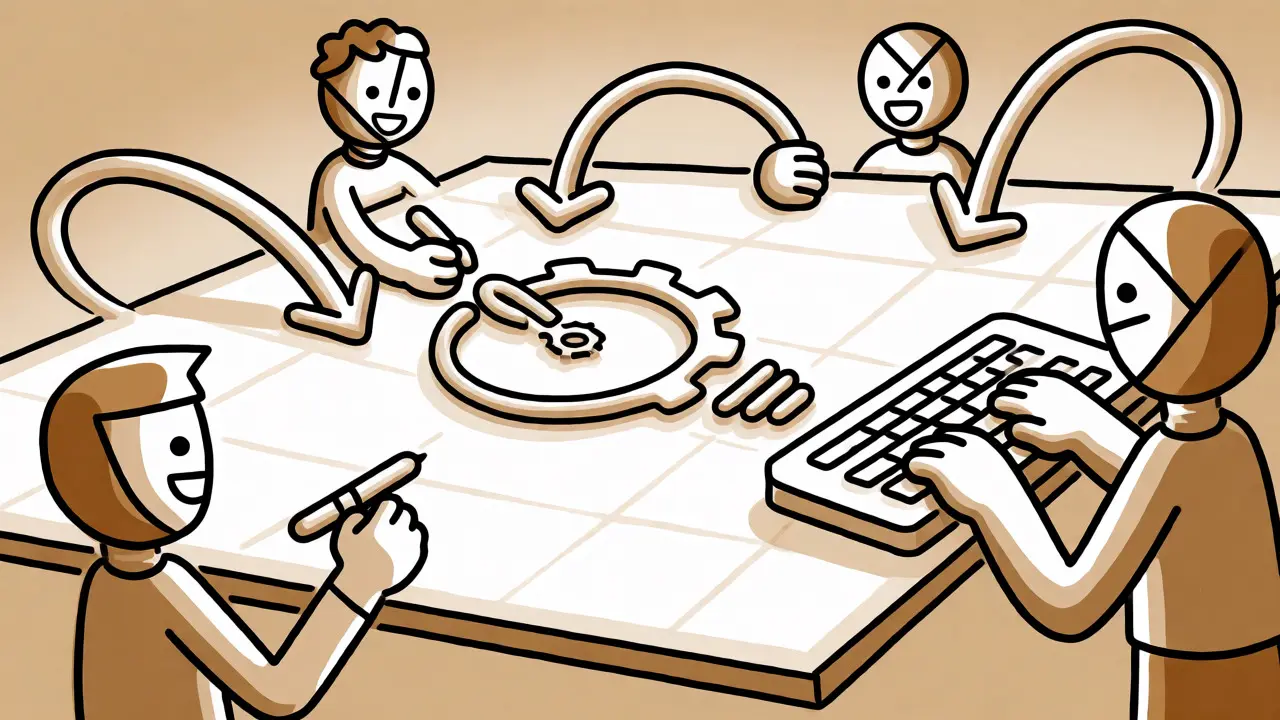
If whiteboarding is for messy ideation, co-authoring is for structured documentation. This feature allows multiple users to edit the same document simultaneously. No more "final_v2_edited_John.docx" hell.
In the Office 365 ecosystem, this works seamlessly. Open a Word doc in Teams, and everyone sees cursors moving in real time. Changes track via version control. If someone deletes a paragraph, you see who did it and when. This transparency builds trust. You know exactly who contributed what.
Google Workspace offers similar functionality through Google Docs and Jamboard. While Jamboard (the hardware) was discontinued, its software principles live on in Google Meet integrations. The key advantage here is simplicity. The interface is so intuitive that training requirements are minimal. For many teams, this ease of use outweighs the deeper enterprise controls found in Microsoft’s stack.
| Feature | Microsoft Teams | Zoom | Google Workspace |
|---|---|---|---|
| Whiteboard Persistence | Automatic (SharePoint) | Manual Save Required | Automatic (Drive) |
| Co-Authoring Depth | Native Office Integration | Zoom Docs (Newer) | Native Docs/Sheets |
| Template Library | Moderate | Extensive (Pre-built) | Limited |
| Best For | Enterprise Workflow | Quick Brainstorms | Simplicity & Speed |
Why Specialized Tools Still Matter
You might wonder: if Teams and Zoom have built-in boards, why do companies still pay for Miro or Mural? The answer lies in scale and specialization.
Built-in UC whiteboards are great for quick meetings. But for complex design sprints or large-scale strategic planning, specialized tools offer superior features. Miro, for example, supports thousands of objects on a single canvas without lagging. They also offer advanced voting mechanisms, timers, and integration with project management tools like Jira.
However, the trend is consolidation. Why switch apps when you can embed Miro directly into a Teams meeting? Modern UC platforms now support these third-party apps natively. You get the best of both worlds: the communication layer of Teams and the robust canvas of Miro. This hybrid approach is becoming the standard for high-performing remote teams.
Implementation Pitfalls and How to Avoid Them
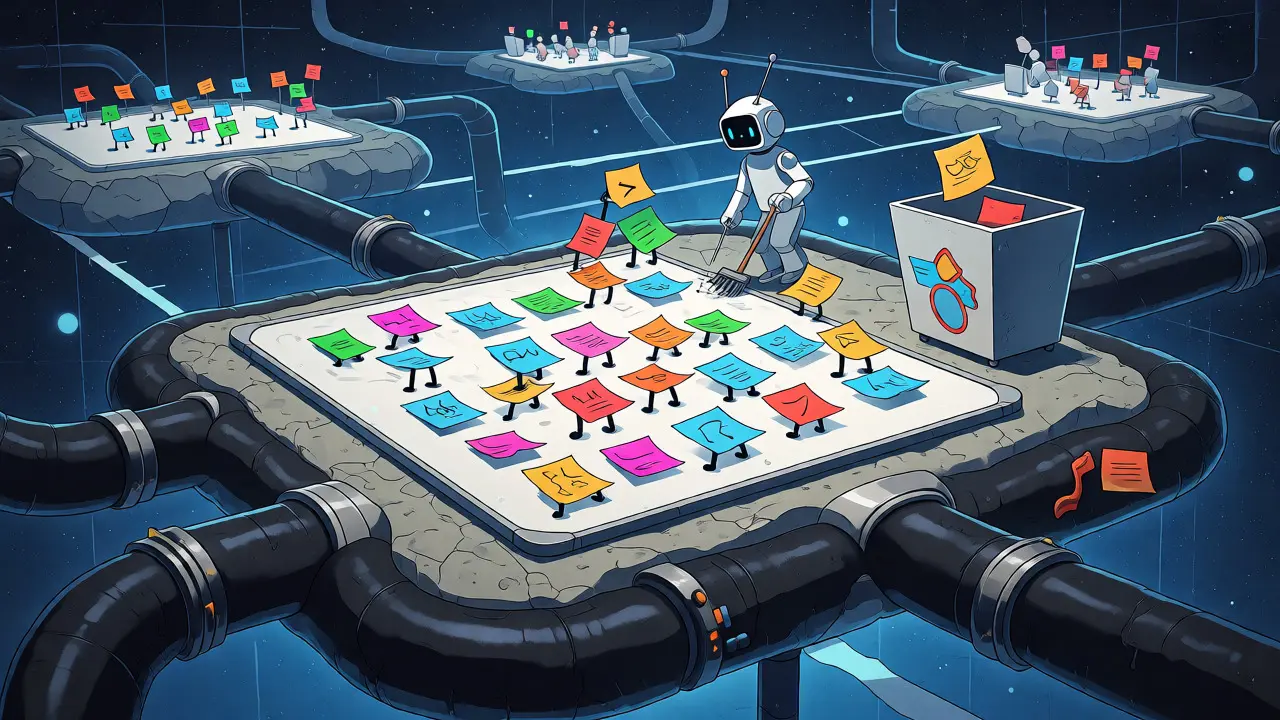
Adopting these tools sounds easy until you hit real-world issues. The biggest complaint? Synchronization errors. In heavy concurrent editing sessions, cursors can freeze or changes can vanish. TechValidate surveys indicate that 37% of recent complaints about Teams whiteboards involve sync problems.
Here is how to mitigate common issues:
- Manage Expectations: Teach users that "real-time" has latency. A 1-2 second delay is normal. Don’t panic if your cursor lags behind a colleague’s.
- Version Control Hygiene: Always name documents clearly before starting co-authoring. "Untitled Doc" causes chaos when five people try to save it at once.
- Facilitate Participation: Virtual whiteboards suffer from the "loudest voice" problem. Use anonymous voting features (available in Miro/Mural) to ensure quiet team members contribute equally.
- Check Permissions: Ensure everyone has edit access. Nothing kills momentum faster than realizing three attendees only had view-only rights.
The Future: Persistent Collaborative Spaces
We are moving away from "meetings" toward "persistent workspaces." Imagine joining a channel and seeing the last whiteboard session already populated with notes from yesterday. That’s the future analysts predict.
AI plays a huge role here. Soon, your whiteboard won’t just record strokes; it will organize them. AI can group similar sticky notes, summarize text boxes, and even generate action items from voice conversations overlaid on the canvas. Salesforce’s Quip and Slack Canvas hint at this direction-blending chat, docs, and visuals into a single living entity.
For businesses, the metric to watch isn’t just user count, but retention of collaborative artifacts. Are your teams actually using the saved boards, or are they deleting them after the call? Successful implementations treat these boards as knowledge bases, not temporary scratchpads.
What is the main difference between a whiteboard and co-authoring?
A whiteboard is an unstructured visual space for brainstorming, sketching, and organizing ideas loosely. Co-authoring refers to simultaneous editing of structured documents (like Word or Google Docs), where formatting and text flow are preserved. Whiteboards are for divergent thinking; co-authoring is for convergent execution.
Do I need extra licenses for Teams Whiteboard?
Generally, no. Microsoft Whiteboard is included in most Microsoft 365 business plans. However, advanced features or compliance archiving might require specific enterprise tiers. Check your specific contract details, but basic usage is usually bundled.
Why does my Zoom whiteboard disappear after the meeting?
Unlike Teams, Zoom whiteboards often require manual saving to persist beyond the active session. If you close the meeting without explicitly saving the board to your account, it may be discarded. Always check the "Save" option in the whiteboard menu before ending the call.
Can non-employees collaborate on these documents?
Yes, most platforms support guest access. In Teams, you can invite external guests to co-author files stored in SharePoint. In Zoom, you can share whiteboard links. Just be aware of security policies regarding external data sharing in your organization.
Which platform is better for education vs. corporate use?
Educators often prefer Zoom for its extensive template library tailored to classroom activities (icebreakers, lesson plans). Corporate environments tend to favor Microsoft Teams due to its deep integration with existing Office 365 workflows and robust compliance features required by enterprises.


Write a comment