

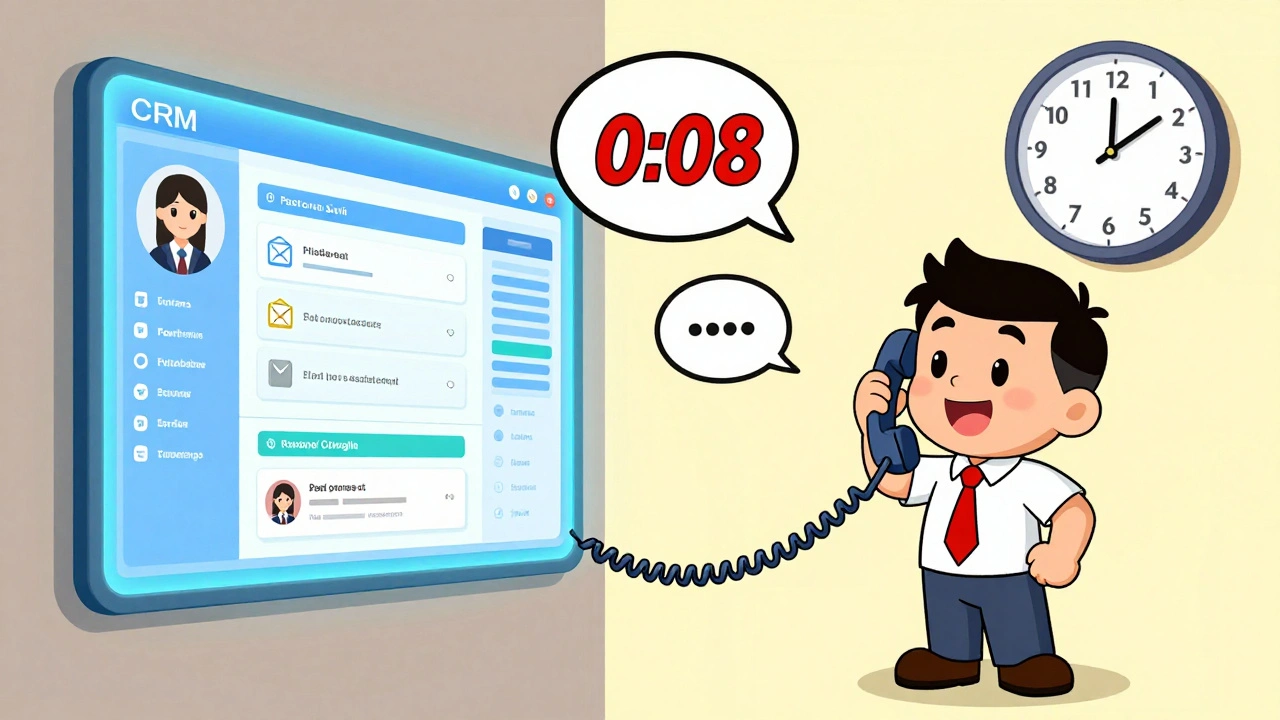

Imagine this: a customer calls your business. Before they even say their name, your screen pops up with their full history - past purchases, support tickets, even the last email they opened. You answer with their name, reference their last order, and offer a solution before they finish explaining the problem. That’s not magic. That’s VoIP CRM integration.
For small businesses, juggling phone calls, emails, and customer data is exhausting. Manual logging, switching between apps, and losing track of conversations eats up hours every week. VoIP systems that talk to your CRM fix that. They turn your phone into a smart sales and support tool - not just a way to make calls.
What Exactly Is VoIP CRM Integration?
Voice over Internet Protocol (VoIP) lets you make calls over the internet instead of traditional phone lines. CRM systems like Salesforce, HubSpot, or Copper store customer data - names, emails, purchase history, notes. Integration means these two systems connect automatically. When someone calls, their info shows up on your screen. When you hang up, the call logs itself with time, duration, and even a recording if you allow it.
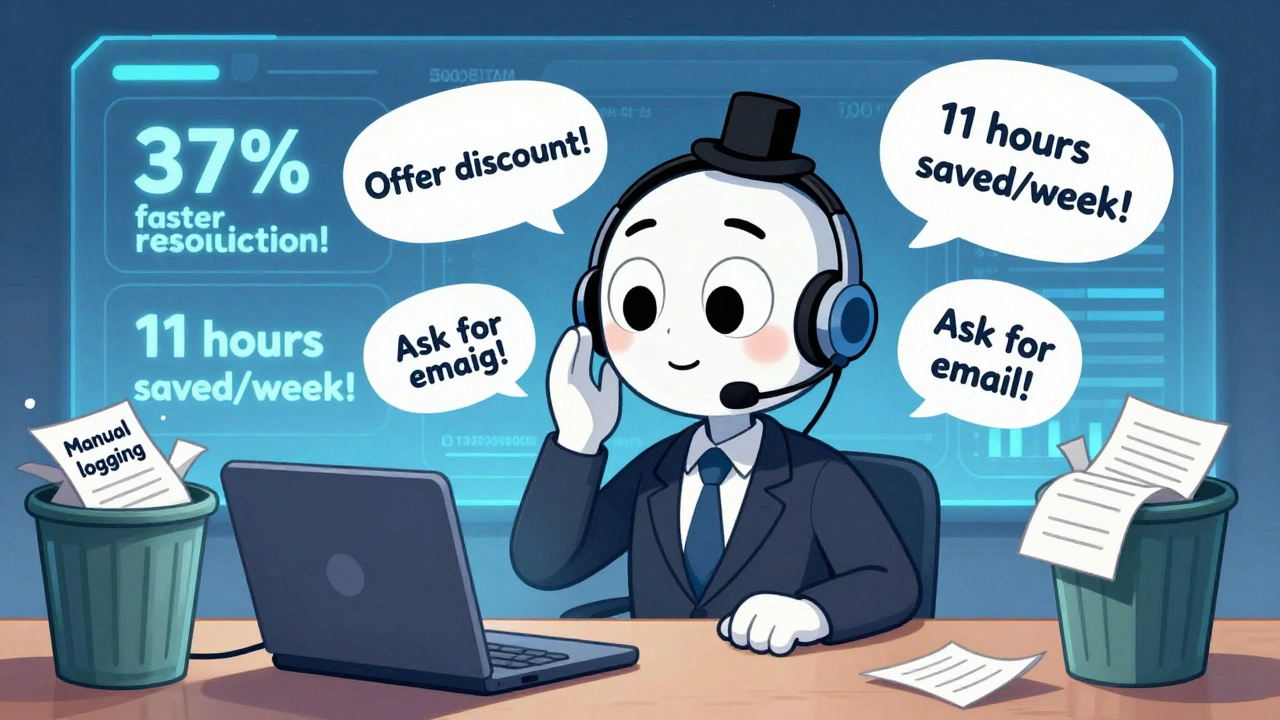
This isn’t a fancy add-on anymore. It’s the baseline for how small businesses operate in 2025. According to NUACOM’s 2025 report, 64% of small businesses using VoIP now integrate it with their CRM. Why? Because it cuts out the busywork. Sales reps used to spend 2.1 hours a day typing call notes. After integration, that drops to under 10 minutes. That’s 11 hours a week saved per rep - time you can spend closing deals or helping customers.
How It Actually Works: The Real Features That Matter
Let’s break down what this integration does in practice:
- Screen popping: When a customer calls, their full profile appears on your screen - no searching, no guessing.
- One-click dialing: Click a name in your CRM and the phone dials automatically. No more typing numbers or hunting for contacts.
- Automatic call logging: Every call is recorded in the right customer’s file with a timestamp. No more forgetting to log calls.
- SMS and voicemail sync: Texts and voicemails show up in the same timeline as calls. All communication in one place.
- Warm transfers: Transfer a call to a colleague and their screen loads the customer’s history instantly. No “so, what’s this about?”
- Real-time dashboards: See how many calls each rep handled, average talk time, and how many calls turned into sales - all live.
These aren’t theoretical perks. CloudCall’s 2022 study of 15,000 customer service interactions showed that integrated systems resolved calls 37% faster. Why? Because reps didn’t waste time digging for info. They knew exactly what the customer needed before they even spoke.
Cost Savings: More Than Just Lower Bills
Some people think VoIP is just cheaper than landlines. It is - but the real savings come from integration.
Separate VoIP and CRM services cost about $65 per user per month on average. Integrated platforms like RingCentral with Salesforce or Nextiva with HubSpot cost around $45. That’s a 35% drop in monthly fees. But the bigger win? Time.
Saltech Systems’ 2025 analysis found that businesses saved an average of 11 hours per week per sales rep after switching. Multiply that by a team of five: 55 hours saved every week. That’s over two full workweeks a month. You can’t buy that kind of efficiency with software alone.
And scalability? Huge. Adding a new user to a cloud-based VoIP-CRM system takes 15 minutes. On a traditional PBX system? Three to five business days - and you need a technician to wire it up.

Who Benefits the Most?
Not every business needs this. But if any of these sound like you, you’re a perfect fit:
- Sales teams: You follow up on leads fast. Integrated VoIP lets you call prospects right from your CRM. Copper CRM’s case study showed a 32% increase in conversion rates because reps responded within minutes, not hours.
- Customer service: You handle complaints, returns, and questions. With screen popping and full history, you solve issues faster. First-call resolution jumped 22% in CloudCall’s study.
- Remote or hybrid teams: Your team works from different cities or even countries. Integrated VoIP keeps everyone on the same page. No more missed notes or duplicated efforts.
- Service-based businesses: Plumbers, consultants, cleaners - if you visit clients and need to track appointments, calls, and notes, this cuts your admin time in half.
On the flip side, businesses with very simple needs - like a single owner answering calls on a cell phone - might not see enough value to justify the setup. But if you have more than three people handling customer calls, the ROI is clear.
Implementation: What to Expect
You’re not installing a new server. You’re connecting two cloud tools. Here’s how it usually goes:
- Assess: Spend a day or two mapping your workflows. What calls do you get? What data matters? Which fields in your CRM need to sync?
- Configure: This takes 3 to 10 days. You’ll match your CRM fields to the VoIP system - like linking “Last Contacted” in HubSpot to the call log in Zoom Phone. If your CRM has custom fields, you might need Zapier to bridge the gap.
- Test: Run 50 to 100 test calls. Check if screen popping works. See if calls log correctly. Make sure SMS shows up.
- Roll out: Start with your sales team. They adapt fastest. Then bring in support. Train each person for 8 to 12 hours total. Most teams are comfortable in 3 to 7 days.
Bitrix24’s 2025 survey found that 79% of small businesses did this without hiring an outside consultant. You just need someone who knows your CRM well. No coding required.
Potential Pitfalls - And How to Avoid Them
It’s not all smooth sailing. Here are the common problems - and how to fix them:
- Data sync delays: Sometimes, a call log takes 5 to 15 seconds to appear. That’s normal. It’s not a bug - it’s latency. Don’t panic. Wait a moment.
- Custom field mapping: If your CRM has weird fields (like “Lead Source - Referral Type”), the integration might not know where to put them. Use middleware like Zapier. It’s cheap, easy, and handles 68% of tricky cases.
- Permissions: Not everyone needs to see everything. Make sure your team’s access levels are set right. OnSIP’s data shows it takes about 2.3 hours on average to get permissions perfect.
- Security: API connections can be a risk. Make sure your VoIP provider uses encryption and follows GDPR or HIPAA rules if you’re in healthcare or the EU. 17% of IT managers worry about this - but it’s manageable with the right vendor.
- Legacy systems: If you’re still using an old on-premise PBX, you’ll need to upgrade. 89% of small businesses are already on cloud VoIP. If you’re not, now’s the time.
One user on Reddit, ‘TechLead2023,’ said integrating RingCentral with Salesforce cut their lead response time from 12 hours to 22 minutes. Sales jumped 19% in one quarter. That’s the kind of result you’re aiming for.
Top Platforms in 2025
Not all VoIP-CRM integrations are equal. Here’s what’s working for small businesses right now:
| VoIP Provider | Best For | CRM Compatibility | Key Feature |
|---|---|---|---|
| RingCentral | Teams needing full suite | Salesforce, HubSpot, Copper, Zoho | Native AI call summaries |
| Zoom Phone | Already using Zoom | Salesforce, HubSpot, Microsoft Dynamics | Seamless Zoom meeting + call sync |
| Nextiva | Customer service focus | Salesforce, HubSpot, Zoho | Best call analytics dashboard |
| Aircall | Sales-heavy teams | Salesforce, HubSpot, Pipedrive | One-click dialing from any device |
| CloudCall | Advanced reporting | Salesforce, HubSpot, Microsoft | Real-time call coaching |
RingCentral leads with 28% market share. Zoom Phone is growing fast because so many businesses already use Zoom. If you’re already on one platform, stick with it. Don’t overcomplicate things.
What’s Next? AI and Predictive Insights
The next wave isn’t just logging calls - it’s telling you what to do next.
In February 2025, Salesforce launched Einstein Call Coaching. It listens to every call and flags when reps miss key phrases - like not asking for the email address or not offering a discount. It gives real-time suggestions during the call. Microsoft did the same with Teams and Dynamics 365, linking every interaction into one timeline.
Gartner predicts that by 2026, 60% of VoIP-CRM systems will suggest next steps during calls - like “Offer this product based on their purchase history” or “Follow up in 3 days because they viewed your pricing page.”
This isn’t sci-fi. It’s already happening. And the businesses that adopt it early will outpace competitors still manually logging calls.
Is It Worth It? The Bottom Line
Let’s be blunt: if your business talks to customers more than 50 times a week, you’re losing money by not integrating.
83% of small businesses using integrated VoIP-CRM systems saw a return on investment within 90 days - mostly from saved time and higher sales. Customer retention jumped to 89% for integrated users versus 67% for those without.
The setup isn’t zero effort. The first two weeks can be messy. You’ll tweak fields, fix sync errors, and train your team. But after that? It runs on autopilot.
One user on r/smallbusiness, ‘StartupCTO,’ said the first two weeks were painful. But after stabilization, they recovered 11 hours per week per sales rep. That’s not just convenience - that’s growth.
VoIP CRM integration isn’t about having the fanciest phone system. It’s about making every customer interaction count. And in 2025, that’s not optional. It’s how winning businesses operate.
Do I need to buy new phones for VoIP CRM integration?
No. Most small businesses use softphones - apps on their computers or phones. You can use your existing headset, laptop speakers, or even your mobile phone. The VoIP service routes calls over your internet connection. You don’t need special hardware unless you want desk phones, which are optional.
Can I integrate VoIP with a free CRM like HubSpot Free?
Yes. HubSpot’s free plan includes basic VoIP integration with providers like Aircall and RingCentral. You’ll get screen popping, call logging, and one-click dialing. Advanced features like call recording or AI summaries require paid plans, but the core integration works on free tiers.
How secure is VoIP CRM integration?
Reputable providers use end-to-end encryption for calls and data. APIs are secured with OAuth and require authentication. However, the biggest risk isn’t hacking - it’s misconfiguration. Make sure only authorized users can access call logs and recordings. Enable two-factor authentication on both your CRM and VoIP accounts. Avoid using the same password for both systems.
What if my CRM doesn’t have a native integration with my VoIP provider?
You can use Zapier or Make (formerly Integromat) to connect almost any two apps. These tools act as middlemen - they watch for events in one system (like a new call) and trigger actions in another (like creating a note in your CRM). It’s not as seamless as native integration, but it’s reliable and works for 68% of small businesses with custom setups.
Will this work if my team is remote?
Yes - it’s actually better for remote teams. Everyone logs calls from their own device, but all data syncs to the same CRM. A rep in Texas and one in Florida see the same customer history. No more lost notes or duplicated follow-ups. As long as you have stable internet, location doesn’t matter.
How long does it take to see results?
You’ll notice immediate time savings - reps stop manually logging calls from day one. Sales teams often see higher conversion rates within 30 days. Full ROI, including reduced admin time and increased sales, typically hits in 60 to 90 days. Copper CRM’s data shows an average of 3.2 months to break even.








Aryan Jain
10 Dec 2025 at 18:41they're selling you a drug. this voip-crm stuff? it's surveillance with a smiley face. every call you make, every text, every click - it's all tracked, stored, sold, analyzed. they say 'efficiency' but what they really mean is control. you think you're saving time? you're just handing over your soul to the algorithm. next thing you know, your phone tells you what to say before you even pick it up. welcome to the future, buddy. it's not smart - it's scary.