

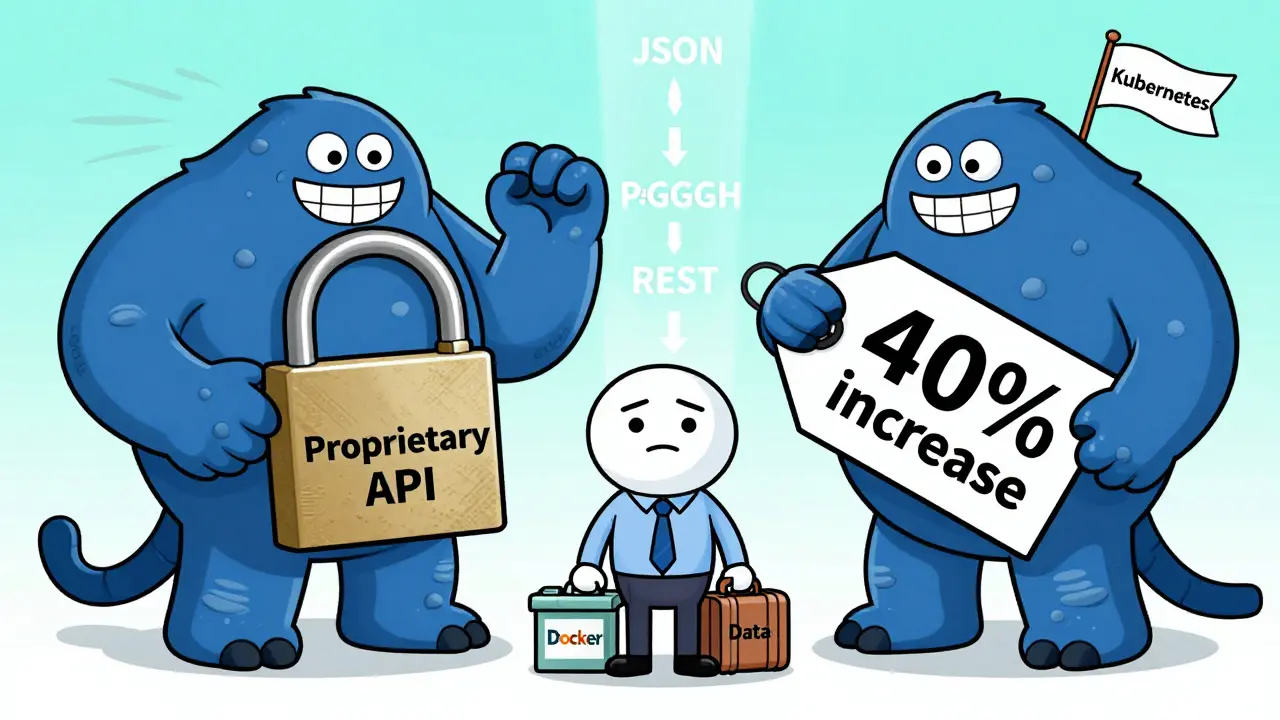

Have you ever felt stuck with a service you hate-because leaving would cost you weeks of work, thousands of dollars, or even your business continuity? That’s vendor lock-in, and it’s more common than you think. The fix isn’t just switching providers. It’s building portability into your tech from day one.
What Is Portability, Really?
Portability isn’t a buzzword. It’s a practical engineering goal: Can your software, data, or system run somewhere else without a complete rewrite? It’s not about whether two systems can talk to each other. It’s about whether you can move your whole setup to a new environment with minimal pain. There are three real-world types that matter:- Application portability - Can your app run on Windows, Linux, macOS, or a cloud platform without major changes?
- Source code portability - If you wrote your code in Python or Java instead of a proprietary scripting language, can you compile it on any system that supports the language?
- Data portability - Can you export your customer records, transaction logs, or configuration files and import them into another system without losing structure or meaning?
Companies that ignore this end up paying the price. One Midwest logistics firm switched cloud providers and spent six months just translating their custom API calls. They’d built everything on a single vendor’s proprietary messaging system. When the pricing jumped 40%, they had no choice but to pay-or shut down.
How Vendor Lock-In Sneaks Up on You
Vendor lock-in doesn’t happen overnight. It starts with convenience. Maybe your team picked a cloud provider because their dashboard was easy. Or you used their built-in database because it “just worked.” Maybe you trusted their one-click deployment or their managed AI tools. All of those are traps. Here’s how it unfolds:- You rely on a feature only one vendor offers-like their custom serverless function or encrypted storage layer.
- You build workflows around it. Your team learns how to use it. Your monitoring tools depend on it.
- When you try to move, you realize: every component is tied to their system. Rewriting it means rebuilding your entire stack.
According to a 2024 Gartner report, organizations that didn’t plan for portability spent 3.2x more on migrations than those who did. And 68% of those migrations took longer than expected-some by over a year.
It’s not just about money. It’s about control. If your provider has an outage, you’re powerless. If they change their API, you’re stuck. If they raise prices, you have no leverage.
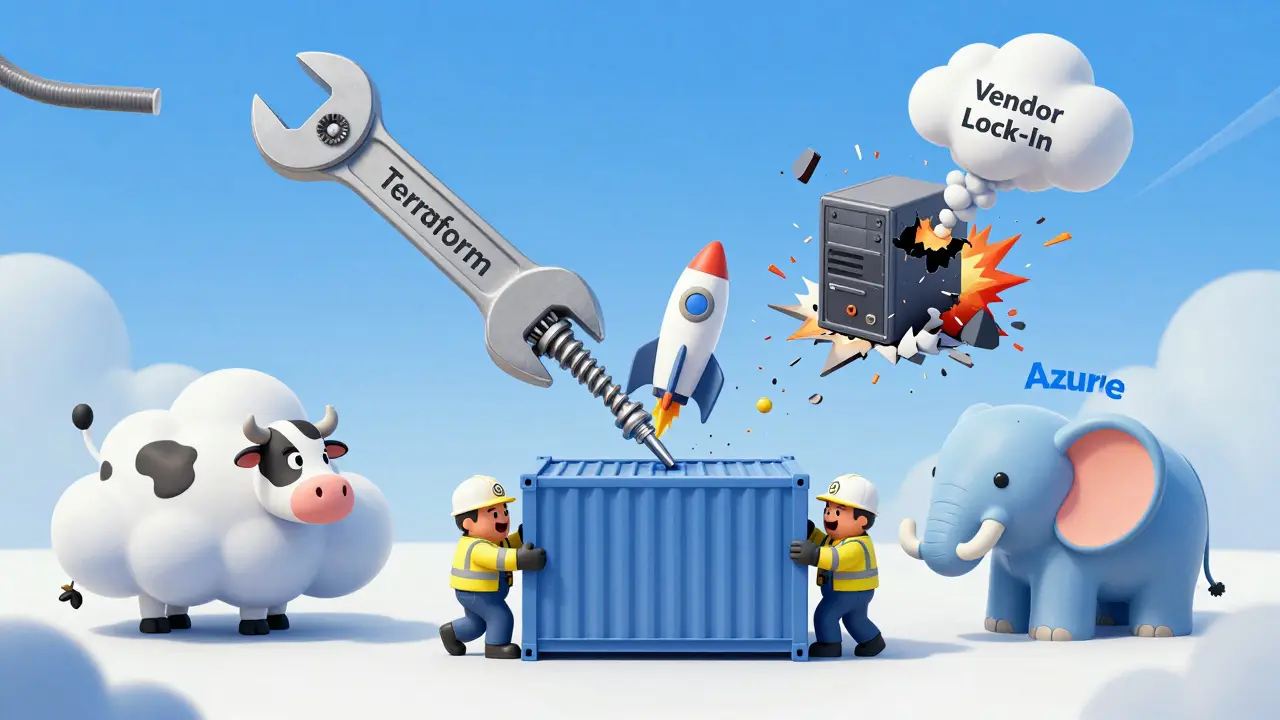
Three Strategies to Build Real Portability
1. Use Containers-Not Just for Show
Containers (like Docker) are the most effective tool for application portability. They package your app, its libraries, and its settings into a single unit that runs the same way everywhere.Instead of installing software on a server, you build a container image. That image runs on AWS, Google Cloud, Azure, or even your own on-premises server. No reconfiguration. No dependency conflicts.
Companies using containers report 70% faster migrations and 50% fewer environment-specific bugs. But here’s the catch: containers alone aren’t enough. You need to avoid vendor-specific container tools. Don’t use AWS Fargate or Google Cloud Run as your only deployment method. Use Kubernetes-a standard that works across providers.
2. Stick to Open Standards
Proprietary APIs are the silent killers of portability. If your app talks to a vendor’s custom database using a secret protocol, you’re locked in.Instead, use:
- PostgreSQL or MySQL for databases-not vendor-specific SQL flavors
- REST or GraphQL APIs-not proprietary messaging queues
- Standard file formats like JSON, CSV, or Parquet-not binary formats only their tools can read
One SaaS startup in Austin switched from a proprietary analytics engine to Apache Superset. They saved $220,000 in annual licensing fees and cut their data export time from 14 hours to 45 minutes. All because they used open standards.
3. Code Your Infrastructure
Manual setup is a recipe for lock-in. If someone configured your servers by clicking buttons in a web UI, you can’t replicate it. You can’t move it. You can’t even document it properly.Use Infrastructure-as-Code (IaC). Tools like Terraform or Pulumi let you write code that defines your entire environment-servers, networks, firewalls, databases.
When you need to move, you don’t click through menus. You run terraform apply on the new platform. The same code. Same structure. Same security rules. This isn’t just automation-it’s portability baked into your workflow.
Why Portability = Negotiation Power
Here’s the most overlooked benefit: portability gives you leverage.Think of it like this: if you can walk away from your provider tomorrow, they’ll treat you better. They’ll offer discounts. They’ll fix bugs faster. They’ll prioritize your requests.
One manufacturing company in Wisconsin switched from a single-cloud provider to a multi-cloud setup. Their old provider didn’t even know they were leaving-until they got a formal notice. The next week, the provider offered a 30% discount to keep them. They took it… and kept their multi-cloud setup.
Portability doesn’t mean you have to switch. It means you can switch. And that changes everything.
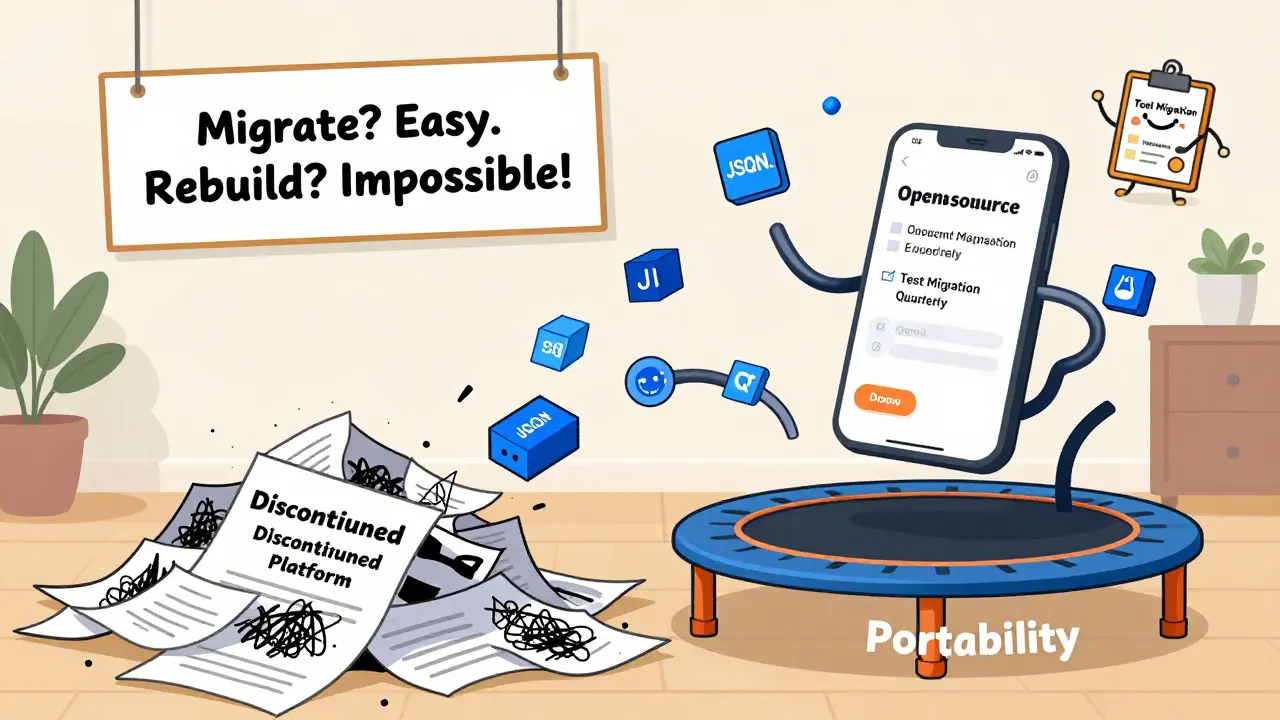
What Happens When You Ignore It
There’s a reason so many companies regret not planning ahead.A healthcare startup in Chicago built their entire patient portal on a vendor’s proprietary platform. It had great UI, quick setup, and 24/7 support. Two years later, the vendor was acquired. The new owner discontinued the platform. No migration path. No API access. No data export.
The company lost six months of patient records. They had to rebuild everything from scratch. Lost revenue? $1.8 million. Reputation damage? Unquantifiable.
This isn’t rare. It’s predictable.
Portability Isn’t a One-Time Project
You don’t build portability once. You maintain it.- Review your dependencies every six months. Are you still using that one-off plugin?
- Test migrations quarterly. Even if you don’t plan to move, try deploying your app on a different cloud. See what breaks.
- Train your team to ask: “Can this work somewhere else?” before they adopt any new tool.
Portability is a habit. It’s a mindset. It’s asking, “What if we had to leave tomorrow?” before you say yes to anything.
Is portability only important for big companies?
No. Small companies are actually more vulnerable. They have fewer resources to recover from a vendor’s sudden price hike or service shutdown. A startup with $50k in annual cloud spend can be crippled by a 50% increase. Portability isn’t about size-it’s about survival.
Can I still use a vendor’s premium features and stay portable?
You can, but you pay a price. If you use a proprietary AI tool from one cloud provider, you’re trading convenience for future cost. The trick is to isolate it. Build your core app on portable systems, and treat premium features as optional add-ons. That way, if you leave, you lose a feature-not your entire business.
Does using open-source software guarantee portability?
No. Just because software is open-source doesn’t mean it’s portable. Some open-source tools are designed to work only with specific environments. Always check: Does it rely on custom plugins? Does it use non-standard ports or protocols? Does it store data in a format only its own tools can read? Portability depends on design-not licensing.
How do I test if my system is truly portable?
Try this: Deploy your entire app stack on a different cloud provider-say, from AWS to Google Cloud. Don’t change anything except the deployment config. If it works without code changes, you’re doing well. If it breaks, you’ve found your lock-in points. Do this every quarter. Make it part of your DevOps checklist.
What’s the easiest way to start improving portability?
Start with data. Make sure all your critical data is stored in open formats: JSON, CSV, SQL dumps. Stop using vendor-specific export tools. Use standard APIs. Then, containerize your core applications. These two steps alone will cut your future migration risk by over 60%.









anoushka singh
15 Mar 2026 at 01:18I literally just switched my entire backend because of this. Used to be all on AWS because it was "so easy"... then they hiked prices and I had to rebuild everything in 3 weeks. Learned the hard way: containers + PostgreSQL + JSON exports = peace of mind. Now I sleep better. Seriously, start with data portability. It’s the easiest win.