

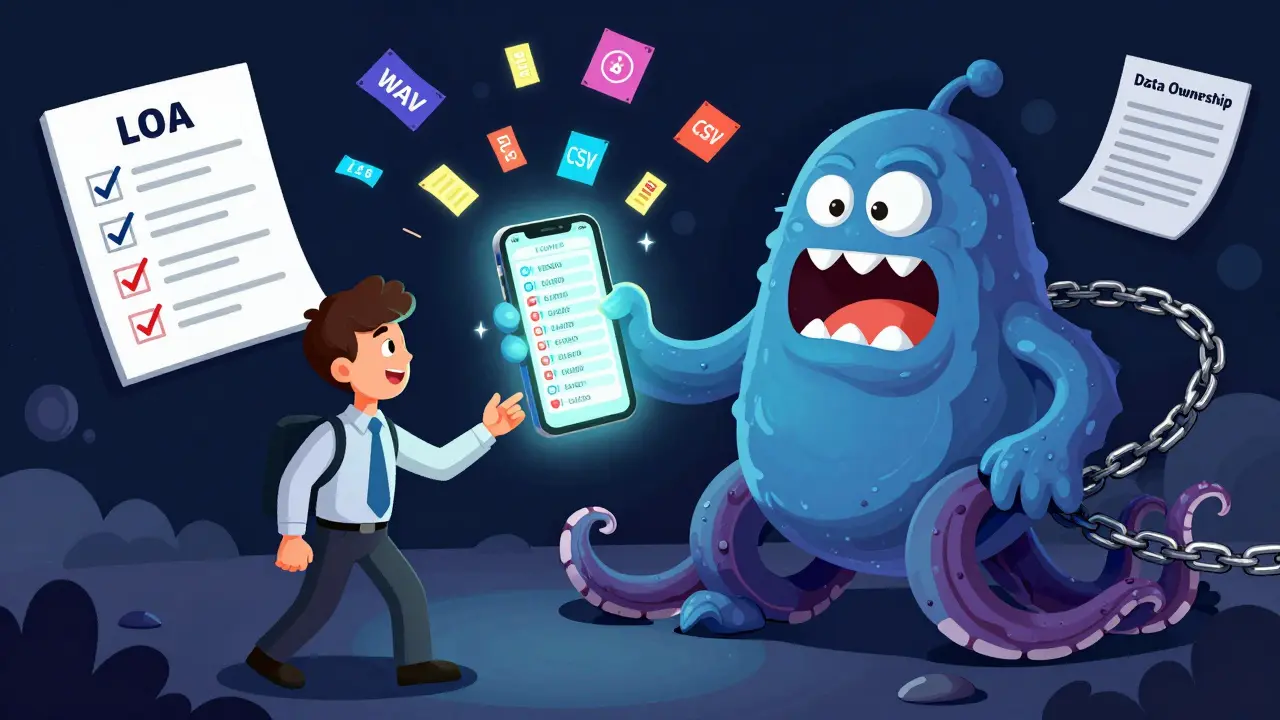

Switching cloud VoIP providers isn’t just about picking a cheaper plan. It’s about keeping your phone numbers, preserving call records, and avoiding weeks of downtime. Too many businesses think they can just cancel their old service and sign up with a new one - only to find out their main number is locked in, call logs are gone, and customers can’t reach them. This isn’t a technical glitch. It’s a failure to plan. If you’re thinking about leaving your current VoIP vendor, you need a clear, step-by-step exit strategy - starting with data export and number port-out.
Why You Can’t Just Cancel and Walk Away
Cloud VoIP providers don’t make it easy to leave. Unlike a streaming service, your phone number isn’t just a login - it’s your business identity. Customers call you because they know that number. If you lose it, you lose trust. And if your call records, voicemails, or analytics vanish during the switch, you’re not just inconvenienced - you’re at risk of compliance violations or lost revenue. Most providers bury exit terms in fine print. Some charge $500+ for data exports. Others delay number porting for 30 days. A few even make it impossible to export call recordings in usable formats. This isn’t accidental. It’s designed to trap you. The good news? You can break free - if you know how.Step 1: Audit What You Own
Before you even mention switching, list everything tied to your current provider:- Phone numbers: How many? Which are local, toll-free, or international?
- Call records: Are they stored as WAV, MP3, or proprietary formats? Can you download them in bulk?
- Voicemail: Can you export audio files or transcripts?
- Call logs: Do they include timestamps, caller IDs, duration, and call outcomes?
- IVR menus: Are they saved as editable XML or locked in a web interface?
- Integration data: CRM connections, call routing rules, auto-attendant scripts.
Step 2: Secure Your Phone Numbers
Your phone number is your most valuable asset. Porting it out is not automatic. It’s a legal process governed by the FCC in the U.S., Ofcom in the UK, and similar bodies worldwide. Here’s how it works:- Confirm eligibility: Numbers must be active, in good standing, and not under contract penalties.
- Get your Letter of Authorization (LOA): Your new provider will generate this. You sign it electronically - no fax needed.
- Provide the exact account number: Your current provider calls this your “Account Number” or “Service ID.” Don’t guess - find it in your billing portal.
- Don’t cancel early: Canceling before porting locks your number with the old provider. Wait until the new one confirms the port is complete.
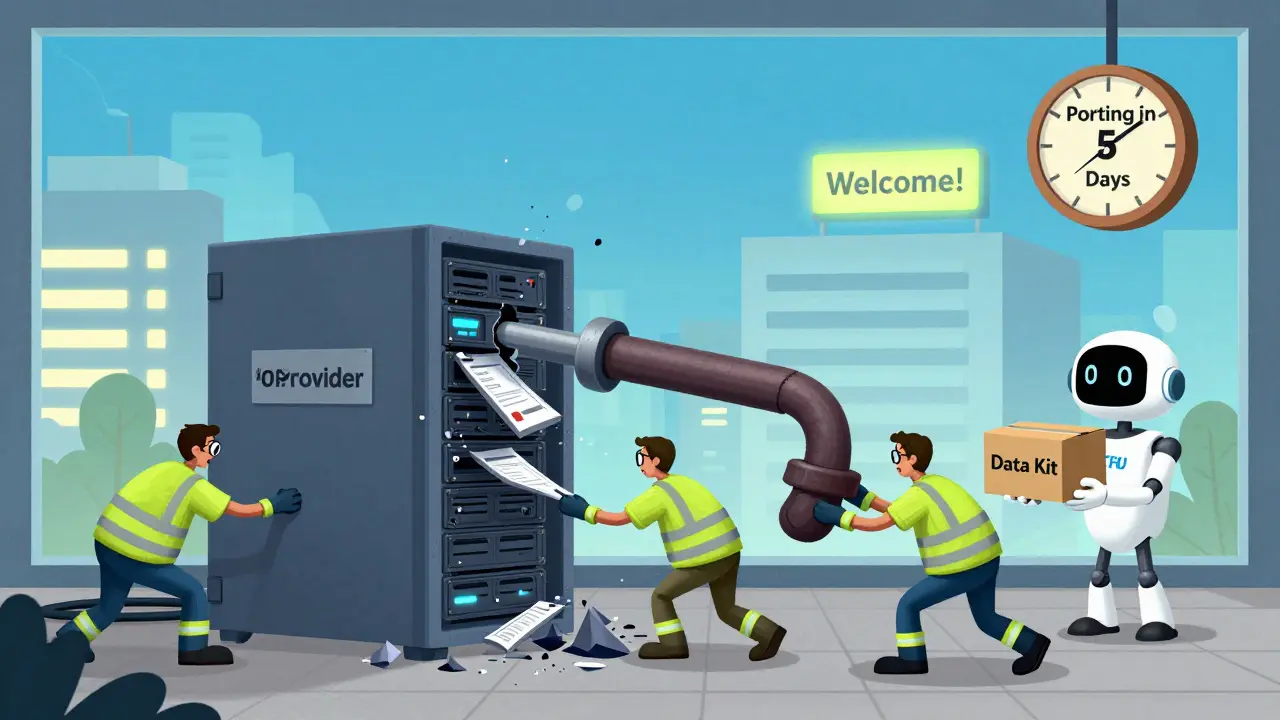
Step 3: Export Your Data
Most cloud VoIP systems store data in silos. You can’t just download a ZIP file. You need to extract each type manually. Call recordings: If your provider stores them as .wav or .mp3, you can usually bulk-download from the portal. If they use a proprietary format (.voc, .cvs, etc.), you may need to request a conversion tool. Some vendors offer CSV exports of metadata (caller, time, duration) but not the audio. If audio matters for compliance, push for it now. Call logs: Look for a “Reports” or “Export Logs” section. Choose CSV or Excel. Include: date, time, caller ID, destination, duration, call status (answered, missed, voicemail). This data is critical for audits and dispute resolution. Voicemails: Most systems let you download voicemails as audio files. If not, use a screen recorder to capture playback - not ideal, but better than losing them. IVR and routing rules: These are the hardest. If your provider doesn’t offer export, document them. Take screenshots. Write down menu paths. Note which extensions trigger which actions. You’ll need this to rebuild your system on the new platform. CRM integrations: If you use Salesforce, HubSpot, or Microsoft Dynamics, export your call tagging rules, call logging fields, and contact sync settings. Your new provider may support the same integration - but you’ll need the setup details.Step 4: Choose a New Provider That Lets You Leave
Not all VoIP vendors are equal. Some treat data portability as a feature. Others treat it as a bug. Ask potential providers:- “Can I export all my data in open formats (CSV, WAV, XML) without extra fees?”
- “Do you support number porting from any U.S. or international carrier?”
- “What’s your average porting time?”
- “Do you offer a migration toolkit or support team for switching?”
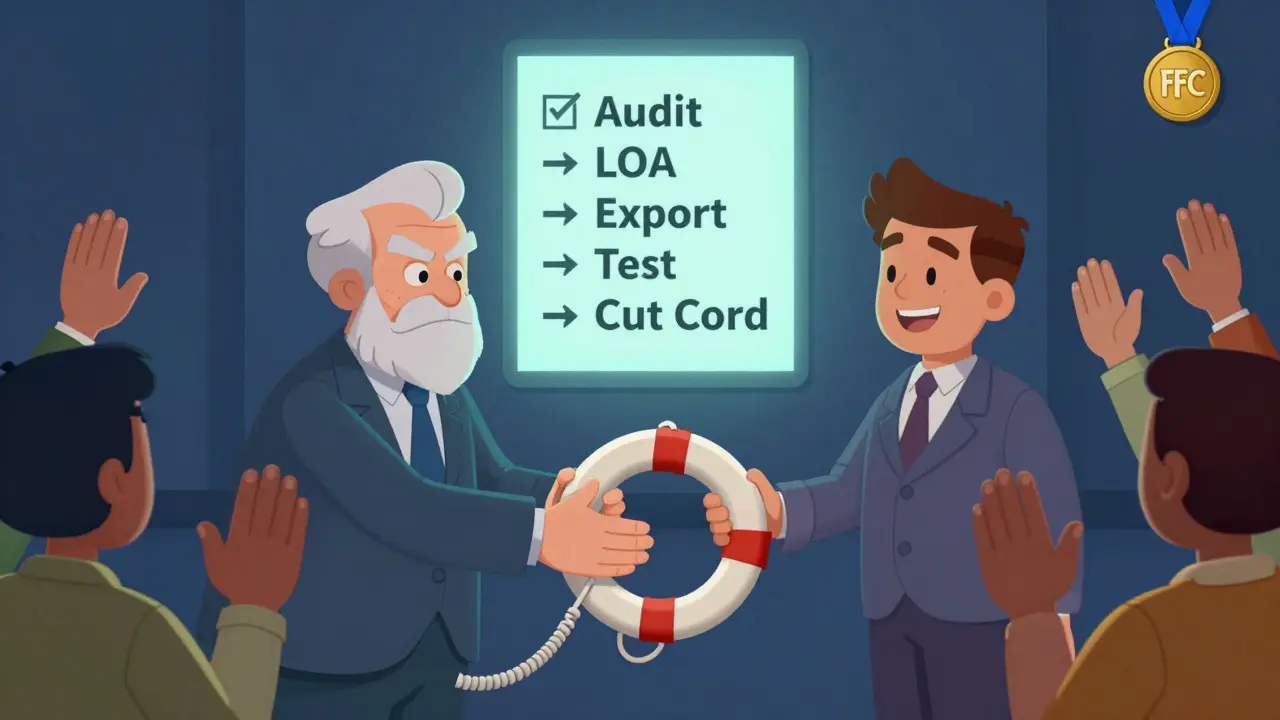
Step 5: Test Before You Cut the Cord
Don’t shut off your old system until your new one is fully live. Set up a parallel environment:- Route incoming calls to both systems during off-hours.
- Test outbound calls from the new system - especially to emergency services (911) and international numbers.
- Verify voicemail-to-email and SMS notifications work.
- Check that your CRM logs calls correctly.
What Happens If You Don’t Plan?
I’ve seen companies lose their main number for 17 days because they didn’t submit the LOA correctly. Another lost 3 years of call recordings because their provider only kept them for 90 days. One business got fined $12,000 by the FCC because they couldn’t produce call logs from a customer complaint - all because their old provider didn’t export them. This isn’t hypothetical. It’s routine. The average business spends $1,800 per month on VoIP. If you’re locked in, you’re paying more than you should - and risking your reputation.Final Checklist: Your Exit Strategy in 5 Moves
- ✅ Audit all data: numbers, recordings, logs, rules.
- ✅ Confirm ownership rights in your contract.
- ✅ Get your LOA from your new provider.
- ✅ Export all data in open formats before cancellation.
- ✅ Test the new system fully before shutting down the old one.
Can I port my phone number to any VoIP provider?
Yes - as long as the number is active, not under contract penalties, and your new provider supports the same number type (local, toll-free, international). Most U.S. providers can port numbers from any carrier, including other VoIP services. International numbers vary by country, but major providers like Vonage and 8x8 support porting from over 50 countries. Always confirm with your new provider before starting.
How long does number porting take?
In the U.S., FCC rules require porting to complete within 1 business day for single numbers and up to 10 business days for multiple numbers. In practice, most ports finish in 3-7 days. Complex cases - like large number pools, international numbers, or numbers with special features (call forwarding, voicemail-to-email) - can take up to 4 weeks. Always plan for at least 2 weeks.
What if my old provider refuses to release my data?
If your contract states you own your data and they refuse to release it, you have legal recourse. Under FCC rules and U.S. consumer protection laws, customers have the right to access and transfer their communication data. Send a formal written request citing your rights under the Telecommunications Act. If they still refuse, file a complaint with the FCC or your state’s attorney general. Most providers release data after a single formal notice - they don’t want the legal risk.
Do I need to export call recordings?
If you’re in a regulated industry - finance, healthcare, legal - yes. Federal and state laws often require call recording retention for 5-7 years. Even if you’re not regulated, recordings are your proof of customer service, sales conversations, and dispute resolution. If you don’t export them, you lose them forever. Most providers delete recordings 30-90 days after cancellation. Don’t wait.
Can I keep my toll-free number when switching?
Absolutely. Toll-free numbers (like 800, 888, 877) are portable just like local numbers. The process is the same: get your LOA, provide your account number, and wait for the port. The only catch? Some providers charge $50-$150 to port toll-free numbers. Always ask about fees upfront. There’s no reason to pay - many providers offer free porting as part of their onboarding.
What happens to my emergency 911 service during the switch?
Your 911 service will pause temporarily during porting. Your new provider must register your physical address with the emergency system before activation. Never assume your old provider’s 911 settings transfer. Update your location in the new system immediately after porting. Test 911 with a non-emergency call (dial 911 and say “test”) to confirm location accuracy. If you’re in a multi-location business, update each site’s address separately.








Sarah Meadows
5 Mar 2026 at 03:39Let’s cut through the corporate fluff-this isn’t about ‘exit strategies,’ it’s about corporate lock-in disguised as cloud services. Your VoIP provider owns your number because they want to. They bury the porting terms in 12-point font because they know 90% of SMBs won’t read the EULA. The FCC doesn’t protect you-it enforces compliance for the vendors, not the customers. If you think your ‘data ownership’ clause means anything, you’re delusional. Exporting call logs? Good luck. Most systems spit out CSVs with half the fields missing. Voicemail audio? Converted to .voc files that only their proprietary software can open. And don’t get me started on IVR menus-those are XML black boxes locked behind API keys you don’t have access to. This isn’t a glitch. It’s a business model. You’re not a customer-you’re a revenue stream with a phone number attached.
They want you to think this is technical. It’s not. It’s predatory. The only way out? Port before signing. Demand open formats in the contract. If they balk, walk. No exceptions. RingCentral? Fine. Vonage? Acceptable. The rest? Fraudulent gatekeepers.
And if you’re in healthcare or finance? You’re already in violation if you haven’t archived recordings in open formats. The audit doesn’t care if you ‘didn’t know.’ You’re liable. Period.