



Imagine you are in the middle of a critical client call. The lights flicker, then die. Your desk lamp goes dark, your monitor blacks out, but your phone? It stays lit. You keep talking. That silence from the other end isn't because they hung up; it's because their VoIP system lost its internet connection or power, while yours held steady thanks to a properly sized Uninterruptible Power Supply (UPS).
Most businesses treat VoIP phones like regular desk phones, assuming they will just work. They won't. Traditional analog phones draw power directly from the telephone line. VoIP phones are computers. They need electricity from the wall or Power over Ethernet (PoE). If the grid fails, so does your voice service unless you have a plan. This guide breaks down exactly how to calculate that plan, ensuring your team stays connected when the city goes dark.
The Math Behind the Minutes
Calculating how long your battery lasts isn't magic; it's arithmetic. But there is a catch. Manufacturers often quote theoretical maximums that rarely happen in the real world. To get a realistic number, you need to understand the relationship between capacity and load.
The basic formula looks like this:
- Battery Capacity (Wh): Ampere-hours (Ah) × Voltage (V).
- Total Load (W): Sum of all connected devices (phones, switches, routers).
- Runtime (Hours): Battery Capacity ÷ Total Load.
However, this ignores efficiency losses. Inverters inside the UPS generate heat. Batteries aren't 100% efficient at discharging. Most importantly, protection circuits cut off power before the battery hits zero to prevent damage. Typically, a UPS stops working when the battery reaches 10-35% remaining charge. So, if your math says you have 60 minutes, you might realistically only get 40-50 minutes.
Let's look at a concrete example. Suppose you have a small office with five VoIP phones, one PoE switch, and a router. Each phone draws about 5 watts. The switch draws 20 watts. The router draws 10 watts. Your total load is 55 watts. If you use a standard 1500VA UPS with an internal battery rated at 12V and 9Ah, the theoretical capacity is 108 watt-hours (12V × 9Ah). Dividing 108 by 55 gives you roughly 1.9 hours. Apply a 20% efficiency loss and the protection circuit cutoff, and you are looking at closer to 1 hour and 15 minutes of actual usable time. That’s enough to finish calls and shut down gracefully, but not enough to ride out a multi-hour storm.
Three Scenarios for Outage Planning
You don't need a massive industrial generator for every situation. Your strategy depends on how long you expect to be offline and what infrastructure supports you. There are three common approaches used by IT managers.
Scenario 1: The Graceful Shutdown (10-15 Minutes)
This is the most common setup for small offices without generators. The goal here isn't to keep working through the outage. It is to prevent data corruption and allow users to save work. A small desktop UPS provides enough juice to let employees save files, close applications, and safely power down their computers. For VoIP specifically, this ensures active calls can wrap up rather than dropping abruptly. If the power doesn't come back in 15 minutes, you accept the downtime.
Scenario 2: The Bridge to Generator (30-60 Seconds)
If your building has a standby generator, the UPS serves as a bridge. Generators take time to start, warm up, and stabilize voltage-usually 30 to 60 seconds. During that gap, the UPS keeps the VoIP system alive. Once the generator kicks in, the UPS switches to pass-through mode, charging itself while powering the load. Here, you don't need massive battery capacity. You just need enough to cover the startup delay. A standard rack-mount UPS is usually sufficient.
Scenario 3: Extended Independence (2+ Hours)
This is for remote sites, home offices, or businesses where losing communication means losing revenue. Maybe you operate in an area with frequent, long outages. Or maybe you simply cannot afford any downtime. This requires larger battery packs or external battery modules. You might need to prioritize which devices stay on. Do you really need the breakroom TV running? Probably not. Keep the VoIP phones, the main switch, and the internet modem on battery. Turn everything else off.
Sizing Your Equipment Correctly
A frequent mistake is buying a UPS based solely on VA rating without checking the actual wattage output. A "1000VA" unit might only support 600 watts of continuous load. Always check the spec sheet for the "Maximum Load" in watts.
Another critical factor is Power over Ethernet (PoE). Modern network switches deliver power to phones through the same cable that carries data. If your switch loses power, your phones go dead instantly, even if the UPS is still running. Therefore, the UPS must protect the switch, not just the router. Many people plug their router into the UPS but leave the switch plugged into the wall. That defeats the purpose.
Consider adding a margin of safety. If your calculated load is 100 watts, buy a UPS rated for at least 130-150 watts. This prevents the UPS from operating near its limit, which reduces stress on the components and extends battery life. It also accounts for future expansion. Adding two more phones later shouldn't require replacing your entire power backup system.
Expanding Runtime with External Batteries
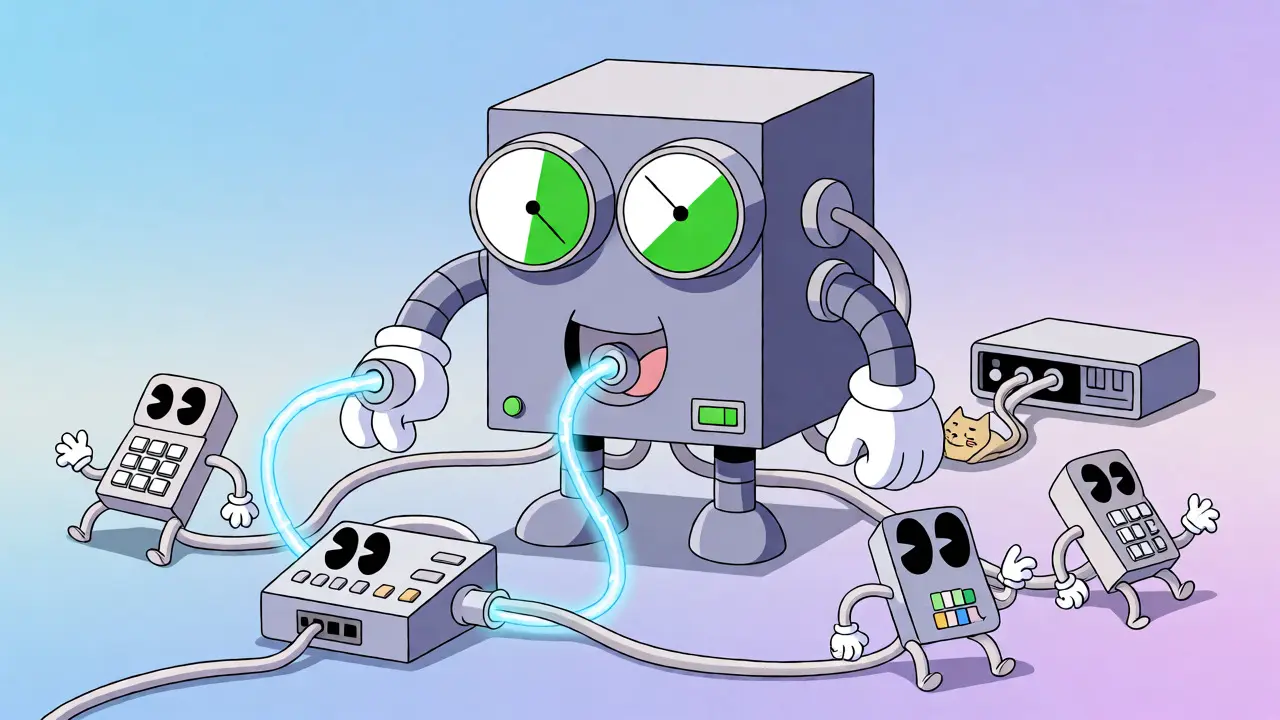
What if your base UPS isn't enough? You don't necessarily need to throw it away. Most enterprise-grade UPS units support external battery packs. These are essentially additional batteries that snap onto or connect via cables to the main unit. They increase runtime without increasing the UPS's maximum power capacity.
Think of it like a fuel tank. The engine size (UPS capacity) determines how much power it can deliver at once. The fuel tank size (battery pack) determines how long it can run. If you have a small engine but a huge tank, you can run for a long time at low speed. If you try to run fast (high load), you burn through that big tank quickly anyway.
For example, a standard APC Smart-UPS might give you 30 minutes at 50% load. Add one external battery module, and that jumps to 60 minutes. Add another, and you hit 90 minutes. This modularity allows you to scale costs over time. Start with the base unit. If outages last longer than expected, buy a battery pack next quarter. Just ensure the UPS model you choose supports external expansions before you buy it.
| Configuration | Approx. Load | Theoretical Runtime | Realistic Runtime |
|---|---|---|---|
| Basic Desktop UPS (Internal Battery) | 55 Watts | 1.9 Hours | ~1 Hour 15 Mins |
| Rack-Mount UPS (1U) | 55 Watts | 3.5 Hours | ~2 Hours 30 Mins |
| Rack-Mount + 1 Ext. Battery Pack | 55 Watts | 7.0 Hours | ~5 Hours |
| Rack-Mount + 2 Ext. Battery Packs | 55 Watts | 10.5 Hours | ~7 Hours |
Don't Forget the Internet Connection
Your VoIP system is useless if your internet goes down. Most VoIP services rely on broadband connections via cable, fiber, or DSL. The modem or Optical Network Terminal (ONT) provided by your ISP also needs power. If you forget to plug the modem into the UPS, your phones will register "No Service" immediately after the outage starts, even if the phones themselves have power.
Check the power consumption of your modem. Some high-speed fiber ONTs draw significant power. Include this in your total load calculation. Also, consider that some ISPs use separate power supplies for their equipment. Ensure all critical nodes in the chain-from the wall jack to the modem, to the router, to the switch, to the phone-are protected.
Wireless access points (WAPs) are another sneaky power drain. If your staff uses Wi-Fi calling or mobile apps connected to the corporate network, those APs need power too. If you want full mobility during an outage, add them to the list. If you prefer to conserve battery, instruct staff to use wired handsets during emergencies.
Testing and Maintenance
A UPS is like a fire extinguisher: it sits there quietly until you desperately need it. If you haven't tested it, you don't know if it works. Batteries degrade over time. Lead-acid batteries, the most common type in UPS units, typically last 3 to 5 years. Temperature matters too. Keeping a UPS in a hot server room shortens battery life significantly.
Run a self-test quarterly. Most modern UPS units have a built-in diagnostic button. Unplug the UPS from the wall during off-hours to simulate an outage. Watch the runtime indicator. Does it drop faster than expected? Is the fan running loudly? These are signs the battery is failing.
Keep a log. Note the date of installation and the date of replacement. When you replace batteries, dispose of the old ones properly. Lead-acid batteries contain hazardous materials. Many retailers offer recycling programs. Don't just toss them in the trash.
Common Pitfalls to Avoid
First, avoid plugging laser printers into your UPS. Laser printers draw huge spikes of current when the fuser heats up. This can overload a UPS designed for sensitive electronics, causing it to trip and shut down unexpectedly. Plug printers into the wall directly.
Second, don't ignore the power factor. Some cheap UPS units struggle with non-linear loads, which are common in modern switching power supplies found in routers and phones. Look for units labeled as "pure sine wave" if you have sensitive VoIP hardware. Modified sine wave units are cheaper but can cause humming in speakers or erratic behavior in some electronic devices.
Third, remember that USB ports on a UPS often do not provide battery backup power. If you charge your mobile device via USB on the UPS, it might stop charging during an outage. Check the manual. Usually, only the IEC outlets are backed up.
Frequently Asked Questions
Do VoIP phones need special batteries?
No, VoIP phones do not have internal batteries. They rely entirely on external power sources, either from a wall adapter or via Power over Ethernet (PoE) from a network switch. Therefore, the battery backup comes from the UPS protecting the switch and router, not the phone itself.
How many watts does a typical VoIP phone use?
A standard IP phone consumes between 4 and 10 watts depending on features like color screens, Bluetooth, or HD audio. High-end conference phones may draw up to 15 watts. When calculating total load, assume 5-8 watts per phone to be safe.
Can I use a car battery for my VoIP UPS?
Technically yes, with an inverter, but it is not recommended for standard office setups. Car batteries are designed for high-current bursts, not deep cycling. UPS systems use sealed lead-acid or lithium-ion batteries optimized for steady discharge. Using a car battery requires complex wiring and safety measures that standard rack-mounted solutions avoid.
What happens if my UPS runs out of battery during a call?
The call will drop immediately. Unlike traditional landlines, VoIP requires active data transmission. Once power cuts to the modem or router, the connection to the VoIP provider is severed. There is no fallback mechanism unless you have redundant internet paths or cellular failover devices.
Is it worth buying a UPS with a network management card?
For businesses with more than 10 users, yes. A network card allows you to monitor battery status remotely via web interface. You can receive email alerts when the battery is low or if the utility power fails. This helps IT teams respond proactively rather than discovering the outage after the fact.







Write a comment