



Imagine you're on a critical business call, and suddenly you realize you can't hear the other person, but they can hear you. Or worse, the call just drops the second you hit "dial." In the world of Voice over Internet Protocol, this is often the result of a codec mismatch. It's a frustrating technical wall where two devices simply don't speak the same digital language. When the sender uses one compression standard and the receiver doesn't support it, the call fails. But it doesn't have to be that way. Implementing a smart VoIP codec fallback strategy ensures that even when devices aren't perfectly compatible, the conversation still happens.
What Exactly is a Codec Mismatch?
To understand the fix, we have to understand the problem. A Codec is a software or hardware algorithm that compresses uncompressed audio signals into a digital format for transmission over a network. Also known as a coder-decoder, it balances audio quality against bandwidth usage. When two VoIP endpoints-like a desk phone and a mobile app-try to connect, they go through a "negotiation" phase via the SIP (Session Initiation Protocol) to agree on which codec to use.
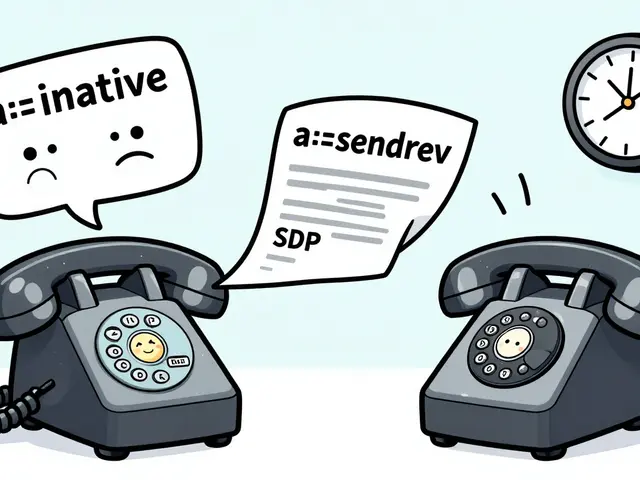
A mismatch occurs when there is no common ground. If Phone A only supports G.711 and Phone B only supports G.729, they have no shared language. This leads to several common failure scenarios:
- One-way audio: One side encodes the voice, but the other side can't decode it, leading to silence.
- Call Drops: The system realizes there's no compatible codec and terminates the connection immediately.
- Severe Distortion: The system attempts to force a connection, resulting in robotic or choppy audio that makes communication impossible.
The Primary Solution: Multi-Codec Transcoding
When a direct match is impossible, the network needs a translator. This is where Transcoding is the process of converting an audio stream from one codec format to another in real-time. Instead of the call failing, a middleman-usually a server or a specialized gateway-intercepts the audio, decodes it from the sender's format, and re-encodes it into the receiver's format.
While transcoding is a lifesaver, it isn't free. It requires significant CPU power from your server because it has to process every single packet of audio on the fly. Furthermore, some codecs, like G.729, are proprietary. This means you may need to pay for specific licenses to allow your system to transcode them legally. Without these licenses, your system might simply refuse to perform the translation, leaving you back at square one with a dropped call.
| Codec | Bandwidth Use | Audio Quality | Best For... |
|---|---|---|---|
| G.711 (PCMU/PCMA) | High (64 kbps) | High (Toll Quality) | High-speed LANs, legacy systems |
| G.729 | Low (8 kbps) | Moderate | Low-bandwidth WANs, satellite links |
| Opus | Variable | Very High (HD Voice) | Modern apps, unstable internet |
| GSM 6.10 | Low | Low/Moderate | Mobile networks, legacy cellular |
Setting Up a Fallback Hierarchy
You can't always rely on transcoding. The best way to handle mismatches is to prevent them by creating a prioritized list of codecs. This is your "fallback hierarchy." When a call starts, the system looks at the top of the list. If the other end doesn't support that codec, it moves to the second one, and so on.
For those using the
Asterisk is
an open-source PBX framework used to create communications applications
platform, this is managed in configuration files like pjsip.conf using the allow= directive. If you list allow=opus,g722,ulaw, your system will try to give the user the best HD experience first, but will "fall back" to the basic G.711 (ulaw) if necessary to ensure the call actually connects.
In systems like 3CX, this configuration happens at multiple levels. You have to align your codec priority in three specific areas to avoid confusion:
- Extension Level: What the individual phone supports.
- SIP Trunk Level: What your carrier supports.
- Global Settings: The general rules for internal vs. external calls.

The Role of Session Border Controllers (SBCs)
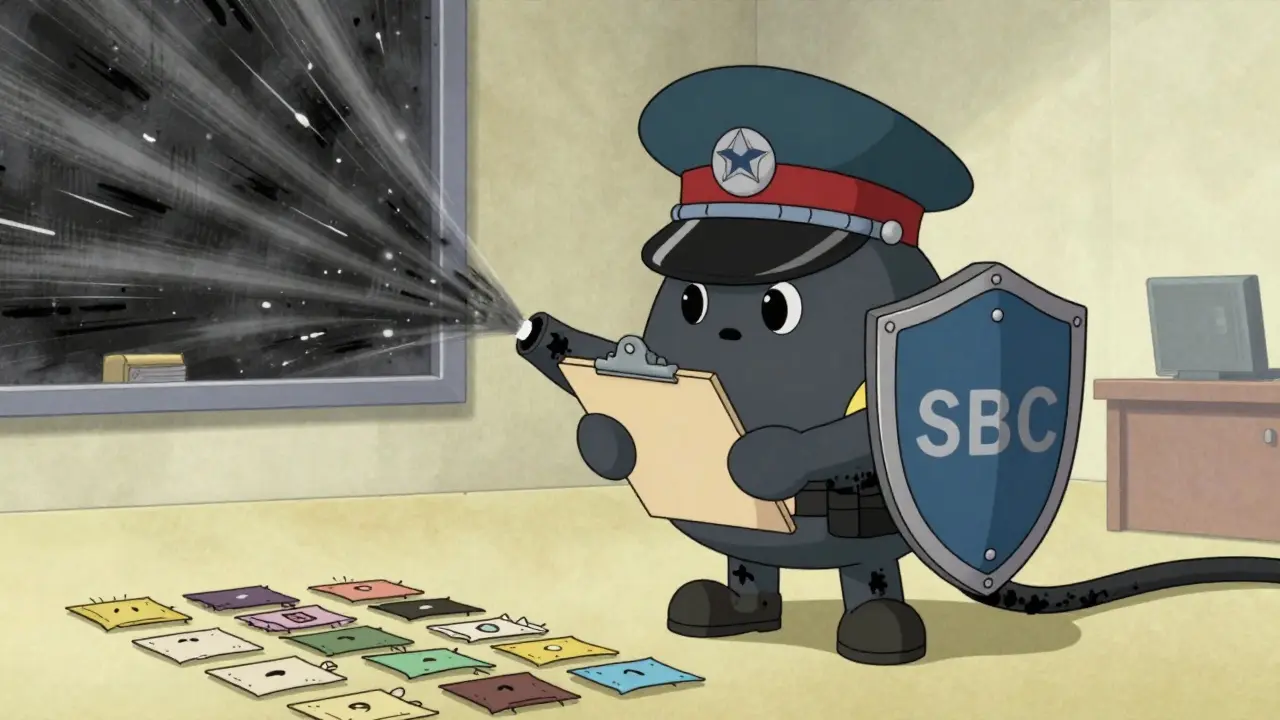
In complex enterprise environments, managing a list of codecs on every single device is a nightmare. This is why many companies deploy a Session Border Controller is a network device that controls the signaling and media streams of VoIP calls to ensure security and interoperability (SBC). Think of an SBC as a highly intelligent border guard for your voice traffic.
The SBC handles the "heavy lifting" of codec negotiation. It can sit between a legacy Nortel system and a modern Cisco setup, smoothing over the differences in how they implement SIP. By centralizing transcoding and negotiation at the network edge, the SBC prevents mismatched capabilities from ever reaching your internal phones, making the fallback process invisible to the end user.
Dealing with Wireless and Network Constraints
Codec choice isn't just about compatibility; it's about physics. In wireless environments, like an office running on 802.11 Wi-Fi, the "overhead" of VoIP packets can kill your capacity. For instance, using the GSM 6.10 codec might limit a wireless network to only 12 simultaneous calls, far fewer than the theoretical limit. This happens because the small voice packets are wrapped in huge layers of protocol headers.
Furthermore, TCP traffic (like a large file download) can wreak havoc on VoIP calls. TCP's tendency to retransmit lost packets creates delays that overwhelm the Jitter Buffer is a shared area of memory in a network device that collects incoming packets to smooth out timing variations . When the buffer overflows, you get the dreaded audio gaps. A strong fallback strategy includes monitoring these network conditions and switching to a more robust, lower-bitrate codec when congestion is detected.
How to Diagnose and Fix Mismatched Audio
If you're currently staring at a one-way audio problem, don't guess. Use a systematic approach to find the mismatch:
- Check the Logs: Look for "Codec Mismatch" or "488 Not Acceptable Here" messages in your SIP logs.
- Debug the RTP: Use tools like
rtp set debug onin Asterisk to see if packets are actually leaving the server but being ignored by the client. - Verify NAT/Firewalls: Sometimes the codec is fine, but the firewall is blocking the specific UDP ports used by that codec. This looks exactly like a codec mismatch.
- Measure with MOS: Use a Mean Opinion Score is a numerical measure of the overall quality of a spoken utterance as perceived by a listener (MOS) test. This provides a concrete score from 1 to 5, telling you if your fallback strategy is actually delivering acceptable audio or just "barely working."
What is the most common cause of one-way audio in VoIP?
While NAT issues are frequent, a primary cause is a codec mismatch where the receiving device cannot decode the audio stream sent by the caller. This results in the call remaining connected (signaling works), but no audio is heard on one end.
Do I always need a license for G.729?
Generally, yes. G.729 is a patented codec. While some open-source implementations exist, commercial VoIP PBXs usually require a paid license per concurrent call to legally perform transcoding or use the codec.
Which codec should be at the top of my priority list?
For modern internal networks, Opus or G.722 are best for HD audio. For external trunks, align your list with your provider's specifications-usually starting with G.711 for reliability or G.729 for bandwidth saving.
Can transcoding affect call quality?
Yes. Every time audio is transcoded, it is compressed and decompressed. This "generation loss" can lead to a slight decrease in audio clarity, especially if moving from a high-bitrate codec to a very low-bitrate one.
How does an SBC help with codec fallback?
An SBC acts as a proxy that can negotiate different codecs on each side of the call. It handles the transcoding internally, so the endpoints don't have to support the same codec to communicate.
Next Steps for Administrators
If you're managing a VoIP environment, start by auditing your allow= strings across all devices. Ensure that every device has at least one "universal" codec (like G.711) at the bottom of its list as a final safety net. If you're seeing high CPU usage on your PBX, check if you're forcing unnecessary transcoding between your internal extensions and your SIP trunks. Finally, if you are scaling into a multi-site deployment, consider investing in an SBC to move the complexity of codec negotiation away from your end-user devices.






Zach Beggs
5 Apr 2026 at 14:52Setting up a fallback hierarchy is definitely the way to go. I've always found that keeping G.711 at the bottom of the list saves a lot of headaches when dealing with legacy hardware that just won't play nice with modern HD codecs.