

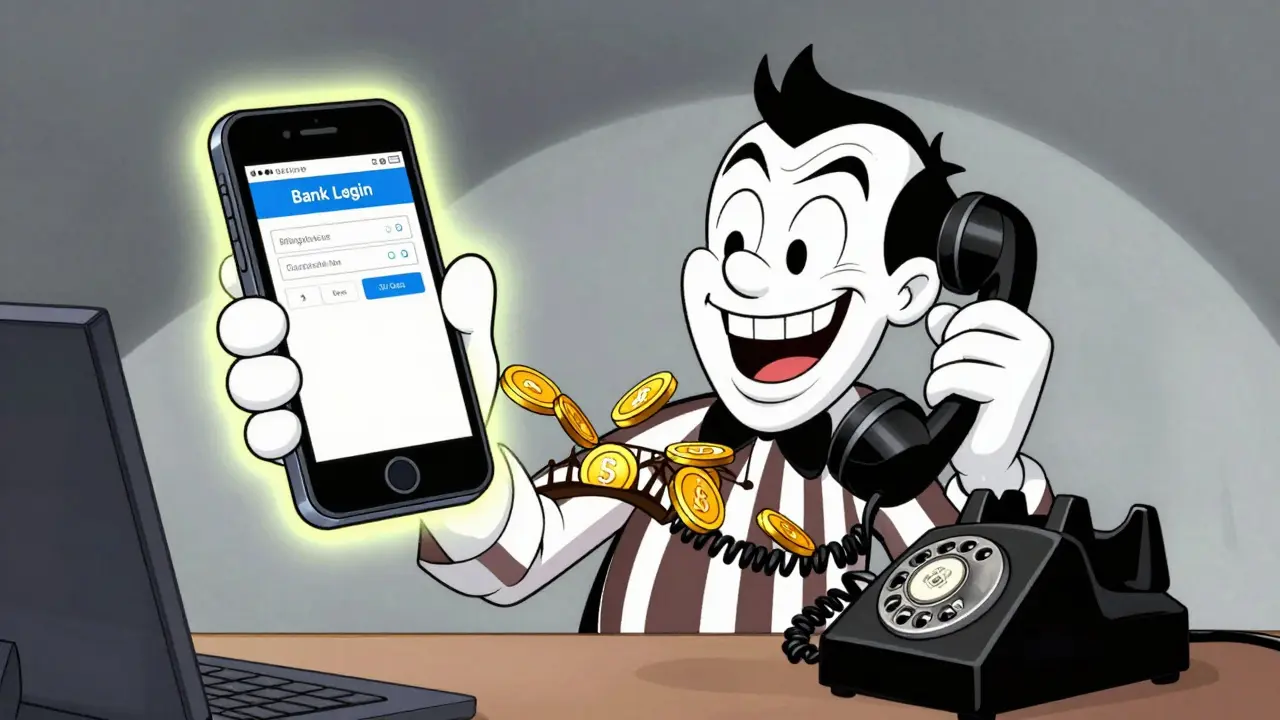

You click a link in an email that looks exactly like your bank’s login page. You type in your password. Nothing happens. Then, your phone rings. A "support agent" from the bank calls you, claiming they detected suspicious activity and need to verify your identity. They ask for the code you just received via text. If this sounds familiar, you are likely facing bridge phishing, a sophisticated scam that combines fake websites with live human interaction to steal your money and data.
This isn't just a standard phishing email. It is a coordinated attack designed to bypass your skepticism by making you feel like you are talking to a real person who can help. The Federal Trade Commission (FTC) has seen a massive spike in these types of tech support scams, where fraudsters use urgency and authority to trick victims into handing over remote access or payment details. Understanding how this two-stage trap works is the only way to avoid falling for it.
What Is Bridge Phishing?
Bridge phishing is a multi-stage social engineering attack. Unlike traditional phishing, which relies on a single deceptive email or message, bridge phishing creates a "bridge" between a digital lure and a human interaction. The attacker first lures you to a fake portal-a cloned website that mimics a trusted service like a bank, software provider, or government agency. This site might ask you to log in, update your billing info, or claim a prize.
Once you interact with the fake site, the second stage begins. A fake support agent contacts you. This could be a phone call, a text message, or a pop-up chat window. The agent claims to be from the company whose website you just visited. They reference the action you took on the fake portal to prove their legitimacy. For example, if you entered your credit card number on the fake site, the caller might say, "We see you tried to update your card ending in 1234, but we need to verify your identity to process it."
This technique exploits trust. We are taught to be wary of emails, but we tend to lower our guard when speaking to a person on the phone. The FTC notes that scammers often use high-pressure tactics, telling you that your account will be locked or your computer infected unless you act immediately. By combining the visual credibility of a cloned website with the persuasive power of a live conversation, bridge phishing becomes significantly harder to detect than a simple spam email.
The Anatomy of the Attack
To protect yourself, you need to recognize the specific components of this scam. Here is how the typical bridge phishing workflow unfolds:
- The Lure: You receive an unsolicited email, SMS, or notification. It might look like a security alert, a shipping update, or a invoice. The key feature is a link that leads to a URL that looks similar to the legitimate company but has subtle differences (e.g., `secure-bank-login.com` instead of `bank.com`).
- The Fake Portal: You land on a website that is a pixel-perfect copy of the real thing. It uses HTTPS (the lock icon), so it looks secure. However, any information you enter goes directly to the attacker. In some cases, the site doesn't even ask for data; it just displays a warning message saying, "Error: Unauthorized Access Detected."
- The Bridge: Immediately after visiting the site, your phone rings, or a chat window pops up. The caller ID might be spoofed to show the real company's name or number. The agent references the error or action from the previous step.
- The Extraction: The agent asks for sensitive information. This could be your password, a one-time verification code (2FA), or permission to install remote access software like AnyDesk or TeamViewer. They may also demand payment via gift cards, cryptocurrency, or wire transfers to "fix" the alleged issue.
Everbridge, a critical event management provider, highlights that attackers manipulate caller IDs and SMS short codes to appear legitimate. They stress that users should never share sensitive information without independent verification. The goal of the attacker is to keep you engaged long enough to overcome your natural doubts.
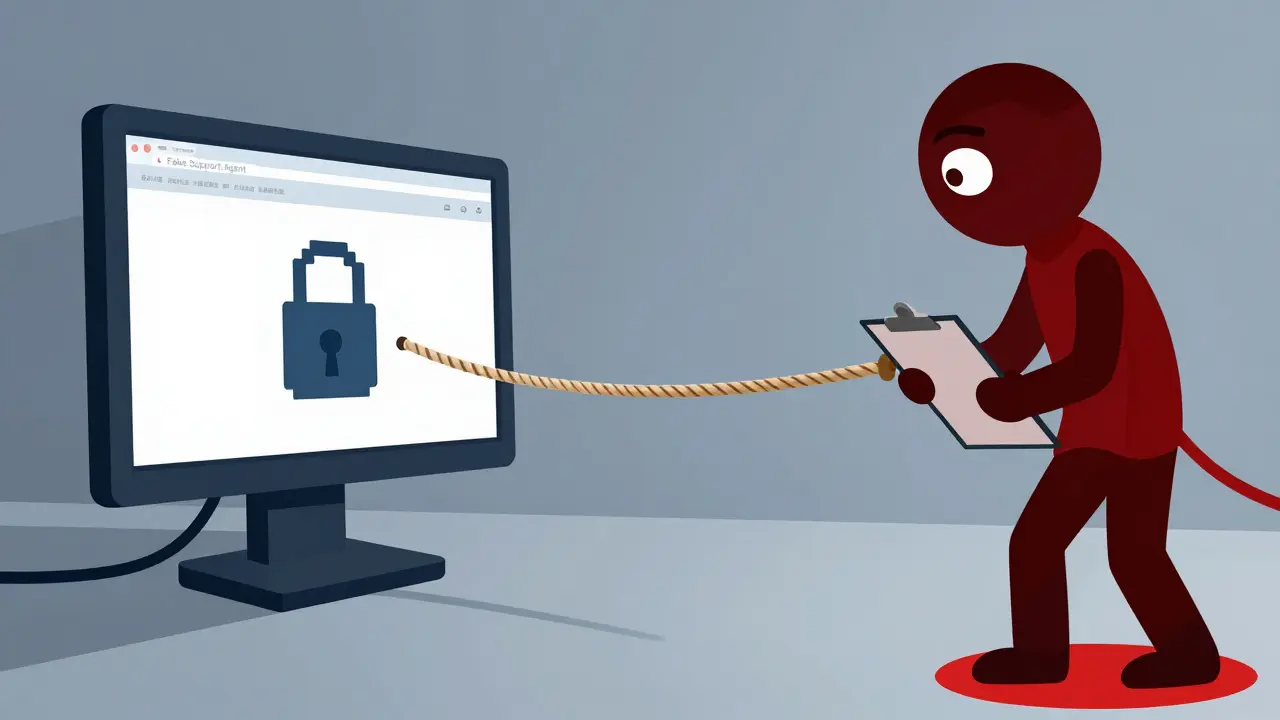
Real-World Examples of Bridge Phishing
These scams are not limited to one industry. They have evolved to target various sectors, using tailored narratives to increase success rates.
| Sector | Fake Portal Purpose | Support Agent Script | Goal |
|---|---|---|---|
| Banking | "Update Billing Info" or "Verify Account" | "We detected unusual login attempts. Please read me the code sent to your phone to freeze the transaction." | Steal 2FA codes and empty accounts |
| Tech Support | Windows Error Pop-up | "Your PC is infected with malware. Call this number for immediate removal." | Install remote access tools and charge for fake repairs |
| Travel/Hospitality | Fake Hotel Booking Site | "Your reservation was declined due to a card error. Click here to re-enter details securely." | Steal credit card numbers for fraudulent charges |
| Publishing/Creative | Fake Literary Agency Portal | "We want to publish your book, but there is a processing fee. Send payment via wire transfer." | Extract upfront fees for non-existent services |
In the travel industry, companies like inHotel have documented AI-driven scams where fake hotel websites mimic legitimate properties. These sites are optimized to appear in search results and AI summaries. When a traveler books a room, they receive a confirmation. Later, a "support agent" contacts them, claiming the booking failed and asking for re-payment. This mirrors the bridge phishing model: a digital facade followed by human manipulation.
Similarly, the Authors Guild issued alerts in September 2024 about impersonation scams targeting writers. Fraudsters pose as literary agents, inviting authors to submit work through a fake portal. Once the author engages, the "agent" pressures them into paying for editing or publishing services that never materialize. This shows that bridge phishing is effective because it leverages professional roles and aspirations, not just fear.
Why Traditional Defenses Fail
You might think that having antivirus software or a firewall is enough. Unfortunately, bridge phishing bypasses many technical controls. Here is why:
- Email Filters Aren't Enough: While SPF, DKIM, and DMARC protocols help prevent email spoofing, scammers often use legitimate-looking domains or rely on SMS and phone calls, which lack robust authentication standards.
- HTTPS Misleads Users: Many people see the padlock icon in their browser and assume the site is safe. However, attackers can easily obtain SSL certificates for fake domains. The lock means the connection is encrypted, not that the site is trustworthy.
- Remote Access Tools Are Legitimate: Software like TeamViewer or AnyDesk is used by real IT professionals. Antivirus programs do not block them by default. If you voluntarily install these tools at the request of a scammer, your defenses are compromised.
- Human Psychology: Technical controls cannot stop you from giving away your password if someone convinces you to do it. Bridge phishing targets the human element, which is often the weakest link in security.
Heimdal Security reported a variation of this attack where scammers posed as customers contacting real support agents. They tricked employees into opening malicious files, turning the support channel itself into a vector for breach. This demonstrates that both ends of the communication line-customers and agents-are vulnerable to social engineering.
How to Spot and Stop Bridge Phishing
Protecting yourself requires a mix of vigilance and habit changes. Here are actionable steps to defend against these scams:
1. Verify Independently
Never use contact information provided in the suspicious message or on the fake portal. If you receive a call from "Apple Support," hang up. Go to Apple's official website, find their verified support number, and call them back. Ask if they were trying to reach you. Real companies will confirm whether an interaction is legitimate.
2. Never Share Verification Codes
No legitimate support agent will ever ask for a one-time password (OTP) or two-factor authentication (2FA) code. These codes are meant to prove your identity to the system, not to humans. If someone asks for this code, they are trying to bypass security measures to access your account. Treat any request for a 2FA code as an immediate red flag.
3. Check URLs Carefully
Before entering any data, look closely at the web address. Does it match the official domain? Look for misspellings, extra words, or different top-level domains (e.g., `.net` instead of `.com`). Bookmark important sites like your bank or email provider and always navigate to them through those bookmarks, rather than clicking links in emails.
4. Disable Unsolicited Remote Access
If a caller insists on taking control of your computer, refuse immediately. Legitimate IT support will never ask you to download remote access software during an unsolicited call. If you have already installed such software, disconnect from the internet and run a full antivirus scan. Contact your device manufacturer's official support for guidance on removing unauthorized access.
5. Use Multi-Factor Authentication (MFA)
Enable MFA on all your accounts, especially email and banking. Even if a scammer steals your password via a fake portal, they cannot access your account without the second factor. Prefer authenticator apps or hardware keys over SMS-based codes, as SIM swapping is another risk associated with phone-based attacks.
What to Do If You've Been Targeted
If you suspect you have fallen victim to bridge phishing, act quickly to minimize damage:
- Change Passwords: Immediately change passwords for the compromised account and any other accounts where you reuse the same credentials. Use strong, unique passwords for each service.
- Contact Your Bank: If you shared financial information, call your bank or credit card issuer using the number on the back of your card. Request to freeze your accounts and dispute any unauthorized transactions.
- Monitor Credit Reports: Place a fraud alert or credit freeze with major credit bureaus like Equifax, Experian, and TransUnion. This prevents scammers from opening new accounts in your name.
- Report the Scam: File a report with the FTC at ReportFraud.ftc.gov. This helps authorities track patterns and shut down scam operations. Also, report the incident to the impersonated company so they can warn other customers.
- Scan for Malware: Run a comprehensive antivirus scan on all devices you used during the interaction. If you granted remote access, consider reinstalling your operating system to ensure no backdoors remain.
Bridge Community Bank advises customers to review their statements promptly and limit the personal information they carry. They emphasize that legitimate companies do not ask for sensitive data via email or phone. By staying informed and skeptical, you can break the bridge before the scammer reaches you.
Is bridge phishing legal?
No, bridge phishing is illegal. It involves fraud, identity theft, and unauthorized access to computer systems, which are criminal offenses in most countries. Perpetrators can face severe fines and imprisonment if caught.
Can I get my money back if I paid a fake support agent?
It depends on the payment method. Payments made via gift cards, cryptocurrency, or wire transfers are typically irreversible. However, if you paid with a credit card, you may be able to file a chargeback. Contact your bank immediately to explore options, but recovery is not guaranteed.
How do scammers know my name or account details?
Scammers often obtain personal information from data breaches, dark web markets, or public records. They use this data to personalize their attacks, making them seem more credible. This is known as "spear phishing" when targeted at individuals or organizations.
Why does the fake website have a lock icon?
The lock icon indicates that the connection between your browser and the website is encrypted (HTTPS). This prevents third parties from intercepting data in transit. However, it does not verify the website's legitimacy. Scammers can easily obtain free SSL certificates for their fake domains.
Should I uninstall remote access software?
If you do not regularly use remote access tools for work or personal assistance, it is safer to uninstall them. This reduces the risk of accidentally granting access to a scammer. If you need them occasionally, ensure you only install software from official sources and never accept unsolicited connection requests.






Lisa Nally
11 Jun 2026 at 05:44Oh my gosh, this is absolutely terrifying and I am literally shaking right now because I think I might have fallen for something similar last month when that weird pop-up appeared on my laptop while I was trying to book a flight. The way they describe the 'bridge' between the digital lure and the human interaction is so chillingly accurate, it really highlights how sophisticated these social engineering attacks have become in our modern technological landscape. We are taught to be wary of emails, but we tend to lower our guard when speaking to a person on the phone, which is exactly what these scammers exploit with their high-pressure tactics and fake urgency. It is not just about having antivirus software or a firewall anymore; bridge phishing bypasses many technical controls by targeting the human element, which is often the weakest link in security. The fact that HTTPS does not mean the site is trustworthy is such a crucial point that many people overlook, assuming the padlock icon guarantees safety. We need to be much more vigilant about checking URLs carefully and never sharing verification codes with anyone who calls us unexpectedly. This article is a must-read for everyone because understanding the anatomy of the attack is the only way to avoid falling for it. Please share this with your family members who might not be as tech-savvy, because they are prime targets for these types of scams. I am going to immediately enable MFA on all my accounts and uninstall any remote access software I do not actively use for work. Thank you for shedding light on this insidious threat, it has truly opened my eyes to the dangers lurking online.