



You’re sitting in your office, staring at a quote from a big-name provider that looks like a mortgage payment. Then you remember that friend who runs their own server and pays pennies per minute. Which path do you take? For small and medium-sized businesses (SMBs), the choice between DIY VoIP (building your own system) and managed VoIP (renting it as a service) isn’t just about monthly bills. It’s about how much time you want to spend fixing phones versus running your actual business.
Voice over Internet Protocol (VoIP) has moved far beyond the clunky early days of the late 1990s. Today, it’s the backbone of modern business communication. But the way you deploy it changes everything-from who handles security patches to what happens when the internet goes down during a sales call. Let’s break down the real pros, cons, and hidden costs so you can make a decision that doesn’t keep you up at night.
The Core Difference: Ownership vs. Convenience
At its heart, this is a trade-off between control and convenience. When you choose DIY VoIP, you are essentially becoming your own telecom carrier. You might use open-source software like Asterisk, which is an open-source framework for building communications applications or FreePBX, a popular open-source graphical web interface for Asterisk. You host this on a server-either in your closet or on a cheap cloud instance-and connect it to SIP trunks (the digital equivalent of phone lines).
In contrast, managed VoIP, often called Unified Communications as a Service (UCaaS), means you rent the entire stack from providers like RingCentral, Nextiva, or 8x8. They handle the servers, the security, the updates, and the support. You pay a subscription fee per user, usually between $15 and $50 a month, and they promise it just works.
For most SMBs with fewer than 100 employees, the question isn’t "which technology is better" but "who has the skills to manage it?" If you have a dedicated IT team with telecom expertise, DIY might save money. If you have one generalist IT person wearing ten hats, managed VoIP might be the only sane option.
The True Cost of DIY VoIP
Let’s talk numbers. On paper, DIY VoIP looks incredibly cheap. The software is often free. A basic Virtual Private Server (VPS) might cost $10 to $40 a month. SIP trunking rates can be as low as $0.005 per minute. For a 20-user office, you could potentially run the whole thing for under $250 a month, compared to $400-$600 for a managed service.
But here is where the math gets tricky. That $180 monthly savings assumes zero labor cost. In reality, you need to account for:
- Hardware: IP phones range from $60 for entry-level models like the Yealink T31P to $300+ for video-enabled units. You also need a reliable firewall and switches that support Quality of Service (QoS) to prioritize voice traffic.
- Administration Time: Setting up extensions, voicemail, E911 compliance, and security rules takes hours. An experienced engineer might take 20 hours; a novice could spend 60+. At $50/hour, that initial setup alone eats into your first year’s savings.
- Ongoing Maintenance: Security patches, backup verification, and troubleshooting network issues require 1-4 hours per month per system. Over three years, that adds up to hundreds of dollars in lost productivity.
If you don’t have staff who already understand Linux, SIP protocols, and NAT traversal, the "free" software becomes very expensive once you factor in the learning curve and potential downtime.
The Predictability of Managed VoIP
Managed VoIP shifts the burden from capital expenditure and labor to operational expense. You pay a predictable monthly bill, and in return, you get a suite of features that would take months to build from scratch. Providers like RingCentral and Nextiva offer auto-attendants, call recording, CRM integrations (with Salesforce or HubSpot), and mobile apps out of the box.
The biggest advantage here is scalability. Need to add five new remote workers? In a managed system, you click a button in a web portal, send them a login code, and they’re dialed in within minutes. With DIY, you’d need to provision licenses, configure firewall rules, and ensure their home networks can handle the traffic without VPN complications.
However, managed VoIP isn’t without its pitfalls. Per-user pricing can become inefficient if you have many low-usage endpoints. Imagine a warehouse with 40 paging phones that ring rarely. Paying $20/month for each of those devices makes little sense compared to a single DIY trunk serving them all. Additionally, some providers bury fees in taxes, regulatory charges, or storage limits, which can add 10-25% to the base price. Always read the fine print regarding contract lengths and early termination fees.

Security and Compliance: Who Guards the Gate?
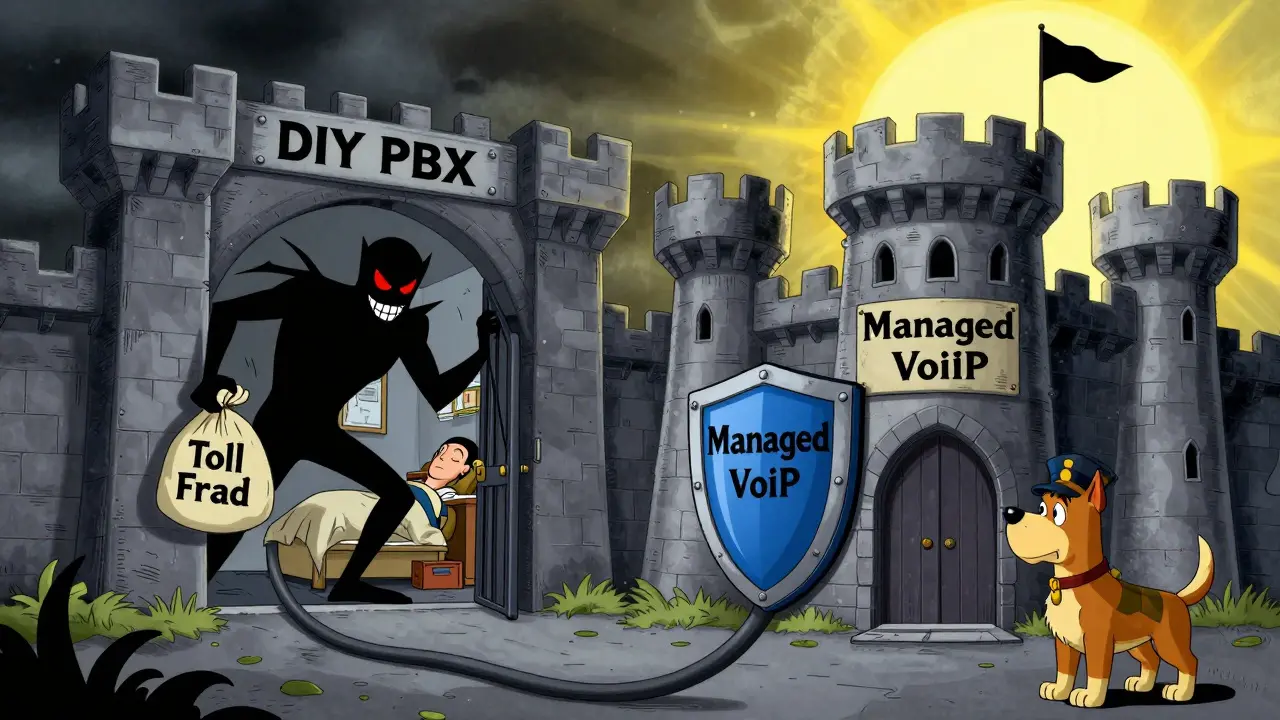
This is often the deciding factor. VoIP systems are prime targets for cyberattacks. Misconfigured DIY PBXs are frequently scanned by bots looking for vulnerabilities to launch toll fraud attacks-where hackers route expensive international calls through your line. We’ve seen incidents where a single weekend of undetected fraud resulted in $10,000+ bills.
With DIY, you are responsible for:
- Implementing strong SIP authentication and encryption (TLS/SRTP).
- Restricting international dialing rights.
- Keeping the server patched against known exploits.
- Ensuring E911 compliance, which requires accurate dispatchable location data for every extension.
Managed providers absorb this risk. They operate in redundant data centers with enterprise-grade firewalls and security teams monitoring threats 24/7. They also handle compliance burdens like HIPAA Business Associate Agreements for healthcare or Kari’s Law for emergency calling. For an SMB without a dedicated security officer, this peace of mind is worth the premium.
Comparison: DIY vs. Managed VoIP at a Glance
| Feature | DIY VoIP (Self-Hosted) | Managed VoIP (UCaaS) |
|---|---|---|
| Upfront Cost | High (Hardware, Setup Labor) | Low (Often just phone hardware) |
| Monthly Cost | Low ($5-$20/user + labor) | Medium-High ($15-$50/user) |
| Maintenance Burden | High (In-house IT responsibility) | Low (Provider handles updates/security) |
| Scalability | Complex (Requires manual config) | Instant (Web portal management) |
| Customization | Unlimited (Code-level access) | Limited (Pre-built features only) |
| Support | Community-based or self-reliant | Dedicated vendor support included |
When Does DIY Make Sense?
Don’t write off DIY entirely. It shines in specific scenarios. If you are an MSP (Managed Service Provider) reselling VoIP to clients, building your own platform using tools like FreeSWITCH can yield higher gross margins. If you have a large call center with highly custom workflows that standard UCaaS platforms can’t handle, DIY offers the flexibility needed. Similarly, businesses with extreme data sovereignty requirements or those operating in regions with limited carrier options may find self-hosting more viable.
But for the typical retail store, law firm, or tech startup with 20-50 employees? The complexity rarely justifies the savings. The market is moving toward managed solutions because they integrate seamlessly with modern tools like Microsoft Teams, Slack, and Zoom. Trying to replicate these integrations on a DIY stack is a full-time job in itself.
Making the Final Call
Your decision should come down to two questions: Do you have the technical expertise to maintain a secure, compliant phone system? And do you value your time enough to pay for convenience?
If the answer to both is yes, DIY VoIP can be a rewarding project that saves money over five years. If the answer is no, or if you simply want to focus on growing your business rather than debugging SIP errors at 2 AM, managed VoIP is the clear winner. It offers predictability, security, and features that evolve with the market, allowing you to plug in and start working immediately.
How much does a DIY VoIP system cost for a small business?
A DIY VoIP system typically costs between $150 and $300 per month for a 20-user office, including server hosting ($10-$40) and SIP trunking ($100-$200). However, this excludes upfront hardware costs ($60-$300 per phone) and the significant labor cost of setup and ongoing maintenance, which can add thousands of dollars annually if done by internal staff.
Is managed VoIP more expensive than DIY in the long run?
Yes, purely in terms of direct billing. Managed VoIP costs $15-$50 per user per month, while DIY can be cheaper per seat. However, when factoring in IT labor, security risks, and downtime, managed VoIP often proves more cost-effective for SMBs without dedicated telecom engineers. Studies suggest hosted VoIP can result in 20-25% long-term savings when administrative overhead is included.
What are the biggest security risks with DIY VoIP?
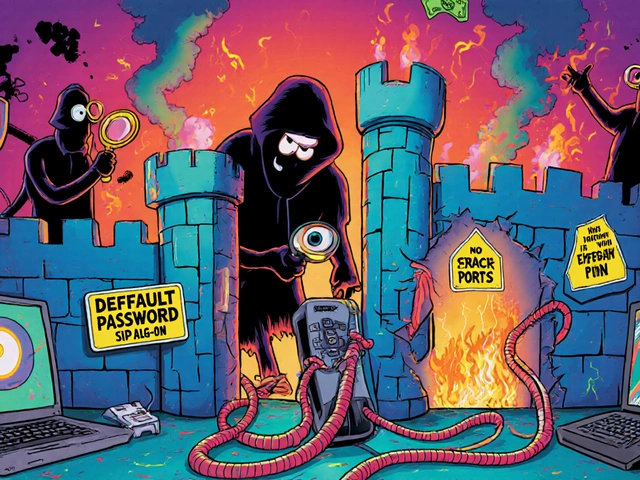
The primary risks are toll fraud and unauthorized access. If your PBX is misconfigured, attackers can scan for open ports and route expensive international calls through your line. Other risks include lack of encryption (leading to eavesdropping) and failure to patch software vulnerabilities, which can lead to system compromise. Managed providers mitigate these risks with enterprise-grade firewalls and 24/7 monitoring.
Can I switch from DIY to managed VoIP later?
Yes, but it requires planning. You will need to port your existing phone numbers, which can take 7-14 days. You’ll also need to migrate any recorded messages or contact lists. Many businesses start with DIY for control and move to managed as they scale and want to reduce IT burden. Ensure your current contracts allow for number porting without excessive penalties.
Do I need special internet equipment for VoIP?
Yes, reliable internet is critical. You need a business-grade router and switch that supports Quality of Service (QoS) to prioritize voice traffic over data downloads. For G.711 audio, you need about 100 kbps per concurrent call. A 20-call office needs 2-4 Mbps of uncontended upstream bandwidth. Without QoS, large file transfers can degrade call quality, causing choppy audio or dropped calls.






kelvin kind
20 May 2026 at 18:04Just set it up and forget it.