

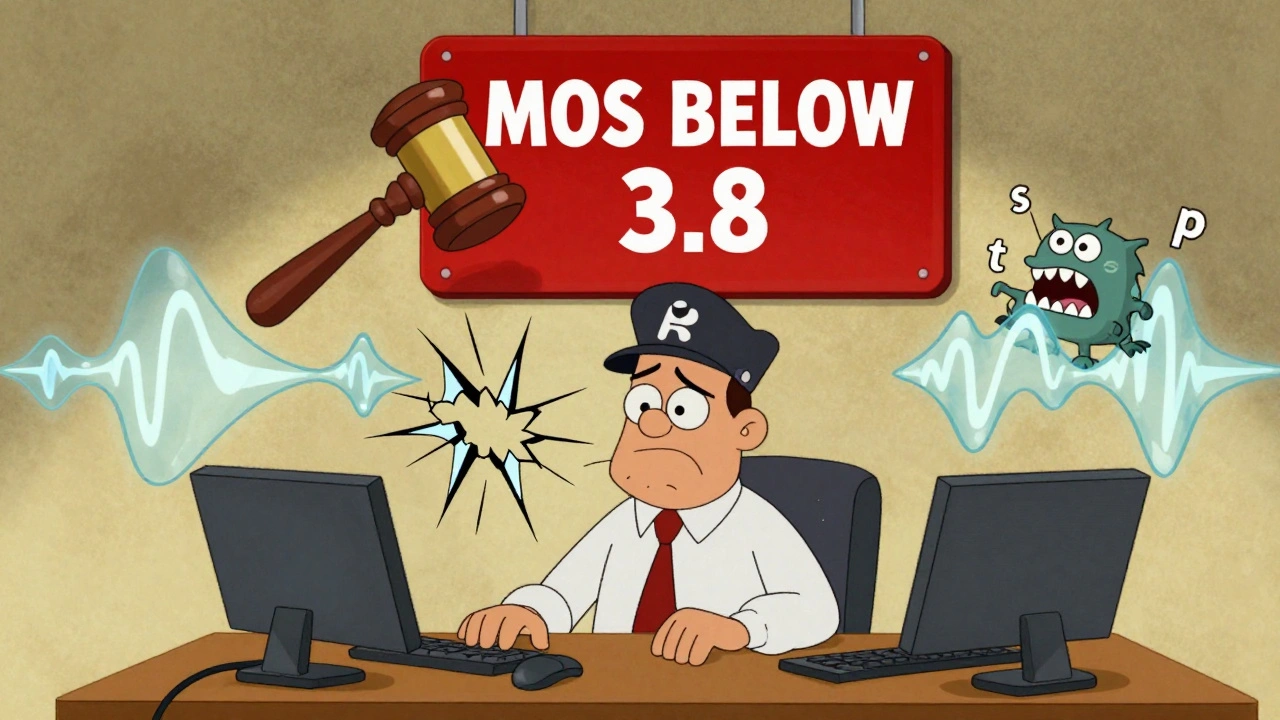

Bad call recordings aren’t just annoying-they can cost you lawsuits, compliance fines, and customer trust. If your VoIP system captures calls that sound muffled, cut off, or out of sync, you’re not just losing audio-you’re losing evidence. And in industries like finance, healthcare, or customer service, that’s not an option.
Why Call Recording Quality Matters More Than You Think
Most businesses treat call recording as an afterthought. Set it up, forget it, and hope the files work when you need them. But when a customer disputes a transaction or an agent is accused of misconduct, that recording becomes legal evidence. If the audio is unclear, you can’t prove anything. In fact, 32% of organizations avoid using recordings for compliance because they don’t trust the quality, according to Nemertes Research in 2024. High-quality recordings aren’t just about hearing words clearly. They need to preserve tone, background noise, pauses, and even breaths-details that help determine intent. Financial regulators in Europe require recordings to capture signs of customer distress, like raised voices or long silences. That’s not possible if your system chops off frequencies above 4,000 Hz or clips volume spikes. The standard for business-grade audio is a Mean Opinion Score (MOS) of 3.8 or higher. MOS is a scale from 1 to 5, where 4.3 is near-perfect, like a landline. Anything below 3.8 is considered unacceptable for training or compliance. Yet many VoIP systems struggle to hit even 3.5 due to poor codec choices, network issues, or cheap hardware.The Hidden Enemies of Call Recording Quality
Three things kill call recording quality every time: network problems, bad codecs, and endpoint devices. Packet loss is the silent killer. Even 1% packet loss can drop your MOS from 4.3 to 3.8. At 2%, it crashes to 3.1-below the threshold for acceptable business use. Most consumer internet connections aren’t built for this. A home office with a $50 router might work fine for Zoom, but when 20 agents are recording calls simultaneously, jitter and packet loss spike. Jitter-the variation in packet arrival times-is just as dangerous. If jitter exceeds 50 ms, 78% of recordings develop artifacts: robotic voices, dropouts, or delayed audio. The fix? Jitter buffers set between 30-200 ms. But too much buffering adds latency. Too little, and you get gaps. It’s a tight balance. Codecs decide how much audio gets saved and how much gets thrown away. G.711 is the gold standard: uncompressed, 8,000 Hz sampling, 64 kbps. It sounds like a phone call from 1995-crisp, full-range, and reliable. But it uses 1.05 MB per minute. That’s 1.5 GB per agent per day. G.729 compresses that to 0.13 MB per minute, but it cuts out frequencies above 3,400 Hz. Voices sound flat. Sibilants like “s” and “t” disappear. And it adds 15-30 ms of latency. For training or legal use, G.729 is a gamble. And then there are the endpoints. A $20 USB headset with a single mic? It picks up keyboard clacks, dog barks, and echo from your desk lamp. MIT’s 2023 study found that 68% of call quality issues come from the agent’s device, not the network. If your recording system can’t normalize volume or suppress background noise, you’re recording chaos.Passive vs. Active Recording: Which One Delivers?
There are two main ways to record VoIP calls: passive and active. Passive recording listens to network traffic using a TAP or mirror port. It doesn’t touch the call stream-it just copies it. This gives you 98.7% audio fidelity. No added latency. No interference. But it costs $1,200-$2,500 per installation. You need dedicated hardware, network engineers, and switch access. Only large enterprises use this. Active recording integrates directly with your VoIP platform-like RingCentral, Five9, or Genesys. It captures the audio stream before it’s compressed or sent. Fidelity is still high at 95.2%, but it adds 10-20 ms of latency. That’s fine for most contact centers. The big win? Lower cost, easier setup, and automatic codec negotiation. The best systems automatically pick the best codec for each call. If the network is clean, it uses G.711. If bandwidth is tight, it switches to G.722 (wideband) instead of G.729. That’s the difference between 99.3% and 87.6% audio preservation. Basic systems just lock in G.729 and call it a day.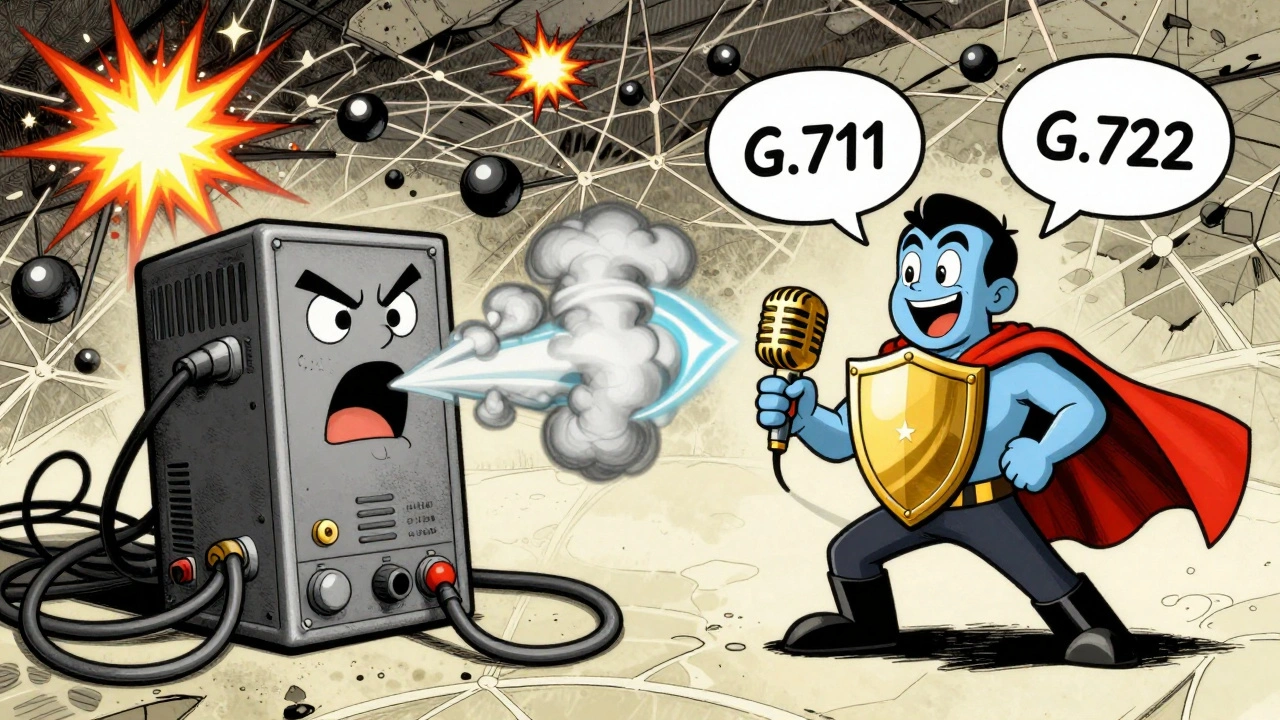
Storage, Security, and Compliance: The Archiving Trap
Recording the call is only half the battle. Storing it right is the other half. You can’t just save files on a shared drive. You need encrypted, redundant, tamper-proof storage. AES-256 encryption for data at rest. TLS 1.3 for data in transit. Audit logs that track who accessed what and when. PCI DSS and GDPR require this. HIPAA requires retention for 6 years. MiFID II in Europe demands 7+ years and dual-channel recording (separate tracks for agent and customer). Cloud-based solutions offer 99.95% uptime and easy scaling, but they add 15-40 ms latency. That’s fine for most businesses. But if you’re in high-frequency trading? Even 10 ms matters. On-premises systems give you control, but you need dedicated servers: 2.5 GHz CPU, 4 GB RAM per 100 concurrent calls. And you need to back them up-daily, offsite, encrypted. The biggest mistake? Using consumer cloud storage like Dropbox or Google Drive. No encryption keys you control. No audit trails. No compliance certifications. If you’re audited and your files are on a personal account, you’re already fined.Real-World Failures and Fixes
Users on Reddit’s r/ContactCenter report “robotic” audio when using G.729 on shaky connections. One manager lost a dispute because the recording cut off the first 2 seconds-common with poor buffer initialization. Another had volume levels so uneven, the agent sounded like they were whispering while the customer yelled. The fix? Dynamic gain control. Systems like TeleCMI automatically normalize volume so the agent’s voice and customer’s voice stay balanced. No more turning up the volume in court. Another issue: timestamp drift. Some systems record calls with timestamps off by 200 ms or more. That’s enough to throw off a sequence of events during a compliance review. Enterprise systems sync to NTP servers. Cheap ones don’t. And don’t ignore the human factor. 78% of successful implementations use dedicated recording servers-not shared infrastructure. Shared servers mean resource contention. When someone runs a big report, your recordings stutter. Dedicated hardware? No surprises.What the Market Leaders Do Right
Five9 leads in audio fidelity with an average MOS of 4.2. Their secret? Real-time quality monitoring. They score every recording as it’s made. If MOS drops below 3.8, the system flags it. No more discovering bad recordings weeks later. RingCentral wins on archiving. Their system automatically tags recordings with metadata: caller ID, duration, agent ID, location, and even sentiment score. That’s crucial for searchability. If you need to find every call where a customer said “I’m going to sue,” you can do it in seconds. Genesys introduced adaptive bitrate recording in late 2024. If network conditions change mid-call, it adjusts the codec on the fly-without dropping the call. That’s a game-changer for remote workers with spotty Wi-Fi. The trend? AI. 61% of new systems now include speech analytics. But AI needs clean audio. If your recording has 30% word errors, the AI is useless. That’s why vendors are now prioritizing audio quality over features.
How to Get It Right: A 4-Step Plan
Step 1: Test your network. Use PingPlotter or similar tools for 72 hours. Look for jitter over 30 ms and packet loss above 0.5%. Fix routers, upgrade to business-grade internet, or implement QoS rules that prioritize VoIP traffic. Step 2: Choose the right codec. Use G.711 if bandwidth allows. If not, use G.722-not G.729. G.722 is wideband and sounds natural. Avoid anything labeled “low bandwidth” unless you’re okay with robotic voices. Step 3: Use enterprise-grade hardware. Give agents headsets with noise-canceling mics. Don’t let them use laptop speakers. Use dedicated recording servers. Don’t share them with other apps. Step 4: Automate quality checks. Pick a system that scores recordings in real time. Look for features like automatic gain control, timestamp sync, and dual-channel recording if you’re in Europe.The Future: AI, Blockchain, and the FCC’s New Rules
By 2026, the FCC plans to require 99.5% recording accuracy for all telecom providers. That’s not a suggestion-it’s a mandate. If your system can’t meet that, you’ll be out of compliance. Vonage and Techmode are already testing blockchain-backed recording certificates. Each file gets a digital fingerprint that can’t be altered. If a lawyer requests a recording, they can verify it hasn’t been tampered with since the day it was made. AI is pushing the bar higher. Emotion detection, tone analysis, and real-time compliance alerts all depend on pristine audio. If your recording quality is poor, you’re not just missing out on insights-you’re risking your business.Frequently Asked Questions
What’s the minimum audio quality needed for legal call recordings?
For legal and compliance use, aim for a Mean Opinion Score (MOS) of at least 3.8. This ensures speech is clear enough to understand intent, tone, and background cues. G.711 codec at 8,000 Hz sampling is the baseline standard. Anything below 3.8 risks being dismissed in court or during audits.
Can I use G.729 for call recordings?
You can, but you shouldn’t for compliance or training. G.729 compresses audio too aggressively, cutting out frequencies above 3,400 Hz. This makes voices sound flat, muffled, or robotic. Studies show it reduces audio fidelity by up to 12% compared to G.711. Use it only if bandwidth is extremely limited and you’re not using recordings for legal purposes.
How long should I keep call recordings?
Retention periods vary by industry and region. Financial firms under MiFID II must keep recordings for 7+ years. Healthcare under HIPAA requires 6 years. In the U.S., general business records may only need 3-5 years. Always check local regulations. Storing recordings longer than required increases risk without benefit.
Why do my recordings sound different from the live call?
This usually happens because of codec conversion, network jitter, or endpoint issues. If your system converts G.711 to G.729 mid-call, or if packet loss occurs during recording, the audio will degrade. Also, if agents use low-quality headsets or echo isn’t canceled properly, the recording captures noise the caller didn’t hear. Always test recordings against live calls using a reference headset.
Do I need dual-channel recording?
Yes, if you operate in the EU or serve EU customers. GDPR and MiFID II require separate audio tracks for agent and customer to ensure privacy and accurate dispute resolution. In the U.S., single-channel is common, but it increases the risk of misinterpretation during disputes. Dual-channel is the gold standard for compliance.
Can I use consumer VoIP apps like Zoom or Teams for recordings?
No. Consumer apps like Zoom, Google Meet, or Teams are not designed for legal or compliance-grade recording. They lack encryption controls, audit trails, and consistent audio quality. Their recordings often skip audio, have timing errors, or lack metadata. For business use, invest in a dedicated VoIP recording platform certified for compliance.







Sheila Alston
13 Dec 2025 at 01:43People still use G.729 like it’s 2010? I’ve seen recordings where the agent says 'I understand' and it comes out as 'I uderstand'-and then the customer sues because they think the agent was being sarcastic. No one’s checking the audio until it’s too late. This isn’t tech debt-it’s liability waiting to happen.
And don’t get me started on agents using laptop speakers. I once heard a recording where someone’s dog barked louder than the customer. That’s not a compliance issue-that’s a HR issue.
Stop treating call recording like a checkbox. It’s your legal shield. If you wouldn’t let a lawyer listen to it in court, you shouldn’t be recording it at all.