

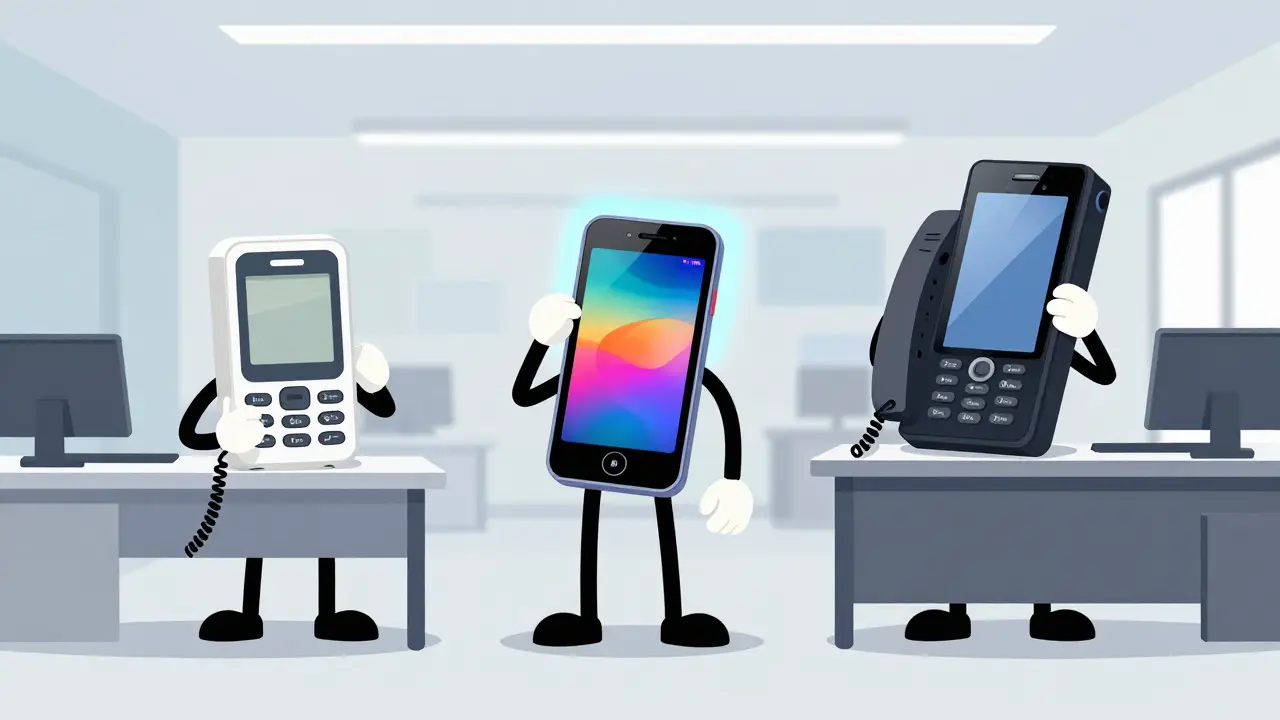

You don't need a $500 phone to run a professional office. In fact, spending that much might be a waste of money if your team just needs reliable call handling. The real challenge isn't finding a phone; it's finding the right balance between features you actually use and the price tag on the box. With the market flooded with options from basic entry-level units to high-end executive devices, it is easy to get lost in spec sheets.
This guide breaks down the current landscape of IP phone models, ranking them from budget-friendly workhorses to premium enterprise solutions. We are looking at real-world performance, not just marketing claims. Whether you are outfitting a small startup or upgrading a corporate floor, understanding where each model fits will save you time and budget.
The Current State of VoIP Hardware
Before diving into specific models, it helps to understand what we are buying. An IP phone is a hardware endpoint that uses IP networking and signaling protocols like SIP to place calls over data networks rather than traditional phone lines. The market for these devices has grown significantly, with estimates placing the global IP phone market between $3.45 billion and $5.10 billion in 2024. This growth is driven by the shift away from legacy PSTN systems toward cloud-based telephony.
Adoption rates are high. Recent data suggests that nearly 67% of small and medium-sized businesses (SMBs) have moved to cloud-based phone systems. However, this doesn't mean softphones have killed the physical desk phone. For roles involving heavy call volumes, receptionists, or supervisors who need dedicated keys for extensions, a physical device remains superior. The key distinction here is that modern IP phones are not just about voice; they are network nodes. They often include Ethernet switches, PoE support, and security features that integrate directly with your IT infrastructure.
Budget Tier: Essential Functionality Under $80
If your primary goal is to replace an analog line without breaking the bank, the budget tier ($50-$80) is your starting point. These phones are functional but limited. You are trading advanced peripherals and expansion capabilities for a low capital expenditure. This segment is ideal for low-usage desks, temporary workstations, or small teams where every dollar counts.
In this price range, you typically sacrifice color screens and Gigabit Ethernet speeds. Most models offer monochrome displays and 10/100 Mbps ports. While they may lack wideband codecs like G.722 for crystal-clear audio, they still support standard G.711 and G.729, which provide acceptable voice quality for most business conversations.
- Yealink T22P: Priced around $85, this is a staple in cost-sensitive environments. It supports three lines and offers solid reliability. It lacks USB and Bluetooth, keeping the design simple and the price low.
- Cisco SPA303: At roughly $80, this older model is still widely deployed. It supports three lines and includes PoE, making it a decent option if your network already supports Power over Ethernet.
- Grandstream GXP2130: Available for about $75, this unit provides three lines and basic SIP functionality. It’s a no-frills choice for basic office extensions.
The main limitation here is scalability. If a user needs to monitor multiple colleagues' lines or handle complex call routing, these phones will feel restrictive. They rely heavily on on-screen menus rather than dedicated physical keys, which can slow down workflow for power users.

Mid-Range Sweet Spot: Best Value for SMBs (-0)
This is where most businesses should look. The mid-range tier ($90-$140) offers a dramatic jump in capability without the premium price tag of enterprise gear. These phones feature color displays, dual Gigabit Ethernet ports, integrated Bluetooth, and robust security features. They are the "sweet spot" for small to mid-size businesses because they deliver long-term value through flexibility and durability.
Several models stand out in recent expert rankings and user reviews. The Yealink SIP-T54W consistently tops lists for overall satisfaction, scoring highly for its balance of features and ease of use. It supports up to 16 lines depending on configuration, includes Wi-Fi via adapters, and has a clean, intuitive interface.
The Poly VVX 450 is another strong contender, particularly for those who prioritize audio quality. It features Poly Acoustic Fence technology, which effectively blocks background noise, making it excellent for open-plan offices. With support for 12 lines and HD voice, it handles high call volumes well.
For those who need maximum programmability on a budget, the Grandstream GXP2170 is a hidden gem. Often priced under $100, it delivers enterprise-class features like 12 line keys, 48 virtual multipurpose keys, and support for expansion modules. This makes it a favorite among receptionists and supervisors who need to manage many contacts at once.
| Model | Approx. Price | Lines Supported | Key Features | Best For |
|---|---|---|---|---|
| Yealink SIP-T54W | $119 | Up to 16 | Dual Gigabit, Bluetooth, Wi-Fi adapter, Color Display | General SMB use, best all-around |
| Poly VVX 450 | $132 | 12 | Acoustic Fence, HD Voice, PoE | Noisy environments, high-volume agents |
| Grandstream GXP2170 | $93 | 12 | 48 BLF Keys, Expansion Modules, SRTP/TLS | Receptionists, power users, cost-savers |
| Snom D785 | $129 | 12 | High-res Color Display, Secure Boot | Users prioritizing display clarity and security |
Enterprise and Executive Tier: Premium Features ($150-$500+)
At the top end, you are paying for deep integration, advanced collaboration features, and executive polish. These phones are designed for large enterprises using unified communications platforms like Cisco Unified Communications Manager. They often feature large touchscreens, video cameras, and seamless mobile integration.
The Cisco 8800 series is the benchmark here. Models like the 8841 and 8845 offer 5-inch WVGA displays, high-fidelity audio, and secure boot processes. The 8845 adds 720p HD video and Wi-Fi, allowing executives to join video calls directly from their desk without a PC. These devices integrate tightly with Cisco Expressway for remote access, simplifying deployment for distributed teams.
While expensive, these phones justify their cost in organizations where IT overhead must be minimized and interoperability with existing UC infrastructure is critical. They also tend to have longer support lifecycles and more frequent firmware updates from Tier-1 vendors. However, if you are not locked into a specific ecosystem like Cisco, the extra cost may not yield proportional benefits compared to a high-end mid-range phone from Yealink or Grandstream.
Technical Considerations: Protocols and Security
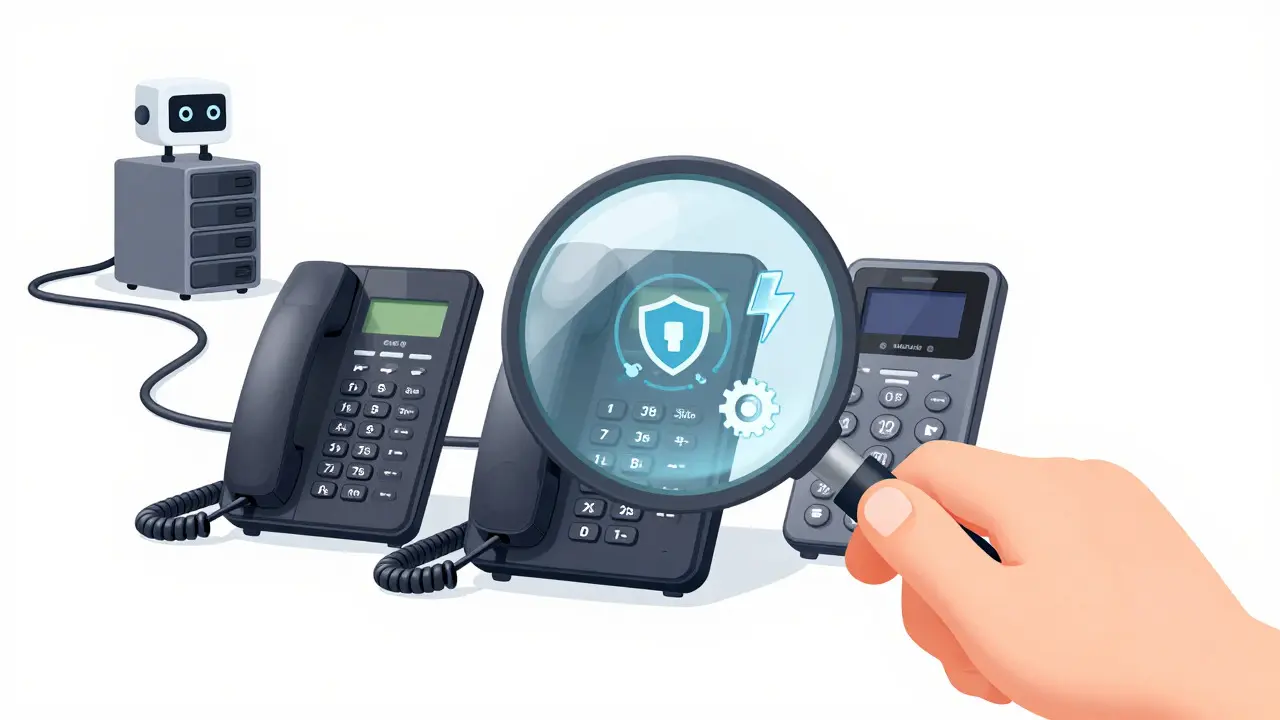
Regardless of price tier, the underlying technology matters. Modern IP phones use SIP (Session Initiation Protocol) for signaling and RTP for media transport. When evaluating models, pay attention to codec support. Basic phones might only handle G.711, while mid-range and enterprise models support G.722 (wideband) and OPUS, which provide significantly better voice clarity, especially over lossy networks.
Security is another differentiator. Higher-end phones implement TLS for signaling encryption and SRTP for media encryption. They also support 802.1x for network access control, ensuring that only authorized devices can connect to your VLAN. Budget phones often lack these layers, relying instead on basic SIP authentication, which may be sufficient for small setups but risky for larger enterprises.
Network connectivity is also crucial. Most mid-range and enterprise phones come with dual Gigabit Ethernet ports. One port connects to the phone, and the other acts as a pass-through switch for your computer. This allows you to plug both your phone and laptop into a single wall jack, reducing cable clutter. Ensure your network switches support PoE (Power over Ethernet) if you want to eliminate local power adapters entirely.
Choosing the Right Model for Your Needs
Selecting the right IP phone comes down to matching features to user roles. Don't buy an executive video phone for a warehouse worker who only takes occasional calls. Conversely, don't put a receptionist on a basic budget phone if they need to monitor 20 different extensions simultaneously.
- Identify User Roles: Determine who needs how many lines and keys. Receptionists need many BLF (Busy Lamp Field) keys. Executives need video and presence features. General staff need reliability and good audio.
- Assess Network Infrastructure: Do you have PoE switches? Is your network segmented with VLANs? If not, factor in the cost of network upgrades when calculating total ownership cost.
- Consider Future Growth: Will you need to add expansion modules later? Mid-range phones like the Grandstream GXP2170 allow for future expansion, whereas budget phones do not.
- Evaluate Ecosystem Lock-in: If you plan to stay with a specific PBX provider for years, choosing compatible hardware can simplify management. However, open-standard SIP phones offer more flexibility if you decide to switch providers later.
Finally, consider the human element. A phone that is difficult to configure or navigate will frustrate users and reduce productivity. Look for models with clear documentation and active community support. The Yealink and Grandstream ecosystems, for example, have extensive online resources and forums, which can save your IT team hours of troubleshooting time.
Are IP phones better than softphones?
It depends on the use case. Softphones are great for mobile workers and casual users. However, IP phones are superior for roles requiring high call volume, dedicated physical keys for quick actions, and hands-free operation in noisy environments. Many organizations use a hybrid approach, deploying IP phones for front-line staff and softphones for managers and remote workers.
What is the difference between SIP and H.323 phones?
SIP (Session Initiation Protocol) is the industry standard for modern VoIP. It is text-based, easier to debug, and more flexible than the older H.323 protocol. Most new IP phones released after 2015 are SIP-native. Unless you are maintaining legacy equipment, you should almost always choose SIP-compatible hardware.
Do I need PoE switches for my IP phones?
PoE (Power over Ethernet) is not strictly required, as most phones can be powered by local adapters. However, PoE simplifies installation by eliminating the need for power outlets near each desk. It also centralizes power management, allowing you to turn off phones remotely during maintenance. For new installations, PoE switches are highly recommended.
How long do IP phones last?
With proper care, most IP phones last 5 to 7 years. The main failure points are usually the handset cord, buttons, or battery (in wireless models). Firmware updates from manufacturers can extend the life of the device by adding new features and security patches. Regularly cleaning the devices and protecting them from dust and moisture will maximize their lifespan.
Can I use any IP phone with any VoIP provider?
Generally, yes, as long as the phone supports SIP. However, some providers offer certified lists of devices that are tested for optimal compatibility. Using a certified device ensures that features like voicemail notification, caller ID, and speed dialing work seamlessly. Always check your provider's compatibility list before purchasing bulk quantities.




Tamara Miller
18 Aug 2026 at 20:19Finally, someone who understands that spending more money does not equal better performance; it usually just equals a bigger hole in your wallet. Most small business owners are too lazy to read the actual specs and just buy the shiniest thing they see on the shelf. It is so frustrating when people think a $500 phone makes them sound more professional than a $100 one. The audio quality difference is negligible for standard office use. You are paying for the brand name, not the voice clarity. I have seen receptionists struggle with complex menus on high-end devices while their colleagues breeze through basic models. Simplicity is key, yet everyone wants to be an IT geek. The market is flooded with unnecessary features that no one actually uses. Just get a solid mid-range unit and stop overthinking it.