


Setting up paging and intercom in a VoIP system isn’t just about plugging in speakers and dialing a number. If you’ve ever tried to broadcast a message across your office, hospital, or warehouse and had it fail halfway through-muffled audio, delayed replies, or no sound at all-you know how frustrating it can be. The problem isn’t always the hardware. More often, it’s how you’re sending the signal: multicast or unicast. These aren’t just technical terms. They’re the difference between a system that works reliably and one that drives your team crazy.
What’s the Difference Between Multicast and Unicast?
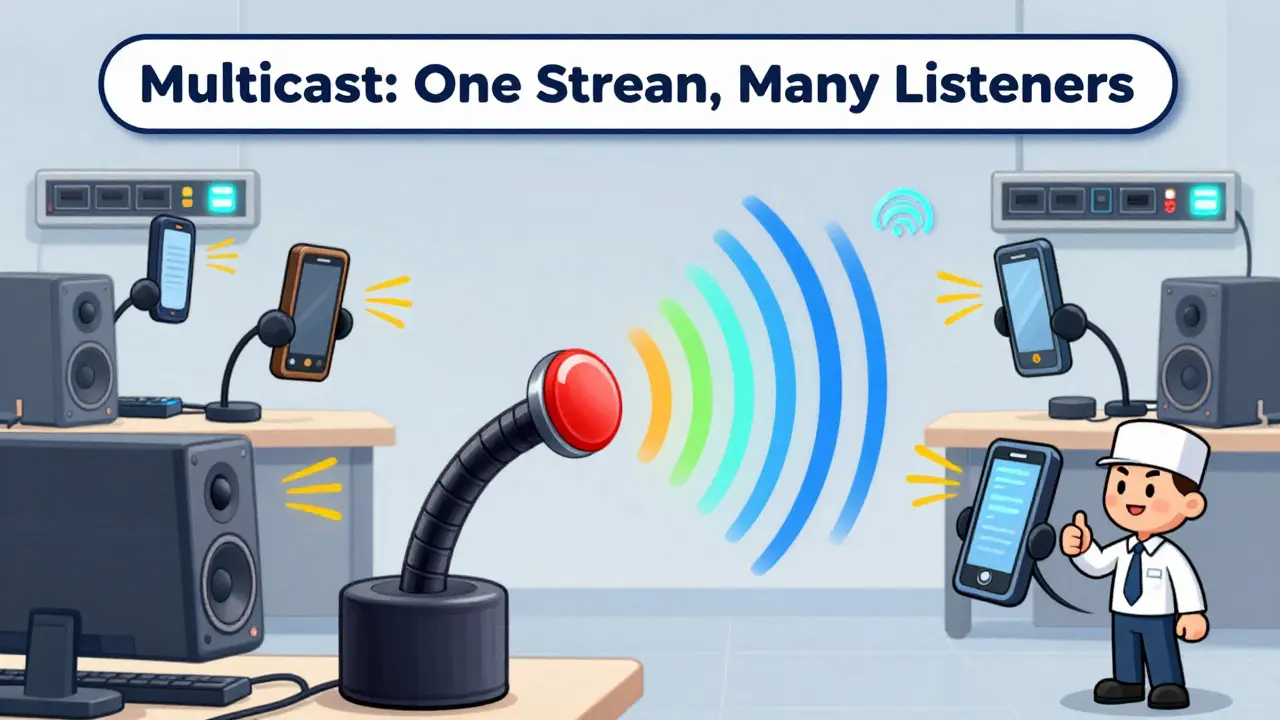
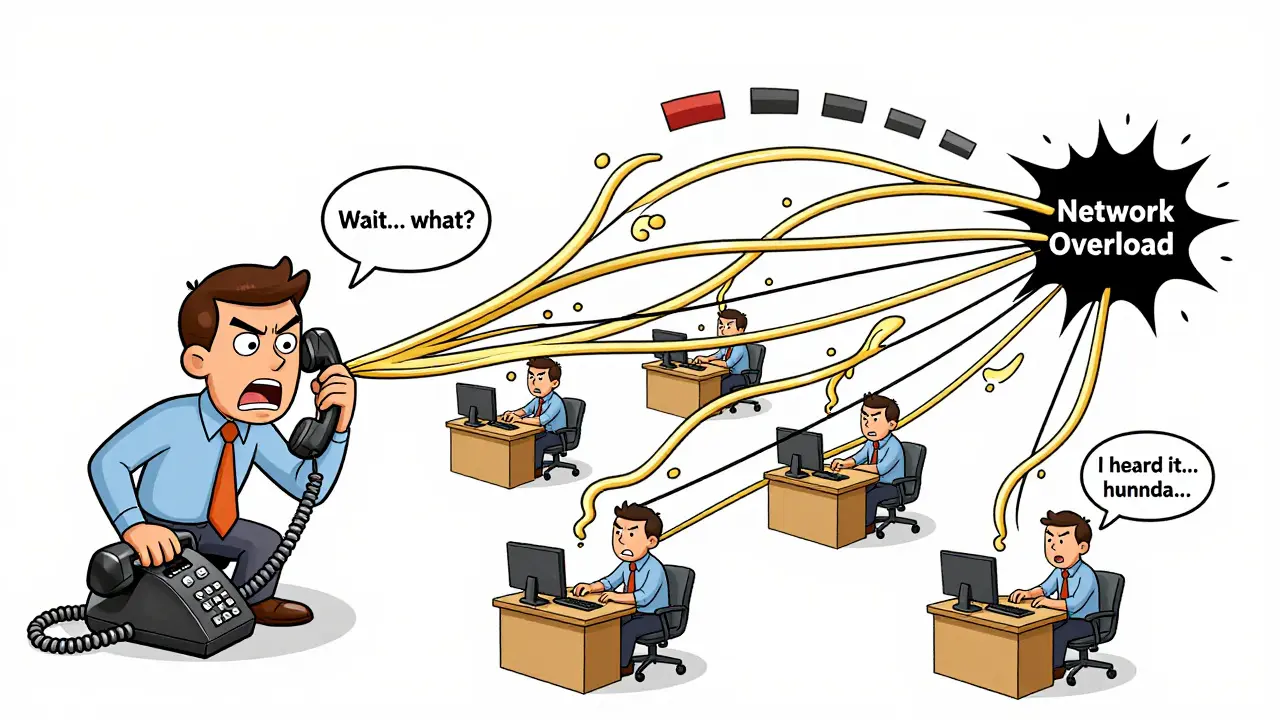
Think of multicast like a radio broadcast. You send one audio stream, and every device tuned to that frequency hears it. That’s how paging works in large facilities. You press a button, and 50 phones, speakers, and intercom units all play the message at once. It’s efficient. It uses less bandwidth. And it’s fast-latency stays under 250ms even across 100 devices. Unicast is different. It’s a direct call. When you use intercom to talk to someone’s desk phone, the system creates a one-to-one connection. It’s like dialing a number, except the phone picks up automatically. This is perfect for two-way conversations. But if you try to use unicast to page 50 people? You’re making 50 separate calls. That eats up bandwidth. It slows down. And if your network isn’t rock-solid, the audio cuts out.When to Use Multicast Paging
Multicast is the go-to for one-way announcements. Think morning facility alerts, emergency notifications, or shift change reminders. It’s used in places like hospitals, schools, and warehouses where timing matters and everyone needs to hear the same message at the same time. Grandstream’s UCM6200 series, for example, lets you schedule daily paging messages-like an automated 8 a.m. announcement. Yeastar lets you create custom groups: “Nurses,” “Warehouse Staff,” “Front Desk.” Each group can have its own greeting tone and even display a custom name on the phone screen. But multicast has rules. Your network switches must support IGMP snooping. Without it, the audio floods the whole network like a broken faucet. Cisco’s 2022 guide says proper IGMP setup cuts latency to 150-250ms. Without it? You’re looking at 500ms or more. That’s noticeable. People hear delays. They think the system is broken. Also, multicast only works on local networks. If you’re using a cloud PBX like RingCentral, you’ll need to disable answering rules and voicemail for paging extensions. Otherwise, the system tries to route the page like a regular call-and it fails. CyberData’s 2021 integration guide says 33% of failed deployments miss this step.When Unicast Intercom Makes More Sense
Unicast is your best bet for two-way talk. Need to ask the warehouse guy if the shipment arrived? Or check with the front desk if a visitor is waiting? Unicast lets you press a button, and the other phone instantly goes hands-free. You talk. They respond. No dialing. No waiting. Yeastar’s S-Series PBX supports full-duplex intercom-meaning both people can talk at once, like a regular phone call. Grandstream uses *80 as the default prefix. You press *80, then the extension number, and boom-you’re connected. But here’s the catch: unicast uses way more bandwidth. Each active intercom session uses about 87 kbps. Multicast? Only 35 kbps per endpoint. If you’ve got 30 people chatting at once, unicast could eat up 2.6 Mbps. That’s a lot for a small business network. And if you chain intercoms-say, you page Person A, who then pages Person B-latency jumps to 450ms or more. The conversation stutters.Network Setup Is Non-Negotiable
You can have the best PBX in the world, but if your network is messy, paging and intercom will fail. Here’s what you need:- Power over Ethernet (PoE): Most IP speakers and phones need 802.3af or 802.3at. No power? No audio.
- 100 Mbps or Gigabit switches: Older 10 Mbps switches can’t handle VoIP traffic. You’ll hear choppy audio or dropped calls.
- VLANs for paging traffic: Separate your paging devices onto their own network segment. A 2019 VoIP Supply case study showed this cuts interference with voice and data by 42%.
- QoS with EF (Expedited Forwarding): Mark paging and intercom traffic as high priority. Dr. Lisa Breaux from Cisco says this prevents 92% of audio quality issues in mixed networks.
- Firewall rules: Open UDP ports 5004-5005 for RTP traffic. 73% of failed deployments? Blocked ports. Not the PBX. Not the phones. The firewall.
DTMF Settings: The Silent Killer
One of the most overlooked issues? DTMF signaling. That’s the tones your phone sends when you press buttons. For intercom to work, every device-phone, PBX, speaker-must use the same method: RFC2833, SIP INFO, or in-band audio. RFC2833 is the most reliable. It’s built into most modern SIP devices. But if one phone uses in-band and your PBX expects RFC2833? The intercom won’t trigger. You press *80. Nothing happens. VoIP Supply’s 2019 guide says this is the #1 reason people say, “Paging works, but intercom doesn’t.” It’s not a bug. It’s a config mismatch. Check every device. Make sure they’re all on the same page.Vendor Differences Matter
Not all VoIP systems are built the same. Here’s how the big players compare:| Vendor | Default Paging Prefix | Default Intercom Prefix | Max Endpoints | Special Features |
|---|---|---|---|---|
| Grandstream | *81 | *80 | 100+ (multicast) | Scheduled paging, AI noise cancellation (firmware 1.0.20.113+) |
| Yeastar | *81 | *80 | 250+ (multicast) | Custom group prompts, Intercom Barge (join live calls) |
| Ooma Office | *81 | *80 | 250 (multicast) | Department-specific groups, high user satisfaction |
| 3CX | *81 | *80 | 50+ (unicast) | Integration with CyberData speakers, mobile app support |
What’s Holding SMBs Back?
A 2022 Spiceworks survey found 68% of small businesses don’t use VoIP paging. Why? Perceived complexity. They think it’s for big IT teams. But it’s not. The real issue? Documentation. Grandstream’s guide scores 4.7/5 on their forum. Yeastar’s is detailed but dense. Smaller vendors? Half the steps are missing. One user on Trustpilot spent 14 hours across three techs just to set up paging for 87 retail locations. The fix? Start small. Pick one group. Test multicast paging to three speakers. Then add intercom between two phones. Get it working before scaling. And always, always test DTMF settings.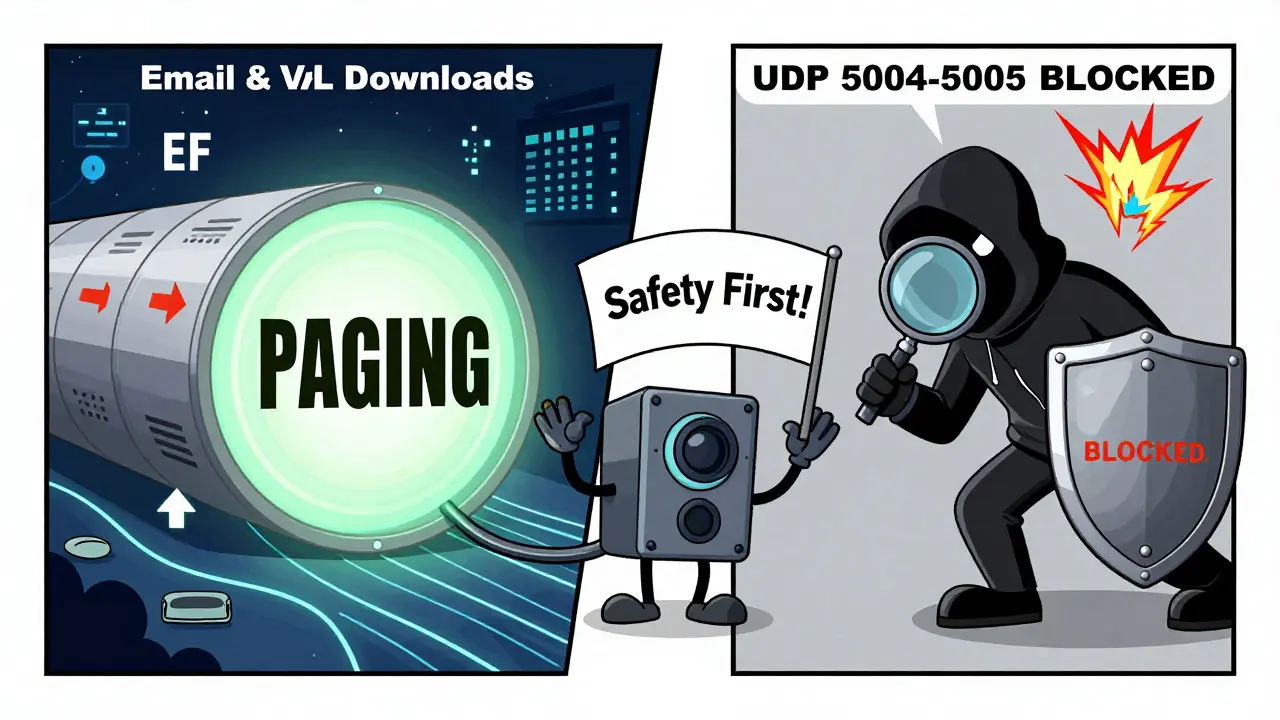
Future Trends and Hidden Risks
By 2026, Gartner predicts 75% of new paging systems will use spatial audio-directing announcements to specific zones in a building. Imagine a fire alarm that only sounds in the kitchen, not the entire warehouse. That’s coming. But there’s a dark side. Multicast is a security risk if not isolated. In a lab test, researchers intercepted paging audio from 300 feet away using a misconfigured network tap. If your paging traffic runs on the same VLAN as your payroll system? You’re broadcasting sensitive info to anyone on the network. The fix? VLAN segmentation. Don’t just enable it-enforce it. Use firewall rules to block paging traffic from leaving your facility.Implementation Checklist
Here’s what you need to do before you hit “save”:- Confirm your network switches support IGMP snooping.
- Assign paging devices to a dedicated VLAN.
- Set QoS to mark paging and intercom traffic as EF (Expedited Forwarding).
- Open UDP ports 5004-5005 on your firewall.
- Set all devices to use RFC2833 for DTMF signaling.
- Disable voicemail and answering rules for paging extensions.
- Test multicast paging with 3+ devices.
- Test unicast intercom between two phones.
- Document your group names, prefixes, and device lists.
Frequently Asked Questions
Can I use multicast paging with a cloud PBX like RingCentral?
Yes, but only if you disable answering rules and voicemail for the paging extension in the RingCentral admin portal. Otherwise, the system treats the page like a regular incoming call and routes it to voicemail. CyberData’s 2021 integration guide confirms this is the most common reason multicast fails in cloud PBX setups.
Why does my intercom work between two phones but not with speakers?
Most IP speakers don’t support SIP-based intercom. They’re built for multicast paging only. Check your speaker’s specs. If it doesn’t list “intercom” or “two-way communication,” it won’t work with unicast. You’ll need a dedicated intercom device or a phone with a speaker function.
Is it better to use multicast or unicast for a 50-person office?
For one-way paging (announcements), use multicast. It’s efficient and reliable. For two-way conversations, use unicast. But don’t try to use unicast to page everyone at once-that’s what multicast is for. Most businesses use both: multicast for announcements, unicast for quick chats.
What’s the easiest VoIP system to set up for paging?
Ooma Office has the simplest interface for group paging, with clear menus and pre-set department templates. Grandstream’s UCM6200 series is also user-friendly, especially if you’re already using their phones. Avoid systems without clear documentation-many SMBs waste days troubleshooting because vendor guides are incomplete.
Do I need special speakers, or can I use regular IP phones?
You can use IP phones with speaker functionality, but they’re not ideal for loud environments. Dedicated IP speakers (like CyberData or Bogen) have higher wattage, weather-resistant designs, and better audio clarity. If you’re paging in a warehouse or cafeteria, use real speakers. For quiet offices, phones are fine.







Salomi Cummingham
16 Dec 2025 at 22:28Oh my god, I just spent three weeks debugging this exact thing at our hospital last year. We thought it was the speakers-turns out, IGMP snooping was turned off on the core switch. No one even knew it existed. We had pages dropping mid-sentence, and the nurses were screaming into phones like it was 1998. Once we enabled it and put paging on its own VLAN? Magic. Audio crisp, latency under 200ms, no more ‘Did you hear that?’ chaos. Also, RFC2833. Always RFC2833. One phone set to in-band audio and the whole intercom system just… ghosts. No error. No warning. Just silence. Don’t be that person who blames the vendor. Blame the config. And please, for the love of all things holy, document your group names. I once spent an hour trying to page ‘Radiology’ and it was actually called ‘Imaging Dept’ because someone renamed it in 2017 and no one told anyone. We’re all just trying to get through the day without screaming into a dead speaker.
Also-QoS. Mark it EF. If your network admin says ‘it’s fine’ without checking the DSCP tags, fire them. Or at least send them this post. They need to see this.
And yes, CyberData speakers are worth every penny. Our old ones sounded like a robot choking on a kazoo. These? Clear as a bell. Even over the noise of a busy ER.
Start small. Test three speakers. Then add intercom. Then expand. Don’t try to boil the ocean on a Tuesday afternoon. You’ll cry. I did.
Also, disable voicemail on paging extensions. I know it feels like a safety net. It’s not. It’s a trap.
And if you’re using a cloud PBX? You’re already fighting an uphill battle. But it’s doable. Just don’t assume it’s plug-and-play. It’s not. It’s more like ‘plug, pray, and reconfigure.’