



Have you ever dialed a number only to hear a busy signal or get routed to the wrong department? That frustration usually isn't caused by bad luck; it's often the result of a poorly designed VoIP dial plan is the set of rules that defines how digit sequences are interpreted, validated, and routed within an IP telephony system. Think of your dial plan as the traffic controller for your phone network. It decides which numbers are valid, where calls should go, and how different formats (like local extensions vs. international numbers) play together. Without a solid design, your business communication breaks down.
What Is a VoIP Dial Plan?
A VoIP dial plan is not just a list of phone numbers. It is the complete logic engine behind your PBX or Unified Communications platform. When you pick up a phone and dial digits, the system doesn't just send those digits blindly into the void. Instead, it checks them against the dial plan. The plan asks: Is this a valid number? Should I route it internally to an extension, or externally to the Public Switched Telephone Network (PSTN)? Do I need to strip off a leading '9' before sending it out?
This concept builds on traditional telephone numbering plans, specifically the ITU-T E.164 standard is the international public telecommunication numbering plan that assigns unique identifiers to all endpoints in the global telephone network. E.164 ensures that every phone number worldwide has a unique structure consisting of a country code, national destination code, and subscriber number. In modern VoIP setups, we try to normalize everything to this format internally to avoid confusion. For example, instead of storing a number as "555-0198" and another as "+1-555-0198," a good dial plan treats them as the same entity: +15550198.
The core job of the dial plan is parsing. It takes user input, matches it against defined patterns, applies any necessary translations, enforces security policies (like preventing unauthorized international calls), and selects the correct route-whether that’s an internal gateway, a SIP trunk, or a specific departmental queue.
Designing Your Numbering Plan
Before you configure a single router or server, you need a numbering strategy. This is where many administrators stumble. They start assigning random extensions based on who asked first, leading to a messy, unscalable system. A robust private numbering plan should be simple, symmetrical, and consistent.
Here is how you can structure it effectively:
- Choose a Base Range: Decide on a length for your extensions. Four-digit extensions (e.g., 1000-9999) are common in medium-to-large enterprises because they allow for easy grouping. Three-digit extensions work for smaller offices but limit future growth.
- Group by Function or Site: Assign ranges logically. For instance, you might reserve 1000-1999 for the Sales department, 2000-2999 for IT, and 3000-3999 for remote workers. If you have multiple physical sites, you could use the first digit to indicate the location (e.g., 1XXX for New York, 2XXX for London).
- Reserve Special Numbers: Always keep certain ranges free for critical services. Emergency services (911 or 112), internal security, and automated attendants need dedicated, easy-to-remember numbers that don’t conflict with user extensions.
- Plan for Growth: Don’t fill up every slot today. Leave gaps. If you assign 1001 through 1050 now, leave 1051 through 1999 open for next year’s hires. Renumbering hundreds of employees later is a nightmare no one wants to face.
NocTel Communications and other industry experts emphasize that your numbering plan should communicate its own structure. When a new employee sees their extension is 2105, they should intuitively understand they belong to the IT group at the second site, if your plan is documented clearly.
Understanding Dial Patterns and Partitions
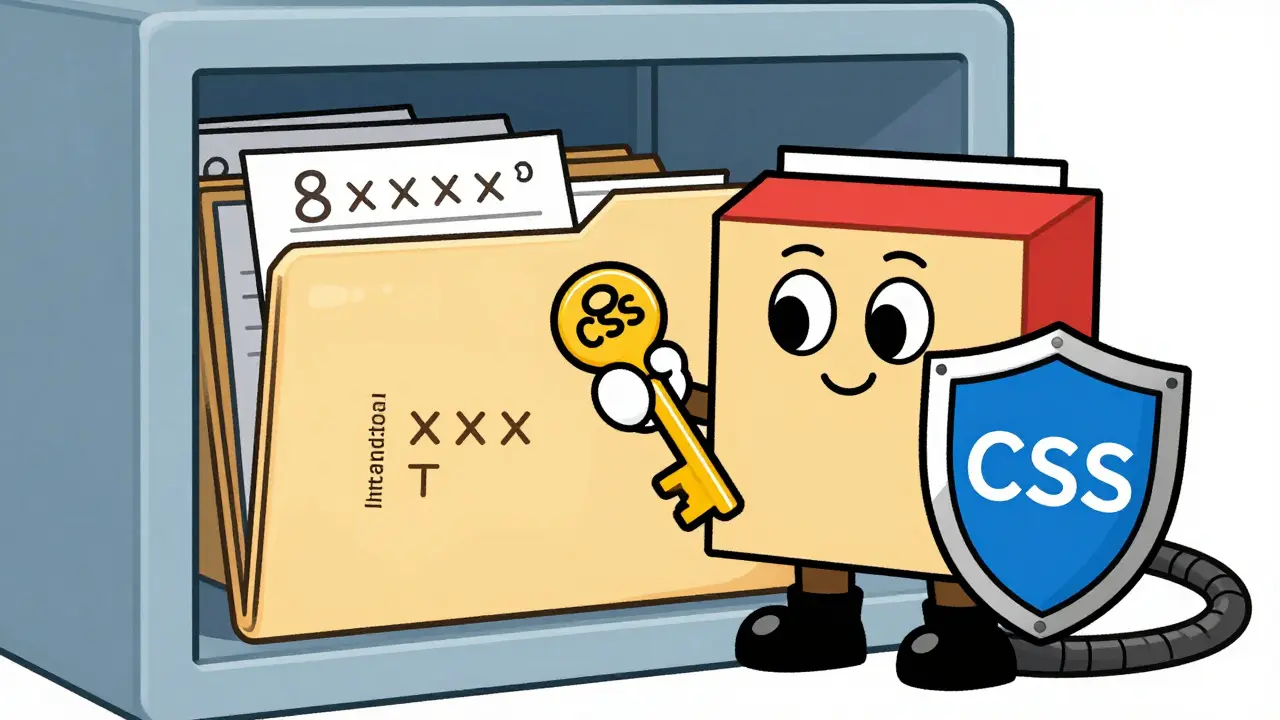
Once your numbers are assigned, you need to tell the system how to recognize them. This is done using Dial patterns are numerical templates used by VoIP systems to match dialed digits and trigger specific call routing actions.. A pattern acts like a wildcard search. For example, a pattern of `8XXX` matches any four-digit number starting with 8. If someone dials 8432, the system sees it matches `8XXX` and knows exactly what to do.
In platforms like Cisco Unified Communications Manager (CUCM), patterns are organized into Partitions are logical containers that group dial patterns to control access and enforce security policies within a VoIP network.. Think of partitions as folders. You might have a folder called "Local-Calls" containing patterns for local area codes, and another called "International-Calls" with patterns for overseas destinations.
To make this useful, you link these partitions to devices using Calling Search Spaces (CSS) are ordered lists of partitions that determine which dial patterns a specific phone or device is allowed to access.. A CSS is essentially a permission key. If a receptionist’s phone has a CSS that includes both "Local" and "International" partitions, she can dial anywhere. If a junior intern’s phone only has the "Local" partition in its CSS, attempts to dial international numbers will fail immediately. This is crucial for preventing toll fraud.
| Pattern Syntax | Description | Example Match |
|---|---|---|
| 9T | Any sequence starting with 9 (timeout-based) | 915550198 |
| 9.[2-9]XX[2-9]XXXXXX | Valid NANP North American number after 9 | 92125550198 |
| 8XXX | Four-digit internal extension starting with 8 | 8432 |
| +! | Any E.164 number starting with plus sign | +442071234567 |
The Power of Translation Rules
Real-world dialing habits rarely match perfect technical standards. Users love convenience. They want to dial 7-digit local numbers, skip country codes for domestic calls, and press '9' to get an outside line. But carriers and gateways often demand strict formats, like full E.164 (+1XXXXXXXXXX). This is where Translation rules are configuration commands that manipulate digit strings by adding, removing, or replacing characters before call routing occurs. come into play.
Translation rules bridge the gap between what users dial and what the network requires. Here are three common scenarios:
- Outbound Normalization: A user dials 9-555-0198. Your carrier requires +15550198. A translation rule strips the leading '9' and prepends '+1'. The result sent to the gateway is +15550198.
- Inbound Manipulation: An external caller dials your main DID +15550100. Inside your network, you want this to ring extension 1000. A translation rule matches +15550100 and redirects it to internal DN 1000.
- Digit Stripping: In multi-site setups, you might prepend a site code (e.g., 802) for internal routing. When the call reaches the final destination, a translation rule strips the '802' so the recipient sees the original caller ID, not the routing prefix.
In Cisco IOS gateways, this is handled via Voice Translation Profiles. These profiles can modify the Called Number (DNIS), Calling Number (ANI), and Redirecting Number. You can apply these profiles globally or to specific dial peers. The limit is typically 128 translation rules per gateway, with up to 15 sub-rules per rule, which is plenty for most enterprise needs.
In Microsoft Teams Direct Routing, translation rules are applied at the Session Border Controller (SBC) profile level. This allows you to convert Teams-native dialing habits into the specific format required by your SIP trunk provider without changing how users interact with the Teams client.

Best Practices for Implementation
Building a dial plan is an iterative process. Rushing it leads to bugs that are hard to trace. Follow these guidelines to ensure stability:
- Normalize Early: Convert all numbers to E.164 format as soon as they enter your system. Keep this canonical format for internal routing and logging. Use translation rules only at the edges (user interface and carrier interface) to adapt to human preferences and carrier requirements.
- Keep It Simple: Avoid complex regular expressions unless absolutely necessary. Simple patterns like `9.!` (any digits after 9) are easier to debug than intricate regex strings. Complexity increases the chance of misrouted calls.
- Test Thoroughly: Before rolling out changes to thousands of users, test in a lab environment. Trace a call step-by-step. Watch how the digits change at each hop-from the phone, through the CSS/partition check, through the translation rule, and out the gateway.
- Document Everything: Your dial plan is living documentation. Comment your translation rules. Explain why a specific partition exists. Future admins (or even you in six months) will thank you when they need to troubleshoot a weird routing issue.
- Security First: Use Calling Search Spaces to restrict access. Never give general staff the ability to dial premium rate numbers or unrestricted international destinations. Monitor logs for unusual dialing patterns that might indicate toll fraud.
Troubleshooting Common Issues
Even with careful planning, things go wrong. Here are typical problems and how to fix them:
One-Way Audio: Often caused by NAT issues, but sometimes related to dial plan mismatches where the SDP (Session Description Protocol) contains an IP address that isn't reachable. Ensure your translation rules aren't accidentally stripping vital digits needed for signaling.
Fast Busy Signal: This usually means the pattern didn't match anything in the Calling Search Space. Check if the user’s CSS includes the partition where the target pattern resides. Also, verify that the pattern syntax is correct (e.g., did you forget a wildcard?)
Wrong Caller ID: If external recipients see a strange number, your inbound translation rules might be failing to strip prefixes or add country codes correctly. Inspect the ANI manipulation settings on your SBC or gateway.
What is the difference between a dial plan and a numbering plan?
A numbering plan is the static assignment of unique identifiers (phone numbers/extensions) to endpoints. It defines who owns which number. A dial plan is the dynamic logic that interprets dialed digits, validates them against the numbering plan, and routes the call accordingly. The numbering plan is the map; the dial plan is the GPS navigation system.
Why should I use E.164 format internally?
Using E.164 (+CountryCodeNumber) internally eliminates ambiguity. It prevents conflicts between local numbers that look identical but belong to different regions. It simplifies translation rules because there is only one canonical format to manage, reducing errors in routing and billing integration.
How do Calling Search Spaces (CSS) improve security?
CSS acts as an access control list for dialing. By assigning specific CSSes to devices, you restrict which partitions (and thus which patterns) a user can reach. For example, you can prevent standard employees from accessing partitions containing international long-distance patterns, thereby mitigating the risk of toll fraud.
Can I use translation rules in Microsoft Teams?
Yes. In Microsoft Teams Direct Routing, you can create inbound and outbound number translation rules. These are applied at the Session Border Controller (SBC) profile level to normalize numbers between the format Teams users dial and the format required by your PSTN provider.
What happens if a dial pattern is too broad?
If a pattern is too broad (e.g., matching any digit string), it may intercept calls meant for more specific patterns due to order-of-match precedence. This can lead to misrouting. It is best practice to use specific patterns where possible and rely on broader catch-all patterns only as a last resort, ensuring they are placed correctly in the evaluation order.









Albert Navat
26 May 2026 at 12:56Look, I've been pushing back on this E.164 normalization mandate for years because it completely ignores the legacy PBX infrastructure we're stuck with in half these mid-market deployments. You talk about 'canonical formats' like it's a magic bullet, but when you have a hybrid environment mixing CUCM and a decade-old Asterisk box, that translation logic gets messy fast. We tried stripping the leading 9 at the SBC level instead of doing it at the endpoint CSS, and suddenly our call detail records were garbage because the ANI wasn't matching the DNIS anymore. It’s not just about routing; it’s about billing reconciliation and audit trails. If you don’t account for the fact that some carriers still send raw NANP digits without the plus sign, your regex patterns are going to fail silently until someone tries to dial an international number during a crisis. Stop treating every deployment like a greenfield Microsoft Teams setup.