



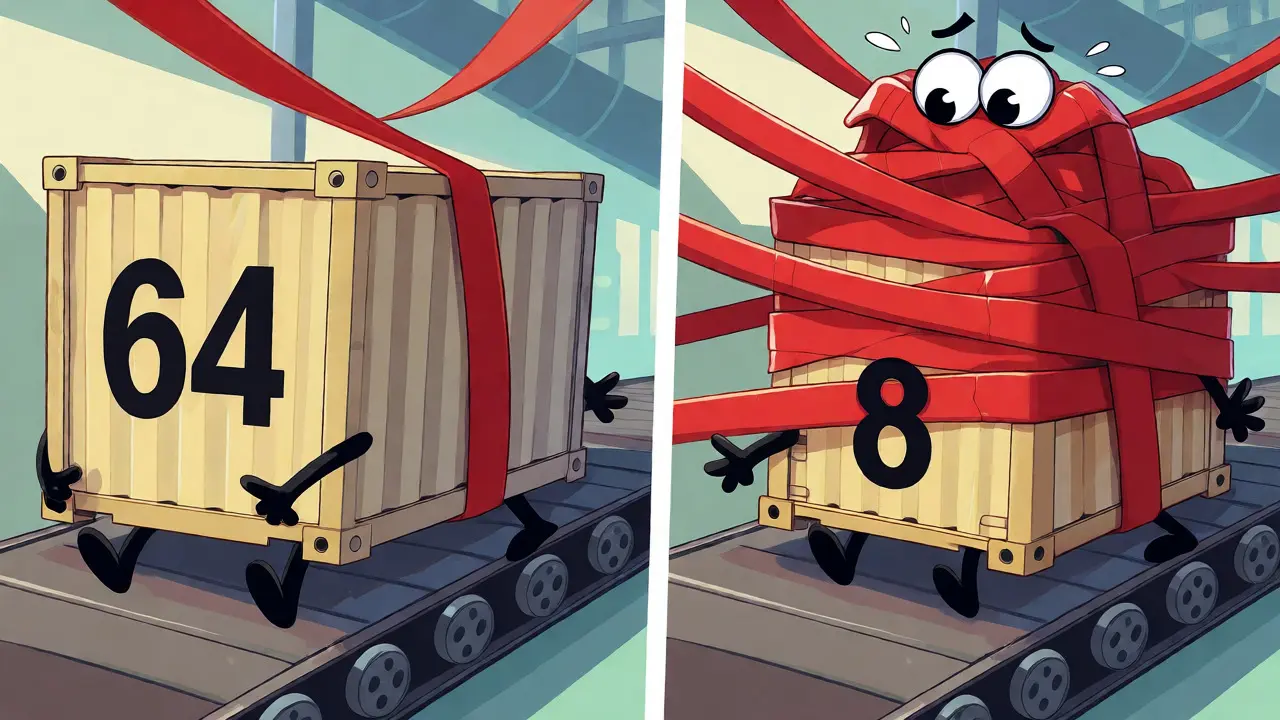
You pay for 8 kbps when you use G.729, but your network sees 31 kbps. Why? Because the voice data is just a tiny fraction of what actually travels across the wire. The rest is VoIP protocol encapsulation-the digital wrapping paper that holds the call together.
If you are an IT manager or network engineer, this gap between "codec bitrate" and "actual bandwidth usage" causes most VoIP outages. You buy enough capacity for the audio, forget the headers, and then wonder why calls drop during peak hours. This guide breaks down exactly where those bytes go, from the codec payload up to the Ethernet frame, so you can size your links correctly.
The Anatomy of a Voice Packet
Think of a VoIP packet like a shipping container. The goods inside are the digitized speech (the codec payload). But you cannot just throw raw audio onto the internet. It needs labels, tracking numbers, and protective casing. Each layer of the OSI model adds its own header, increasing the total size of every single packet sent.
The standard media path looks like this:
- RTP (Real-time Transport Protocol) wraps the audio payload to provide timing and sequence information.
- UDP (User Datagram Protocol) handles the delivery mechanism without the overhead of connection establishment.
- IPv4 (Internet Protocol version 4) provides logical addressing and routing capabilities.
- Ethernet (Link-layer framing technology) packages the IP packet for transmission over physical cabling.
Every time you send a voice sample, you repeat these headers. If you send 50 packets per second (the standard for 20ms packetization), you are sending 50 copies of these headers every second. That is where the hidden cost lives.
Breaking Down the Header Costs
To understand the impact, we need to look at the byte count of each layer. These numbers are fixed by industry standards (RFCs), so they do not change based on your vendor.
| Protocol Layer | Header Size | Purpose |
|---|---|---|
| RTP | 12 bytes | Sequence number, timestamp, sync source ID |
| UDP | 8 bytes | Source/Dest ports, length, checksum |
| IPv4 | 20 bytes | IP addresses, TTL, protocol ID |
| Ethernet II | 14 bytes | MAC addresses, EtherType |
| VLAN Tag | 4 bytes | Optional 802.1Q tagging |
Notice that the base IP/UDP/RTP overhead alone is 40 bytes. Before you even add the Ethernet frame or VLAN tags, you have already spent 40 bytes on management data. For high-bitrate codecs like G.711, this is manageable. For low-bitrate codecs, it becomes a problem.
The Bandwidth Math: Codec vs. Reality
Let’s run the numbers for two common scenarios: G.711 (uncompressed voice) and G.729 (compressed voice). We will assume standard 20ms packetization, which means 50 packets per second.
G.711 Scenario
G.711 encodes voice at 64 kbps. With 20ms intervals, each packet contains 160 bytes of audio payload.
- Audio Payload: 160 bytes
- IP/UDP/RTP Headers: 40 bytes
- Total L3 Payload: 200 bytes
- Add Ethernet/VLAN/FCS: ~22 bytes
- Total Frame Size: ~222 bytes
- Bandwidth Calculation: 222 bytes × 8 bits × 50 packets = 88.8 kbps
Here, the overhead is about 39% of the total bandwidth. Not great, but acceptable for modern LANs.
G.729 Scenario
G.729 encodes voice at 8 kbps. With 20ms intervals, each packet contains only 20 bytes of audio payload.
- Audio Payload: 20 bytes
- IP/UDP/RTP Headers: 40 bytes
- Total L3 Payload: 60 bytes
- Add Ethernet/VLAN/FCS: ~22 bytes
- Total Frame Size: ~82 bytes
- Bandwidth Calculation: 82 bytes × 8 bits × 50 packets = 32.8 kbps
Look at that ratio. You are paying for 8 kbps of voice, but consuming nearly 33 kbps of bandwidth. The overhead is more than 3x the actual voice data. This is why using G.729 on slow WAN links without compression often yields worse results than expected.
Security and Tunneling Add-ons
Plain RTP is insecure. Most enterprises now require encryption, which adds another layer of encapsulation. The most common method is SRTP (Secure Real-time Transport Protocol), defined in RFC 3711.
SRTP does not replace RTP; it modifies it. It adds authentication tags and sometimes key identifiers. While the exact size varies based on the cipher suite used, you should budget an additional 10-20 bytes per packet for SRTP. If you are tunneling VoIP through a VPN (like IPsec), the overhead explodes.
An IPsec tunnel mode packet includes:
- Original IP Header (inside the tunnel)
- New Outer IP Header
- AH/ESP Headers
- ESP Trailer and Padding
This can easily add 50-70 bytes per packet. On a G.729 call, adding IPsec could push the bandwidth requirement from 33 kbps to over 60 kbps per call. Always account for security if your traffic leaves the local network.
Solving the Problem: RTP Header Compression
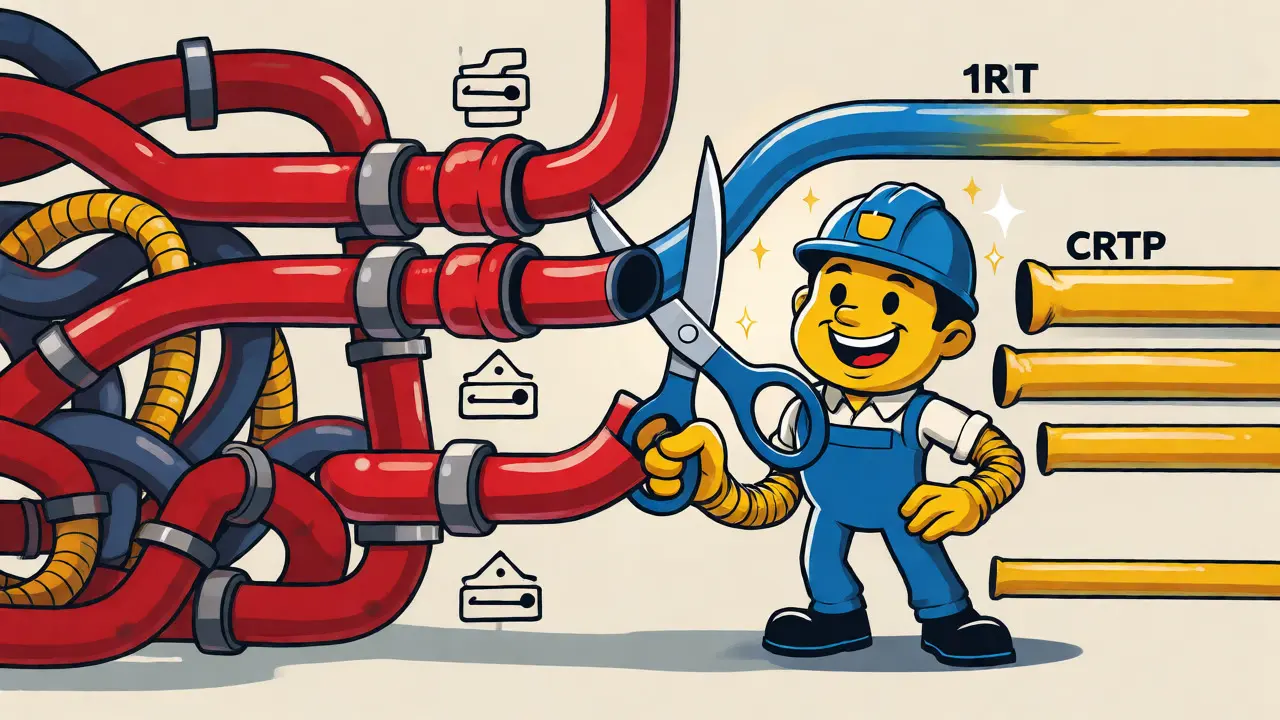
If you are running low-bitrate codecs over constrained links, you need cRTP (Compressed RTP). Defined in RFC 2508, this technique reduces the repetitive IP/UDP/RTP headers from 40 bytes down to 2-4 bytes.
How does it work? Since the IP addresses and ports rarely change during a call, the compressor sends them once and then uses short indices for subsequent packets. Only the changing fields (sequence number, timestamp) are sent fully.
Let’s recalculate G.729 with cRTP enabled:
- Audio Payload: 20 bytes
- Compressed Headers: 2 bytes
- Total L3 Payload: 22 bytes
- Add Ethernet/VLAN/FCS: ~22 bytes
- Total Frame Size: ~44 bytes
- Bandwidth Calculation: 44 bytes × 8 bits × 50 packets = 17.6 kbps
You just cut your bandwidth usage in half. However, cRTP requires compatible hardware on both ends and stateful context maintenance. It fails if packets arrive out of order or if there is significant packet loss, as the decompressor loses sync.
Packetization Delay Trade-offs
You might think, "Why not just make bigger packets to reduce header frequency?" You can. Instead of 20ms packets, you can use 30ms or 40ms.
Using 30ms packetization with G.729:
- Packets per second drops to 33.33.
- Headers are repeated less often.
- Bandwidth decreases slightly.
But there is a catch. Larger packets increase latency. If you lose one large packet, you lose more seconds of conversation. There is also a minimum serialization delay on the link itself. For very slow links (like old T1 lines or satellite connections), larger packets can cause jitter issues because the router takes longer to process each big chunk of data. The sweet spot remains 20ms for most terrestrial networks.
Signaling vs. Media: Don’t Mix Them Up
It is crucial to distinguish between the media stream (RTP) and the signaling stream (SIP (Session Initiation Protocol). SIP sets up the call, negotiates codecs, and tears it down. RTP carries the actual voice.
SIP messages are text-based and can be large, especially during registration or complex call transfers. However, SIP traffic is bursty. Once the call is established, SIP goes quiet. RTP keeps flowing constantly. When sizing bandwidth, focus on the sustained RTP rate. Do not try to calculate average bandwidth by mixing rare SIP bursts with constant RTP streams. Keep separate QoS policies for each: prioritize RTP strictly, and allow SIP to compete for remaining bandwidth.
Practical Checklist for Network Engineers
Before you deploy VoIP, run through this list to ensure your calculations match reality:
- Identify the Codec: Is it G.711, G.729, Opus, or something else? Check the actual negotiated codec, not just the configured default.
- Check Packetization Interval: Are you using 20ms, 30ms, or dynamic intervals?
- Account for Security: Is SRTP enabled? Is there a VPN tunnel? Add the specific overhead bytes for these layers.
- Verify Link Layer: Are you on Ethernet? PPPoE? MPLS? Each adds different framing costs.
- Consider cRTP: If bandwidth is tight, verify that all devices support cRTP and that the link quality supports stateful compression.
- Plan for Silence Suppression: VAD (Voice Activity Detection) reduces average bandwidth but creates variable load. Ensure your buffers handle the sudden restart of packets after silence.
Understanding VoIP protocol encapsulation is not just academic trivia. It is the difference between a clear call and a choppy, dropped one. By respecting the overhead, you build a network that handles voice the way it was designed to be handled.
Why is my G.729 call using 31 kbps instead of 8 kbps?
The 8 kbps figure refers only to the compressed audio payload. The additional bandwidth comes from the mandatory headers required to transport that payload: RTP (12 bytes), UDP (8 bytes), IPv4 (20 bytes), and Ethernet framing (approx. 18-22 bytes). These headers are repeated for every packet, significantly inflating the total bandwidth usage.
Does IPv6 increase VoIP bandwidth requirements?
Yes. An IPv4 header is 20 bytes, while an IPv6 header is 40 bytes. This adds 20 bytes of overhead per packet. For low-bitrate codecs like G.729, this can increase the total bandwidth consumption by roughly 10-15% compared to IPv4, unless header compression techniques are applied.
What is the benefit of RTP Header Compression (cRTP)?
cRTP compresses the static IP, UDP, and RTP headers from 40 bytes down to 2-4 bytes. This is highly effective on slow WAN links using low-bitrate codecs like G.729, potentially halving the bandwidth usage per call. However, it requires compatible equipment on both ends and can be sensitive to packet loss.
How does SRTP affect bandwidth?
SRTP adds security features like encryption and authentication. This typically adds 10 to 20 bytes per packet, depending on the cryptographic algorithm and key length used. While this increases bandwidth, it is essential for protecting voice privacy in transit.
Should I use larger packet sizes to save bandwidth?
Larger packets (e.g., 30ms or 40ms) reduce the frequency of headers, saving bandwidth. However, they increase latency and mean that losing a single packet results in a longer gap in audio. For interactive voice conversations, 20ms is generally the optimal balance between efficiency and quality.







Write a comment