


You’ve probably been there. You’re on a critical client call, and suddenly the audio starts breaking up. Your team rushes to check the dashboard, but the graphs look fine. Why? Because most monitoring tools average out the pain. They hide the five seconds of stutter that ruined your meeting behind a healthy monthly average. If you want to stop chasing ghosts and start fixing real problems, you need to stop guessing what "good" sounds like. You need hard numbers.
Defining VoIP quality baselines is not just about picking random numbers from a vendor’s whitepaper. It’s about aligning technical metrics with human perception and contractual obligations. Whether you are an IT manager trying to justify a network upgrade or a service provider drafting a contract, getting these thresholds wrong costs money and credibility. Let’s break down exactly where to draw the lines for alerts and Service Level Agreements (SLAs).
The Core Metrics That Actually Matter
Before we set any thresholds, we have to agree on what we are measuring. Not all data points are created equal. Some are noisy, some are misleading, and some directly correlate with user frustration.
One-way delay, often called mouth-to-ear latency, is the time it takes for sound to travel from one speaker to another. This is distinct from Round-Trip Time (RTT). While RTT is easier to measure with ping-like probes, users feel one-way delay. According to ITU-T G.114, the gold standard for telephony, delays under 150 milliseconds are generally acceptable for conversation. Between 150 and 400 milliseconds, conversations become difficult; people start talking over each other because they think the line has gone dead. Above 400 milliseconds, it’s effectively unusable for natural dialogue.
Then there is jitter. Jitter is the variation in packet arrival times. Imagine packets as runners in a race. If they arrive at irregular intervals, your phone’s jitter buffer has to work harder to reorder them. If the variation is too high, the buffer either adds delay (to wait for late packets) or drops them (if they are too late). Most enterprise networks aim for jitter below 20-30 ms. However, averages lie here. A low average jitter can hide massive bursts. Always look at the 95th percentile, not just the mean.
Packet loss is the silent killer. Unlike jitter, which can be smoothed out by buffering, lost data is gone forever. Modern codecs like Opus can conceal small losses, but anything above 1% usually results in audible artifacts-clicks, pops, or robotic voices. Crucially, you must distinguish between network loss (packets dropped by routers) and discard loss (packets dropped by the receiver’s jitter buffer because they arrived too late). RFC 3611 separates these, and so should your alerts.
Finally, we have MOS (Mean Opinion Score). This is a perceptual score from 1 (bad) to 5 (excellent). It’s calculated using algorithms like the E-model (ITU-T G.107), which combines delay, loss, and codec type into a single number. While handy for executive dashboards, MOS is an estimate, not a direct measurement. Don’t let a 4.0 MOS mask a specific issue like severe echo or background noise that the algorithm might miss.
Setting Alert Thresholds vs. SLA Commitments
Here is the biggest mistake organizations make: they use the same numbers for internal alerts and external contracts. They shouldn’t. Alerts are for troubleshooting; SLAs are for accountability.
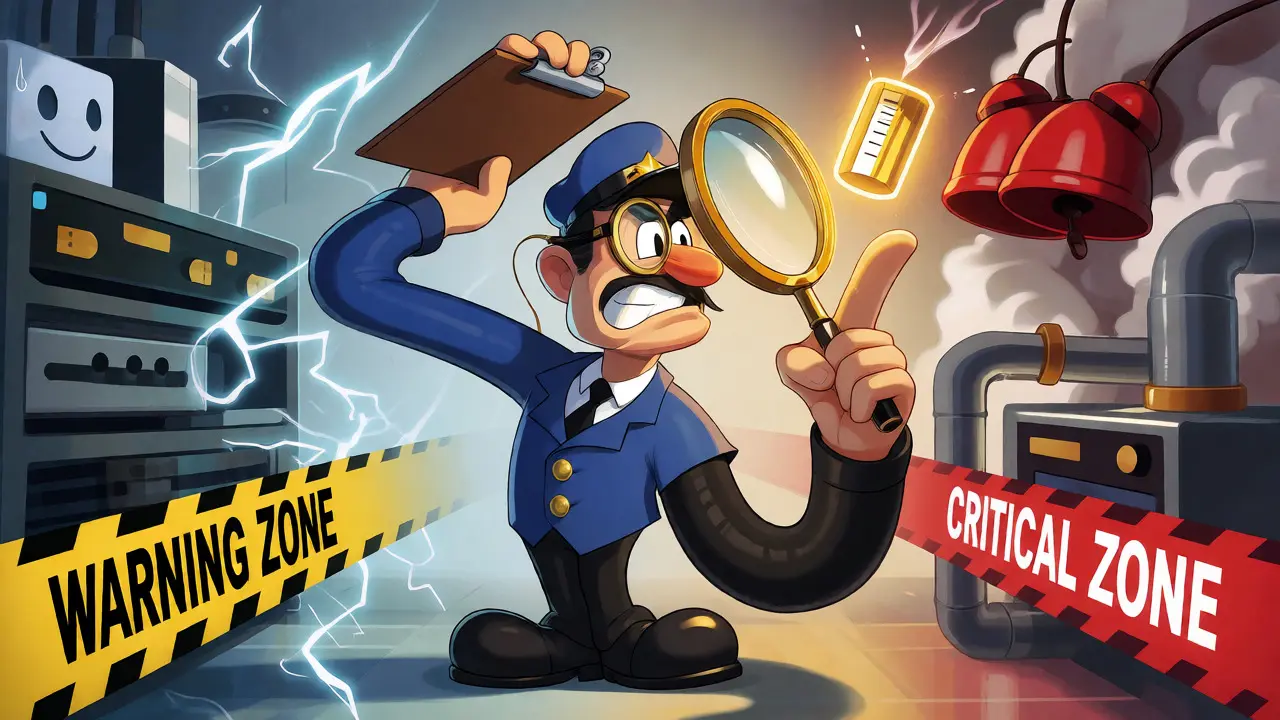
For internal alerts, you want to catch issues before they impact users. This means setting "warning" thresholds lower than the actual failure point. For example, if 150 ms delay makes calls awkward, set your warning alert at 100-120 ms. This gives your NOC (Network Operations Center) time to investigate route changes or congestion before users complain. Use persistence rules here. A single spike of 160 ms delay isn’t an incident. But if the average delay stays above 120 ms for five minutes, or across ten consecutive calls, then trigger a ticket.
For SLAs, you need to define success based on population statistics, not individual packets. You cannot guarantee that every single packet will arrive within 150 ms. Network physics doesn’t work that way. Instead, commit to something like: "95% of all call minutes will experience less than 150 ms one-way delay." This protects you from rare outliers while ensuring the vast majority of users have a good experience. Similarly, for packet loss, an SLA might state that no more than 1% of total voice packets are lost per month, excluding maintenance windows.
| Metric | Warning (Internal) | Critical (Alert) | SLA Target (Contract) | User Impact |
|---|---|---|---|---|
| One-Way Delay | > 100 ms | > 150 ms | < 150 ms (95% of calls) | Talking over each other |
| Jitter | > 20 ms | > 30 ms | < 30 ms (Average) | Choppy audio, dropouts |
| Packet Loss | > 0.5% | > 1.0% | < 1.0% (Total Volume) | Robotic voice, gaps |
| MOS Score | < 4.0 | < 3.5 | ≥ 3.5 (Minimum) | Perceived poor quality |
The Role of Codec and Endpoint Telemetry
Your thresholds must account for the technology stack. A threshold that works for G.711 (uncompressed, high bandwidth) might fail for Opus (adaptive, compressed). Opus is resilient to packet loss, so you might tolerate slightly higher loss rates without noticeable degradation compared to G.711. Conversely, Opus requires more CPU power. If your endpoint is struggling, the jitter buffer might drop packets even if the network is clean. This is why endpoint telemetry is non-negotiable.
Gateway-only monitoring is outdated. It tells you what happened on the wire, but not what the user heard. A router might show perfect delivery, but if the user’s Wi-Fi is congested or their headset driver is buggy, the call still sucks. Collect data directly from the softphone or IP phone. Look for metrics like "jitter buffer discards." If the network shows 0% loss but the phone reports 2% discards, you know the problem is local jitter exceeding the buffer’s capacity, not the carrier dropping packets.
Also, consider the direction. One-way delay matters for conversation flow, but asymmetric routing (where outbound traffic takes a different path than inbound) can cause weird issues like echo cancellation failures. Monitor both directions separately. If outbound delay is 50 ms and inbound is 200 ms, the caller hears themselves late, causing them to repeat themselves. Standard ping tests often miss this asymmetry.

Structuring Your SLA Contract
If you are writing or signing an SLA, ambiguity is your enemy. "Good quality" is subjective. Define it. Start by separating Availability from Quality. Availability is binary: did the call connect? Did it drop? Quality is continuous: how did it sound?
A robust SLA clause should specify:
- Measurement Point: Is quality measured at the provider’s border edge, or end-to-end? Provider-side measurements ignore your last-mile Wi-Fi issues. End-to-end measurements include them.
- Sample Size: How many calls constitute a valid sample? Microsoft Teams, for instance, requires over 500 packets to classify a stream. Small samples lead to false positives.
- Exclusions: What doesn’t count? Planned maintenance, customer-caused LAN errors, and force majeure events should be excluded.
- Remediation: What happens when thresholds are breached? Service credits are common, but a root-cause analysis report is more valuable long-term.
Be careful with composite scores. Some vendors provide a "Network Score" out of 100. These are great for trend lines but terrible for enforcement. If the score drops from 90 to 85, what changed? Was it delay? Loss? You can’t fix what you can’t diagnose. Always demand raw metric access alongside any composite score.
Common Pitfalls and Troubleshooting Tips
One major pitfall is ignoring burst loss. Average packet loss of 0.5% sounds fine. But if that loss occurs in a two-second burst during a key sentence, the user misses half the conversation. Monitoring tools often smooth this out. Configure alerts to detect consecutive packet loss events, not just totals.
Another trap is treating jitter buffer size as static. Many admins set a fixed buffer size (e.g., 50 ms). If network jitter spikes to 60 ms, the buffer overflows and drops packets. Adaptive jitter buffers solve this by expanding dynamically, but they add latency. If you see high latency AND high discard rates, your buffer strategy needs tuning. Sometimes, increasing the maximum buffer size reduces discards but increases delay. Find the balance.
Finally, don’t forget QoS (Quality of Service). Thresholds are useless if your network treats voice packets like file downloads. Ensure DSCP markings (like EF for Expedited Forwarding) are applied correctly end-to-end. If your core switches trust the marking but your firewall resets it to zero, voice packets get stuck in the back of the queue. Correlate your quality alerts with interface utilization stats. High CPU on a firewall often correlates with sudden spikes in jitter and loss.
Frequently Asked Questions
What is the ideal one-way delay for VoIP?
The general industry standard, defined by ITU-T G.114, suggests keeping one-way delay below 150 milliseconds for optimal conversational quality. Delays between 150 and 400 ms are tolerable but may require echo control and patience from users. Anything above 400 ms typically disrupts natural conversation flow significantly.
How much packet loss can VoIP tolerate?
Ideally, packet loss should be near zero. However, modern codecs can handle up to 1% loss with minimal perceptible impact. Beyond 1%, audio quality degrades noticeably, leading to robotic voices or dropouts. For SLAs, a target of less than 1% average loss is common, but burst loss should be monitored separately as it causes more disruption than evenly distributed loss.
Is a MOS score of 4.0 good?
Yes, a MOS (Mean Opinion Score) of 4.0 is considered good quality. Scores above 4.0 are excellent, while scores between 3.5 and 4.0 are acceptable for most business communications. Below 3.5, users will likely perceive the call as poor quality. Note that G.711 codec typically maxes out around 4.4 under perfect conditions, so expecting a 5.0 is unrealistic for standard telephony.
Why do my alerts fire even when average jitter is low?
This often happens because averages hide variance. You might have low average jitter but high peak jitter or frequent jitter buffer discards. Check the 95th or 99th percentile of jitter rather than just the mean. Also, ensure your alert logic uses persistence rules (e.g., condition met for X minutes) to avoid flapping due to transient network spikes.
Should I measure jitter or round-trip time?
You should monitor both, but for different reasons. Jitter affects the stability of the media stream and triggers buffer adjustments. Round-trip time (RTT) helps identify overall network latency and potential routing issues. However, for user experience, one-way delay is more relevant than RTT, though RTT is easier to measure with standard tools. Prioritize one-way delay for SLAs and jitter for troubleshooting audio glitches.
Next Steps for Implementation
Start by running a passive monitoring period for two weeks. Collect baseline data for your specific sites, ISPs, and codecs. Do not set alerts yet; just observe. Identify your normal distribution curves. Once you have that, apply the warning/critical framework outlined above. Test your alerting system by simulating congestion. Can your team respond to a "warning" before it becomes a "critical" outage? Adjust your thresholds based on those drills. Remember, the goal isn't perfect numbers; it's predictable performance.






Write a comment