



Imagine your phone call is a package being shipped. In an ideal world, the carrier picks it up at the sender’s house and drops it off at the receiver’s without opening the box. But what if the sender uses a cardboard box and the receiver only accepts plastic crates? Someone has to open the box, take out the item, and repack it. That process takes time, effort, and money.
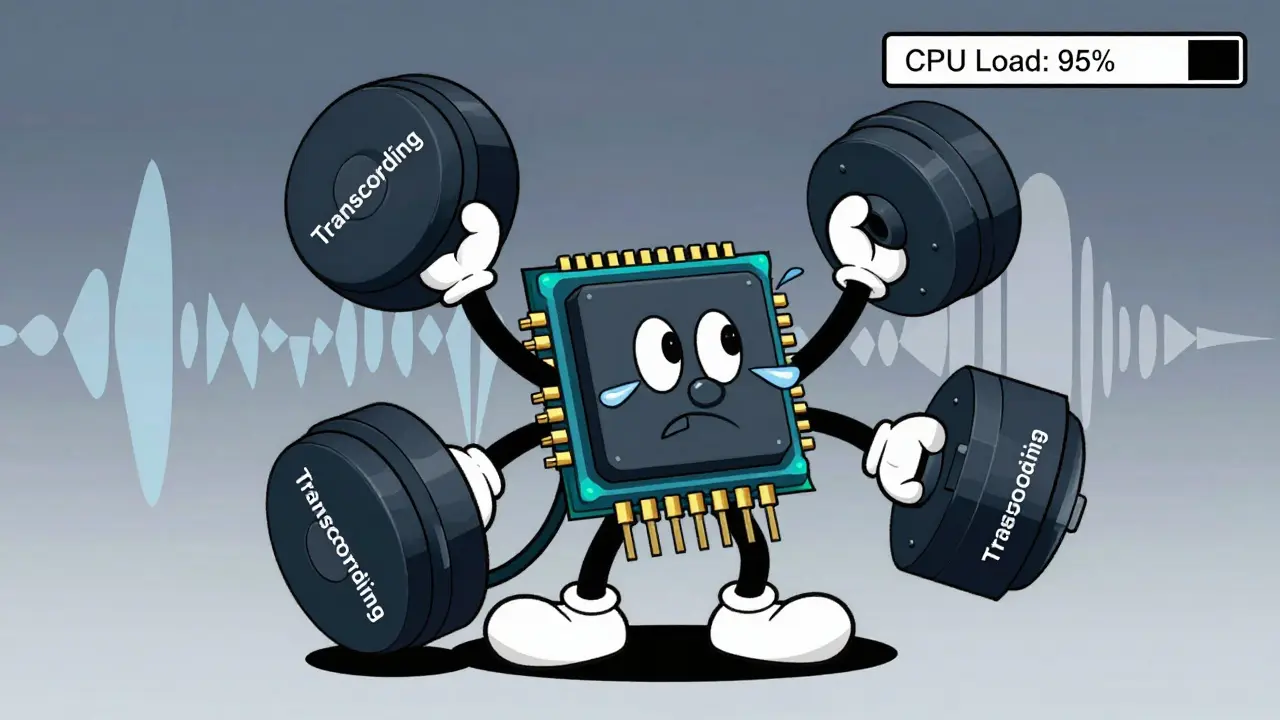
In VoIP is Voice over Internet Protocol technology that transmits voice calls as data packets over IP networks, that "repacking" process is called transcoding. When two devices speak different digital languages (codecs), your PBX is Private Branch Exchange system that manages internal telephone communications within an organization has to decode one stream and re-encode it into the other. This isn't just a minor background task. It eats up CPU cycles and adds measurable delay to every conversation. If you ignore it, your users will hear choppy audio, delayed responses, or dropped words.
Why Transcoding Happens in Your Network
You might think that if everyone uses modern phones, this wouldn't be an issue. But enterprise networks are messy. You likely have legacy desk phones from five years ago, mobile apps running on Wi-Fi, softphones in web browsers, and SIP trunks connecting to carriers who have their own preferences.
When Endpoint A wants to use G.711 is Uncompressed PCM audio codec operating at 64 kbps with minimal processing overhead (the standard uncompressed format) and Endpoint B insists on G.729 is Highly compressed audio codec operating at 8 kbps designed for bandwidth-constrained environments (a compressed format used to save bandwidth), they cannot talk directly. The PBX sits in the middle. It negotiates both codecs via SIP/SDP, terminates both RTP streams, decodes G.711 to raw PCM, and then encodes it back into G.729.
This happens every 20 milliseconds. That means for every single second of conversation, your server performs 50 decode operations and 50 encode operations per call. Multiply that by hundreds of concurrent calls, and you quickly realize why vendor guides from companies like TelcoBridges is Vendor specializing in high-density media gateways and VoIP codec solutions emphasize that transcoding is essential but expensive.
The Real Cost: CPU Saturation and Headroom
Most modern PBX systems like Asterisk is Open-source framework for building communications applications including PBX functionality, 3CX is Popular hosted and on-premise IP PBX software solution for small to medium businesses, or VitalPBX is Enterprise-grade Linux distribution based on Asterisk offering unified communications features run on general-purpose Intel or AMD CPUs. They do not usually have dedicated DSP hardware chips for audio processing.
General-purpose CPUs are great at many things, but real-time audio transcoding is inherently inefficient on them compared to specialized hardware. According to white papers from vendors like Metaswitch is Network software vendor providing cloud-native telecom infrastructure solutions, audio transcoding is one of the most compute-intensive tasks in a virtualized network function (VNF). Why? Because it must run continuously, in real-time, with zero tolerance for missing deadlines.
Here is the practical rule of thumb: Compressed codecs cost more CPU than uncompressed ones. Converting G.711 to G.711 is virtually free-it's just passing packets through. Converting G.729 to G.729 (even if the format is the same, packetization might differ) or G.729 to AMR requires significant mathematical processing.
If you are sizing a server for a deployment where mixed endpoints make transcoding unavoidable, infrastructure planners recommend adding at least 30 percent additional CPU headroom. Without this buffer, a sudden spike in calls between incompatible devices can push your CPU to 100%, causing the OS scheduler to drop audio packets entirely. The result isn't just static; it's silence or complete call failure.
| Codec Pair | Processing Complexity | Bandwidth Usage | CPU Load Relative to Pass-through |
|---|---|---|---|
| G.711 ↔ G.711 | Negligible (Pass-through) | 64 kbps | ~1x (Baseline) |
| G.711 ↔ G.729 | Moderate | 8-64 kbps | ~5-10x higher |
| G.729 ↔ AMR | High | 8-12.2 kbps | ~15-20x higher |
| Opus ↔ G.711 | Moderate-High | Variable (6-510 kbps) | ~8-12x higher |
Latency: The Silent Killer of Call Quality
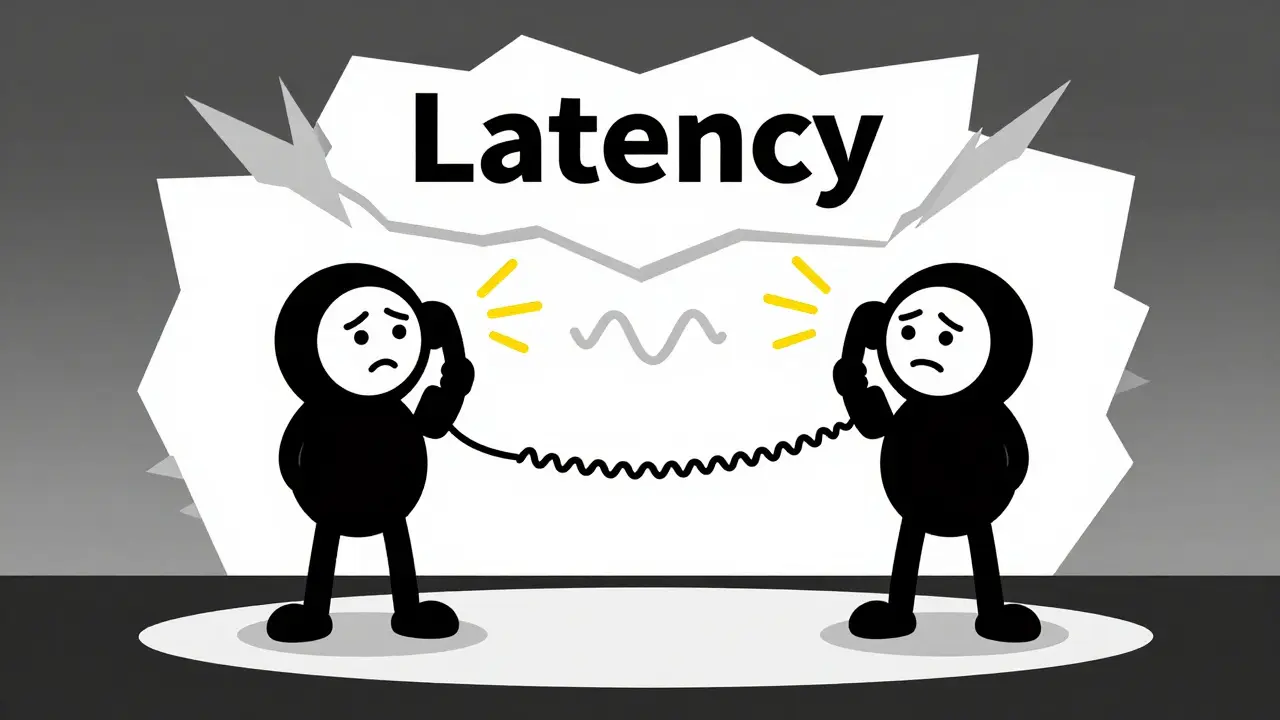
CPU load is a backend metric. Latency is what your users feel. Every time the PBX has to transcode, it introduces delay. To decode a frame, the system often needs to buffer at least one full frame-typically 20 ms. Then it processes it. Then it re-encodes it. Finally, it sends it out.
On a loaded CPU, scheduling delays add even more jitter. Virtualization layers (if you are running your PBX in a VM) can exacerbate this because non-real-time OS schedulers might pause the audio thread to handle disk I/O or network updates.
Industry standards suggest that conversational quality degrades significantly when round-trip time exceeds approximately 150 ms. One-way latency above 100-120 ms starts to cause people to talk over each other. Jitter above 30 ms leads to choppy audio. Packet loss above 1% causes dropped words. Transcoding contributes directly to all three if the system is undersized.
For example, in WebRTC scenarios, browsers often default to Opus is Open, royalty-free versatile audio codec widely used in WebRTC applications. If your SIP trunk only supports G.711, your PBX must transcode Opus to G.711 for every browser-based call. Softphone providers like Siperb is WebRTC softphone platform enabling browser-based communication with SIP infrastructure note that enabling transcoding on the client side or server side adds an extra hop and extra latency. If you see users complaining about "echo" or "delay," check if they are on a device using a different codec than the trunk.
Strategies to Minimize Transcoding Load
You cannot always avoid transcoding, especially in hybrid environments. However, you can drastically reduce its impact through smart architecture and policy.
- Align Codecs Where Possible: Configure your SIP trunks and endpoints to prefer common codecs. For internal LAN calls, force G.711. It consumes almost no CPU and offers excellent quality. Reserve compressed codecs like G.729 only for links with strict bandwidth constraints (like cellular backhauls).
- Offload to Media Gateways: In larger deployments, consider moving transcoding off the core PBX. Dedicated media gateways or Session Border Controllers (SBCs) with specialized DSPs can handle thousands of transcoded channels without sweating. This leaves your PBX free to focus on call control logic.
- Optimize WebRTC Integration: If you support browser clients, ensure your PBX has native WebRTC support (e.g., via Resiprocate in Asterisk). This allows direct Opus-to-Opus paths if the trunk also supports it, or minimizes the transcoding chain. Alternatively, some architectures shift the transcoding burden to a cloud-based softphone layer, though this trades local CPU load for network latency.
- Tune the Operating System: Disable swap space for RTP buffers. Set `vm.swappiness` to 0 or very low values to prevent paging under load. Use kernel timer resolutions suitable for VoIP (e.g., CONFIG_HZ=1000). These tweaks reduce jitter caused by OS-level interruptions.
- Implement QoS: Mark SIP (port 5060) and RTP (UDP 10000-20000) packets with DSCP EF (46). This ensures that even if the network is busy, voice packets get priority treatment, mitigating some of the jitter introduced by transcoding delays.
Monitoring and Troubleshooting
How do you know if transcoding is hurting your system? You need to look beyond simple CPU usage graphs. Monitor media-quality metrics specifically.
Asterisk logs Call Detail Records (CDRs) that include variables like `RTPAUDIOQOS`. This captures jitter, packet loss, and round-trip time per call. Analyze these logs to identify patterns. Do calls involving specific extensions or trunks consistently show higher latency? That’s a strong indicator of transcoding bottlenecks.
Also, watch for "Not Acceptable" (488) SIP responses during codec negotiation. This often happens when endpoints and trunks cannot agree on a common codec, forcing the PBX to intervene. If you see a spike in these errors alongside rising CPU usage, your codec policy is misaligned.
Finally, stress-test your setup. Tools like VitalPBX’s concurrency tests demonstrate that while modern multi-core servers can handle thousands of pass-through calls, adding transcoding, recording, and complex dialplan logic reduces that capacity significantly. Know your breaking point before your customers do.
What is the difference between G.711 and G.729 in terms of CPU usage?
G.711 is an uncompressed codec that requires minimal processing, essentially just passing packets through. G.729 is a highly compressed codec that requires complex mathematical algorithms to encode and decode audio frames. Consequently, transcoding involving G.729 consumes significantly more CPU resources than G.711, often 5 to 10 times more depending on the specific conversion pair.
How much CPU headroom should I allocate for VoIP transcoding?
Industry best practices recommend allocating at least 30% additional CPU headroom solely for transcoding overhead in mixed-codec environments. This buffer prevents CPU saturation during peak loads, which can lead to dropped packets and degraded call quality. Exact requirements depend on the proportion of calls requiring transcoding and the specific codecs involved.
Does transcoding increase latency in VoIP calls?
Yes, transcoding introduces additional latency. The PBX must buffer at least one audio frame (typically 20ms) to decode and re-encode it. Processing time on the CPU and potential scheduling delays in virtualized environments add further delay. If total round-trip latency exceeds 150ms, users may experience noticeable echo or difficulty in conversation flow.
Can I disable transcoding on my PBX?
You can minimize transcoding by aligning codecs across all endpoints and SIP trunks. However, you cannot completely disable it if your network contains devices with incompatible codec preferences. In such cases, the PBX must transcode to bridge the gap. Disabling transcoding entirely would result in failed calls between incompatible devices.
What is the impact of WebRTC on PBX transcoding load?
WebRTC browsers typically use the Opus codec. If your SIP trunks or legacy phones do not support Opus, the PBX must transcode between Opus and formats like G.711 or G.729. This adds continuous CPU load for every browser-based user. Enabling native WebRTC support on the PBX or using compatible trunks can reduce this overhead.






Write a comment