

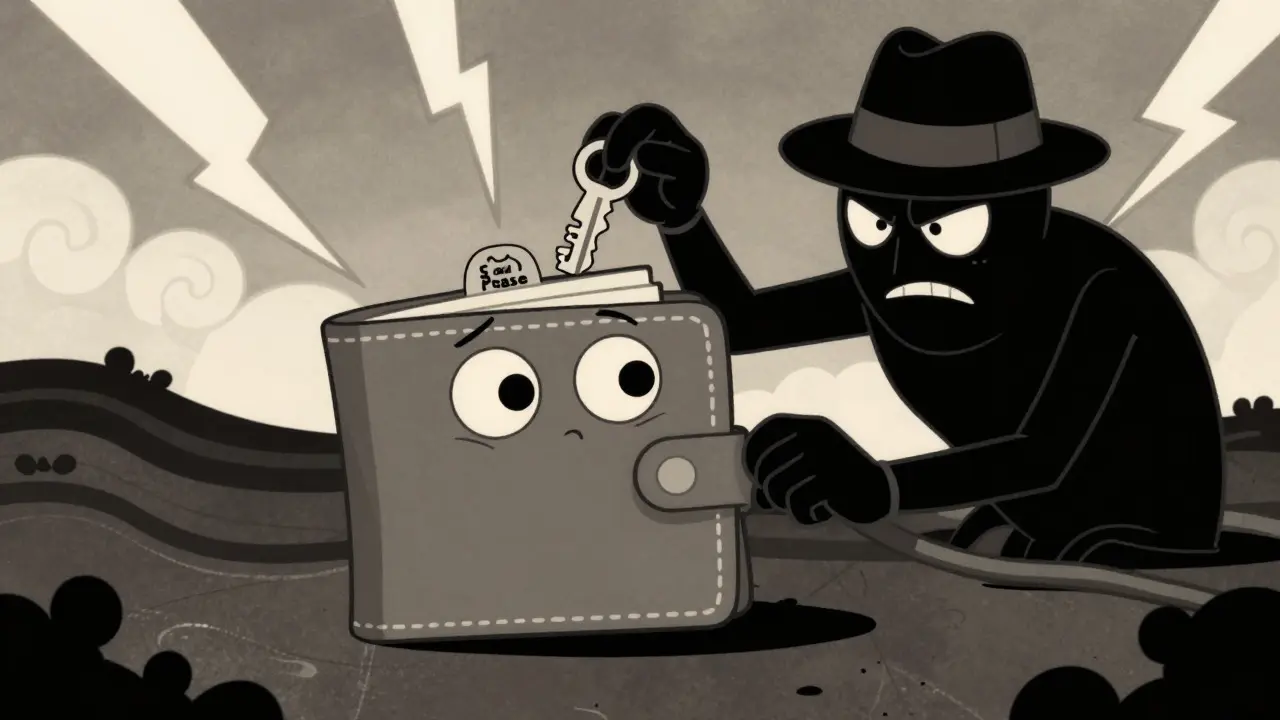

You typed in your twelve words. You clicked "Confirm." And just like that, your savings vanished. It’s not a glitch in the blockchain. It’s not a hack of the network. It’s you, tricked into handing over the keys to your own house. In 2026, the biggest threat to your digital assets isn’t a supercomputer breaking encryption-it’s a fake website asking for your seed phrase.
We’ve moved past the days when simply buying a wallet made you safe. Attackers have evolved. They don’t break in; they invite themselves in. From malicious browser extensions to trojanized apps on major app stores, the landscape is shifting fast. If you hold crypto, you are already a target. The question is whether you’re dressed for the fight.
The Myth of the Invincible Hardware Wallet
Let’s clear up the biggest misconception first: owning a hardware wallet doesn’t make you immune. Devices like Ledger or Trezor keep your private keys offline, which is great. But they can’t stop you from making a mistake.
In April 2023, researchers at Kaspersky analyzed attacks on hardware wallets and found a hard truth: these devices offer zero protection against social engineering. If a phishing email convinces you to type your recovery phrase into a fake support portal, the hardware device becomes irrelevant. The attacker has your keys. The game is over.
This happened again in October 2025 with a Ripple-focused warning about hardware wallet phishing. Attackers used fake update sites and fraudulent "support" emails to trick users into syncing their devices. The moment you enter those twelve words into a computer connected to the internet, you’ve bypassed the hardware’s main security feature. Remember this rule: if a website asks for your seed phrase, it is a scam. Always. No exceptions.
Phishing: The Art of Looking Legitimate
Phishing isn’t just poorly spelled emails anymore. Today’s scams are high-production value. In January 2026, analysts uncovered a sophisticated campaign targeting MetaMask users. Attackers registered domains that looked almost identical to the official MetaMask site. They then funneled victims to pages displaying a fake two-factor authentication (2FA) screen.
Here’s how it works: You see a countdown timer. You see official-looking logos. You feel urgency. The page asks you to input your seed phrase to "verify" your identity. You do it. Within minutes, your funds are gone. This technique exploits trust in familiar interfaces. Even experienced users fall for it because the visual cues match what they expect.
It’s not just web browsers. In April 2026, security firms exposed 26 malicious iOS apps known as "FakeWallet." These apps impersonated popular brands like Bitpie, Coinbase, and Trust Wallet. They sat right there in the App Store, looking real. When you opened them, they redirected you to browser pages that hooked into the app’s code or served phishing screens disguised as verification steps. Sergey Puzan, a researcher at Kaspersky, noted that users struggled to distinguish these trojans from genuine apps because the branding was copied so precisely.
Malware: The Silent Thief
While phishing relies on you clicking something, malware works in the shadows. It doesn’t need your password. It needs your attention-or lack thereof.
Consider clipboard hijacking. You copy a friend’s Bitcoin address. You paste it into your wallet to send funds. But before you hit send, malware running in the background swaps that address with the attacker’s. You send your money to a stranger, and the transaction looks normal. This was documented by Sophos in 2020 with Chrome extensions that intercepted keystrokes and form data. Today, mobile malware families like Xenomorph and Octo do similar things on Android and iOS, performing unauthorized transactions without you ever typing a single word.
Then there are "crypto drainers." These start as ads on social media, often from spoofed accounts of famous influencers. You click, land on a site offering free tokens, and connect your wallet. The site asks you to sign a transaction. It looks harmless-maybe a small fee. But that signature grants the contract unlimited approval to drain your tokens. You didn’t give away your seed phrase, but you gave away control. Netskope reported this tactic in late 2022, where attackers posed as token revocation services to trick users into signing away their assets.
Hot vs. Cold: Understanding Your Risk
To protect yourself, you need to understand where your risk lies. Here is a breakdown of how different wallet types handle threats:
| Feature | Software Wallets (Hot) | Hardware Wallets (Cold) |
|---|---|---|
| Phishing Vulnerability | High - Easy to mimic interfaces | Medium - Requires user error (typing seeds) |
| Malware Exposure | High - Keys stored on connected devices | Low - Keys never leave the device |
| Clipboard Hijacking | Vulnerable - Addresses can be swapped | Resistant - Verify on device screen |
| Convenience | High - Instant access via browser/app | Low - Requires physical connection |
| Best For | Daily spending, small amounts | Long-term storage, large holdings |
Software wallets, like browser extensions, are convenient but dangerous. As of mid-2025, Chainalysis data suggested around 500 MetaMask users were being hacked daily. Why? Because your keys live on a device connected to the internet, surrounded by potentially malicious extensions and websites. Hardware wallets isolate the keys, but as we discussed, they fail if you trust the wrong website.
Practical Steps to Lock Down Your Wallet
So, how do you actually stay safe? You need a mix of technical habits and healthy skepticism. Here is your checklist for 2026:
- Never share your seed phrase. Not with support agents, not with "verification" bots, not with anyone. Write it down on paper, store it in a fireproof box, and forget it exists digitally.
- Verify URLs manually. Don’t click links in emails or DMs. Type the wallet provider’s URL directly into your browser. Bookmark the official site and use only that bookmark.
- Audit your browser extensions. Go through your Chrome or Firefox extensions. Remove anything you don’t recognize or haven’t used in months. Malicious extensions often hide behind generic names.
- Use a dedicated device. If possible, use a separate computer or phone solely for crypto transactions. Keep it updated, install reputable antivirus software, and avoid installing random apps.
- Check transaction details. Before signing any transaction on a dApp, look closely. Does it ask for "Unlimited Approval"? Is the recipient address correct? On a hardware wallet, verify the numbers on the device screen, not just your computer monitor.
- Enable 2FA wisely. Use authenticator apps (like Google Authenticator or Authy) for exchange accounts, not SMS. But remember, 2FA protects your account login, not your wallet keys if you hand them over via phishing.
ESET’s guidance in early 2025 also highlighted the importance of avoiding public Wi-Fi for crypto activities. Public networks are prime hunting grounds for man-in-the-middle attacks. Stick to trusted home or cellular connections.
The Future of Wallet Defense
The battle lines are shifting. As DeFi grows more complex, attacks are becoming more subtle. We’re seeing more "blind signing" attacks, where users approve opaque smart contract calls without understanding the consequences. Cypherock warned in June 2026 about innocuous "Permit" requests that grant attackers broad control.
Platform governance is also evolving. Apple and Google are under pressure to remove malicious apps faster, but the cat-and-mouse game continues. The FakeWallet campaign showed that even strict app store vetting can be bypassed. Ultimately, the last line of defense is you. Education is no longer optional; it’s your primary security tool.
Can a hardware wallet be hacked by malware?
Directly, rarely. Hardware wallets keep private keys isolated. However, malware on your computer can manipulate transaction data before it reaches the device. If you don't check the details on the hardware screen, you might sign a transaction sending funds to the wrong address. Also, phishing can trick you into revealing your seed phrase, which bypasses the hardware protection entirely.
What is a "crypto drainer"?
A crypto drainer is a malicious website or contract that tricks you into connecting your wallet and signing a transaction. This transaction usually grants the attacker unlimited permission to move your tokens. Unlike phishing, it doesn't always steal your seed phrase; it steals your approval rights. Once signed, the drainer can empty your wallet automatically.
Is my MetaMask extension safe?
The official MetaMask extension is safe, but it is a frequent target for impersonation. Scammers create fake extensions with similar names and icons. Always download extensions directly from the official browser store and verify the publisher. Additionally, keep your browser updated and regularly audit installed extensions to remove any suspicious ones.
How do I know if a website is a phishing scam?
Look for slight misspellings in the URL, unusual domain endings, or HTTPS warnings. Be wary of urgent messages, countdown timers, or requests for your seed phrase. Legitimate services will never ask for your 12-word recovery phrase. If in doubt, close the tab and navigate to the service manually using a bookmark.
Should I use a VPN for crypto transactions?
Using a reputable VPN can add a layer of privacy and protect against local network eavesdropping, especially on public Wi-Fi. However, a VPN does not protect you from phishing or malware. It hides your IP address but doesn't stop you from clicking a bad link. Combine it with other security measures for best results.






Write a comment