

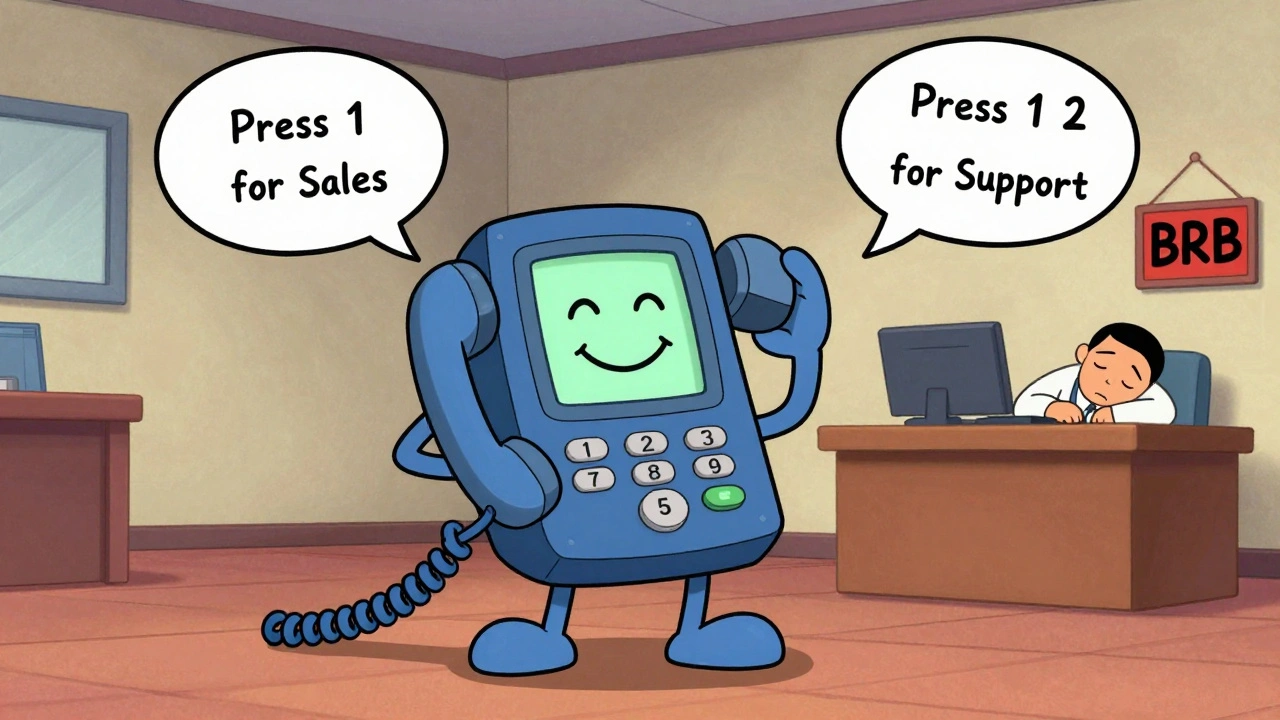

When you call a business after hours and hear a calm voice say, "Press 1 for sales, press 2 for support," you’re interacting with an auto attendant. It’s not magic. It’s not science fiction. It’s a simple, powerful tool that’s now standard in nearly every VoIP call center. And if you’re still relying on a human receptionist to answer every call, you’re leaving money on the table-and frustrating your customers.
What Exactly Is an Auto Attendant?
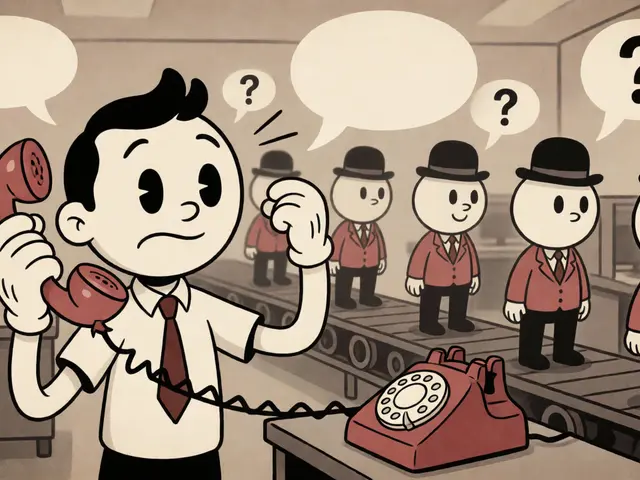
An auto attendant, also called a virtual receptionist or automated attendant, is a phone system feature that answers incoming calls with a recorded greeting and guides callers to the right person or department using touch tones or voice commands. It doesn’t sleep. It doesn’t take lunch. It doesn’t get overwhelmed when 50 people call at once.Modern auto attendants go beyond basic menus. They can recognize spoken words like "billing" or "technical support" without requiring you to press buttons. Some even detect frustration in your voice and route you straight to a supervisor. They’re built into platforms like Microsoft Teams, RingCentral, and Cisco Webex-and they’re no longer a luxury. According to Gartner’s 2023 report, 89% of call centers use some form of automated routing, up from just 62% in 2018.
How It Works: The Simple Breakdown
Here’s how an auto attendant handles your call step by step:
- You dial the company’s main number.
- A pre-recorded greeting plays: "Thank you for calling GreenLeaf Dental. For appointments, press 1. For billing, press 2. For emergencies, press 9. To speak to a live agent, press 0."
- You press a number-or say "billing."
- The system routes your call to the billing department’s extension or voicemail.
- If you press 0, you’re connected to a live agent-or sent to a queue with estimated wait time.
Behind the scenes, the system uses a menu tree. Most systems allow up to 15 levels deep, but experts agree: more than three levels hurts customer experience. The best auto attendants follow the "three-touch rule"-get the caller to a human or their answer in three steps or fewer.
Why Businesses Use Auto Attendants
Small businesses save an average of $38,500 a year by replacing a full-time receptionist with an auto attendant. That’s the cost of salary, benefits, training, and time off. For larger companies, the savings are even bigger.
But it’s not just about money. Auto attendants fix real problems:
- **24/7 availability**: No more missed calls at 7 p.m. or on weekends.
- **Fewer misrouted calls**: Humans make mistakes. Machines don’t. Auto attendants route calls correctly 85% of the time.
- **Faster call handling**: Call centers using auto attendants cut average handling time by 37%.
- **Consistent experience**: Every caller hears the same professional greeting-no tired or distracted receptionists.
A dental office in Ohio reduced missed calls by 78% and patient wait times by 53% after installing a simple auto attendant. That’s not a fluke. It’s repeatable.
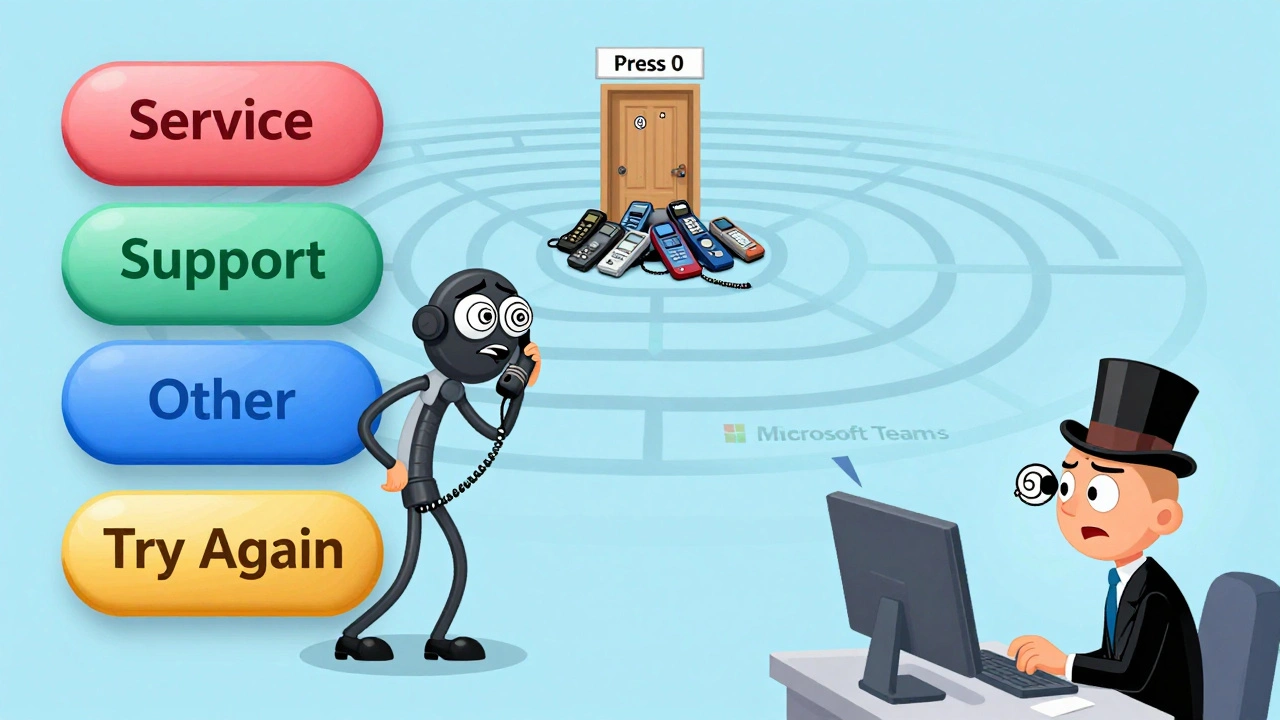
The Downside: When Auto Attendants Backfire
Not all auto attendants are created equal. Poor design turns customers away.
Here’s what goes wrong:
- **Too many menu levels**: A retail chain added seven menu options and saw abandoned calls jump 22%. Research shows exceeding four levels increases abandonment by 67%.
- **Unclear options**: "Press 1 for service, 2 for support, 3 for help"-what’s the difference? Callers get confused.
- **No escape to a human**: If you can’t get to a person in three presses, you hang up. 27% of customers say they’d rather wait than navigate a maze.
- **Robotic or confusing greetings**: A mumbled, low-quality recording makes your business sound amateurish.
On G2, auto attendant tools average 4.3 out of 5 stars. But the negative reviews? Almost all blame poor design. One user on Reddit said: "I pressed five buttons trying to reach billing. I gave up and called a competitor."
What Makes a Great Auto Attendant?
Great auto attendants don’t just route calls-they respect the caller’s time. Here’s what works:
- Keep it short: Your greeting should be under 15 seconds. State your name, offer options, and say "press 0 for a live agent."
- Use voice recognition: Systems that let you say "I need help with my invoice" instead of pressing buttons have 28% higher completion rates.
- Offer a clear path to a person: Always include "press 0" or "say operator." Never hide it.
- Update for holidays: "We’re closed for Thanksgiving. Call back on Friday." Simple, but most businesses forget.
- Test it: Call your own line. Can you get where you need to go in three steps? If not, simplify.
Companies using voice-enabled auto attendants report 28% better completion rates than those using only keypad menus. Microsoft’s 2023 AI update for Teams Auto Attendant even analyzes your first words to predict your intent-cutting handling time by 22% in tests.
Implementation: How Hard Is It?
Setting up a basic auto attendant takes 2 to 5 hours. You’ll need:
- A VoIP phone system (RingCentral, Microsoft Teams, Zoom Phone, etc.)
- A quiet space to record your greeting
- Clear ideas about your departments and who answers where
You don’t need to code. You don’t need an IT degree. But you do need to think like your customer.
Common mistakes during setup:
- Using a cheap microphone or recording in a noisy room
- Trying to cover every possible question in the greeting
- Forgetting to test the system after setup
Professional recording services like Snap Recordings help 67% of clients improve their menu experience. It’s worth the $200-$500 investment if you’re serious about customer experience.
What’s Next? AI Is Changing Everything
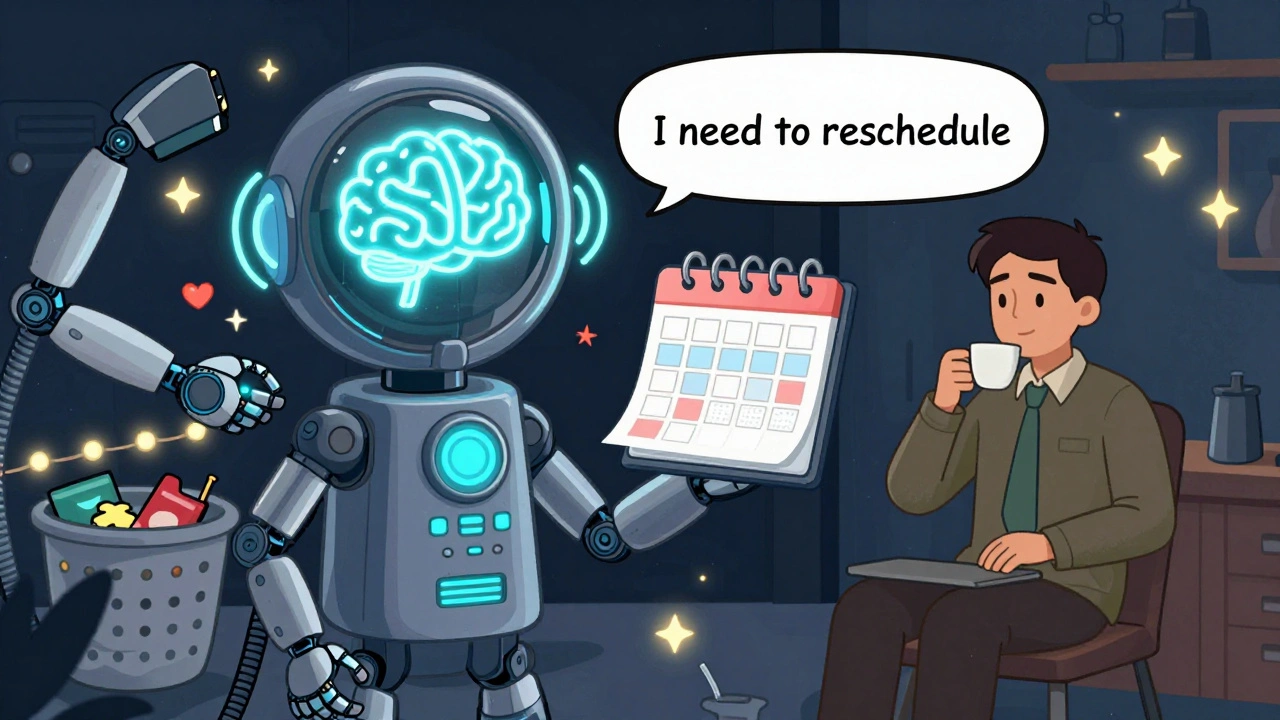
The next generation of auto attendants doesn’t have menus at all.
By 2025, 73% of new implementations will use AI that understands natural language. You say, "I need to reschedule my appointment," and the system responds: "I see you’re a patient of Dr. Lee. Your next available slot is Thursday at 3 p.m. Would you like to confirm?"
Yeastar’s 2023 "sentiment analysis" feature detects when a caller sounds angry and automatically transfers them to a supervisor. In trials, this cut escalations by 31%.
But experts warn: removing menus entirely isn’t always better. Mark Reynolds, author of *The Human Connection*, found that for simple requests like "What are your hours?"-a menu is faster than a conversation. The future isn’t menus or AI. It’s smart hybrid systems that know when to use each.
Who Should Use an Auto Attendant?
**Small businesses (1-50 employees)**: If you’re answering your own phone, you’re wasting time. An auto attendant lets you focus on clients, not call logs.
**Midsize companies (50-500 employees)**: You’re probably drowning in calls. Auto attendants reduce wait times during peak hours by up to 45%.
**Large enterprises**: They use advanced versions with analytics. They track which options get used most, which routes fail, and where callers hang up. That data helps them redesign menus for better results.
Even nonprofits and clinics use them. A community health center in Wisconsin reduced no-shows by 19% after letting patients confirm appointments via auto attendant.
Final Thoughts: Don’t Automate to Impress-Automate to Help
An auto attendant isn’t about cutting corners. It’s about cutting frustration.
When designed well, it gives customers control. They don’t have to wait on hold. They don’t have to repeat their name three times. They get where they need to go, fast.
The goal isn’t to replace humans. It’s to free them up for the calls that actually need empathy-someone who’s angry about a bill, someone who’s scared about a diagnosis, someone who just needs to hear a voice say, "I’ve got you."
Use an auto attendant to handle the routine. Save your team for the human stuff.




Fred Edwords
3 Dec 2025 at 08:00Just want to say: if you're going to implement an auto attendant, please, for the love of all that is holy, don't say "Press 1 for sales, press 2 for support, press 3 for help." Those are not distinct categories-they're synonyms. And don't bury "press 0" under three layers of submenus. I once spent 12 minutes trying to reach a human at my cable company. I ended up yelling into the void until the system hung up on me. That's not efficiency. That's customer abuse.
Also: voice recognition isn't a gimmick. If your system can't understand "I need to pay my bill," you're doing it wrong. And yes, I've tested this on three different providers. The ones with clean, minimal menus and actual speech recognition? They get my business. The others? I switch.
And for the love of God, record your greeting in a soundproof room with a decent mic. I don't care if you're a one-person shop. A mumbled, echoey recording makes you look like a scam operation. $200 for a professional voiceover? Worth every penny.