


Most people think building a DeFi dApp is just about writing code. It’s not. It’s about building trust in a system where no bank, no company, and no middleman exists. If you’ve ever used a crypto wallet to swap tokens or stake ETH, you’ve interacted with a DeFi dApp. But how does it actually work under the hood? Let’s break it down - from the first line of Solidity to the moment a user clicks "Connect Wallet" and signs a transaction.
What Exactly Is a DeFi dApp?
A DeFi dApp (decentralized application) runs entirely on a blockchain. Unlike regular apps that talk to a server, a DeFi dApp talks directly to smart contracts - self-executing programs stored on Ethereum. There’s no database. No backend API. No company that can shut it down. The code is public, immutable, and runs exactly as written. That’s powerful. But also dangerous. One bug can cost millions.
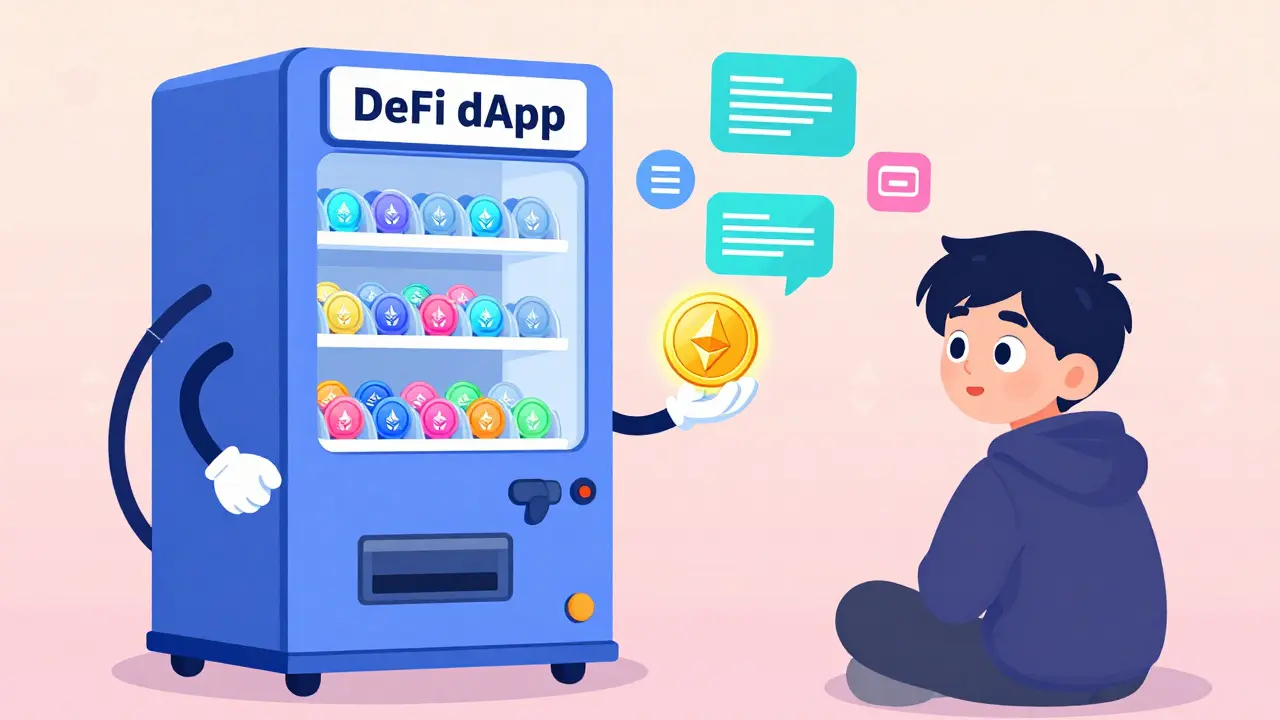
Think of it like this: if a traditional app is a restaurant with a chef, waiters, and a manager, a DeFi dApp is a vending machine. You put in money, press a button, and get your snack. No one’s watching. No one’s intervening. The machine just follows its programming. Your job as a developer? Make sure that machine can’t be tricked.
Step 1: Write the Smart Contract in Solidity
The heart of any DeFi dApp is its smart contract. This is where the rules live - who can withdraw, how tokens are minted, how fees are collected. Solidity is the language used to write these contracts. It looks like JavaScript but runs on the Ethereum Virtual Machine (EVM).
Start with an ERC20 token. This is the most basic building block. It defines how many tokens exist, how they’re transferred, and who owns them. Here’s a stripped-down version:
contract MyToken {
    string public name = "MyDeFiToken";
    string public symbol = "MDT";
    uint8 public decimals = 18;
    uint256 public totalSupply;

    mapping(address => uint256) public balanceOf;

    constructor(uint256 initialSupply) {
        totalSupply = initialSupply * 10 ** decimals;
        balanceOf[msg.sender] = totalSupply;
    }

    function transfer(address to, uint256 amount) public {
        require(balanceOf[msg.sender] >= amount, "Not enough balance");
        balanceOf[msg.sender] -= amount;
        balanceOf[to] += amount;
    }
}
That’s it. You’ve created a token. But now you need something to do with it - like a marketplace or a lending pool. So you write another contract. Maybe it lets users deposit ETH and get your token in return. Or maybe it lets them borrow against their crypto. The logic is yours to design.
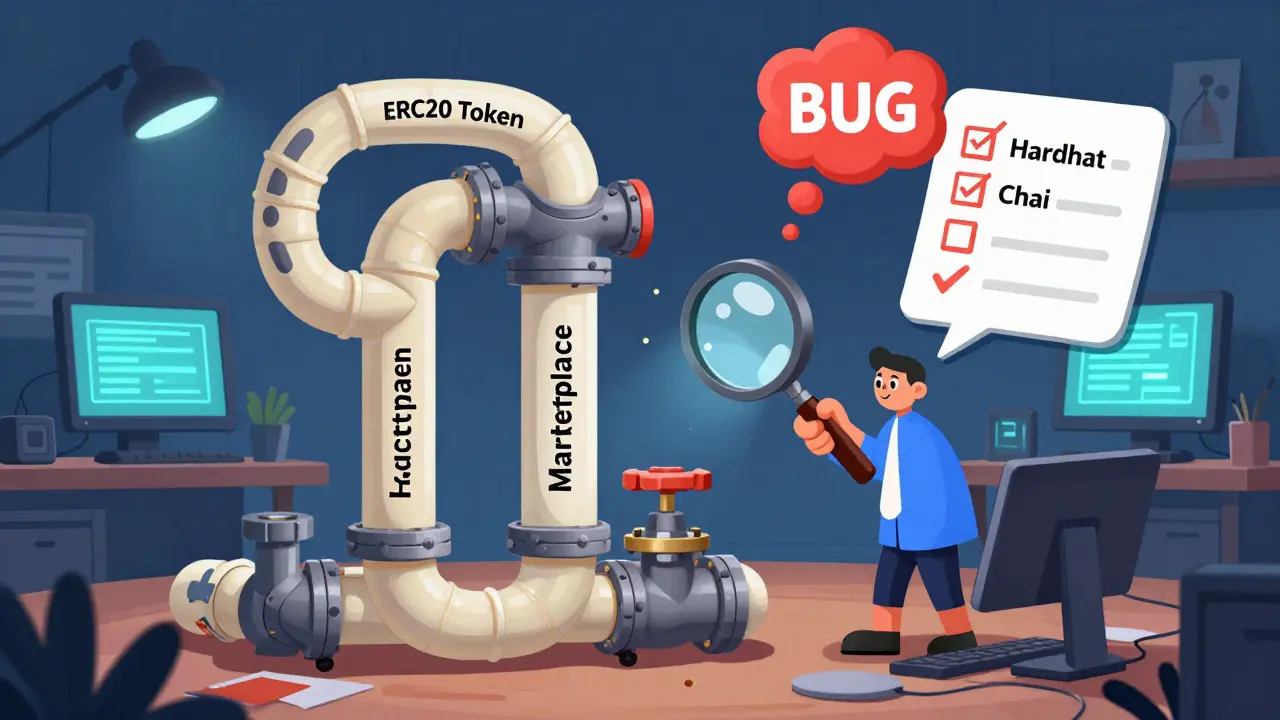
Always test first. Use Hardhat is a development environment for Ethereum to simulate a local blockchain. Run tests with Chai is a JavaScript assertion library to check if your contract behaves as expected. Test for edge cases: What if someone sends 0 tokens? What if the contract runs out of funds? What if someone tries to call a function they shouldn’t?
Step 2: Deploy and Link Contracts
You can’t just deploy one contract and call it done. DeFi apps usually have multiple contracts that need to talk to each other. For example:
- ERC20 token contract is a standard for fungible tokens on Ethereum - your token
- Marketplace contract handles buying and selling tokens - the main app logic
Here’s the catch: contracts don’t know about each other unless you tell them. When you deploy the Marketplace contract, you must pass the ERC20 token’s address as a parameter. If you get this wrong, users won’t be able to buy your token - even if everything else works.
Deployment order matters:
- Deploy the ERC20 token contract. Copy its address.
- Deploy the Marketplace contract, using the token’s address in the constructor.
- Test everything on a testnet like Goerli or Sepolia. Use fake ETH and fake tokens.
Never deploy to mainnet without testing. There’s no undo button on the blockchain. If you mess up, you lose money - and trust.
Step 3: Build the Frontend with Web3.js or Ethers.js
Now you need a website. Not a fancy one - just one that talks to your contracts. You’ll use Ethers.js is a JavaScript library for interacting with Ethereum or Web3.js is a JavaScript library for Ethereum blockchain interaction. Both let your frontend read from and write to smart contracts.
Start simple. Create a button: "Connect Wallet". When clicked, it asks the user’s browser (via MetaMask) for their Ethereum address. Here’s the code:
const connectWallet = async () => {
  if (window.ethereum) {
    const accounts = await window.ethereum.request({ method: 'eth_requestAccounts' });
    setUserAddress(accounts[0]);
  }
};
That’s it. The user sees a MetaMask popup. They click "Connect". Your app now knows who they are.
Next, connect to your contract. You need two things: the contract’s address and its ABI (Application Binary Interface). The ABI is like a menu - it tells your app what functions are available and how to call them. You get this from your Hardhat build folder after compiling the contract.
const contract = new ethers.Contract(contractAddress, contractABI, signer);Now you can call functions:
const buyTokens = async () => {
  const tx = await contract.buyTokens({ value: ethers.utils.parseEther("1") });
  await tx.wait();
  alert("You bought 1000 MDT!");
};
This sends 1 ETH to the contract. The contract checks if the user has permission, updates balances, and emits an event. All of this happens on-chain. No server involved.
Step 4: Integrate MetaMask and Wallets
MetaMask is the most common wallet. But users might use WalletConnect, Coinbase Wallet, or even hardware wallets like Ledger. Your frontend must support them all.
The key is abstraction. Don’t hardcode MetaMask. Use a library like Web3Modal is a library for connecting Ethereum wallets to dApps. It gives you a popup with 10+ wallet options. Users pick one. You get their address. Done.
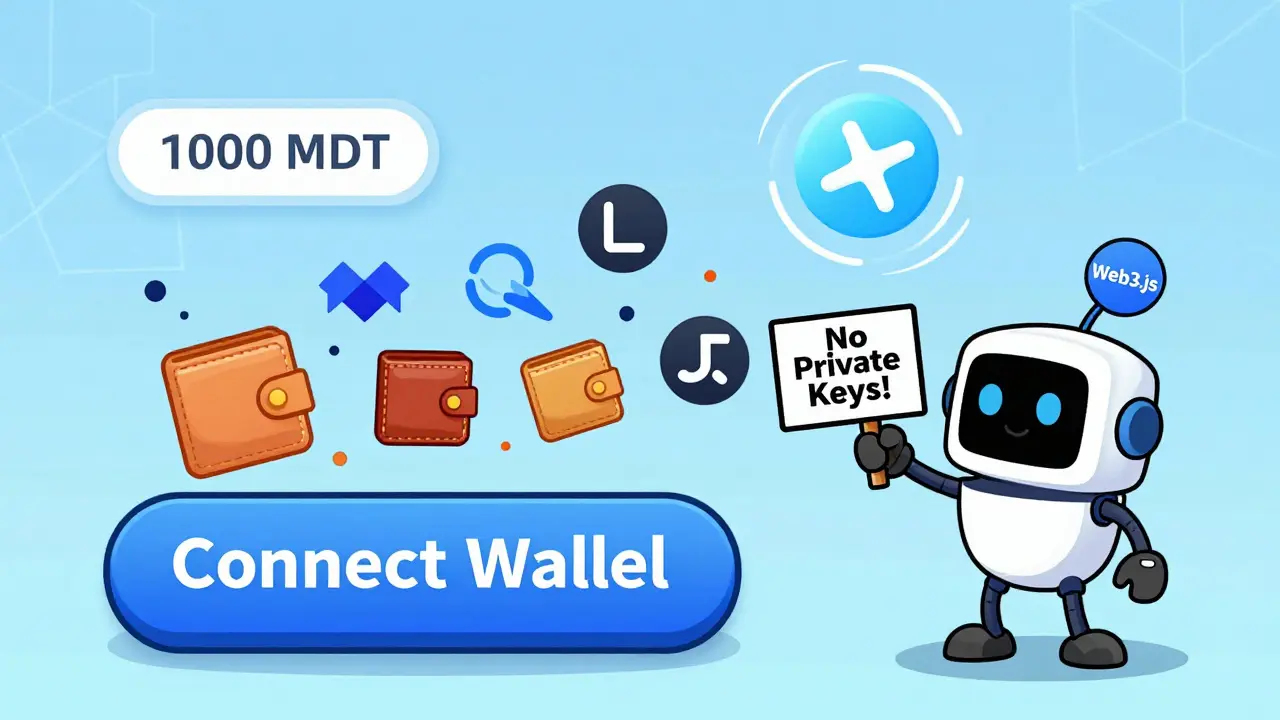
Important: Never ask for private keys. Ever. MetaMask and other wallets handle signing locally. Your app never sees them. If you try to collect private keys, you’re not building a dApp - you’re building a scam.
Also, handle errors. What if the user cancels the transaction? What if they’re on the wrong network? What if they don’t have enough ETH for gas? Show clear messages. Users don’t understand blockchain errors. Your job is to translate them.
Step 5: Handle State and User Experience
Blockchain transactions take time. A user clicks "Buy". The screen freezes. They think it broke. Then, 30 seconds later, it works. That’s bad UX.
Use loading states. Show a spinner. Say: "Waiting for confirmation…". Then, when the transaction is mined, update the UI. Use React Context is a state management tool in React to store wallet address, token balance, and transaction status globally.
Display real-time data. Show the user their token balance. Show how many tokens are left in the sale. Show the price in USD. All of this comes from reading the blockchain - not a database.
Example: When a user connects, fetch their balance:
const balance = await contract.balanceOf(userAddress);
setUserBalance(ethers.utils.formatEther(balance));
This reads directly from the contract. No API call. No server. Just the blockchain.
Security: Don’t Get Hacked
DeFi is full of exploits. Reentrancy attacks. Overflow bugs. Improper access control. If you skip security, you’ll lose money - and users.
Use OpenZeppelin is a library of secure smart contract templates contracts. They’ve been audited by thousands of developers. Don’t reinvent the wheel. Use their ERC20, their AccessControl, their SafeMath.
Always add modifiers:
modifier onlyOwner() {
    require(msg.sender == owner, "Not owner");
    _;
}
Use this to restrict functions like withdrawing funds or pausing the contract.
Test for reentrancy. If your contract calls another contract (like transferring tokens), make sure it updates state before making external calls. Otherwise, someone can call your function again before the first one finishes - draining your funds.
Final Checklist Before Launch
Before you go live:
- Did you test on testnet with real transaction flows?
- Did you verify your contract on Etherscan so anyone can audit it?
- Did you set up event listeners to update the frontend in real time?
- Did you write clear documentation for users: "How to connect", "What gas means", "Why transactions take time"?
- Did you get at least one independent audit? Even a basic one costs $5K-$20K, but it’s cheaper than a $5M hack.
DeFi isn’t about coding. It’s about responsibility. You’re not building an app. You’re building a financial system. People will risk real money on it. Make sure it’s bulletproof.
Do I need to know Solidity to build a DeFi dApp?
Yes, if you’re building the smart contract layer. You can use templates from OpenZeppelin, but you still need to understand how they work. If you just want to build the frontend, you can focus on JavaScript and Web3.js - but you’ll need to understand what the contract does to integrate properly.
Can I build a DeFi dApp without Ethereum?
Technically, yes - networks like Polygon, Arbitrum, and Solana support DeFi. But Ethereum is still the standard. Most wallets, tools, and users expect it. Start on Ethereum. Later, you can port to Layer 2s for lower fees.
How much does it cost to deploy a DeFi dApp?
Deploying on Ethereum mainnet can cost $50-$500 per contract, depending on network congestion. Testing on testnets is free. The real cost is time - building, testing, and auditing properly takes weeks. Don’t rush.
What’s the difference between Web3.js and Ethers.js?
Both libraries connect your frontend to Ethereum. Ethers.js is newer, more modern, and easier to use. Web3.js is older but still widely used. Most developers today choose Ethers.js. It has better TypeScript support and cleaner syntax.
Is MetaMask the only wallet I need to support?
No. While MetaMask is the most popular, users also use WalletConnect, Coinbase Wallet, Phantom, and hardware wallets. Use Web3Modal to support all of them with one integration. Don’t build separate flows for each wallet.
What Comes Next?
Once your dApp is live, the work doesn’t stop. Users will find bugs. Gas prices will change. New exploits will emerge. You need to monitor your contract. Set up alerts. Log events. Keep your frontend updated.
And always remember: in DeFi, transparency is your strongest tool. Publish your code. Let people audit it. Answer questions. Build trust - because in a world without banks, trust is the only currency that matters.







Patrick Tiernan
18 Mar 2026 at 23:08lol so you think writing solidity is the hard part? nah bro. the real nightmare is when some guy on twitter calls your contract a scam because you used a standard ERC20 instead of some custom 12-layer abomination. i spent 3 weeks debugging a reentrancy issue that only showed up when someone sent 0.000000000001 eth. zero. point. one. wei. and then the whole thing exploded. no one cares about your code. they care if their 5k in stablecoins vanishes. and trust? ha. you think people trust code? they trust influencers who post "this is the next bitcoin" with a moon emoji. we're not building a financial system. we're building a casino with better graphics.