



You pick up the phone, dial a colleague, and hear nothing but silence or robotic beeps. The call never connects. You check your internet connection-it’s fine. You restart the router-still no luck. Chances are, the problem isn’t your Wi-Fi. It’s likely that two devices failed to agree on how to talk to each other. In Voice over IP (VoIP), this handshake is called codec negotiation. Without it, audio streams cannot be established, no matter how strong your network signal is.
Codec negotiation is the critical process where two endpoints in a VoIP system mutually agree on which audio or video codec will be used for a specific call session. This ensures interoperability and correct decoding of transmitted media. If the negotiation fails, the call setup never completes, resulting in errors like SIP 488 'Not Acceptable Here.' Understanding how this process works, why it sometimes fails, and how to configure it correctly is essential for anyone managing business communications infrastructure.
The Mechanics of Codec Negotiation: SDP and SIP
To understand codec negotiation, you first need to look at the protocols driving it. VoIP relies on two main components: signaling and media. Signaling sets up the call, while media carries the actual voice data. The Session Initiation Protocol (SIP) handles the signaling. Within SIP messages, specifically the INVITE and 200 OK responses, lies the Session Description Protocol (SDP). SDP is the language endpoints use to describe their capabilities.
When you initiate a call, your device sends an SDP "offer" inside a SIP INVITE message. This offer lists every codec your device supports, ranked by preference. For example, an SDP line might read `m=audio 40040 RTP/AVP 8 18 0 101`. These numbers represent payload types: 8 is PCMA (G.711 A-law), 18 is G.729, 0 is PCMU (G.711 mu-law), and 101 is often telephone events. The receiving endpoint reviews this list, checks its own supported codecs, and sends back an SDP "answer" in a 200 OK message, selecting the highest-priority common codec.
If there is no overlap-if your device only supports Opus and the other end only supports legacy G.711 without transcoding-the negotiation fails. The Session Border Controller (SBC) or switch detects this mismatch and returns a 488 error. As noted in Teraquant's technical documentation from October 2022, "if the negotiation fails... the SBC will then generate a SIP response message 488 'not acceptable media'... In this case the call fails and setup never completes."
Common Codecs: Bandwidth vs. Quality Trade-offs
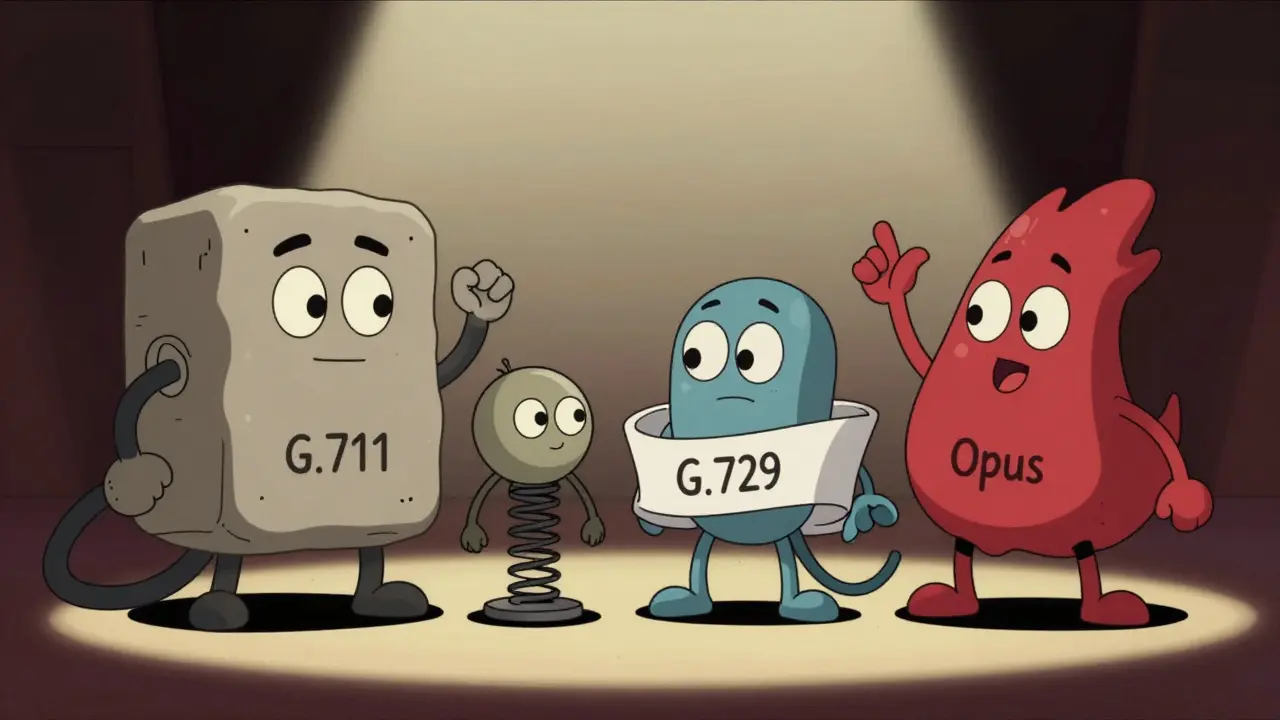
Not all codecs are created equal. Each codec balances audio quality against bandwidth consumption. Choosing the right one depends on your network capacity and user expectations. Here are the most prevalent codecs in enterprise VoIP environments:
- G.711 (PCMA/PCMU): The universal fallback. It provides standard telephone-quality audio (3.4kHz bandwidth) but consumes significant resources. It requires 64 kbps per call, or roughly 87.2 kbps when accounting for packet overhead. According to the SIP Forum's 2022 Interoperability Report, G.711 is supported by 99.8% of endpoints, making it the safest bet for compatibility.
- G.729a: A compressed codec designed for low-bandwidth networks. It delivers narrowband audio at just 8 kbps (about 31.2 kbps with overhead). While it saves bandwidth, it introduces higher computational load on endpoints and slightly lower audio fidelity compared to G.711.
- G.722: A wideband codec that offers HD voice quality (16kHz sampling rate). It uses 48-64 kbps. It is ideal for modern networks where clarity is prioritized over raw bandwidth savings.
- Opus: The modern standard for WebRTC and high-fidelity VoIP. Opus supports fullband audio (up to 20kHz, near CD quality) with dynamic bitrate adjustment ranging from 6 to 510 kbps. It can deliver hi-fi speech at as low as 30 kbps. By 2022, Opus adoption had grown to 57% among WebRTC implementations, up from 12% in 2019.
| Codec | Bandwidth (kbps) | Audio Quality | Best Use Case |
|---|---|---|---|
| G.711 | 64 (87.2 w/ overhead) | Narrowband (Standard) | Legacy compatibility, emergency calls |
| G.729a | 8 (31.2 w/ overhead) | Narrowband (Compressed) | Low-bandwidth links, WAN optimization |
| G.722 | 48-64 | Wideband (HD Voice) | Modern enterprise networks |
| Opus | 6-510 (Dynamic) | Super-wideband (Hi-Fi) | WebRTC, mobile apps, high-clarity needs |
Direct, Transparent, and Forced Negotiation Strategies
How endpoints reach an agreement depends on the configuration of intermediary devices like Cisco Unified Border Elements (CUBE) or Asterisk servers. There are three primary approaches to handling these negotiations.
1. Direct Endpoint-to-Endpoint Negotiation
In a simple network with no intermediaries, endpoints exchange SDP offers and answers directly. They select the highest-quality common codec from their respective lists. This is efficient but fragile; if one device lacks support for the other’s preferred codec, the call drops unless a fallback exists.
2. Transparent Mode
Many enterprises use CUBE or similar SBCs to manage traffic. In transparent mode, the device passes codec information untouched. As Cisco’s documentation states, "this leaves the codec information that is contained within the call signaling untouched," allowing endpoints to negotiate freely. However, this can lead to inefficiencies. Network engineer Mark Thompson reported on the Cisco Community forum that after implementing transparent negotiation, they saw a 22% increase in successful call setups between Avaya and Cisco systems, but also experienced 15% higher bandwidth consumption because endpoints consistently selected G.711 instead of the more efficient G.729.
3. Forced (Codec-Specific) Negotiation
Administrators can force a specific codec, such as G.729a, to save bandwidth. When configured this way, the SBC filters the SDP offer to include only the mandated codec. If the remote endpoint does not support G.729a, the call fails immediately. This approach guarantees bandwidth efficiency but sacrifices interoperability. Andrew Prokop, a VoIP expert, noted that inconsistent implementation of codec prioritization across vendors accounts for approximately 68% of interoperability issues reported to the SIP Forum in 2022.
Troubleshooting Failed Negotiations
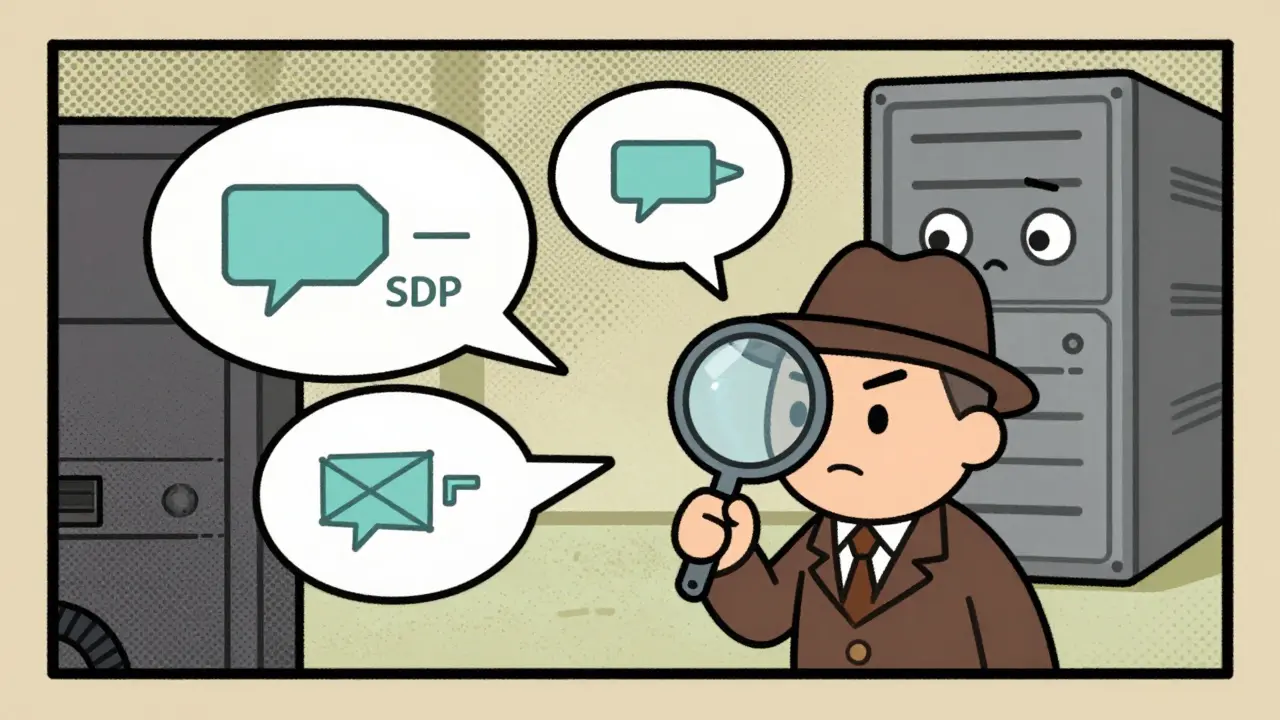
When calls fail due to codec mismatches, diagnosis requires looking under the hood. The most effective tool is Wireshark, which allows you to inspect SIP packets and SDP payloads.
- Capture Traffic: Run a Wireshark capture on the interface where the call originates or traverses.
- Filter for SIP: Apply the filter `sip` to isolate signaling messages.
- Inspect SDP Offers: Look at the `INVITE` message. Check the `m=` line to see the offered payload types. Are the expected codecs listed?
- Check SDP Answers: Examine the `200 OK` response. Does it confirm one of the offered codecs? Or does it return a 488 error?
- Verify Transcoding: If endpoints don’t share a codec, ensure your PBX or SBC is configured to transcode. For example, Reddit users in r/VOIP reported that WebRTC clients using Opus couldn’t connect to legacy PBX systems until they implemented an SBC to transcode between Opus and G.711, increasing infrastructure costs by approximately $12,000 annually.
A common pitfall is asymmetric codec support. Dr. Emil Ivov, Chief Technology Officer at Jitsi, noted that "the codec negotiation failure rate in heterogeneous VoIP environments remains approximately 3.7%, primarily due to asymmetric codec support between enterprise and consumer endpoints." Always ensure that your firewall or SBC is not inadvertently stripping unsupported codecs from the SDP offer before it reaches the recipient.
The Future: AI-Driven Dynamic Selection
Static codec negotiation is evolving. The industry is moving toward dynamic adjustments based on real-time network conditions. Cisco announced enhanced capabilities in IOS-XE 17.12 supporting dynamic codec switching during calls. Furthermore, Gartner analyst Mike Fasciani predicted that by 2025, 45% of enterprise VoIP systems would implement AI-driven dynamic codec selection. This technology monitors jitter, latency, and packet loss, automatically downgrading from Opus to G.729 if the network degrades, then upgrading back when stability returns.
Simultaneously, the deprecation of older protocols like H.323 solidifies SIP and SDP as the permanent standards. As IDC noted in Q2 2023, "the fundamental requirement for endpoints to establish common media capabilities remains constant even as specific codecs and protocols evolve." Mastering codec negotiation today ensures your communications infrastructure remains robust as these intelligent systems take over.
What happens if codec negotiation fails?
If codec negotiation fails, the endpoints cannot agree on a common method to encode and decode audio. The Session Border Controller (SBC) or PBX will detect this mismatch and typically return a SIP 488 "Not Acceptable Here" error. The call setup aborts, and the user hears no ringback tone or receives an immediate busy signal.
Why is G.711 still widely used despite high bandwidth usage?
G.711 is the universal fallback codec, supported by 99.8% of VoIP endpoints globally. Its uncompressed nature means it requires minimal CPU power to process, reducing strain on older hardware. Despite consuming 64 kbps, its reliability and near-universal compatibility make it essential for emergency calling and legacy system integration.
What is the difference between transparent and forced codec negotiation?
Transparent negotiation allows endpoints to choose any common codec from their supported lists, maximizing compatibility but potentially wasting bandwidth if high-bitrate codecs are selected unnecessarily. Forced negotiation mandates a specific codec (e.g., G.729a) via the SBC, saving bandwidth but risking call failures if the remote endpoint does not support that specific codec.
Is Opus better than G.722 for VoIP?
Opus is generally superior for modern applications, especially WebRTC. It offers super-wideband audio (up to 20kHz) and can adapt its bitrate dynamically between 6 and 510 kbps. G.722 provides wideband audio (16kHz) at a fixed 48-64 kbps. Opus delivers higher fidelity and better performance in variable network conditions, but requires endpoint support that may not exist on legacy PBX systems without transcoding.
How do I troubleshoot a "488 Not Acceptable Here" error?
A 488 error indicates a codec mismatch. Use Wireshark to capture the SIP INVITE and 200 OK messages. Compare the SDP payload types in the offer and answer. If there is no overlap, check your SBC or PBX configuration to ensure it is not filtering out necessary codecs or failing to transcode between incompatible formats like Opus and G.711.







Write a comment