

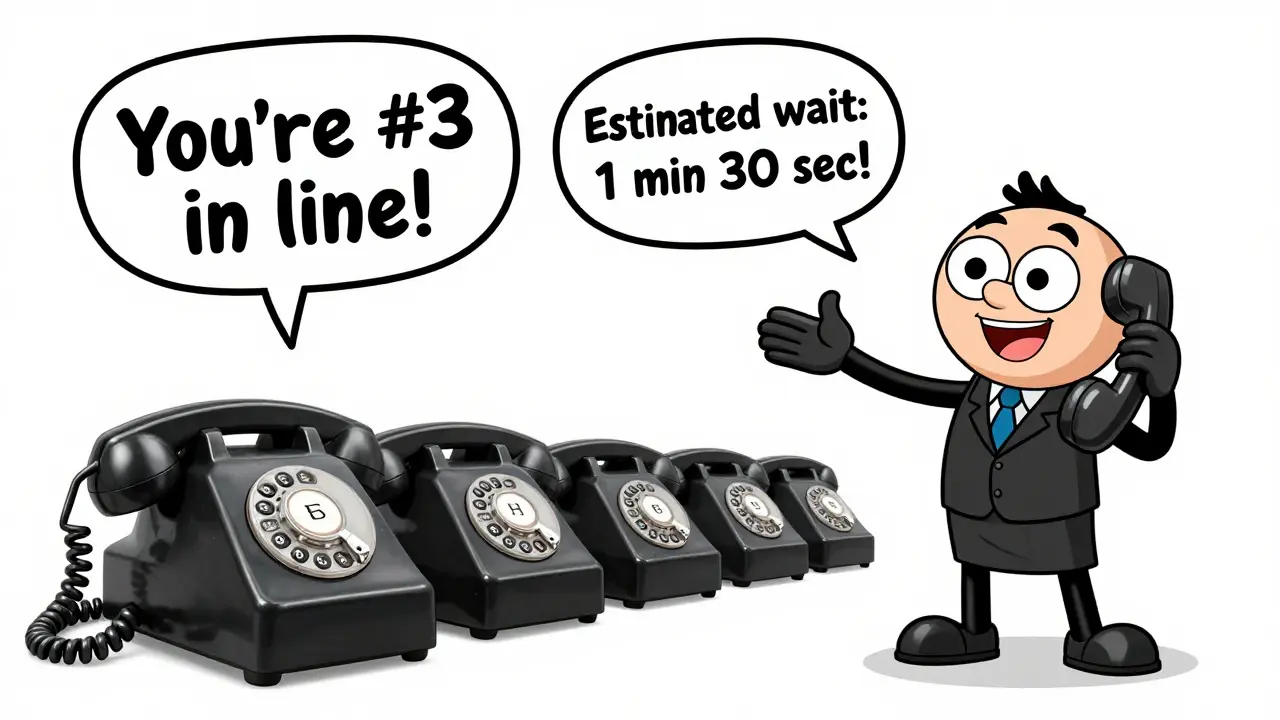

When a customer calls your business and hears nothing but hold music for more than 30 seconds, they’re not just waiting-they’re leaving. In fact, call abandonment rates spike dramatically after 45 seconds, and over 60% of callers hang up if they don’t get an estimated wait time. That’s not just a statistic-it’s lost sales, damaged trust, and wasted opportunities. The solution isn’t hiring more staff. It’s smarter call queuing.
What Exactly Is Call Queuing?
Call queuing is what happens behind the scenes when all your agents are busy. Instead of getting a busy signal or being cut off, the caller is placed in a virtual line. The system doesn’t just dump them on hold. It keeps them informed, engaged, and moving toward the next available agent. This isn’t a feature you turn on and forget. It’s a system built around three core ideas: fairness, transparency, and efficiency.Modern VoIP call centers use an Automatic Call Distributor (ACD) to route calls. It doesn’t just pick the next agent in line. It looks at the caller’s history, the reason for the call, and even how long they’ve been waiting. A customer who called last week about a billing error? They get routed to the billing team, not the general support line. That’s not luck-it’s intelligent routing.
Why Wait Times Feel Longer Than They Are
Time drags when you’re stuck on hold. Studies show that callers who hear a message like “You are 3rd in line” or “Estimated wait: 2 minutes” feel like they’re waiting less-even if the actual time hasn’t changed. This is called the perceived wait time effect. The brain fills silence with anxiety. Give it information, and it relaxes.Many small businesses still use outdated systems that play endless loops of elevator music. That’s not just boring-it’s damaging. Callers start checking their watch, then their phone, then they hang up. A simple update: play a short, clear message every 20 seconds. “Thank you for waiting. Your estimated wait is 1 minute 45 seconds. You’re caller #7 in line.” That’s all it takes to keep 30% more people on the line.
How Call Queuing Slashes Abandonment Rates
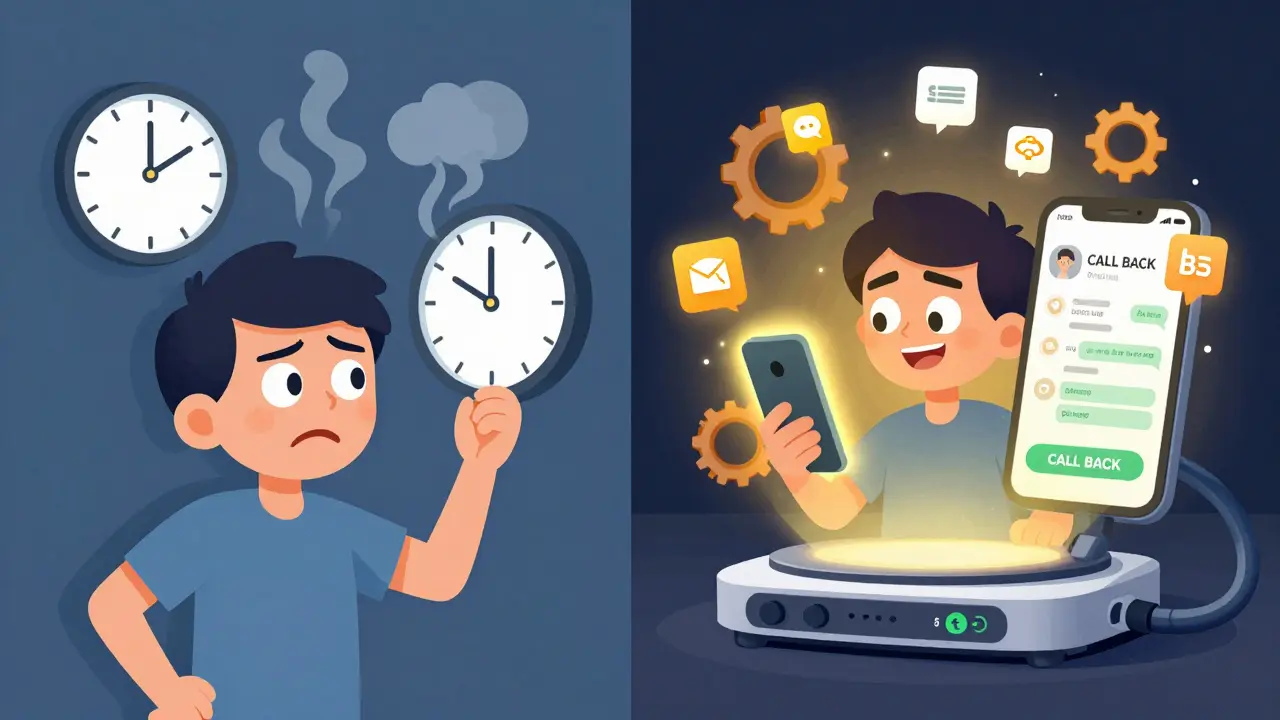
Call abandonment isn’t random. It’s predictable. If a caller doesn’t know how long they’ll wait, they leave. If they’re told they’ll wait 5 minutes and see no updates, they leave. But if you offer a callback option? Abandonment drops by up to 45%.Here’s how it works: A caller hits your queue, hears “We’re currently experiencing high call volume. Would you like to receive a callback when we’re ready?” They say yes, hang up, and go about their day. Five minutes later, their phone rings. It’s your business. They answer. The agent already knows their name, issue, and history. They don’t have to repeat anything. That’s not just service-that’s experience.
Companies using this feature report 20-30% fewer repeat calls, because customers feel heard the first time. And when customers feel heard, they stay loyal.
The Hidden Power of Queue Whisper
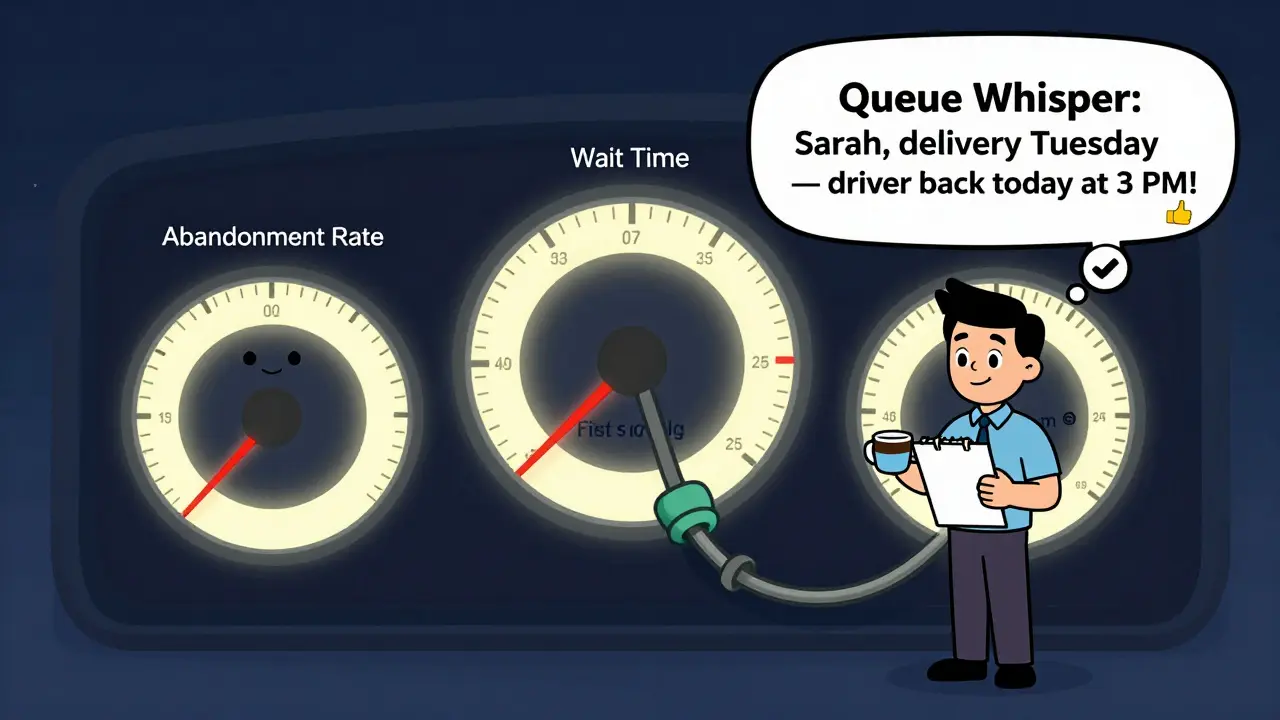
Most call centers don’t know this: the moment a call is about to connect, the agent’s screen lights up with the caller’s details. That’s called queue whisper. It’s not magic-it’s CRM integration.Imagine this: A customer calls about a missed delivery. The agent sees: “Called 3 days ago about tracking #12345. Sent email confirmation. No response.” The agent doesn’t ask, “What’s your issue?” They say: “Hi Sarah, I see you’re following up on your delivery from Tuesday. We’ve flagged it as priority, and the driver will be back at your address today by 3 PM. Would you like a photo confirmation when it’s delivered?”
That’s not customer service. That’s precision. Queue whisper cuts handle time by 35% on average. It means fewer transfers, fewer repeats, and higher first-call resolution rates. And that’s directly tied to lower abandonment-because if you solve it fast, they don’t have time to hang up.
How Queue Management Boosts Agent Performance
Agents aren’t machines. They get stressed when calls pile up, when they’re rushed, when they don’t have context. A well-run queue system changes that.Instead of five calls coming in at once, the system delivers one call every 45 seconds. Each call comes with full history, a clear reason, and a priority level. Agents can breathe. They can take notes. They can speak calmly. That’s not just better for them-it’s better for the customer.
Teams using structured queuing report 25% higher job satisfaction. Why? Because they’re not firefighting. They’re solving. And when agents feel in control, they deliver better service. That’s the quiet ripple effect of good queue design.
Real-Time Monitoring: Your Secret Weapon
You can’t fix what you can’t see. That’s why real-time dashboards matter. Top-performing call centers track four key metrics every 15 minutes:- Average wait time (target: under 60 seconds)
- Abandonment rate (target: under 8%)
- First-call resolution rate (target: over 75%)
- Agent utilization (target: 70-85%)
If wait times jump to 3 minutes, you don’t wait for a weekly report. You check: Are agents on break? Is there a system glitch? Did a marketing campaign spike traffic? You adjust. Maybe you send a quick message: “We’re seeing high volume. We’ll call you back in 5 minutes.” That simple step can drop abandonment by half.
Integration Is Everything
A call queue that doesn’t talk to your CRM, chatbot, or email system is like a car with no steering wheel. It moves, but it doesn’t go anywhere useful.Here’s what works: When a customer starts a chat on your website with a question about shipping, and they get stuck, the chatbot says: “I can connect you to a live agent. Would you like to be called back instead?” They choose callback. The system notes their chat history, queues them up, and when the agent picks up, they see: “Customer asked about delayed shipment. Sent tracking link via chat. Awaiting confirmation.”
That’s omnichannel service. It’s seamless. And it’s what customers expect now. If your queue system can’t integrate with your other tools, you’re forcing customers to start over every time they switch channels. That’s a fast way to lose trust.
Cost Savings You Can’t Ignore
You don’t need more staff. You need better routing.A company with 10 agents handling 800 calls per day used to lose 220 calls to abandonment. After implementing queue callback and intelligent routing, abandonment dropped to 65. That’s 155 saved conversations. Each one? A chance to retain a customer, upsell a service, or fix a problem before it becomes a complaint.
They also cut their average handle time from 7.2 minutes to 4.8 minutes. Why? Because agents had context. No more “What’s your account number?” “What’s your issue?” “Can you repeat that?” That’s 2.4 minutes saved per call. Multiply that by 800 calls. That’s over 32 hours of agent time saved every single day.
That’s not a cost center. That’s a profit lever.
Best Practices You Can Start Today
You don’t need a $50,000 system to fix your queue. Here’s what actually works:- Set a 60-second wait time threshold. If callers are waiting longer than that, trigger a callback offer.
- Use real-time updates. Every 30 seconds, play a message: “You’re in position #4. Estimated wait: 1 minute 15 seconds.”
- Integrate with your CRM. Even basic systems like HubSpot or Zoho can feed caller history into your VoIP platform.
- Train agents on queue whisper. They need to know what to look for before the call connects.
- Monitor abandonment rates daily. If it rises above 10%, investigate immediately.
- Test callback options. Let 20% of callers opt in. Track results. If retention improves, roll it out.
These aren’t upgrades. They’re fixes. And they cost less than hiring one extra agent.
What Happens When You Don’t Fix It
Ignoring call queuing isn’t neutral. It’s active damage.Every abandoned call is a customer who thought you didn’t care. Every 3-minute wait is a chance for them to switch to a competitor who answers faster. Every time an agent has to ask “What’s your issue?” for the third time, you lose credibility.
Customers don’t leave because your product is bad. They leave because your service feels broken. And a broken queue? That’s the loudest signal you’re not listening.
What’s the ideal average wait time for a call queue?
The industry standard for good performance is under 60 seconds. Anything over 90 seconds starts increasing abandonment rates significantly. Top-performing call centers aim for 30-45 seconds by using intelligent routing, callback options, and real-time staffing adjustments.
Can call queuing work for small businesses?
Yes-especially for small businesses. Many VoIP providers like RingCentral, Nextiva, and Vonage include basic queuing features at no extra cost. Even with 2-3 agents, using queue callback and simple hold messages can cut abandonment by half. You don’t need a big team to benefit.
Does queue whisper require expensive software?
No. Queue whisper is built into most modern cloud-based phone systems. If your VoIP provider integrates with a CRM like Salesforce, HubSpot, or Zoho, the system automatically pulls in caller history before the call connects. You just need to turn the feature on in settings.
How do I know if my queue is working?
Track three numbers daily: average wait time, abandonment rate, and first-call resolution. If wait time is under 60 seconds, abandonment is below 8%, and resolution is above 70%, your queue is working well. If any of these numbers are trending up, it’s time to audit your routing rules or agent training.
What’s the difference between a call queue and a voicemail system?
A voicemail system tells callers to leave a message and wait for a reply. A call queue keeps them in line and connects them to a live agent as soon as one is available. Voicemail often leads to delays, missed opportunities, and frustrated customers. A well-managed queue keeps the conversation alive and reduces the chance of abandonment.
Can AI chatbots replace call queues?
No-they complement them. Chatbots handle simple questions (tracking, hours, returns), which reduces the number of calls entering the queue. But for complex issues, customers still want a person. The best systems use chatbots to filter calls, then smoothly hand off the rest to the queue with full context. That’s called a hybrid approach.



Jen Kay
15 Mar 2026 at 08:53Let’s be real-most companies treat call queues like a punishment for customers, not a service. I’ve been on hold for 12 minutes while listening to a voice that sounds like it’s reading a cereal box. Then, when I finally get through, the agent has no idea who I am. Queue whisper isn’t fancy tech-it’s basic human respect. If your CRM can store my last purchase, it can damn well tell your agent I called last Tuesday about a refund. Stop making me repeat myself like I’m a broken record.
And yes, callback options? Absolute game-changer. I’d rather be doing laundry than sitting there watching the clock tick. The fact that this isn’t standard is embarrassing. You’re not saving money by cutting staff-you’re losing it by making customers feel like an afterthought.