



There is nothing quite as awkward as being in the middle of a high-stakes sales pitch or a critical project update only to hear a click and realize the line has gone dead. When a call suddenly cuts out without anyone hanging up, you're dealing with a dropped call. In a traditional phone system, this was rare, but in the world of Voice over Internet Protocol is a technology that allows you to make voice calls using a broadband internet connection instead of a regular analog phone line. Because your voice is now just data traveling across the web, any hiccup in your network can kill the conversation. To fix this, you have to stop thinking like a phone user and start thinking like a network admin.
Why VoIP Calls Actually Drop
To stop calls from dropping, you first need to understand that your voice is broken down into tiny pieces called packets. For a conversation to sound natural, these packets need to arrive in the right order and on time. When too many of these packets vanish into the digital void, it's called packet loss. If the loss is severe enough, the system simply gives up and terminates the connection.
One of the biggest technical culprits is the UDP (User Datagram Protocol). Unlike TCP, which double-checks that every piece of data arrived, UDP just sends the data as fast as possible. It's great for speed, but it's "fire and forget." If a firewall decides a UDP stream has been open too long without a refresh, it might silently close the port, instantly dropping your call. This is often tied to UDP timeout settings in your router, which act like a countdown timer; once it hits zero, the call is dead.
Then there is the SIP (Session Initiation Protocol). This is the "manager" that starts and ends your calls. If the SIP timers are misconfigured, the system might fail to realize the connection has been lost, or conversely, it might think the other end has disappeared and hang up the call prematurely.
The Bandwidth Bottleneck
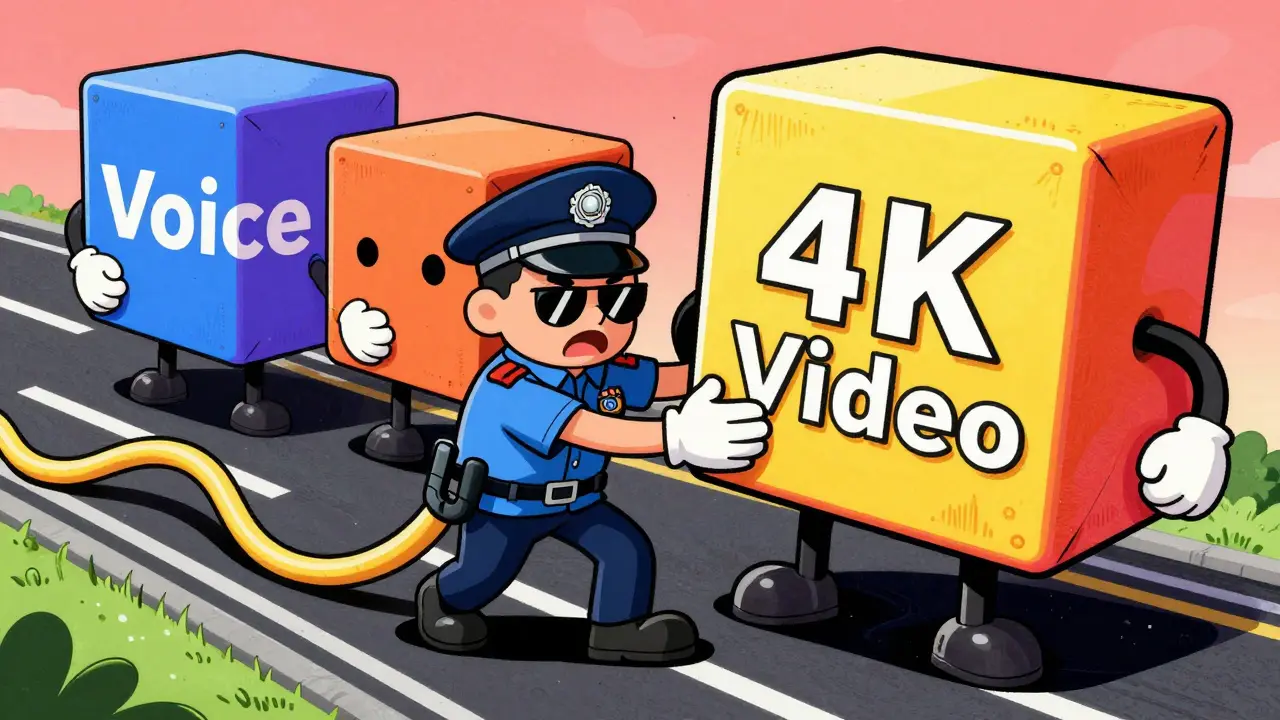
You might have a "fast" internet connection, but VoIP doesn't care about your top speed as much as it cares about consistency. For a stable, high-quality call, you generally need at least 80-100 kbps of dedicated bandwidth per single concurrent call. If you have five people on the phone at once while someone else is uploading a massive 4K video file to Dropbox, your voice packets will get stuck in traffic.
This leads to congestion. When your router is overwhelmed, it starts dropping the "least important" packets to keep up. Unfortunately, unless you've told the router otherwise, it doesn't know that your client call is more important than a Windows Update happening in the background. This is where most businesses fail; they buy a consumer-grade router and expect it to handle professional-grade traffic.
| Feature | UDP (User Datagram Protocol) | TCP (Transmission Control Protocol) |
|---|---|---|
| Speed | Very Fast (Low Overhead) | Slower (High Overhead) |
| Reliability | No Error Checking | Full Error Checking & Recovery |
| Call Quality | Better (Less Lag/Jitter) | Worse (Potential for Audio Gaps) |
| Connection Stability | Prone to Firewall Timeouts | More Stable Connections |
Hardwiring for Certainty
If you are using Wi-Fi for your office phones, you are essentially inviting instability into your business. Wireless signals are subject to interference from everything from microwave ovens to the neighbor's router. This interference causes spikes in jitter and packet loss, which are the primary triggers for dropped calls.
The gold standard for prevention is moving to a wired Ethernet connection. By using Power over Ethernet (PoE) switches, you can provide both a rock-solid data connection and power to your IP phones through a single cable. This eliminates the risk of a Wi-Fi drop-out and ensures that your phone stays online even if there's a local power flicker that doesn't hit the main switch.
Configuring Quality of Service (QoS)
Since you can't always control what your employees do on the network, you need to implement Quality of Service (QoS). Think of QoS as a HOV lane on a highway. It tells your router: "No matter how much traffic there is, let the voice packets go first."
To set this up, you typically go into your router's administrative panel and prioritize traffic based on the VoIP port or the MAC address of your phones. When QoS is active, a sudden burst of data-like a large email attachment being sent-won't push your voice data out of the queue, drastically reducing the chance of a call dropping due to momentary congestion.

Dealing with Firewalls and SIP ALG
Many modern routers come with a feature called SIP ALG (Application Layer Gateway). While it sounds helpful, it often does more harm than good. SIP ALG is designed to help VoIP packets get through a firewall, but it frequently modifies the packets in a way that confuses the VoIP provider's server. This mismatch can lead to a loss of connection, resulting in the call being dropped after a few minutes.
If you notice a pattern where calls always drop at the exact same time (e.g., exactly 30 seconds in, or every 5 minutes), your firewall is likely the problem. Disabling SIP ALG and manually opening the necessary ports (usually 5060-5061 for SIP) is a common fix that restores stability to the connection.
Step-by-Step Troubleshooting Checklist
When a call drops, don't just restart the phone and hope for the best. Follow this systematic approach to find the root cause:
- Power Cycle: Reset the VoIP phone and the router. This clears registration timeouts and refreshes the connection to the server.
- Test the Hardware: Swap a Wi-Fi phone for a wired Ethernet connection to see if the drops stop.
- Audit Bandwidth: Check if drops coincide with heavy uploads or downloads. If so, enable QoS settings.
- Check Router Settings: Disable SIP ALG and increase the UDP timeout duration in your firewall settings.
- Update Firmware: Ensure your phones and routers are running the latest software to maintain compatibility with modern networks like VoLTE or 5G.
- Contact the Provider: If the issue persists, ask your provider if they have a provider-level UDP timeout that needs to be extended for your account.
Why do my VoIP calls drop after exactly a few minutes?
This is usually caused by UDP timeout settings on your router or firewall. The router closes the connection because it thinks the session is inactive. To fix this, you can increase the UDP timeout duration in your router settings or switch your device to use TCP for a more stable, though slightly slower, connection.
Does my internet speed cause dropped calls?
Not necessarily. High speeds are great, but stability (low packet loss and low jitter) is more important. You only need about 100 kbps per call, but if that small amount of data is interrupted by other high-bandwidth activities, the call will drop. Implementing Quality of Service (QoS) can prevent this.
Will switching to a wired connection really help?
Yes, significantly. Wi-Fi is prone to interference from other electronic devices and physical barriers like walls. A wired Ethernet connection provides a dedicated, interference-free path for your data, which almost entirely eliminates drops caused by signal degradation.
What is SIP ALG and should I turn it off?
SIP ALG is a router feature meant to help VoIP traffic pass through firewalls. However, it often corrupts the SIP headers, leading to dropped calls or one-way audio. In most modern VoIP setups, it is recommended to disable SIP ALG and manage ports manually.
Can my VoIP provider fix dropped calls?
They can if the issue is on their end, such as provider-level timeouts or server outages. Before calling them, track when and where the calls drop so you can provide specific evidence, which helps their technical team find the problem faster.









Pamela Watson
10 Apr 2026 at 19:35Duh, just buy a better router! 🙄 Everyone knows consumer gear is trash for business. Just get a Cisco and you're done. Easy peasy! ✨