

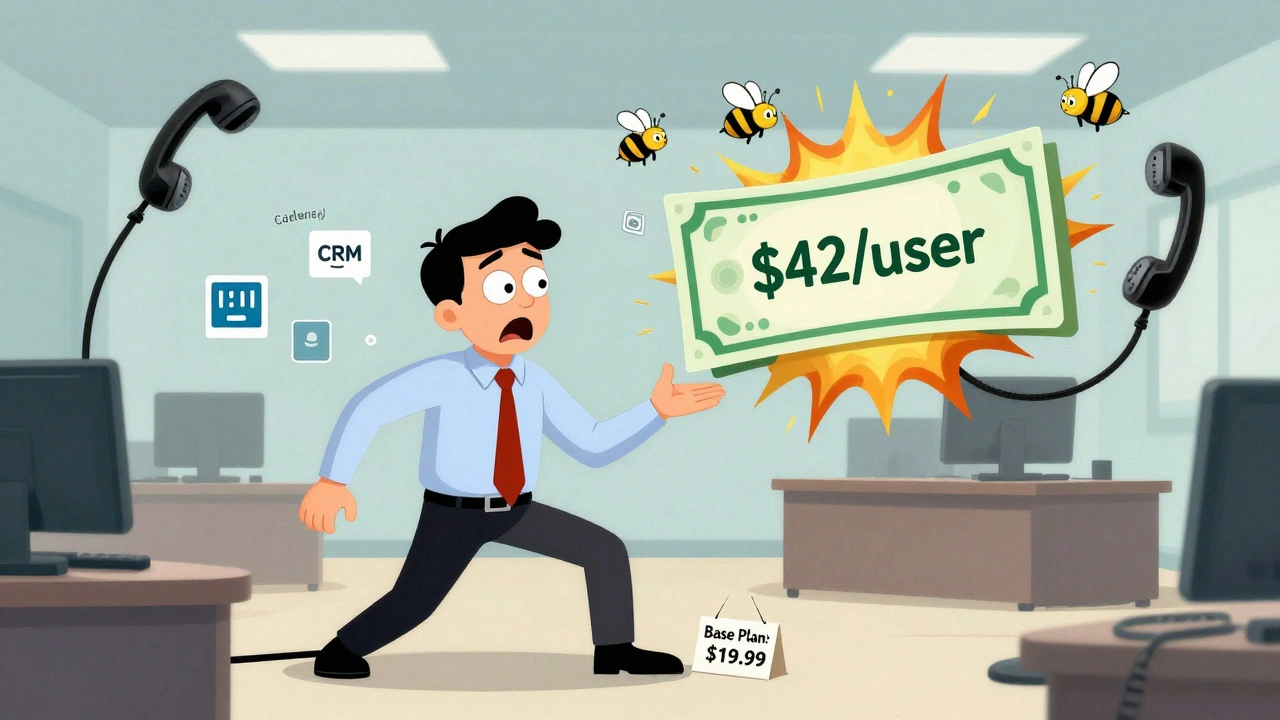

You signed up for VoIP because it was supposed to save you money. The ad promised $15 per user. You thought you’d cut your phone bill in half. But when the first bill came, it was $42 per user. What happened?
VoIP isn’t broken. It’s just sold like a car with a low sticker price and a long list of options you didn’t know you needed. The base plan? That’s just the frame. Everything else - call recording, CRM integration, international calling, even basic auto-attendant features - gets tucked into add-ons. And those add-ons? They add up fast.
What’s Really in Your Base Plan?
Most VoIP providers advertise $10 to $25 per user. That’s the price you see on their website. But what does that actually include? Often, just the bare minimum: basic calling, voicemail, and one extension per person. No call recording. No CRM sync. No advanced call routing. No international numbers.
Take Ooma Office. Their base plan starts at $19.99 per user. Sounds great - until you need to record calls. That’s a $12 add-on per user. Want to connect to Salesforce? Another $10. Need more than two auto-attendant menu levels? Upgrade to the $25 plan. Suddenly, you’re paying $41.99, not $19.99. And you didn’t even know you needed those features until you tried to use them.
RingCentral’s MVP plan is $20-$40 per user. Sounds fair. But advanced analytics? That’s an extra $20. Zoom Phone charges $10 extra per user if you want call recordings stored longer than 30 days. Microsoft Teams Phone? Basic calling is included, but if you want automated call routing, you need Power Automate - $15 per user, monthly, on top.
There’s no industry standard. Each provider picks what to bundle and what to charge for. And they don’t always tell you until after you sign up.
The Hidden Fees Nobody Talks About
It’s not just the monthly add-ons. There are one-time fees that catch people off guard.
Number porting - moving your old business number to your new VoIP system - costs $39.99 per number on average. Some providers charge it once. Others charge it per line. If you’re moving 10 numbers? That’s $399.99 right out of the gate.
Setup fees? They’re real. Even if you’re using free software, someone has to configure your users, assign extensions, and test the system. That’s $100 to $500, depending on the provider. Some hide it in fine print. Others charge it as a “professional services fee.”
Network upgrades? If your internet isn’t fast or stable enough, your calls will drop. Cisco recommends 10 Mbps per 10 users. Most small offices have 50 Mbps shared across everything - laptops, printers, video calls, streaming. That’s not enough. You’ll need Quality of Service (QoS) settings. That might mean upgrading your router, reconfiguring your firewall, or even hiring an IT consultant. That’s $500 to $2,000 extra.
Training? It’s not free. If your team doesn’t know how to use the system, they’ll keep calling IT. Basic training takes 2-3 hours per person. Complex systems? Up to 12 hours. Factor in $500 to $1,500 in training costs, depending on how many people need it.
International Calls: The Silent Budget Killer
Domestic calls? Usually included. International? That’s where the real costs creep in.
Calling Canada? $0.008 per minute. The UK? $0.02. India? $0.35. Mexico? $0.12. That doesn’t sound like much - until you have a team member in Mumbai making 20 calls a day. That’s $7 per day. $210 a month. Just for one person.
And most providers don’t include international calling in their base plans. You have to buy a separate plan. Or pay per minute. Or both. One user on Reddit shared their bill: $19 base, $12 for recording, $8 for CRM, $39.99 porting fee, and $25 for international minutes - totaling $103.99 for one user. That’s not a savings. That’s a surprise.
Healthcare and finance companies get hit hardest. HIPAA and FINRA compliance require encrypted call recording, audit logs, and secure storage. Those aren’t optional. They’re mandatory. And they cost 85% to 110% more than the base price. You don’t get to skip them. You just get billed for them.
Hardware Costs: The Hidden Capital Expense
VoIP doesn’t need landlines. But it does need phones. Or at least, most companies think they do.
Basic IP phones like the Poly VVX 150 cost $80 to $150 each. Mid-range models like the Yealink T54W? $200 to $300. Enterprise conference systems like the Cisco Webex Room Kit? $4,995. And that’s just one room.
Some providers say you can use your laptop or phone with a free app. That’s true - if you’re fine with echo, background noise, and dropped calls. Most businesses don’t want that. They want professional sound. That means buying hardware. And that’s not in the monthly bill. It’s a one-time capital expense. If you’re scaling to 20 users? That’s $2,000 to $6,000 in phones alone.
And don’t forget headsets. If your team is on calls all day, they need noise-canceling headsets. Those aren’t free. $50 to $100 each. Multiply by 15 people? Another $750 to $1,500.
Integration Costs: The Silent Time Suck
Your CRM, helpdesk, or project tool isn’t going to connect to your VoIP system by magic.
Connecting to Salesforce? That’s $1,200 in professional services, according to Zoom’s own documentation. ServiceNow? $1,800. Custom integrations? $3,000 to $5,000. And that’s just the setup. You’ll need ongoing maintenance. Updates. Troubleshooting.
One company in Madison spent $4,000 to connect their VoIP to HubSpot. They thought it was a “plug-and-play” feature. It wasn’t. The integration broke twice in the first month. Each fix cost $300. They’re now paying $12 per user monthly just to keep it running.
Providers make this worse by selling integrations as “add-ons.” They’ll say, “Just click to connect!” But if you don’t have a developer on staff, that click leads to a support ticket. And support tickets cost money.
Who’s Getting It Right?
Not everyone plays the add-on game.
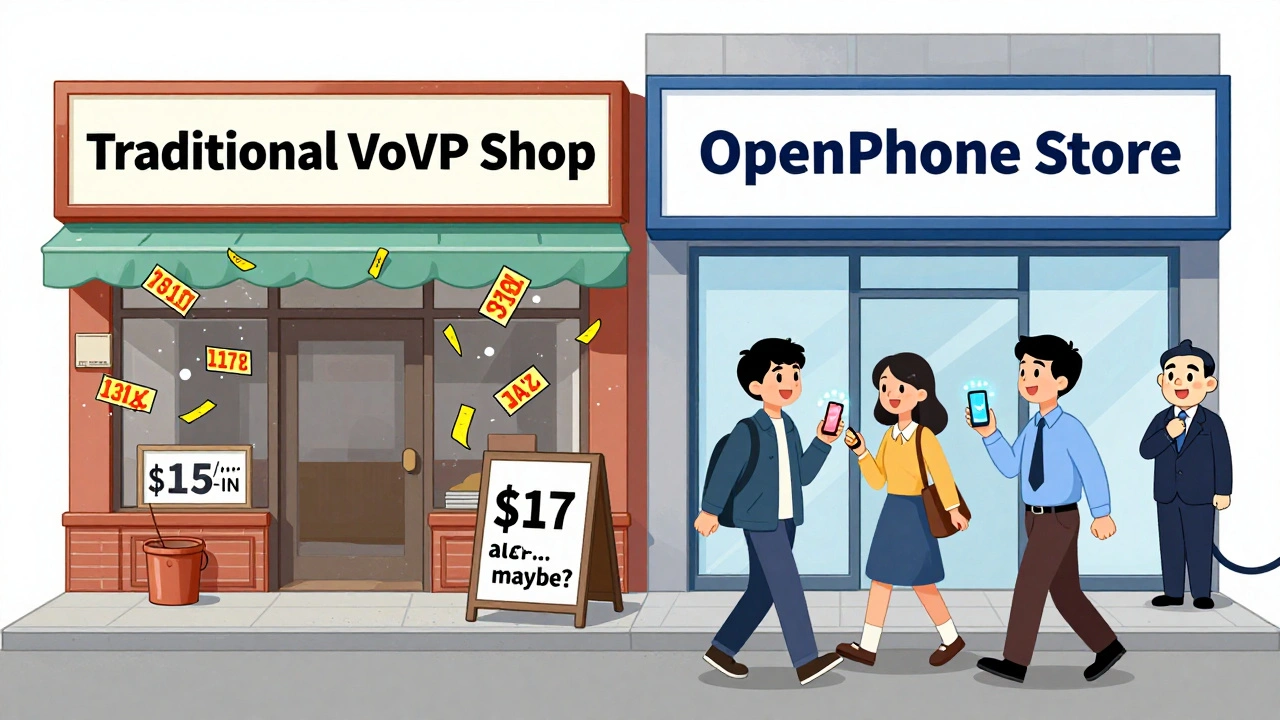
OpenPhone charges $17 per user. That includes unlimited calling, SMS, call recording, CRM integration, and auto-attendant. No hidden fees. No surprise charges. It’s not for enterprise teams - it’s built for small businesses and startups. But for them? It’s perfect.
FreJun bundles everything into a $22 plan: recording, CRM, analytics, international calling, even AI transcription. They don’t charge extra for features most companies need. They just charge more upfront. And customers love it. According to Nemertes, 22% of mid-tier VoIP providers are now moving toward this model.
These companies prove it’s possible. You don’t need to be nickel-and-dimed. You just need to know who to ask.
How to Avoid the Hidden Fee Trap
Here’s how to stop getting surprised:
- Ask for a full cost breakdown. Don’t just ask for the base price. Ask: “What’s included?” Then: “What’s NOT included?”
- Get everything in writing. Email your sales rep: “Confirming that the $20 plan includes call recording, CRM sync, and international calling.” Get a reply. Keep it.
- Calculate your true monthly cost. Add up: base + recording + CRM + international + phones + porting + setup. Don’t forget training.
- Check your internet. Run a speed test. If you’re under 10 Mbps per 10 users, budget for an upgrade.
- Ask about termination fees. Some contracts lock you in for 36 months. Cancel early? $10,800 in fees. That’s real.
- Test the support. Call their customer service. How long do you wait? Are they helpful? If they’re slow, your team will be too.
Don’t assume the cheapest plan is the best. Assume the most transparent plan is the best.
What’s Changing in 2025?
The FCC’s new VoIP Transparency Initiative requires providers to list all fees upfront. That’s good. But enforcement is weak. Many still bury fees in PDFs or require you to click through five pages to find them.
AI features are the new frontier. Zoom’s AI Companion? $4 per user. Gong’s conversation intelligence? $12. These aren’t extras anymore - they’re expected. And they’re priced like luxuries.
Some providers are testing usage-based pricing. 8x8’s beta plan charges $0.008 per minute after 1,000 minutes. That could save you if you’re light on calls. Or crush you if you’re not.
One thing’s certain: VoIP isn’t getting simpler. It’s getting more complex. And the companies that make it easy will win.
Bottom line? VoIP saves money - if you know what you’re paying for. Don’t trust the headline price. Do the math. Ask the hard questions. And choose a provider that doesn’t make you feel like you’re being nickel-and-dimed.
Are VoIP add-ons really that expensive?
Yes. What looks like a $15-per-user plan can easily become $40+ when you add call recording, CRM integration, international calling, and hardware. Gartner found 78% of businesses underestimate their final VoIP costs by 25-40% because they don’t account for these add-ons.
Can I avoid hidden fees with VoIP?
Absolutely. Providers like OpenPhone and FreJun offer all-inclusive pricing at $17-$22 per user, covering recording, CRM, and international calls. You pay more upfront, but you never get surprised later. Always ask: “What’s NOT included?”
Do I need to buy new phones for VoIP?
You don’t have to, but you should. Using a laptop or smartphone works for occasional calls, but for daily business use, IP phones (like Poly VVX or Yealink) deliver clear audio, reduce background noise, and improve professionalism. Basic models cost $80-$150 each. For 10 users, budget $1,000-$1,500.
Why is international calling so expensive on VoIP?
VoIP providers don’t own the phone lines to other countries. They pay termination fees to local carriers abroad. Those costs vary wildly - $0.008/min to Canada, $0.35/min to India. Providers pass those fees to you. Some bundle them. Most don’t. Always check per-minute rates before signing up.
Is VoIP cheaper than landlines in the long run?
Yes - if you account for all costs. Landlines cost $50-$100 per user monthly with $5,000-$20,000 in upfront hardware. VoIP can cut that by 45-60% over three years. But only if you don’t get hit with $2,000 in hidden fees. Track every charge. Compare total cost of ownership, not just monthly rates.
What’s the biggest mistake businesses make with VoIP pricing?
Assuming the advertised price is the final price. Most businesses start with the lowest plan, then add recording, CRM, international, phones, porting, and setup - and end up paying double. Always build your own cost calculator: base + add-ons + hardware + one-time fees + training. Don’t trust the provider’s estimate.









Antonio Hunter
7 Dec 2025 at 23:11Man, I wish I'd read this before we signed with RingCentral. We thought $22/user was the deal-turned out we needed recording ($15), CRM sync ($10), and international ($20). Then they hit us with a $75 setup fee and $40/porting for our 8 lines. Total? $117/user. We're still paying for it two years later. The kicker? We didn’t even use half the features. Now we're stuck in a 36-month contract with a $12K early termination fee. Don't just trust the sales rep. Ask for the full itemized list. And if they hesitate? Run.