

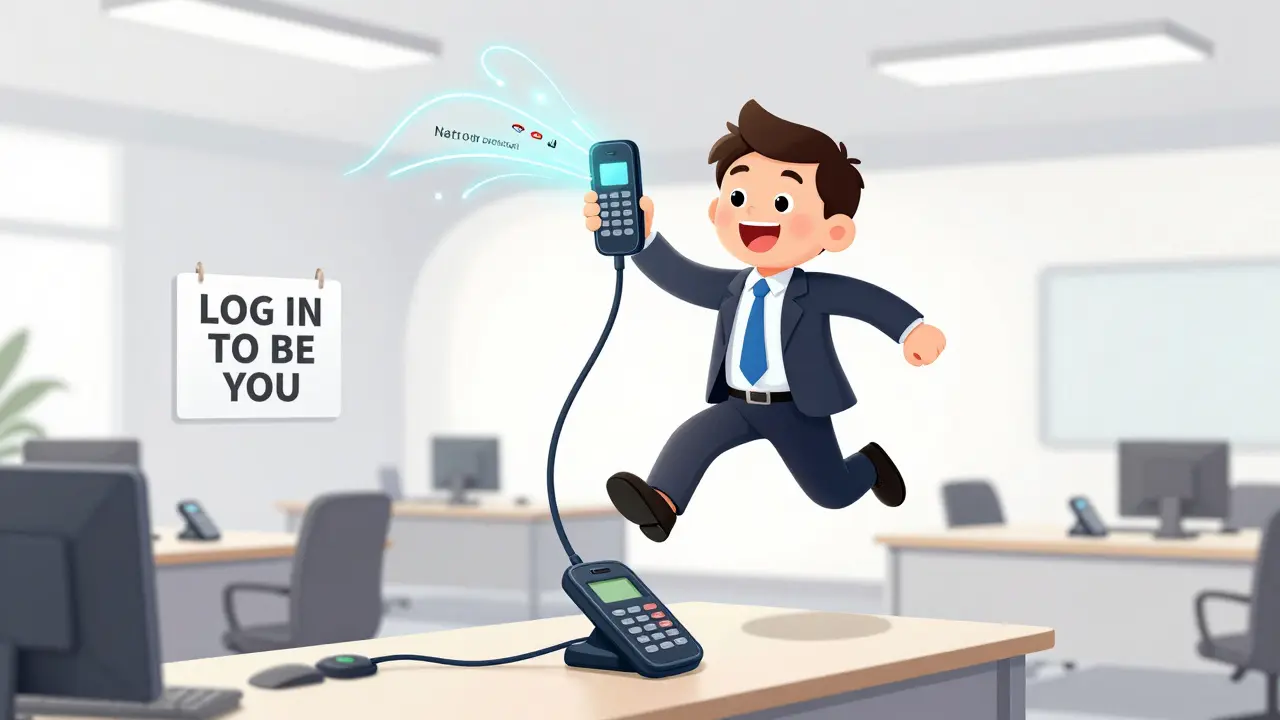

Imagine walking into an office, grabbing any phone off any desk, and within seconds, it’s your phone. Your extension rings. Your voicemail is waiting. Your speed dials are right there. No setup. No reboot. Just log in - and you’re home.
This isn’t science fiction. It’s hot desking in VoIP - and it’s changing how businesses handle phone systems. Instead of giving every employee their own desk and their own phone, companies are letting people share both. The magic? Extension mobility. It’s the feature that lets you log into any compatible IP phone and instantly become yourself - wherever you are in the building.
What Exactly Is Hot Desking in VoIP?
Hot desking isn’t new. Offices have been sharing desks for years to cut rent costs. But in VoIP, it’s turned into something smarter. When you log into a shared phone, you’re not just borrowing a device - you’re borrowing your own identity.
Every VoIP user has an extension number - like 1045 or 2012. That’s their digital phone number. With hot desking, that number moves with you. You don’t need a phone tied to your desk. You just need a login: a username and a six-digit PIN. Plug it into any supported IP phone, hit login, and boom - the phone becomes yours. Your call history, your voicemail, your contacts, your call forwarding rules - all of it loads up.
When you leave, you log out. The phone resets. The next person logs in with their credentials, and the cycle repeats. No data mixes. No confusion. Just clean, secure, personal access.
How It Works: The Login/Logout Process
It’s simpler than unlocking your phone. Most systems require two things: a UserId (usually your employee ID or email) and a PIN. Some phones even let you type your extension number directly on the keypad and press a dedicated login button.
Here’s what happens step-by-step:
- You sit down at any desk with a compatible IP phone (Cisco, Yeastar, Zoom Rooms, etc.).
- You enter your UserId and PIN (or extension + PIN).
- The phone contacts the VoIP server (like Cisco Unified Communications Manager or Yeastar S-Series).
- The server checks your credentials, confirms you’re allowed to log in, and sends your profile.
- The phone updates: your extension number appears on the screen, your speed dials load, your voicemail indicator lights up.
- You make calls - all from your number. Clients see your extension, not a generic desk line.
- You finish your shift, press logout. The phone clears your profile and returns to default.
No reboot needed. No IT help. It takes less than 15 seconds. And if you forget to log out? Some systems auto-logout after 10 minutes of inactivity. Others sync with your calendar - if your meeting ends, you’re logged out automatically.
Who Uses This? Real-World Scenarios
Hot desking isn’t for everyone - but it’s perfect for specific teams:
- Call centers: Three agents share one phone. One logs in at 8 AM, another at 1 PM, the third at 5 PM. One device, three users, zero wasted hardware.
- Hybrid workers: You work from home three days a week. On office days, you grab any desk. Your phone follows you - no matter which building you’re in.
- Traveling sales teams: You fly into Chicago, then New York, then Austin. Each office has a shared phone. You log in. You call clients from your company number. No need to carry a phone.
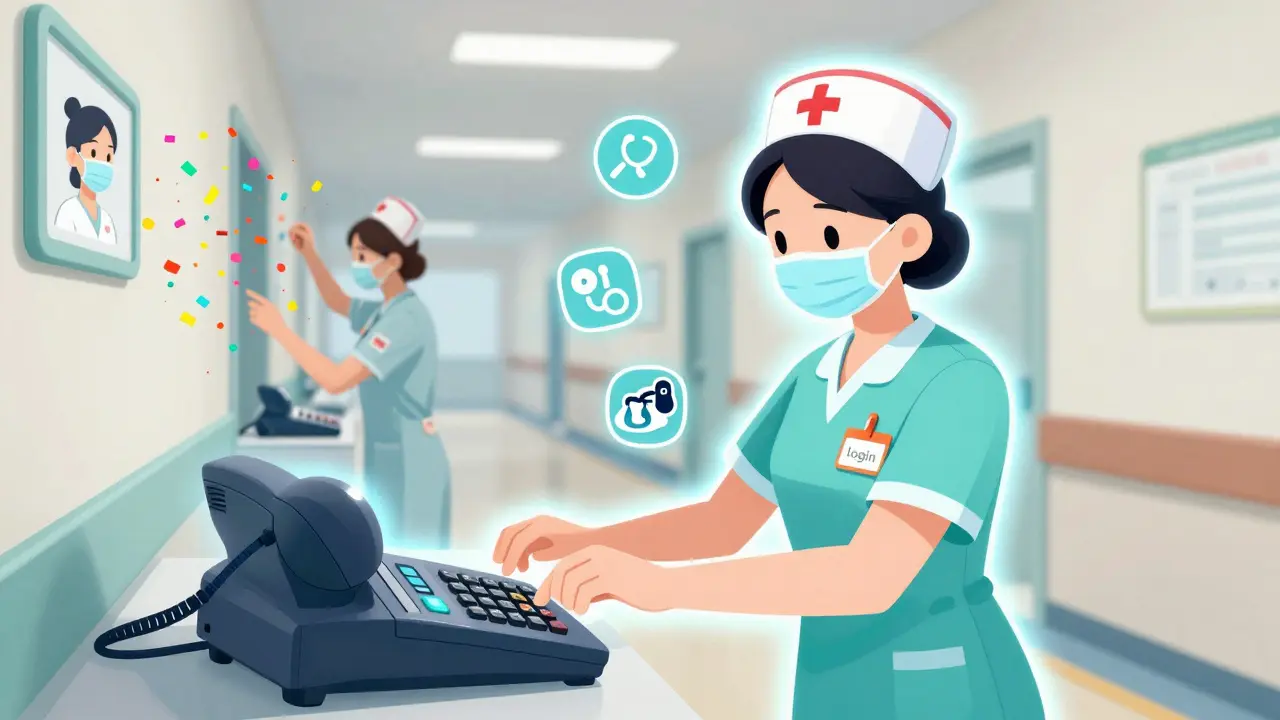
- Hospital staff: Nurses move between rooms. Each room has a phone. They log in with their extension to call the pharmacy, update records, or reach a doctor - all under their own number.
- Meeting rooms: You walk into a conference room to join a Zoom call. You log into the room phone, dial your team, and the call shows up as coming from your extension. Professional. Clean. No confusion.
It’s not just convenient - it’s necessary for modern work. Companies with 50+ employees who don’t have assigned desks save 30-50% on phone hardware. That’s not a small number.
Hardware and Compatibility
Not every phone supports hot desking. You need an IP phone that talks to your VoIP server - and your server has to support the feature.
Cisco is the most common name here. Their IP phones - like the 7945, 8841, or 8865 - all support Extension Mobility. You need Cisco Unified Communications Manager (CUCM) to manage the logins. Zoom also offers a similar feature for their desk phones, letting users log in with their extension and PIN.
But you can’t use this with analog phones. Or old VoIP handsets that don’t have login capabilities. If your phone doesn’t have a screen and keypad for entering numbers - it won’t work.
Also, your network needs to be stable. If the phone can’t reach the server, login fails. That’s why most companies use wired Ethernet connections for shared phones - not Wi-Fi. A dropped connection means a failed login. And that’s frustrating.
Benefits Beyond Cost Savings
Yes, you save money. But that’s just the start.
Employees feel more in control. They’re not tied to one desk. They can choose where they work - and still have full access to their tools. That boosts morale. It also makes collaboration easier. You’re not stuck at your desk. You’re free to move, meet, and connect.
It also improves professionalism. When you call a client from a shared phone, they see your name and number - not "Desk 12" or "Conference Room B." That builds trust.
And for IT? It’s easier to manage. Instead of tracking 100 phones, you track 40 - because 60 people share them. Updates, firmware patches, troubleshooting - all faster. You can even force a logout remotely if someone forgets to log out or leaves the office.
What About Mobile? Extension Mobility Beyond the Desk
Hot desking isn’t just for desk phones. The same idea works on mobile.
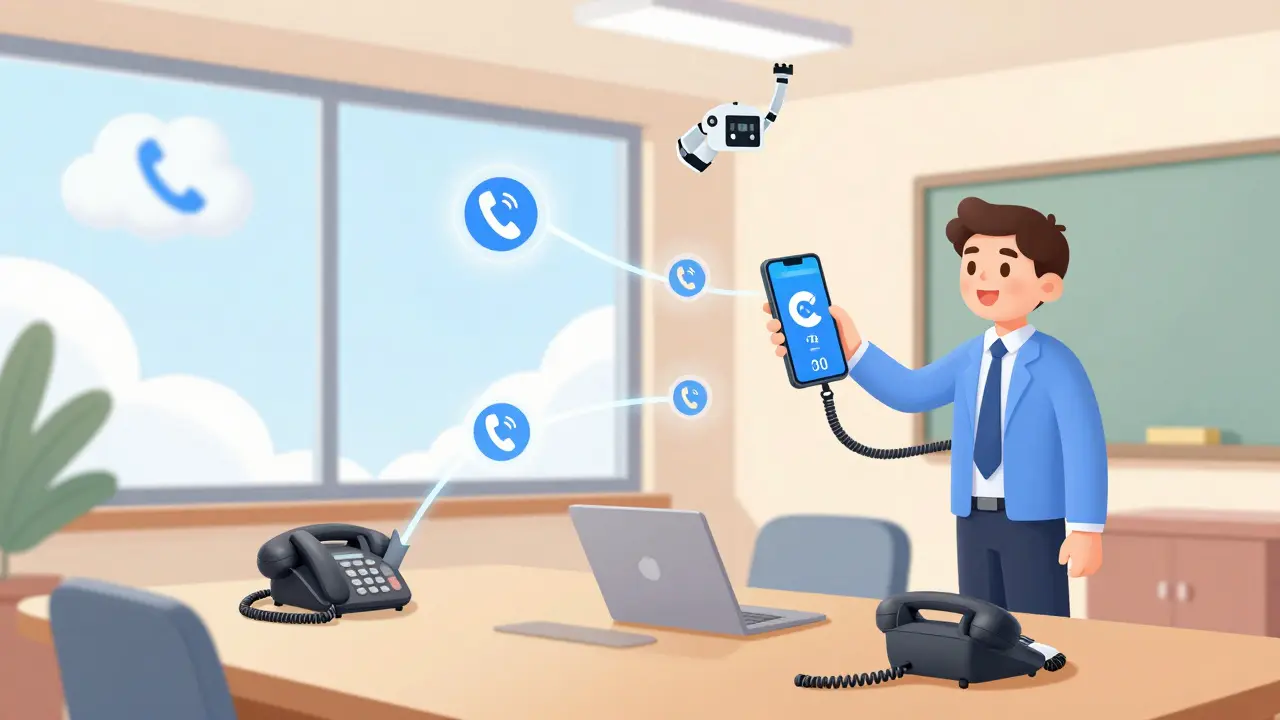
Systems like Yeastar and RingCentral let you turn your smartphone into an extension. Download a free app - like Linkus or Cisco Jabber - log in with your extension and PIN, and your phone becomes your office line. You can make and receive calls using your company number. Your voicemail goes to your phone. Your contacts sync.
Now you’re not just hot desking at the office - you’re hot desking everywhere. Working from home? Your mobile phone is your extension. On the road? Same thing. No need for a second number. No need for a desk phone.
This is where the real power of VoIP shows up: your identity isn’t tied to a location. It’s tied to you.
Security and Admin Controls
What if someone steals your PIN? Or logs in as you by accident?
Good question. That’s why admins have tools to lock things down:
- PINs must be 6 digits or longer - no "123456" allowed.
- Failed login attempts lock the account for 5 minutes.
- Admins can see who’s logged in where - and kick them out remotely.
- Some systems auto-logout after shift end times (synced with HR systems).
- Logs track every login/logout - useful for audits or security checks.
It’s not foolproof - but it’s secure enough for most businesses. And if you’re worried? Add two-factor authentication. Some newer VoIP systems now support it.
Limitations and What to Watch Out For
Hot desking is powerful - but it’s not magic. Here’s what doesn’t work:
- You can’t use it with analog phones.
- It doesn’t work if your network is down.
- If two people log in at the same time, the second person kicks the first out - and the first loses their session.
- Some phones don’t save your contact list locally - so if you log out, you lose speed dials until you log back in.
- Call quality can dip if the phone is on Wi-Fi - use Ethernet.
Also, don’t assume all VoIP providers offer this. Check with your vendor. If they say "we have extension mobility," ask for the exact name of the feature. Some call it "hoteling," others "device mobility." Make sure it’s built into your system - not a third-party add-on.
How to Set It Up
If you’re considering hot desking, here’s how to get started:
- Choose a VoIP system that supports extension mobility (Cisco CUCM, Yeastar S-Series, Zoom Phone).
- Buy IP phones that are certified for hot desking (check the vendor’s compatibility list).
- Assign each user a unique UserId and PIN. No duplicates.
- Enable the feature in your PBX settings.
- Place phones in high-traffic areas: near meeting rooms, break rooms, reception, shared desks.
- Train users: show them how to log in and out. Post a quick guide on each phone.
- Monitor usage. See which phones are used most. Adjust placement if needed.
It takes less than a day to set up. And within a week, employees will wonder how they ever worked without it.
Can I use hot desking with my existing VoIP system?
Only if your system supports Extension Mobility. Cisco, Yeastar, and Zoom Phone do. Older or consumer-grade systems like Vonage or Ooma usually don’t. Check your provider’s documentation or contact support. If you’re on Cisco Unified Communications Manager, it’s likely already enabled.
Do I need special phones for hot desking?
Yes. You need IP phones with a screen and keypad that can accept login credentials. Phones like the Cisco 8800 series, Yeastar D-series, or Zoom Phone Desk Pro work. Basic phones without screens - or analog phones - won’t support it. Don’t waste money on phones that can’t log in.
What happens if I forget to log out?
It depends on your system. Some phones auto-logout after 10-15 minutes of inactivity. Others stay logged in until someone else logs in - which kicks you out. Administrators can also force a logout remotely. If you’re worried, set up a reminder on your calendar to log out before you leave.
Can I log in from my smartphone?
Yes - but that’s a different feature. Mobile extension mobility lets you use your phone as a VoIP extension using apps like Linkus or Cisco Jabber. It’s not the same as logging into a desk phone, but it gives you the same result: your extension follows you wherever you go.
Is hot desking secure?
Yes, if managed properly. PINs should be unique and complex. Logins are encrypted. Admins can monitor who logs in and where. Some systems even require two-factor authentication. It’s as secure as your network - so keep your Wi-Fi locked down and avoid public networks for VoIP.
Final Thought: It’s Not About the Phone - It’s About You
Hot desking isn’t about saving money on hardware. It’s about giving people freedom. The freedom to work where they’re most productive. The freedom to pick up any phone and still be themselves. The freedom to not be tied to a chair.
In a world where remote work is normal, and hybrid is the new default, hot desking in VoIP isn’t a luxury - it’s a baseline. If your business still gives out one phone per person, you’re not just wasting money. You’re ignoring how people actually work today.







Teja kumar Baliga
18 Feb 2026 at 02:58Love this in our office in Bangalore. We cut down on hardware by 60% and now people just grab a phone and go. No more fighting over desks. My team loves it - especially when they jump between floors. Just log in, done.
Also, no more ‘who’s phone is this?’ drama. Everyone’s identity follows them. Simple, clean, smart.