



Have you ever sent a message to a colleague only to get no reply-then found out they were right there, in a meeting you didn’t know about? Or maybe you’ve clicked on someone’s name in Teams, Slack, or Zoom, and seen a green dot that says "Available," but they didn’t answer for 20 minutes? That’s the problem presence information was built to solve.
Presence information isn’t just a colored dot. It’s a real-time system that tells you whether someone can be reached, and under what conditions. In VoIP and modern business communication tools, presence is the invisible backbone that keeps teams from talking past each other. Instead of guessing if someone’s free, you see their status before you call, message, or video chat.
What Presence Information Actually Means
Presence isn’t about being online. It’s about being available. Early instant messaging apps like AIM only showed "online" or "offline." Today’s systems go far beyond that. They combine calendar data, device activity, user input, and even location to paint a full picture of someone’s ability to communicate.
When you’re in a meeting scheduled in Outlook or Google Calendar, your status in Microsoft Teams automatically changes to "In a Meeting." If you step away from your desk for 10 minutes without touching your keyboard or mouse, it shifts to "Away." If you manually set your status to "Do Not Disturb," your calls go straight to voicemail and messages are muted. All of this happens in the background, without you lifting a finger.
This isn’t magic-it’s built on standards like SIP (Session Initiation Protocol) and XML-based formats like PIDF-LO. These protocols let devices and servers exchange presence data securely and consistently across platforms. Your phone, laptop, and tablet all report their status to a central server, which then shares it with others who have permission to see it.
How Presence States Work in Real Systems
Most platforms use a core set of status indicators:
- Available (Green) - You’re active and ready to communicate.
- Busy (Red) - You’re in a call, meeting, or marked as unavailable.
- Away (Yellow/Orange) - No activity on your device for 5-15 minutes.
- Do Not Disturb (Red with slash) - Blocks notifications and calls.
- Offline (Gray) - Not signed in or disconnected.
Advanced systems add more context:
- In a Call
- Commuting
- On Vacation
- Focus Time
- Roaming
Microsoft Teams, for example, introduced "Focus Time" in late 2023. If you block off time in your calendar as "Focus," Teams automatically sets your status to reflect that you’re not to be disturbed-even if you’re not in a meeting. This feature alone reduced interruptions by 31% in early adopters, according to Microsoft’s internal data.
Slack and Zoom handle this differently. Slack lets you set a priority: desktop overrides mobile. If you’re logged in on both, your desktop status wins. Zoom relies more on device activity. If your laptop is asleep, it assumes you’re away-even if your phone is active.
Why Presence Matters More Than Ever
Before presence systems, communication was noisy and inefficient. You’d call someone, get voicemail, leave a message, wait for a callback-sometimes for hours. That’s not just frustrating; it’s costly.
Forrester Research found that companies with mature presence systems saw a 22% drop in unnecessary interruptions. Why? Because people stopped messaging "Are you free?" and started checking the status first. One project manager told G2 Crowd: "I save at least 15 minutes a day just by not chasing people down."
Call centers rely on presence even more. A 2023 ICMI survey showed that 82% of managers improved agent utilization by routing calls only to those marked as "Available." Agents who were marked as "Busy" or "In a Call" weren’t assigned new calls until they were ready.
But it’s not just about efficiency. Presence reduces stress. When people know their availability is respected, they feel less pressured to be constantly responsive. That’s especially important in hybrid work environments where team members are spread across time zones and devices.
Where Presence Systems Still Fall Short
Despite all the advances, presence isn’t perfect. And users know it.
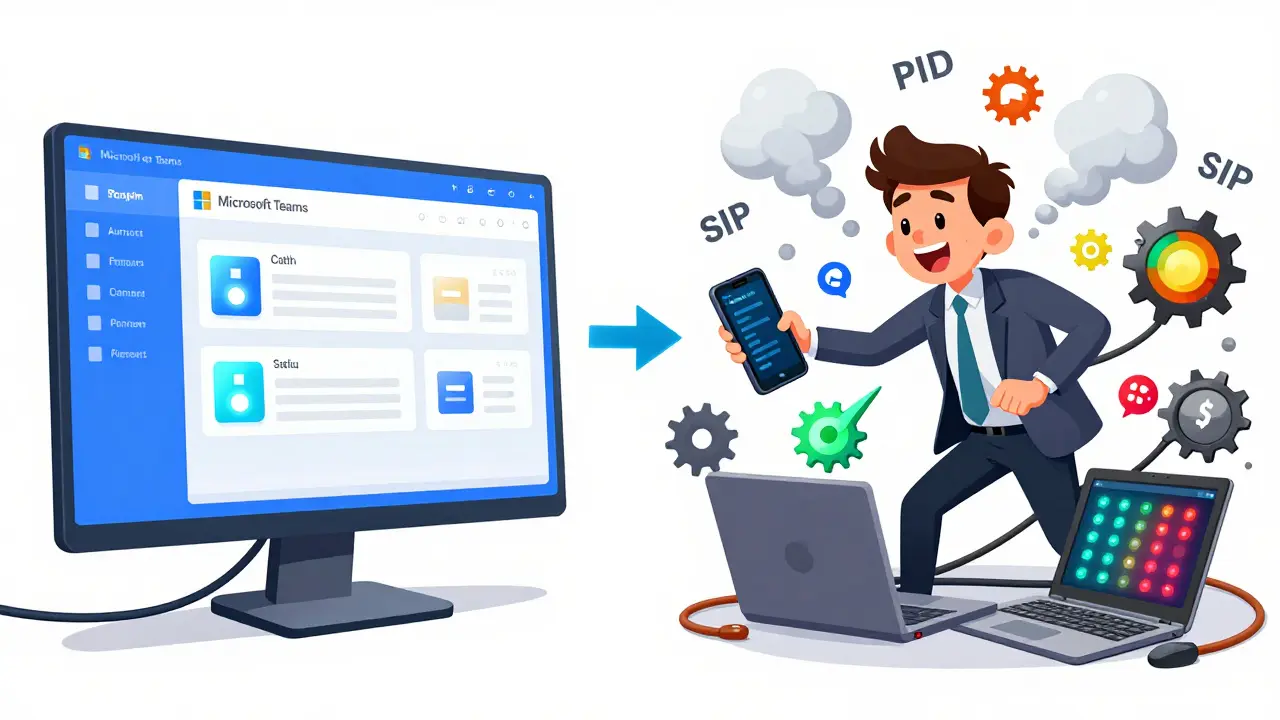
On Reddit’s r/ITProfessional, a top thread from June 2023 had over 280 comments complaining that Teams showed them as "Available" while they were clearly in a meeting. Why? Because the calendar integration failed to sync, or the user had two devices logged in and the system picked the wrong one.
Software Advice analyzed over 3,000 user reviews in 2023 and found:
- 68% of positive feedback focused on time saved.
- 73% of negative feedback was about inaccurate status.
Another big issue: location tracking. Systems using PIDF-LO can share GPS coordinates or civic addresses. While useful for emergency services or field teams, many employees feel uncomfortable knowing their exact location is being tracked-even if it’s "for security." The European Data Protection Board clarified in June 2023 that companies must get explicit consent before collecting location data through presence systems under GDPR.
And then there’s the surveillance concern. Some employers use presence data to monitor productivity. The Electronic Frontier Foundation warns that these systems collect far more behavioral data than users realize-when you’re active, how long you stay logged in, which apps you use before going "Away." That data can be used to build detailed profiles of work habits, not just availability.
How Different Platforms Handle Presence
Not all presence systems are created equal. Here’s how the top players stack up:
| Platform | Presence States | Calendar Integration | Multi-Device Handling | Privacy Controls |
|---|---|---|---|---|
| Microsoft Teams | Up to 12 | Deep, automatic | Last active device wins | Granular, GDPR-ready |
| Zoom | 8 | Basic | Device activity only | Minimal |
| Cisco Webex | 10 | Good, but manual override needed | Device priority configurable | Strong, enterprise-focused |
| Slack | 7 | Light, optional | Desktop overrides mobile | Basic, user-controlled |
Teams leads because it’s tightly woven into Microsoft 365. If you use Outlook, Word, or Excel, your presence updates automatically. Zoom, while popular for video calls, treats presence as a secondary feature. Slack gives users more control but less automation. Cisco Webex is the most secure but hardest to set up.

What You Can Do to Make Presence Work Better
If you’re using presence systems and they’re not working right, here’s how to fix it:
- Set your status manually when needed. Don’t rely on automation alone. If you’re in a deep work session, set "Do Not Disturb" even if your calendar doesn’t show it.
- Log out of unused devices. If you’re on your phone but not your laptop, log out of Teams or Slack on the laptop. Otherwise, the system might pick the wrong device.
- Check your calendar sync. Make sure your calendar is connected to your communication tool. If it’s not, status won’t update.
- Use custom statuses. Many platforms let you write your own, like "In a Back-to-Back Meeting" or "Focus until 3 PM." Be specific.
- Train your team. A quick 10-minute huddle on how presence works can cut down on 50% of the "Are you free?" messages.
For admins: Use PowerShell or admin dashboards to enforce policies. Block location tracking unless it’s necessary. Audit presence data access quarterly. And always give users the option to opt out of behavioral monitoring.
The Future of Presence: AI and Predictive Availability
The next wave of presence tech won’t just show status-it will predict it.
Gartner predicts that by 2026, 60% of enterprise systems will use machine learning to guess when someone is available-not just based on what they’re doing now, but what they’ve done in the past. If you always take a 15-minute break after lunch, the system might auto-set you to "Away" during that time-even if your calendar is empty.
The IETF is also working on RFC 9423, a new standard for presence that gives users more control over how much location and activity data they share. This is a direct response to growing privacy concerns.
But here’s the catch: the more accurate presence becomes, the more it feels like surveillance. A December 2023 Gallup survey found that 78% of employees feel uneasy about increasingly detailed tracking. The challenge isn’t technical anymore-it’s cultural. Companies need to decide: do they want efficiency, or do they want trust?
Presence information has come a long way from the green dots of 2003. It’s now a critical part of how teams communicate. But like any tool, it’s only as good as how it’s used. When it works right, it saves time. When it’s misused, it creates pressure. The best systems don’t just show status-they respect boundaries.
What does "Available" really mean in presence systems?
"Available" means the system believes you’re active and not in a meeting or call, based on device activity, calendar data, and user input. But it doesn’t mean you’re ready to chat. You might be in deep focus mode, on a break, or just not looking at your screen. Always use custom statuses like "Focus until 3 PM" to clarify.
Can my boss see if I’m really working or just logged in?
Some companies use presence data as part of productivity analytics, especially in Microsoft 365’s Workplace Analytics. They can see how often you’re marked "Available," how long you stay active, and whether you respond quickly to messages. This is legal only if disclosed in your company’s privacy policy and you’ve consented. Always check your organization’s monitoring rules.
Why does my status keep changing on its own?
This usually happens when you’re logged in on multiple devices. Teams, for example, uses the last active device to determine your status. If you switch from your laptop to your phone, your status might drop to "Away" if the laptop goes idle. Log out of unused devices or set device priorities in your settings.
Is presence data secure?
Yes, if configured properly. Modern systems use TLS 1.3 encryption and role-based access control to protect presence data. However, location data (PIDF-LO) is a higher risk. Only enable it if you’re a field worker or need emergency services access. Always review your privacy settings and disable location tracking if it’s not needed.
Do I need to pay extra for presence features?
No. Presence is included in all major business communication platforms like Teams, Zoom, Slack, and Webex. You don’t need a premium plan to see or set your status. Advanced features like custom statuses or presence-based routing may require admin access, but the core functionality is free with your subscription.
If you’re managing a team, start by auditing your presence settings. Turn off location tracking unless it’s essential. Train your team to use custom statuses. And most importantly-respect the dots. If someone’s marked "Busy," wait. It’s not personal. It’s just smarter communication.








Diwakar Pandey
26 Jan 2026 at 14:14Been using Teams for years and still get tripped up by the auto-away feature. I’ll be deep in a spreadsheet, not touching my mouse, and suddenly I’m "Away"-even though I’m literally typing away. No one’s gonna ping me then, and I end up missing quick questions. Just set my status to "Focus Time" manually now. Works like a charm.
Also, love how Slack lets you override mobile with desktop. I keep my laptop on all day, phone on silent. Why should my status be dictated by a device I barely touch?