SIP Analysis: Understand SIP Trunks, Security, and Call Routing
When you hear SIP, Session Initiation Protocol, the standard that powers most modern voice calls over the internet. Also known as VoIP signaling protocol, it’s what makes your phone ring when someone calls—even if they’re across the world. But SIP isn’t magic. If it’s misconfigured, your calls drop, your audio crackles, or worse, hackers break in. SIP analysis isn’t about theory. It’s about asking: Why did that call fail? Why is my receptionist missing inbound calls? Why does your system work fine at the office but crash when someone works from home?
SIP analysis connects directly to real problems you’re facing. SIP trunking, the way businesses connect their phone systems to the internet using SIP is the backbone of modern VoIP. But setting it up wrong—like leaving ports open, misconfiguring DIDs, or skipping SRTP encryption—opens the door to toll fraud and eavesdropping. Call routing, how incoming calls get directed to the right person or department depends entirely on SIP rules. If your auto attendant sends calls to voicemail instead of sales, or your ring group never rings all phones, SIP is the reason.
You can’t fix what you don’t measure. That’s why SIP analysis looks at call flow, media path, encryption strength, and network behavior. It’s not just about whether the call connects—it’s about how cleanly, securely, and reliably it does. A call that rings once and drops? That’s SIP. A call that works fine on Wi-Fi at home but fails on the office network? That’s SIP and QoS clashing. A recording that misses inbound audio? That’s SIP media routing misconfigured.
Every post in this collection comes from real fixes people made. You’ll find how to use port forwarding to stop one-way audio, how DTLS-SRTP beats outdated SDES, how IPv6 removes NAT headaches, and why EHS cables are better than handset lifters for headset control. You’ll see how SIP vulnerabilities lead to toll fraud, how DID configuration breaks if you skip one step, and how WMM on Wi-Fi keeps voice clear under load. This isn’t guesswork. It’s what happens when someone actually looked under the hood.
Whether you’re managing a small office phone system, securing a healthcare provider’s calls, or scaling a sales team’s dialer, SIP is the engine. And if you don’t understand how it works, you’re flying blind. Below, you’ll find step-by-step fixes, comparisons, and deep dives into the parts of SIP that actually matter—no fluff, no theory, just what you need to make your calls work.

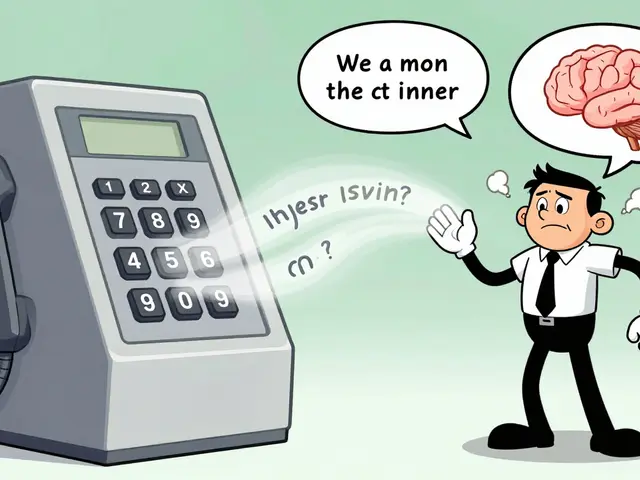
Learn how to use Wireshark to analyze SIP and RTP traffic for VoIP troubleshooting. Discover essential filters, common issues, and how to decode call quality problems like jitter, packet loss, and one-way audio.