VoIP Issue Resolution: Fix Common Call Problems Fast
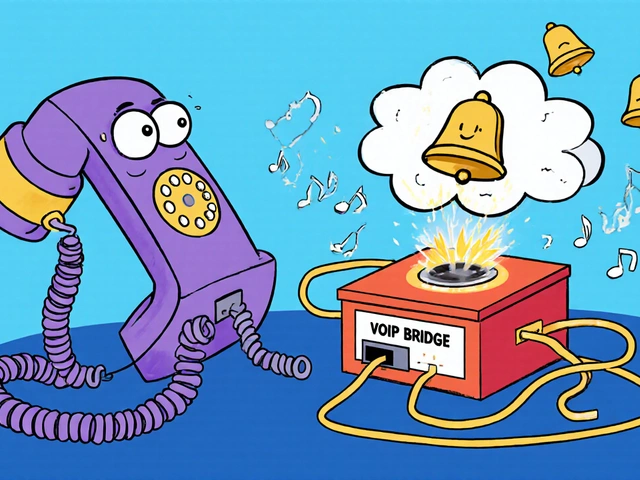
When your VoIP issue resolution, the process of diagnosing and fixing problems with internet-based phone systems. Also known as VoIP troubleshooting, it’s what keeps your business calls clear, reliable, and on time. Most people think VoIP is just plug-and-play—but it’s not. A weak Wi-Fi signal, misconfigured router, or outdated headset can turn a simple call into a frustrating mess. You’re not alone if you’ve heard lag, echo, or silence during a critical conversation. The good news? Most VoIP problems have simple fixes—no IT team required.
One big cause of VoIP issue resolution headaches is network latency, delay in data transmission that makes voices cut out or arrive late. It’s not always your internet speed—it’s how voice traffic is treated. If your router doesn’t prioritize voice packets, a video stream or file download can choke your call. That’s where WMM, Wi-Fi Multimedia, a standard that gives voice traffic higher priority on wireless networks comes in. Enable it, map your voice traffic to the right priority level, and you’ll notice the difference immediately. Then there’s SIP troubleshooting, the process of diagnosing signaling errors that prevent calls from connecting. SIP is the language your phone and server use to start and end calls. If registration fails or one-way audio happens, it’s often a firewall, port forwarding, or NAT issue. Tools like Wireshark help pros dig deep, but you don’t need to be one. Just check if ports 5060 (SIP) and 10000-20000 (RTP) are open and your device has a static IP.
Audio problems are the most common complaint. A dead microphone? Could be a driver conflict, wrong input device selected, or Bluetooth interference. Silent speakers? Check your OS audio settings, headset compatibility, and whether your softphone is routing to the right output. And if your call recording misses inbound audio, it’s likely because your app is capturing stereo while your system outputs mono. These aren’t mysteries—they’re settings you can adjust in minutes.
VoIP issue resolution isn’t about expensive gear or complex software. It’s about knowing where to look. Whether it’s a misconfigured port forwarding, opening specific ports on your router to let VoIP traffic pass through, a lack of dual internet circuits, using two separate internet connections to keep calls alive during outages, or hidden fees that throttle your bandwidth, the fixes are practical and well-documented. You’ll find real-world solutions here—no theory, no fluff. Just step-by-step fixes for the problems you’re actually facing right now.
Below, you’ll find detailed guides on everything from fixing echo with QoS settings to stopping robocalls with reputation filters, from diagnosing packet loss with Wireshark to choosing between EHS cables and handset lifters. These aren’t generic tips—they’re solutions tested by businesses and remote teams who’ve been there. No jargon. No sales pitch. Just what works.

Learn how to effectively get technical support for your VoIP system. Discover what to do before calling, how to escalate issues, what good support looks like, and when to switch providers for reliable communication.