

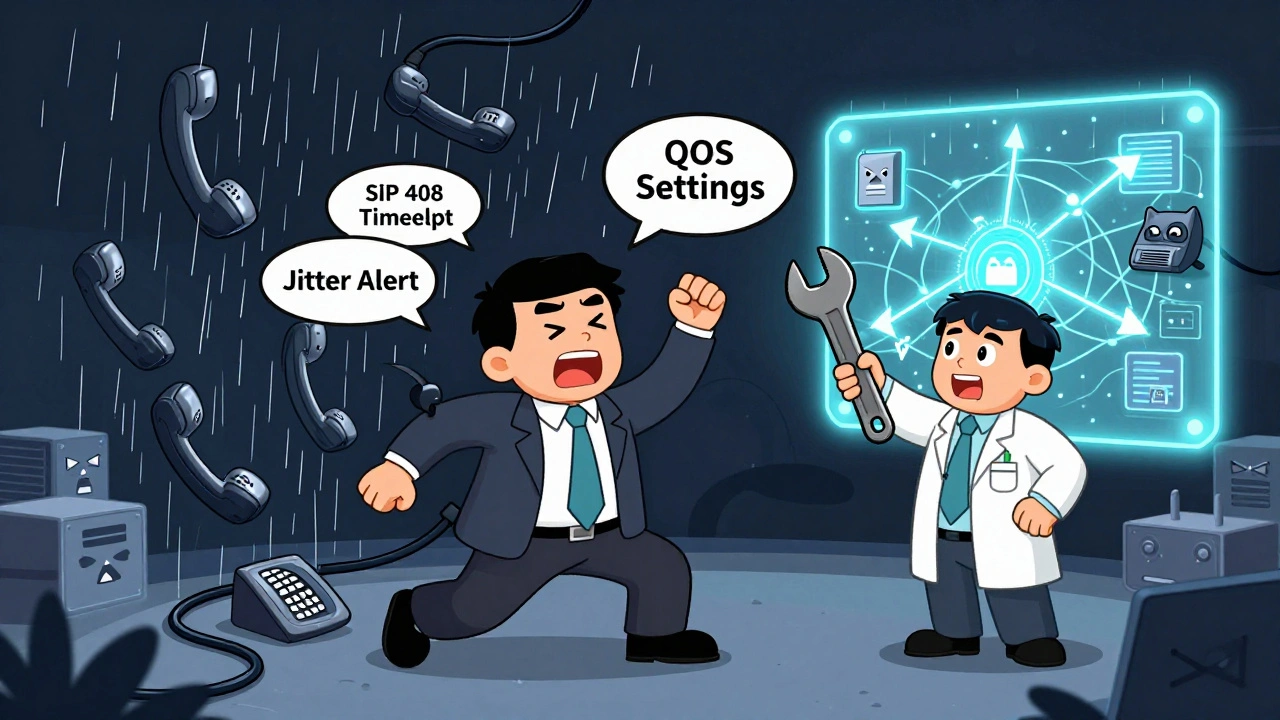

When your VoIP phone system stops working, it’s not just an inconvenience-it’s a business emergency. Calls drop. Customers can’t reach you. Meetings fall apart. And if you don’t know how to get help from your provider, you’re stuck waiting, guessing, or worse-paying for downtime you didn’t sign up for.
Why VoIP Support Isn’t Like Regular Tech Help
VoIP systems are different from your home Wi-Fi or laptop. They’re a mix of hardware, software, internet quality, and network configuration. A call drop could be caused by a bad router setting, a firewall blocking traffic, a faulty phone, or even your ISP throttling voice data. That’s why generic tech support won’t cut it. You need a provider who understands the full stack.Most VoIP providers use a three-tier support system. Tier 1 handles basic questions: “How do I forward a call?” or “Where’s my voicemail PIN?” They can reset passwords, check account status, or walk you through rebooting your phone. But if your calls are echoing or cutting out, you’re past Tier 1. That’s when you need Tier 2-the technicians who actually know what SIP trunks, QoS settings, and jitter buffers are.
Here’s the truth: 78% of VoIP issues are solved with the right documentation. Most providers have a knowledge base with step-by-step guides for common problems. But here’s the catch-only 47% of those guides meet basic quality standards. If the instructions say “check your network,” but don’t tell you how to test packet loss or which ports to open, you’re wasting time.
What You Need Before You Call Support
Don’t just call and say, “My phone isn’t working.” That’s like calling a mechanic and saying, “My car won’t start.” They’ll ask ten questions you didn’t think of-and you’ll still be stuck.Before you contact your VoIP provider, gather this:
- Exact error messages (e.g., “SIP 408 Request Timeout,” “Registration Failed”)
- When the issue started (Did it happen after a firmware update? After moving offices?)
- Which devices are affected (One phone? All phones? Only mobile app? Only desk phones?)
- Network details (Are you on business fiber? Home internet? Are other devices slow too?)
- Recent changes (Did you install a new router? Change your firewall? Add a VPN?)
Write this down. Even if it feels obvious. Most support tickets get delayed because customers can’t answer these questions on the spot. Providers with good processes-like RingCentral or Vonage-will ask you for these details upfront. If they don’t, that’s a red flag.
How to Escalate Properly
If Tier 1 can’t fix it, you need to escalate. But you can’t just ask for “a supervisor.” That doesn’t work. You need to trigger the escalation path.Here’s how:
- Ask the Tier 1 agent: “Is this issue documented in your knowledge base under VoIP Call Quality Issues?” If they say no, note it.
- Request a ticket number and ask: “What’s the SLA for Tier 2 response?” Most enterprise providers guarantee 24-48 hours. If they say “a few days,” push back.
- Ask: “Will a network engineer review this?” Tier 2 should have access to your system logs, call quality reports, and network traffic data.
- If you’re still stuck after 48 hours, email the support manager. Use the ticket number. Say: “This has been open for 48 hours without resolution. Per our SLA, this qualifies for escalation to Tier 3.”
Companies like 8x8 and Nextiva have Tier 3 teams made up of former network engineers. They don’t just read scripts-they run diagnostics remotely. If your provider doesn’t have this level, consider switching. Your business can’t afford guesswork.

What Good VoIP Documentation Looks Like
The best providers don’t just offer help-they make it easy to help yourself. Look for these features in their knowledge base:- Version-specific guides (e.g., “Troubleshooting Polycom VVX 500 with Firmware 5.9.2”)
- Video walkthroughs (Not just text-actual screen recordings)
- Downloadable config templates (For routers, firewalls, QoS settings)
- Real-time search (Type “echo” and get solutions, not 20 unrelated articles)
- Updated within 7 days (If an article says “for 2023,” it’s outdated)
Microsoft Azure and Google Workspace have perfect examples. Their support pages link directly to your account data. If you’re logged in, they show you only the guides relevant to your setup. That’s the gold standard.
Most small VoIP providers? Their knowledge base is a mess. Articles are copied from other sites. Screenshots are blurry. Links are broken. If yours looks like that, don’t waste time. Use your provider’s support as a last resort. Start troubleshooting yourself.
DIY VoIP Troubleshooting Checklist
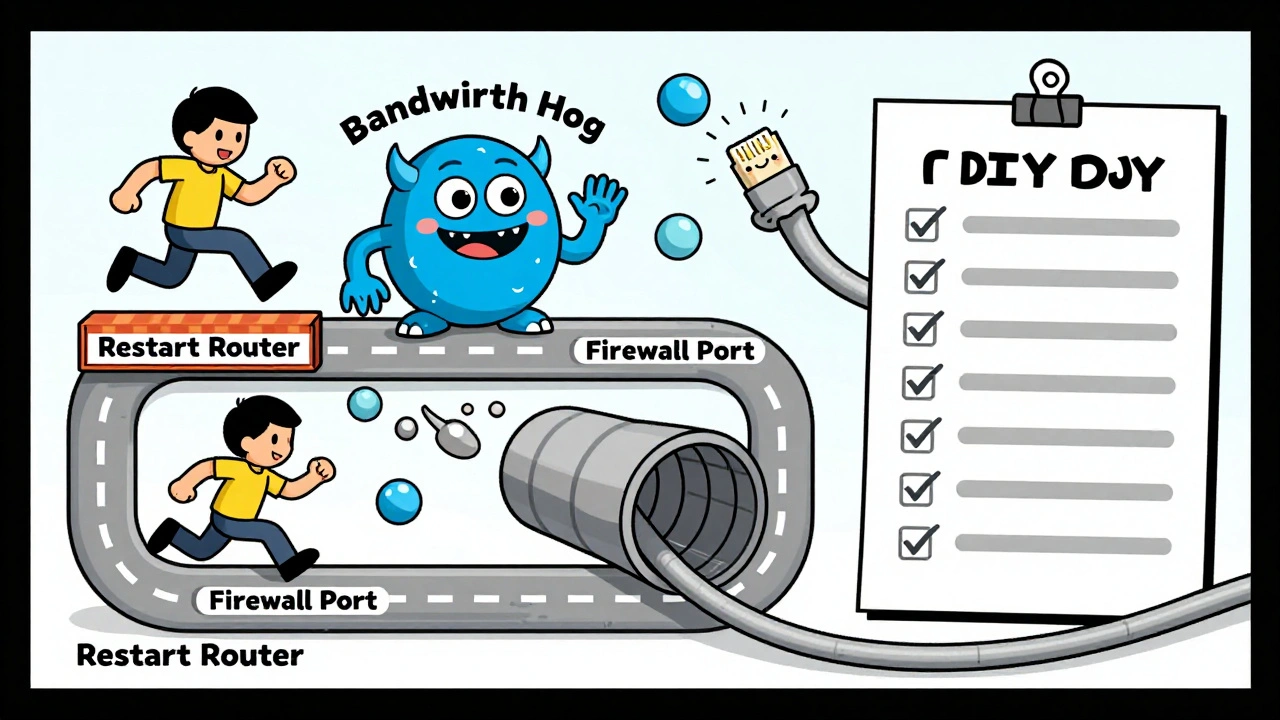
Before you call anyone, run this quick test:- Restart your router and VoIP phones (Unplug both for 60 seconds. This fixes 40% of issues.)
- Test your internet speed (Use speedtest.net. You need at least 100 Kbps per call upload/download. For HD calls, aim for 300 Kbps.)
- Try a different device (Use the app on your phone. If it works, your desk phone is the problem.)
- Check your firewall (Open ports 5060-5061 for SIP, and 10,000-20,000 for RTP traffic. Block these, and calls won’t connect.)
- Disable QoS on your router (Temporarily. If call quality improves, your QoS settings are misconfigured.)
- Check for network congestion (Are people streaming or downloading huge files? Pause them. VoIP hates bandwidth hogs.)
If all of these steps fail, then it’s time to call your provider. But now you’re not just asking for help-you’re giving them the data they need to fix it fast.
Red Flags in VoIP Support
Watch out for these signs your provider’s support process is broken:- They can’t give you a ticket number or SLA time
- They tell you to “try rebooting” three times without asking for logs
- They blame your internet without checking their own network
- They say “We don’t support third-party phones” when you’re using a certified model
- Your support rep doesn’t know what SIP, STUN, or QoS means
Providers who deflect blame or avoid technical details aren’t helping-they’re hiding. If you’re paying $30+ per user per month, you deserve better.
Compare this to companies like Dialpad or Grasshopper. They don’t just offer support-they offer visibility. You can see real-time call quality scores, network health dashboards, and automated alerts before problems even happen. That’s not luck. That’s engineering.
What to Expect After You Call
After you submit a ticket, you should get:- An automated confirmation email with your ticket number and SLA deadline
- A follow-up within 24 hours if it’s a Tier 2 issue
- A detailed root cause analysis when resolved (not just “It’s fixed now”)
If you don’t get these, your provider doesn’t take support seriously. And if they don’t take support seriously, they don’t take your business seriously.
Some providers now use AI to suggest fixes before you even call. RingCentral’s system analyzes your call logs and sends you a message: “Your last 3 calls had 22% packet loss. Try switching to Ethernet.” That’s the future. And it’s here.
When to Switch Providers
If you’ve tried everything-documentation, DIY fixes, escalation-and you’re still getting ignored or passed around, it’s time to leave. Don’t wait for a crisis. Look for providers with:- 24/7 U.S.-based support (not offshore call centers)
- Clear SLAs for response and resolution times
- Live chat with engineers (not bots)
- Public uptime reports (like 99.95% or higher)
- Verified customer reviews with specific support experiences
Don’t just read star ratings. Look for reviews that say: “Support fixed my jitter issue in 20 minutes” or “They walked me through firewall settings step by step.” Those are the ones you want.
Boeing reduced aircraft maintenance downtime by 58% using structured support processes. Your business might not be flying planes, but your communication system is just as critical.
Final Tip: Document Everything
Keep a log of every support interaction. Date, time, rep name, ticket number, what they said, what was fixed. If you ever need to dispute a bill, prove you tried to resolve the issue, or switch providers, this log is your armor.VoIP support isn’t about patience. It’s about process. The right provider gives you clarity, not confusion. They don’t make you guess. They show you the path.
Don’t settle for a provider that treats your calls as a ticket number. Find one that treats them like your business depends on them-because it does.
Why does my VoIP phone keep dropping calls?
Call drops are usually caused by network issues-not the phone itself. Common causes include insufficient bandwidth, poor Wi-Fi signal, firewall blocking voice traffic, or QoS settings not prioritizing VoIP packets. Test your internet speed, switch to a wired connection, and check your router’s QoS settings. If the problem continues, your provider may have a network issue on their end. Request a call quality report from their support team.
How long should I wait for a response from VoIP support?
Tier 1 support should respond within 24 hours. For Tier 2 technical issues, most enterprise providers guarantee a response within 48 hours. If you’re paying for premium support, you should get a response within 4-8 hours. If you haven’t heard back after 72 hours, escalate to a manager with your ticket number. Delays beyond this point indicate poor support processes.
Can I fix VoIP issues myself without calling support?
Yes, in most cases. About 78% of VoIP problems are resolved with self-help. Start by restarting your router and phones, testing your internet speed, switching to Ethernet, and checking your firewall settings. Use your provider’s knowledge base for version-specific guides. If you can’t find a solution there, you’re not missing anything-you’re just facing a problem that requires deeper technical help.
What should I ask VoIP support when I call?
Ask: “Is this issue documented in your knowledge base?” “What’s the SLA for resolution?” “Will a network engineer review my logs?” “Can you check for packet loss or jitter on your end?” Avoid vague questions like “Why isn’t it working?” Instead, give them specific details: error codes, when it started, which devices are affected. This cuts resolution time by up to 60%.
How do I know if my VoIP provider has good support?
Look for: 24/7 U.S.-based support, clear SLAs, live chat with engineers, public uptime reports, and detailed knowledge bases with video guides. Check reviews for mentions of “fast response,” “fixed my firewall issue,” or “walked me through step by step.” Avoid providers whose support teams can’t explain SIP, QoS, or RTP. If they sound like they’re reading from a script, they’re not equipped to solve real problems.








Richard H
10 Dec 2025 at 00:22Let’s be real-most VoIP providers are just glorified call centers with zero technical depth. I’ve spent hours on hold only to get told to ‘restart your router’ for the fifth time. If your provider doesn’t know what SIP trunking is, they shouldn’t be managing your business communications. I switched from a ‘budget’ provider to RingCentral last year and the difference is night and day. They sent me a network analysis report before I even asked. No fluff. No scripts. Just facts. If you’re paying over $25/user and still getting handed a Wikipedia article as support, you’re being robbed.
And don’t even get me started on offshore support. I once had a guy in India tell me my firewall was ‘too secure’ and that I should ‘open everything’ to fix echo. I hung up and called my IT guy instead. Don’t let your business be a guinea pig for someone’s entry-level job.
Read the post. Do the checklist. If your provider can’t match that level of competence, fire them. Your customers deserve better than broken calls during a sales pitch.