

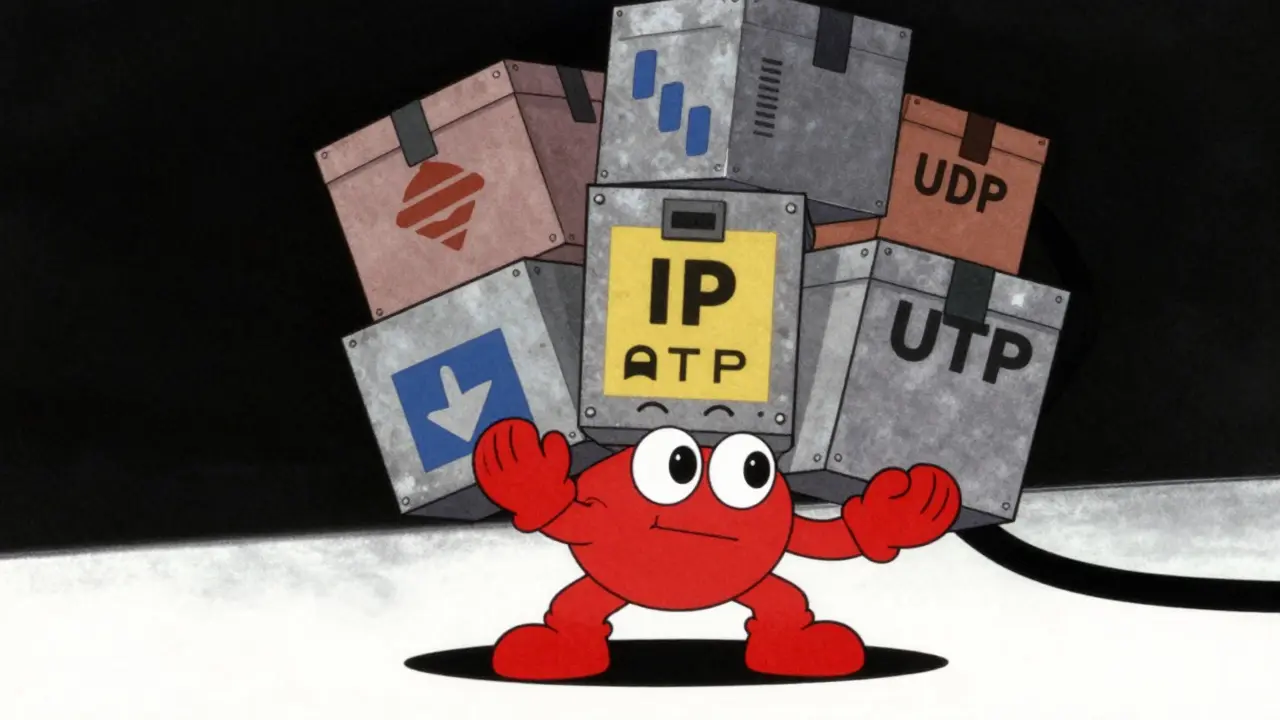

You set up your VoIP system expecting smooth calls. Then your network chokes during peak hours. The culprit isn't usually the audio quality itself-it's the invisible baggage attached to every single packet of voice data. This is codec overhead, and it can consume up to 80% of your total bandwidth if you aren't careful.
When we talk about a codec like G.711 or Opus, we focus on the bitrate: 64 kbps or 20 kbps. But that number only covers the actual sound. It ignores the digital envelope required to get that sound from Point A to Point B across an IP network. That envelope consists of multiple protocol headers. If you don't account for them, your capacity planning will fail, leading to dropped calls and jittery audio.
The Anatomy of a Voice Packet
To understand why overhead matters, you need to see what actually travels over the wire. A single packet of voice data isn't just audio; it's a Russian nesting doll of protocols. Each layer adds its own header to manage routing, timing, and error checking.
Here is the standard breakdown for a typical VoIP packet:
- Ethernet Frame: Adds 14 bytes for the header and 4 bytes for the Frame Check Sequence (FCS). If you use VLAN tagging, add another 4 bytes.
- IP Header: Typically 20 bytes (without options). This handles addressing and routing across the internet or LAN.
- UDP Header: Exactly 8 bytes. User Datagram Protocol provides lightweight transport without the heavy handshaking of TCP.
- RTP Header: Exactly 12 bytes. Real-time Transport Protocol adds sequence numbers and timestamps so the receiver can play audio in order and at the right speed.
Add those up, and you have 40 bytes of Layer 3 overhead alone, plus 18-22 bytes of Layer 2 overhead. That is 58-62 bytes of pure metadata before a single byte of voice payload is even touched. For large data transfers, this is negligible. For tiny voice packets, it is massive.
The Math: Why Small Packets Are Expensive
The impact of these headers depends entirely on how much voice data you pack into each one. This is controlled by the Packetization Interval, which determines how many milliseconds of audio are bundled per packet.
Let's look at a concrete example using the G.729 Codec, a popular narrowband codec with a payload bitrate of 8 kbps.
| Parameter | 10ms Interval | 20ms Interval | 30ms Interval |
|---|---|---|---|
| Payload Size (bytes) | 10 | 20 | 30 |
| Header Overhead (L3+L2) | 58 bytes | 58 bytes | 58 bytes |
| Total Packet Size | 68 bytes | 78 bytes | 88 bytes |
| Overhead Percentage | 85% | 74% | 66% |
| Total Bandwidth (kbps) | 54.4 | 31.2 | 23.4 |
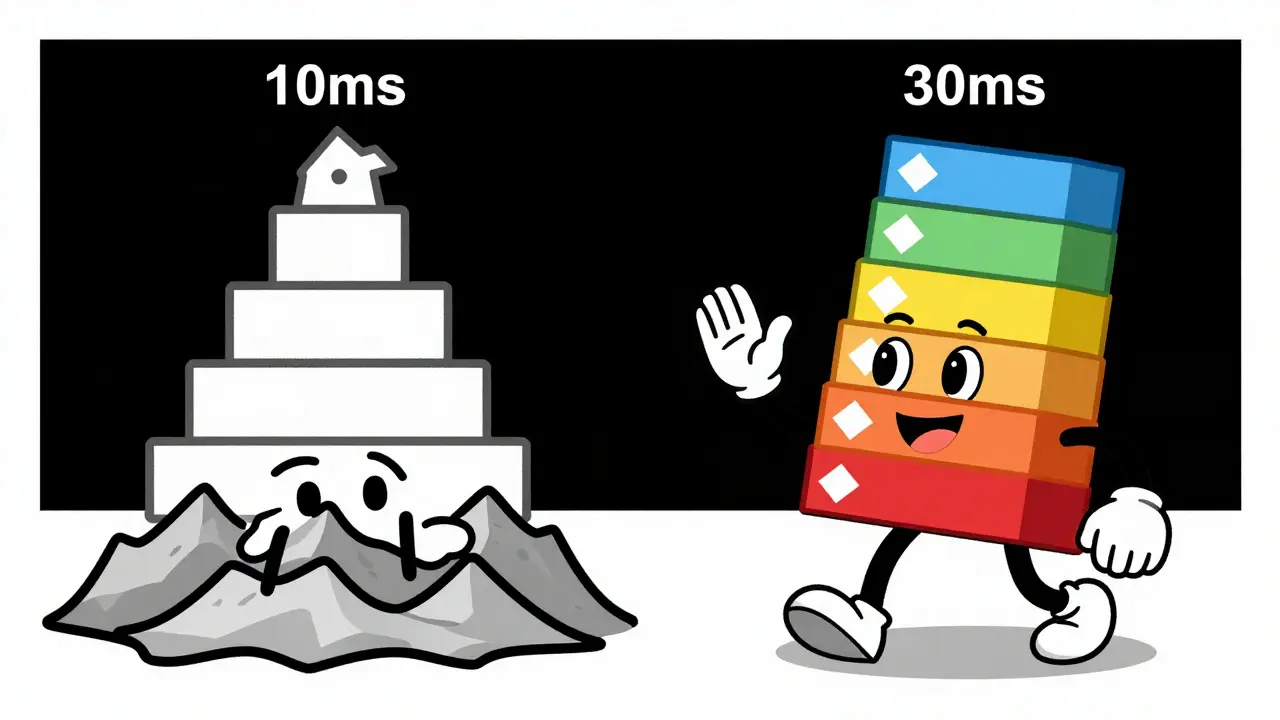
Notice the trend? At 10ms intervals, 85% of your bandwidth is wasted on headers. By increasing to 30ms, you drop that waste to 66%. However, there is a trade-off. Longer packetization intervals increase latency. If your network already has high delay, adding more time per packet can make conversations feel unnatural, with people talking over each other.
Codec Comparison: Payload vs. Total Cost
Not all codecs are created equal when overhead is factored in. While G.711 offers superior audio quality, it generates a large payload. G.729 compresses audio heavily but suffers more from fixed header costs relative to its small payload size. Modern codecs like Opus offer variable bitrates, which complicates the math but often provides better efficiency at higher quality levels.
| Codec | Payload Bitrate | Header Overhead | Total Bandwidth | Efficiency Rating |
|---|---|---|---|---|
| G.711 (PCMU) | 64 kbps | ~19 kbps | 83 kbps | Low (High Quality) |
| G.729 | 8 kbps | ~19 kbps | 27 kbps | Medium |
| G.722 (Wideband) | 64 kbps | ~19 kbps | 83 kbps | Low (Superior Quality) |
| Opus (20 kbps mode) | 20 kbps | ~19 kbps | 39 kbps | High (Best Balance) |
The i3 Forum's engineering guidelines explicitly warn against relying solely on payload bitrates. They recommend avoiding older codecs like G.723.1 not just because of quality issues, but because their algorithmic latency combined with overhead creates poor user experiences despite low raw numbers.

Reducing Overhead: Practical Strategies
If you are running a busy call center or a remote workforce, every kilobit counts. Here are three proven methods to slash overhead without sacrificing call quality.
1. Enable Header Compression (cRTP)
Compression algorithms like Cisco’s Compressed RTP (cRTP) can shrink the 40-byte Layer 3 header down to just 2 bytes. Since the headers change predictably between packets, cRTP sends only the differences. In WAN links where bandwidth is expensive, this can reduce total VoIP traffic by nearly 50%. Most modern SIP servers and routers support this natively.
2. Use Voice Activity Detection (VAD)
In any conversation, people speak about 40% of the time. The rest is silence or listening. Voice Activity Detection (VAD) stops sending packets during silent periods. Instead, it sends small comfort noise generators (CNG) occasionally to assure the listener the line is still active. This effectively cuts bandwidth usage by half. However, configure VAD carefully. Aggressive settings can clip the start of words, making speech sound choppy.
3. Optimize Packetization Intervals
As shown earlier, moving from 10ms to 30ms significantly reduces overhead percentage. For most enterprise networks, 20ms is the sweet spot. It balances latency (keeping it under 150ms end-to-end) with efficient header usage. Only drop to 10ms if you have extremely low-latency requirements and abundant bandwidth.
Common Pitfalls in Capacity Planning
A 2023 TechTarget survey found that 73% of network engineers underestimate protocol overhead during initial deployments. This leads to two common failures:
- Ignoring SDP Discrepancies: Session Description Protocol (SDP) fields like AS (Application Specific) include all overheads, while TIAS (Transport Independent Application Specific) excludes them. If your admission control system uses TIAS but your router polices based on AS, you will reject valid calls or allow too many.
- Forgetting Transcoding Costs: If Endpoint A speaks G.711 and Endpoint B speaks G.729, a media server must transcode the stream. This process doesn't just convert audio; it repackages it, often adding extra processing load and potentially different overhead structures. Telnyx reports that misaligned codec preferences can consume an additional 15-20% of resources due to transcoding inefficiencies.
Always calculate your maximum concurrent calls based on the worst-case total bandwidth, including headers, not just the codec payload. Leave a 20% buffer for signaling traffic and burstiness.
What is the difference between payload bitrate and total bandwidth?
Payload bitrate is the speed of the actual audio data generated by the codec (e.g., 64 kbps for G.711). Total bandwidth includes the payload plus all network protocol headers (IP, UDP, RTP, Ethernet). For VoIP, total bandwidth is always significantly higher than payload bitrate, often by 30-80% depending on packet size.
Does header compression work on all networks?
Header compression (like cRTP) works best on point-to-point links like WAN connections between offices. It generally does not work over the public Internet because intermediate routers cannot decompress the packets. You must enable it on both ends of the direct link.
Why should I avoid 10ms packetization intervals?
While 10ms intervals provide lower latency, they generate twice as many packets as 20ms intervals. This doubles the CPU load on endpoints and switches due to interrupt handling and increases the proportion of bandwidth wasted on headers. Unless you have specific low-latency needs, 20ms is more efficient.
How does VAD affect call quality?
VAD saves bandwidth by stopping transmission during silence. However, if configured too aggressively, it may cut off the beginning or end of words, causing "clipping." It can also cause background noise to disappear abruptly, which some users find disorienting. Proper tuning is essential.
Is Opus better than G.711 for bandwidth saving?
Yes, Opus is highly efficient. At 20 kbps, it provides wideband quality similar to G.722 but uses less than half the bandwidth. Even with overhead, Opus typically consumes around 40 kbps total, whereas G.711/G.722 consumes over 80 kbps. Opus is ideal for mobile networks and constrained links.







Write a comment