

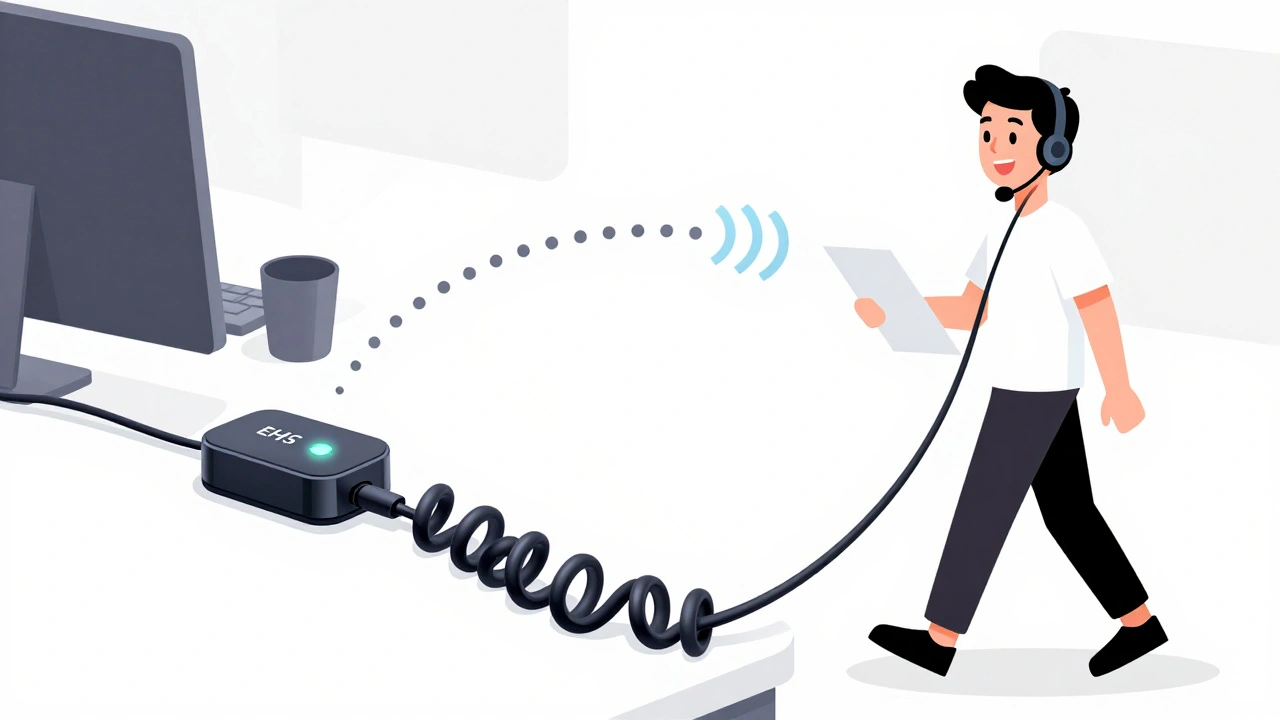

Imagine you’re on a call with a client, standing up to grab a file from the other side of the office. You need to end the call-but your phone is across the room. Without an EHS cable or handset lifter, you’re stuck walking back, fumbling with the receiver, and risking a dropped call. These two devices solve that exact problem, but they work in completely different ways. Which one should you choose for your VoIP desk phone? The answer isn’t as simple as picking the newest tech-it depends on your phone, your setup, and how much you value reliability over convenience.
How EHS Cables Work (The Electronic Way)
An EHS cable-short for Electronic Hook Switch-is a small wire that connects your wireless headset base station directly to your VoIP desk phone. It doesn’t touch the handset. Instead, it talks to the phone’s internal circuitry. When you press a button on your headset, the EHS cable sends an electronic signal that tells the phone to answer or hang up, just like someone physically lifting or replacing the handset. It’s silent, invisible, and fast.
This technology only works if your phone has the right built-in port and firmware. Popular models like the Cisco 8841, Poly VVX series, Yealink T4x, and Avaya J-series all support EHS. You need to match the exact cable to your phone. For example, the Poly APC-43 works with Cisco 8841 phones, while the Yealink EHS40 is designed for specific Yealink models. Get the wrong one, and nothing happens. No beep. No call pickup. Just confusion.
The big win? No moving parts. No arms sticking out of your desk. No chance the lifter will misalign and leave your handset dangling, keeping your call active. Poly’s own engineers designed EHS to integrate directly with phone manufacturers’ hardware. That’s why users report fewer dropped calls and better battery life-the headset powers on only when a call comes in and shuts off after you hang up.
How Handset Lifters Work (The Mechanical Way)
A handset lifter is a tiny plastic arm that sits on top of your desk phone. It’s shaped to hook under the handset. When your headset receives a call, the base station sends a signal that triggers the lifter to raise the handset off the cradle. When you end the call, it lowers the handset back down. Simple. No wires to the phone. No firmware to worry about.
The big advantage? It works on almost anything. If your phone has a physical handset, the Poly HL10 lifter will probably work with it. That’s 98% of all desk phones, according to Headset Advisor. That includes older analog phones, legacy SIP phones, and even phones from brands that never supported EHS. If you’re in a hospital, call center, or law firm with a mix of old and new phones, lifters are your only universal fix.
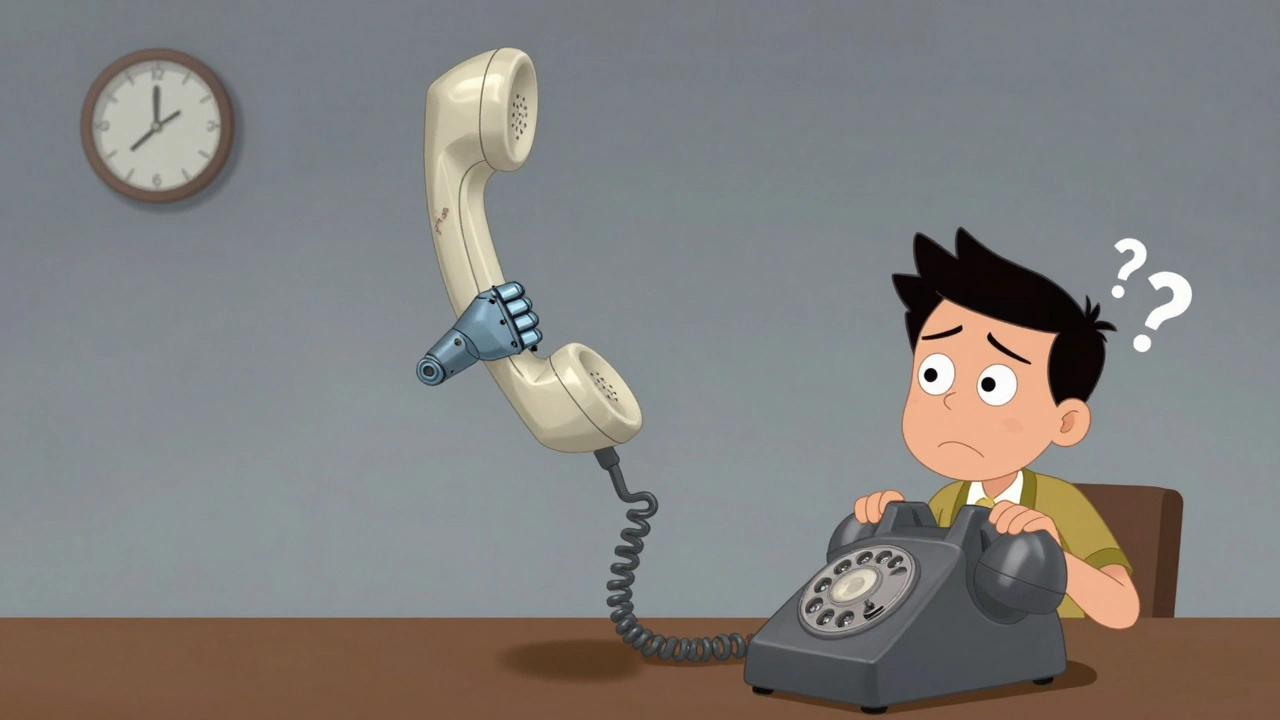
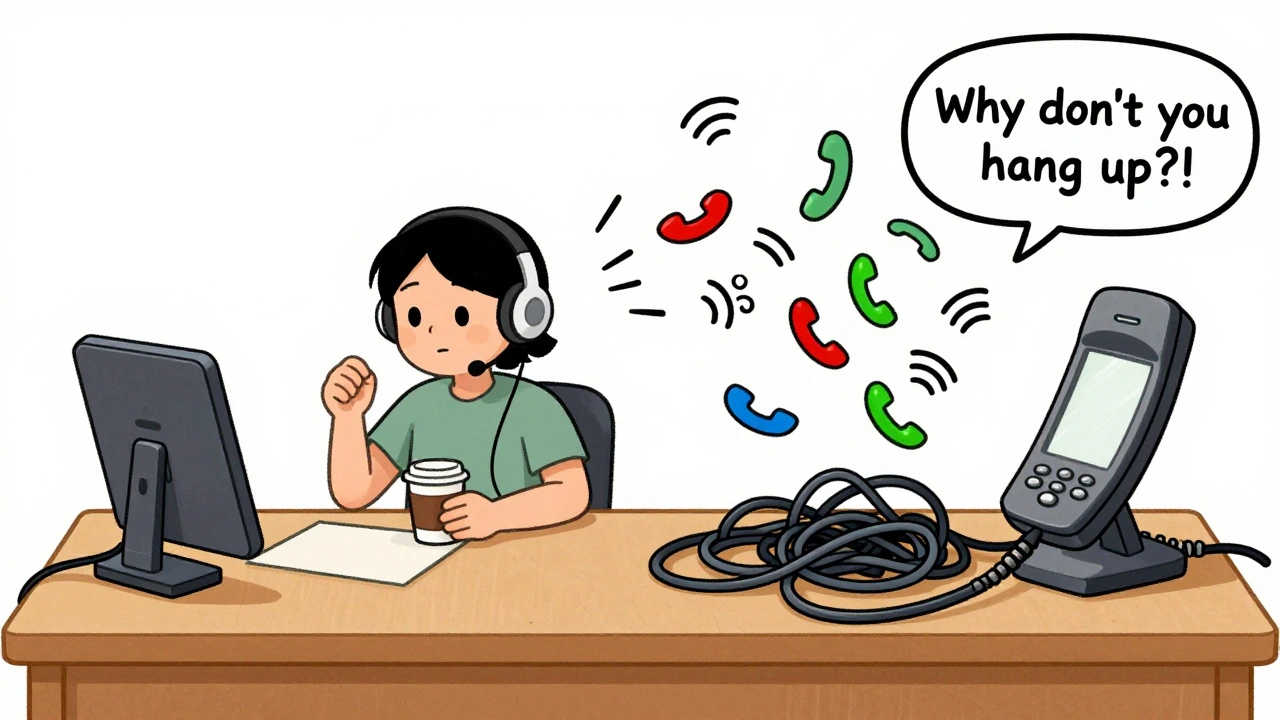
But here’s the catch: it’s mechanical. And mechanical things break. The arm can get bent. The spring can wear out. The handset might not sit back perfectly, leaving the phone thinking it’s still in use. Users on HeadsetsDirect.com report calls staying active after hanging up-sometimes for minutes-because the lifter didn’t fully lower the handset. That’s not just annoying. It’s costly. You could miss the next incoming call, or worse, your phone line stays busy when it shouldn’t.
Which One Is More Reliable?
Reliability isn’t about fancy tech-it’s about what fails less often.
EHS cables win here. No arms. No springs. No alignment issues. Once it’s set up correctly, it just works. Users on Reddit’s r/sysadmin say they switched from lifters to EHS on Cisco 8845 phones and never looked back. “Zero issues with calls not disconnecting,” one user wrote. That’s the kind of feedback you don’t hear with lifters.
G2 Crowd’s 2023 data backs this up. EHS solutions averaged 4.6 out of 5 in user satisfaction across 127 reviews. Handset lifters scored 4.2-lower, and the main complaint? Mechanical failure. In 37% of negative reviews for lifters, users cited the lifter failing to seat the handset properly. For EHS, that number was just 8%.
But here’s the twist: EHS reliability only matters if your phone supports it. If your phone is from 2012 and doesn’t have a headset port, an EHS cable is useless. No matter how good it is.
Setup: Quick and Easy vs. Fiddly and Time-Consuming
Setting up an EHS cable takes two minutes-if you have the right one. Plug the cable into the phone’s headset port. Plug the other end into your headset base. That’s it. No adjustments. No calibration. Just make sure your phone model is on the compatibility list. Poly, Jabra, and Yealink all publish detailed charts. Skip this step, and you’ll waste hours wondering why nothing works.
Handset lifters? They’re plug-and-play in theory, but in practice, they need fine-tuning. You have to position the lifter arm so it catches the handset just right. Too high? It won’t lift. Too low? It won’t release. Too tight? It damages the phone. Too loose? It drops the handset mid-call. Headset Advisor says initial setup can take 10 to 15 minutes. And if you move the phone, you have to redo it.
YouTube has dozens of tutorials showing people struggling with lifters. One video titled “Why My HL10 Won’t Hang Up” has over 42,000 views. EHS setup videos? They’re mostly 30-second clips. No drama.
Cost and Long-Term Value
Both cost about the same-$25 to $40. But long-term, EHS saves you money. No replacements. No customer service calls because the lifter broke. No lost calls because the arm got stuck. EHS cables are designed to last the life of your phone. Handset lifters? They’re consumables. After a year or two, the spring weakens. The plastic wears. You buy a new one.
And if you’re upgrading your phone system soon? EHS is future-proof. New VoIP phones like the Allworx Verge 9312 and Poly VVX 601 come with EHS built in. No extra cable needed. Handset lifters? They’re becoming relics.
When to Choose What
Choose an EHS cable if:
- Your desk phone is from 2018 or newer
- You use a standardized fleet of phones (all the same model)
- You want zero maintenance and clean desk setup
- You’re setting up a new office or upgrading your system
Choose a handset lifter if:
- You have older phones without headset ports
- You use a mix of phone brands and models
- You’re on a tight budget and can’t replace phones yet
- You’re in a hospital, school, or warehouse where phones are scattered and old
There’s no shame in using a lifter if your setup demands it. But if you’re starting fresh, EHS is the smarter move. It’s cleaner, quieter, and more dependable. And in a world where every missed call costs time and money, that matters.
What About Bluetooth Headsets?
You might be wondering: Why not just use a Bluetooth headset? No cable. No lifter. Just pair and go.
That’s true-but Bluetooth headsets aren’t ideal for VoIP desk phones. They’re designed for mobile phones and casual use. For business calls, they often lack noise cancellation, have shorter battery life, and don’t integrate with your desk phone’s call controls. You still have to press buttons on the headset or phone to answer. And if your phone doesn’t support Bluetooth calling, you’re back to square one.
Dedicated wireless headsets with EHS or lifter support are built for office use. They’re louder, clearer, and designed to work with your phone system-not around it.
Final Verdict
If your phone supports EHS, go with the EHS cable. It’s the future. It’s silent. It’s reliable. And once it’s installed, you’ll forget it’s even there.
If your phone is older, mixed, or doesn’t have a headset port, the handset lifter is your only practical option. Just know it’s a workaround, not a solution. Keep an eye on it. Check that the handset sits properly after each call. And start planning your phone upgrade.
Either way, you’re no longer chained to your desk. You can walk away from your phone and still control your calls. That’s the real win. The rest is just about how cleanly you do it.
Do EHS cables work with all VoIP phones?
No. EHS cables only work with phones that have a dedicated headset port and compatible firmware. Popular models include Cisco 8841, Poly VVX, Yealink T4x, and Avaya J-series. Always check the manufacturer’s compatibility chart before buying. Using the wrong cable will result in no connection at all.
Can I use a handset lifter with a cordless phone?
Yes, if your cordless phone has a physical handset that sits in a cradle. Handset lifters work with any desk phone that has a standard analog or digital handset. They don’t care if it’s wired or cordless-just as long as the handset can be physically lifted and lowered.
Why does my handset lifter sometimes leave the phone off-hook?
This happens when the lifter arm doesn’t lower the handset fully back into the cradle. The phone’s hook switch stays engaged, so it thinks you’re still on the call. Adjust the lifter’s height and tension. If that doesn’t fix it, the spring may be worn out and the lifter needs replacing.
Do I need a special headset for EHS to work?
Yes. Your wireless headset must support EHS functionality. Look for models like the Poly Savi 700, Jabra Engage 75, or Yealink WH62. Standard Bluetooth headsets won’t work with EHS cables. Check the headset’s specs-it should explicitly list EHS compatibility.
Is EHS better than Bluetooth for business calls?
For VoIP desk phones, yes. Dedicated wireless headsets with EHS offer superior audio quality, noise cancellation, and direct integration with your phone’s call controls. Bluetooth headsets are convenient but often lack the clarity and reliability needed for professional calls. They also don’t automatically answer or hang up calls without manual input.
Can I use both an EHS cable and a handset lifter on the same phone?
No. You can’t use both at the same time. They serve the same function and will conflict with each other. If your phone supports EHS, use the cable. If it doesn’t, use the lifter. Pick one. Using both can cause erratic behavior like missed calls or calls that won’t end.
How long do EHS cables last?
EHS cables typically last as long as your phone-often 5 to 7 years. Since they have no moving parts, they’re far more durable than handset lifters. Most failures come from physical damage to the cable (like being yanked or pinched), not internal wear. Handle it gently and it’ll outlast your headset.
Are EHS cables still being made, or are they being phased out?
They’re not being phased out-they’re becoming standard. Newer VoIP phones from Poly, Cisco, and Yealink now include EHS support built into the firmware. In fact, by 2025, over 75% of new business phone deployments will include native EHS. The cables themselves are just the bridge-soon, they may not even be needed as headsets connect directly via Bluetooth or USB-C with full call control.








Jawaharlal Thota
6 Dec 2025 at 11:55Man, I’ve been using EHS cables for years now in our call center and I can’t even imagine going back. We had like 120 handsets with lifters before we upgraded to Poly VVX phones-total nightmare. People would come up complaining their calls wouldn’t end, or the lifter arm was crooked, or the handset kept sliding off. One guy even tried duct-taping his to the phone. I swear. After we switched everything to EHS, the helpdesk tickets dropped by like 80%. No more ‘why is my phone still ringing?’ stuff. And honestly, the silence is beautiful. No clicking, no clunking, no little plastic arms wobbling around like they’re trying to do yoga. You just press a button on your headset and boom-call’s over. Battery life improved too because the headset only wakes up when it needs to. I used to have to replace lifters every 6–8 months. Now? Same EHS cable since 2021. Just plug it in, forget it exists, and go about your day. If your phone supports it, don’t even think twice. It’s not a luxury-it’s a necessity if you’re serious about not losing calls or sanity.
Also, side note: if you’re still using Bluetooth headsets for business calls, you’re basically using a walkie-talkie at a symphony. The audio quality is garbage, the latency is insane, and you’re still pressing buttons like a caveman. EHS headsets? They’re engineered for this exact use case. No compromises.
And yeah, I know some folks say ‘but my phone’s old!’-fine. Use a lifter. But don’t act like it’s the same thing. It’s not. It’s a Band-Aid on a broken leg. EHS is the surgery. Do the surgery if you can.
Also, if you’re thinking about upgrading your whole system? Do it now. The new Allworx and Yealink models don’t even need external cables anymore. The headset talks directly to the phone. We’re getting there. Just don’t waste your time with lifters if you’re building something new. You’ll regret it in 6 months.
And yes, I’ve seen that YouTube video with the guy yelling at his HL10. I cried laughing. And then I cried because I remembered I used to be that guy.
TL;DR: EHS = peace of mind. Lifter = emotional labor. Choose wisely.