



Most sales teams waste 15-20% of their day just dialing numbers and logging calls. If you’re using Pipedrive to manage your pipeline but still manually entering call details after every conversation, you’re leaving hours of productivity on the table. The fix? Connect Pipedrive to a VoIP system. It’s not magic-it’s a simple integration that turns your CRM into a smart dialing machine.
Why Pipedrive Needs VoIP
Pipedrive doesn’t have a built-in phone. That’s not a flaw-it’s a design choice. Instead of building its own calling tool, Pipedrive lets you plug in the best VoIP provider for your team. This gives you flexibility. You can pick a system that’s great for SMS, another that’s strong on AI dialing, or one that meets strict compliance rules for finance or healthcare. The real win? Automatic call logging. When you click a number in Pipedrive, your VoIP app rings. When the call ends, the system records who you called, how long it lasted, when it happened, and even if you left a voicemail-all without you typing a single thing. That’s 30 seconds saved per call. Multiply that by 50 calls a day, and you get over 25 minutes back in your schedule. That’s nearly half an hour you can spend actually selling.How the Integration Works
The magic happens through something called thecallto protocol. It’s a simple web standard that lets your browser talk to your VoIP app. When you click a phone number in Pipedrive, it sends a signal to your connected phone system, which then dials out. No downloads, no complex setups-just click and call.
All integrations sync the same core data:
- Contact names and numbers
- Call start and end times
- Call duration
- Call recordings (if enabled)
- SMS messages sent and received
What You Need to Get Started
You don’t need to be a tech expert. But you do need these three things:- Pipedrive Professional plan or higher ($24.90/user/month as of late 2024). The free and Starter plans don’t support calling integrations.
- A VoIP provider from Pipedrive’s Marketplace. Prices range from $15 to $50/user/month depending on features like AI dialing, SMS, or call recording.
- A modern browser-Chrome 100+, Firefox 95+, or Edge 100+. Older browsers won’t support the callto protocol properly.

Top VoIP Integrations Compared
Not all VoIP tools are made the same. Here’s how the top players stack up:| Provider | Price/user/month | Best For | Key Feature | Weakness |
|---|---|---|---|---|
| CloudTalk | $29 | Workflow automation | 15+ auto-logging triggers | No predictive dialing |
| Voicespin | $49 | High-volume outbound | AI auto-dialer boosts calls by 300% | Sync delays during peak hours |
| Nuacom | $35 | Security & compliance | GDPR/HIPAA-ready recording | Mobile app rated 3.8/5 |
| JustCall | $24 | SMS-heavy teams | 900+ message templates | Downtime during Pipedrive outages |
| Ooma Office Pro Plus | $29.95 | Hardware users | Works with desk phones & conference systems | No visual voicemail |
CloudTalk leads in adoption, used by 28% of Pipedrive teams with VoIP. Voicespin leads in features-23 integrations deep, including AI lead scoring. Nuacom is the go-to for regulated industries. JustCall wins for teams that text more than they call.
Real Results from Real Teams
A sales manager in Austin reported cutting call setup time from 22 seconds to 2 seconds. That added 1.7 productive hours per rep, per day. Teams using AI dialers like Voicespin are making 300% more outbound calls without extra staff. But it’s not all smooth sailing. About 32% of users report sync issues after Pipedrive updates. One user on Reddit lost call duration logs for 11 days after a May 2024 update. Support response times vary wildly: CloudTalk answers live chat in under a minute. Voicespin takes over two hours during business hours. The biggest complaint? Phone number formatting. If your contacts have numbers like “(555) 123-4567” or “+1-555-123-4567,” the system might not match them correctly. Fix it by standardizing formats in Pipedrive before connecting your VoIP tool.What’s New in 2025
Pipedrive’s November 2024 update cut sync errors by 62%. That’s huge for teams tired of missing call logs. Voicespin launched Conversation Intelligence in December 2024. It listens to live calls and suggests the next deal stage-like “moved to proposal” or “needs follow-up”-based on tone and keywords. CloudTalk is testing AI-generated call summaries with 85% accuracy. That means you’ll get a text summary of every call, no note-taking needed. The trend? More AI. Less typing. More focus on selling.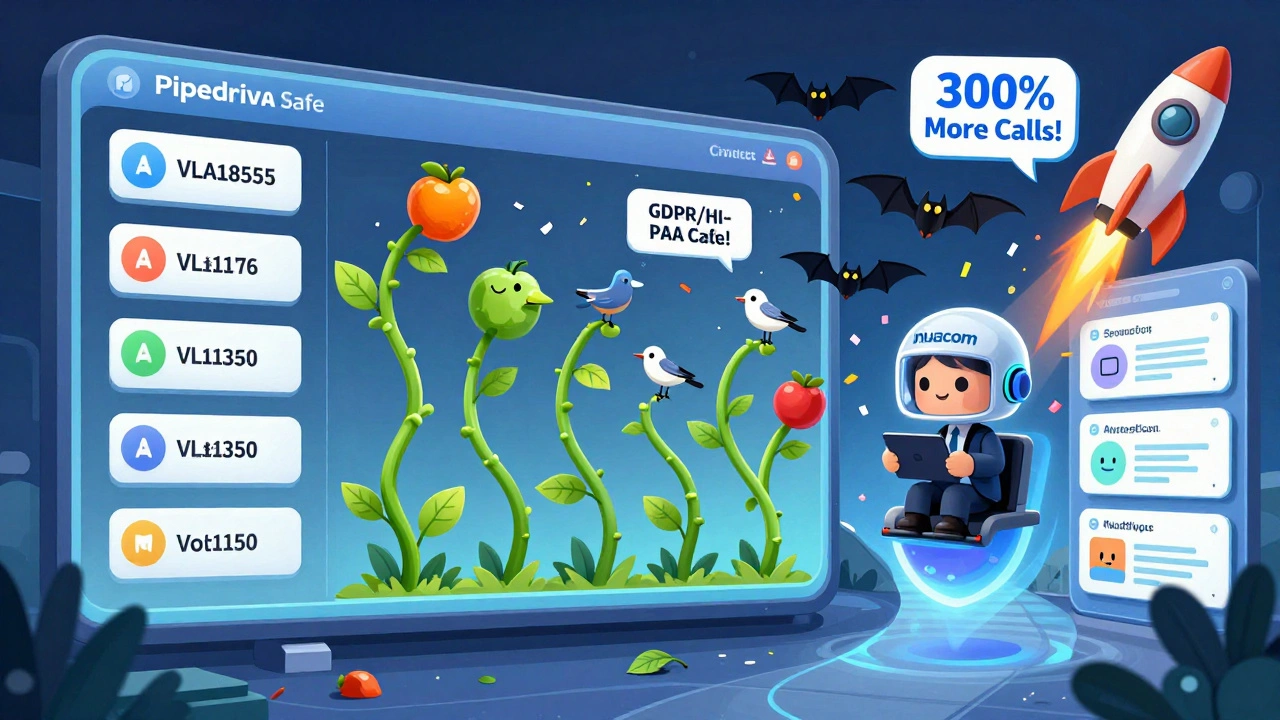
Who Should Use This?
This setup shines for teams that:- Make 30+ outbound calls daily
- Use SMS as part of their sales process
- Work remotely or hybrid
- Need call recordings for compliance (finance, legal, healthcare)
- Want to stop manually logging calls
Common Pitfalls and How to Avoid Them
- Wrong plan: You can’t use calling on Pipedrive’s free plan. Upgrade to Professional or higher.
- Timezone mismatch: If your VoIP system thinks it’s in New York but your CRM is set to Los Angeles, timestamps will be off. Double-check time settings in both tools.
- Unverified numbers: Only numbers saved in Pipedrive contacts will trigger screen pops. Don’t rely on numbers typed into deal notes.
- Browser issues: Safari and older versions of Firefox don’t always support the callto protocol. Stick to Chrome or Edge.
- Expecting native features: Pipedrive’s integrations aren’t perfect. You won’t get call analytics, IVR, or call routing inside Pipedrive. That’s the VoIP provider’s job.
What Comes Next
The market for CRM-telephony integrations is growing fast. By 2030, it’ll be worth nearly $50 billion. Pipedrive’s ecosystem is one of the fastest-growing, up 37% last year. But here’s the catch: as AI gets smarter, providers will specialize. Gartner predicts 30% of current integrations will vanish by 2026 as companies focus on niche markets-like healthcare compliance or high-volume outbound. The bottom line? If you’re serious about sales efficiency, don’t wait. Connect your VoIP. Automate your dialing. Let your CRM do the paperwork so you can focus on closing.Can I use Pipedrive calling without a VoIP provider?
No. Pipedrive doesn’t have a built-in phone system. You must connect a third-party VoIP provider from their Marketplace. The Professional plan or higher is required.
Do I need to install software on my computer?
Not usually. Most integrations work through your browser using the callto protocol. You’ll still need a VoIP app on your phone or desktop, but you don’t need to install anything inside Pipedrive. Just click a number and it rings through your connected phone system.
Are call recordings stored in Pipedrive?
No. Recordings are stored by your VoIP provider. Pipedrive only links to them. If you need compliance (like GDPR or HIPAA), choose a provider like Nuacom or CloudTalk that offers secure, encrypted storage in your region.
How long does it take to set up?
Most teams get basic calling working in 20-45 minutes. Adding advanced features like custom fields or SMS triggers can add 1-3 hours. Training reps takes another 1.5-2.5 hours. Adoption hits 92% within two weeks when the UI is simple and the system works reliably.
What if Pipedrive has an outage?
Your calls will still go through. The VoIP system works independently. But call logging and screen pops will stop syncing until Pipedrive is back online. In February 2024, a Pipedrive API issue broke 12 integrations for 38 hours. Choose providers with good uptime records and backup logging options.
Can I use this on my phone?
Yes. All major VoIP integrations have mobile apps. You can make and receive calls from your smartphone, and the activity will sync back to Pipedrive. CloudTalk’s mobile app has a 4.5/5 rating. Voicespin’s is weaker at 3.4/5-check reviews before choosing.
Is this worth it for small teams?
If you have 3+ reps making 20+ calls daily, yes. For a solo rep, the cost may not justify the time saved unless you also need SMS or compliance features. The average team saves 1.5-2 hours per rep per day. That’s $50-$100 in labor savings daily for a 5-person team.









chioma okwara
14 Dec 2025 at 13:19so u just click a number and it calls? no app? no download? i thought u needed some dumb softwre like zoom or whatever. this sounds too easy. also why is everyone paying $30 for this when i can just use whatsapp for free???