


When your business phone rings, who answers it? In a small office with just a few employees, it might seem simple - someone picks up. But as your team grows, or as calls start pouring in during peak hours, that simplicity breaks down. Missed calls, frustrated customers, and uneven workloads become real problems. That’s where ring groups and call queues come in. These aren’t fancy extras - they’re the backbone of how small and medium businesses handle incoming calls efficiently. If you’re running a business with 5 to 50 employees, getting these right can mean the difference between a happy customer and a lost sale.
What’s the Difference Between Ring Groups and Call Queues?
At first glance, ring groups and call queues sound similar: both route calls to multiple people. But how they work is completely different.
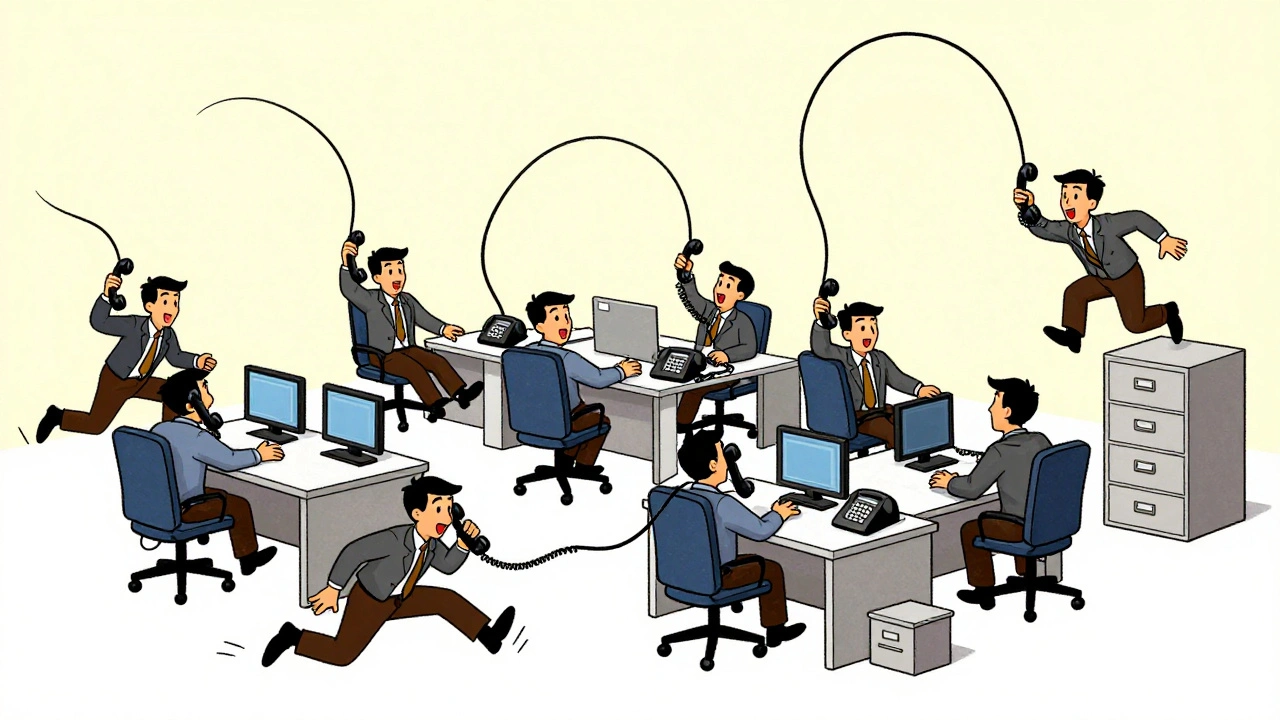
A ring group is like throwing a ball into a group of friends. When a call comes in, it rings all the phones in the group at the same time. The first person to pick up gets the call. It’s fast, direct, and works best when speed matters - like a dental office booking appointments or a small law firm handling urgent client calls. Ring groups use three main patterns: Ring All (everyone rings at once), Hunt (rings one after another in order), and Memory Hunt (rings in order but remembers who last answered so it doesn’t keep bouncing to the same person).
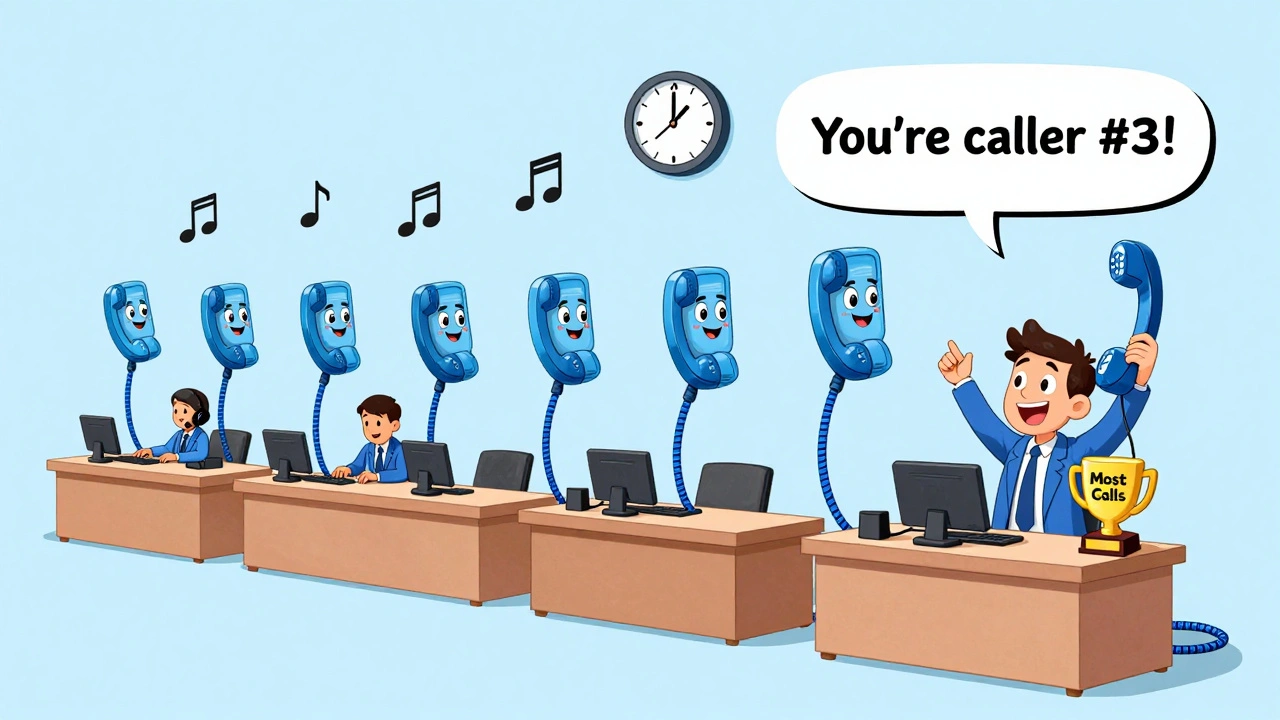
A call queue, on the other hand, is more like a line at the DMV. When a call comes in, it doesn’t ring anyone immediately. Instead, the caller hears music or a message while waiting. The system then sends the call to the next available agent based on rules like round-robin (equal rotation), fewest calls first (gives the call to the agent who’s handled the least), or longest idle (picks the agent who’s been waiting the longest). This is ideal when you have more than 15 people taking calls or when you get bursts of calls - think e-commerce support during a sale or a call center handling billing inquiries.
The key difference? Ring groups are about speed. Call queues are about fairness and control.
When to Use Ring Groups
If your team is small - think 3 to 15 people - and every call feels urgent, ring groups are your best bet. Medical offices, real estate agents, and local service providers use them because they need someone to answer now. A study by Vistanet in May 2024 found that small medical practices using ring groups answered calls in just 18.7 seconds on average, compared to nearly 30 seconds with queues.
Ring groups also work well for sales teams with a clear hierarchy. For example, if your lead goes to the manager first, then the senior rep, then the junior rep, a hunt ring group makes sense. Salesforce’s 2023 case study showed that using this method improved lead conversion by 22% because it kept the process structured.
But ring groups have a dark side. In teams larger than 10 people, they can create tension. The most eager or fastest responders end up answering every call. The others feel left out. A 2023 survey by the American Bar Association found that 37% of legal firms using ring groups had staff complaints about unfair call distribution. One tech startup on Reddit quit ring groups after three months because their 12-person support team was burned out from constant ringing - they called it “ring anxiety.”
When to Use Call Queues
Call queues shine when volume is high and fairness matters. If your business gets 50+ calls a day, you need a system that doesn’t just ring randomly - it distributes work evenly. E-commerce companies saw abandoned calls drop by 63% after switching to call queues, according to GoTo’s 2024 data. That’s because queues let you set limits: you can tell callers, “You’re number 4 in line. Average wait time: 2 minutes.” That simple message cuts frustration.
Queues also give you control. You can play custom hold messages with your brand’s voice. You can offer callbacks so callers don’t sit on hold. And you can track performance: who answered how many calls, how long they waited, how many abandoned. RingCentral’s 2022 report showed businesses using queues improved first-call resolution by 28% because agents had time to prep before answering.
But queues aren’t perfect. If your hold time goes over 90 seconds without updates, customers bail. CallSprout’s 2024 survey found that 28% of callers had negative experiences when they felt ignored. And setting up a queue right takes time - often 2 to 5 hours. You need to record professional hold messages, decide on routing rules, and test how many people can wait in line before abandonment spikes (most experts say 25-30 is the sweet spot).
Hybrid Approach: The Best of Both Worlds
The smartest businesses don’t pick one or the other. They combine them.
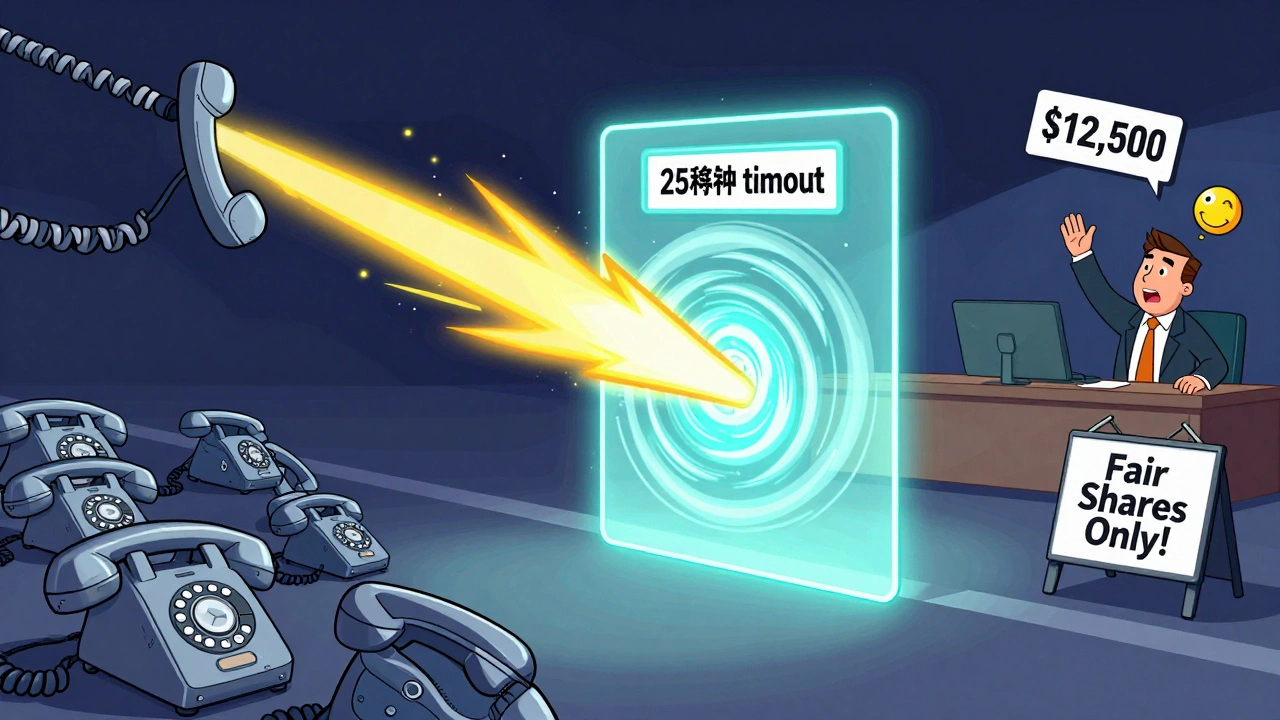
Here’s how it works: when a call comes in, it first hits a ring group. All phones ring for 20-25 seconds. If no one answers, it automatically flows into a call queue. This gives you the speed of a ring group with the safety net of a queue.
RingCentral’s product team confirmed this hybrid model is now their most popular setup among SMBs. It’s especially useful for businesses with fluctuating call volumes - like a marketing agency that gets quiet on Tuesdays but swamped on Thursdays. The system adapts without you lifting a finger.
Some platforms are even going further. RingCentral’s June 2024 update introduced “Adaptive Ringing,” which detects when multiple calls come in at once and switches to queue mode automatically. 8x8’s “Predictive Queue Positioning” uses past data to tell callers exactly how long they’ll wait - reducing abandonment by 31% in tests.
Setup and Configuration Tips
Getting this right isn’t about picking the most expensive plan - it’s about knowing what to configure.
For ring groups:
- Set ring duration to 25 seconds. Too short (under 15) and calls drop before anyone answers. Too long (over 40) and callers hang up.
- Use “Memory Hunt” if you have more than 5 people. It prevents the same person from always answering.
- Always set a failover to voicemail or another group. Never let a call vanish.
For call queues:
- Use “Fewest Calls First” for sales teams - it keeps everyone balanced.
- Use “Longest Idle” for support teams - it rewards patience.
- Record a custom hold message. Say your business name, what the caller is waiting for, and how many people are ahead. “You’re caller number 3. Our average wait is 1 minute. Thank you for your patience.”
- Enable callback options. This reduces wait time pressure by 65%, according to RingCentral’s case studies.
- Set a max queue size of 25-30. After that, send callers to voicemail or an automated option.
Platforms like 3CX and Nextiva offer visual setup guides that walk you through each step. But don’t skip testing. Call your own number. Let a friend test it. Watch how long it takes to connect. Adjust until it feels smooth.
What the Data Says About Adoption
Here’s what’s actually happening in small businesses right now:
- 76% of businesses with 10-50 employees use ring groups (Statista, Q2 2024).
- 89% of businesses with 50+ employees use call queues.
- RingCentral, 8x8, and Nextiva dominate the market because they offer both features seamlessly.
- Platforms without queueing (like Ooma’s basic plans) hold only 12% of the market among teams larger than 20 people.
And it’s not just about features - it’s about analytics. Companies that track metrics like “average ring count before answer” or “queue abandonment rate” keep their customers longer. Gong’s 2024 analysis showed they retain 83% of users, compared to 67% for those without insights.
Regulations and Pitfalls to Avoid
There are rules you can’t ignore. The FCC requires that any call queue playing hold music must include a reassurance message at least every 30 seconds. Something like, “Your call is still being connected. Thank you for waiting.” Skip this, and you could face fines up to $12,500 per violation.
Another mistake? Overloading your queue. If you let 50 people wait, you’ll get complaints - and lost business. Set limits. And never forget to test your system after updates. A software patch can accidentally disable a queue or change the routing rule without warning.
Finally, don’t assume your team will love it. One sales manager on Reddit said he had to add “gamification” - a leaderboard showing who handled the most calls - to keep his team engaged after switching from ring groups to queues. People need to feel valued, not just assigned.
What’s Next for SMB VoIP?
The future isn’t just about ring groups and queues - it’s about intelligence. Dialpad now uses AI to analyze caller tone and decide whether to use a ring group (for urgent, angry callers) or a queue (for calm, complex inquiries). Microsoft Teams has launched “Intelligent Call Routing” that does the same.
But here’s the truth: human agents aren’t going away anytime soon. Nemertes Research predicts that 83% of SMBs will still rely on human-assisted call handling through 2028. The winners will be those who blend smart automation with thoughtful workflows - not those who replace people with bots.
Start simple. Pick the right tool for your team size. Test it. Watch the numbers. Adjust. Your customers - and your staff - will thank you.
What’s the difference between a ring group and a call queue?
A ring group rings multiple phones at once, and the first person to answer gets the call. It’s fast and works best for small teams. A call queue puts callers in a virtual line and distributes calls to the next available agent based on rules like round-robin or longest idle. It’s fairer and better for high-volume environments.
Which is better for a small business with 8 employees?
For a team of 8, a ring group is usually better. It ensures quick answers, which matters for appointment-based businesses like dental offices or real estate agents. Use the ‘Ring All’ strategy with a 25-second timeout and a failover to voicemail. If you notice one person always answers, switch to ‘Memory Hunt’ to spread the load.
Can I use both ring groups and call queues together?
Yes, and many top businesses do. Set up a ring group to ring all phones for 20-25 seconds. If no one answers, automatically route the call to a call queue. This gives you speed and reliability. RingCentral and 8x8 both offer this hybrid setup out of the box.
Why are my callers hanging up in the queue?
Callers hang up when they don’t know how long they’ll wait. Make sure your hold message tells them their position in line and gives a realistic estimate. Update it every 30 seconds as required by FCC rules. Also, offer a callback option - this cuts abandonment by 65%. And never let more than 25-30 people wait in line.
Do I need a high-end VoIP plan to use call queues?
Yes, in many cases. RingCentral’s call queues are only available on Professional ($35/user) and Ultimate ($45/user) plans. Nextiva’s Essential plan doesn’t include queues at all. If you need queues, you’ll need to upgrade from basic plans. But the ROI is worth it - businesses using queues see up to 63% fewer abandoned calls.
How long does it take to set up a call queue?
A basic queue can be configured in 1-2 hours, but a fully optimized one with custom messages, callback options, and routing rules can take 2-5 hours. Platforms like 3CX offer easy visual guides, while RingCentral’s documentation is thorough but less beginner-friendly. Test your setup with a test call before going live.
Are there any legal requirements for call queues?
Yes. The FCC requires that all call queues play a reassurance message at least every 30 seconds, like “Your call is still being connected.” You must also offer a way to hang up and get a callback. Failing to comply can result in fines up to $12,500 per violation.
What’s the best routing method for a sales team?
For sales teams, use ‘Fewest Calls First’ - it gives the next call to the agent who’s handled the least, keeping workload balanced. If you have a hierarchy (e.g., manager → senior rep → junior rep), use a hunt ring group instead. Salesforce found this method improved lead conversion by 22%.






Write a comment