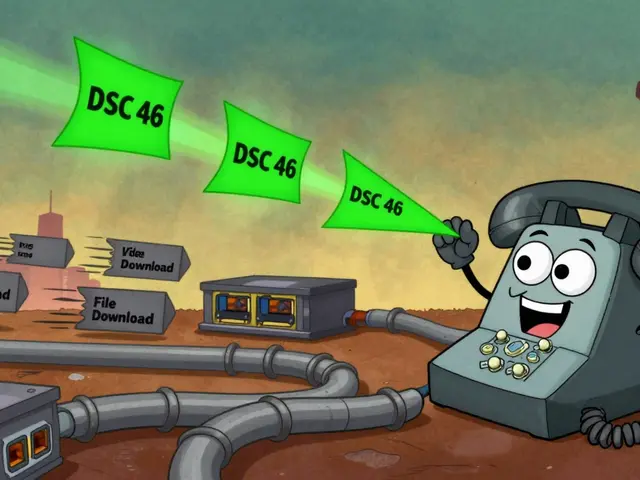
Transcoding in VoIP: What It Is and Why It Affects Your Call Quality
When your VoIP system converts one audio format to another, it’s doing transcoding, the process of converting digital audio from one codec to another in real time. Also known as codec conversion, it happens behind the scenes when devices or networks don’t speak the same audio language—like when a G.711 call from your office phone meets an Opus call from a mobile app. It sounds simple, but every time transcoding happens, you’re adding latency, risking audio dropouts, and burning through CPU power that could be doing something better.
Transcoding doesn’t happen in a vacuum. It’s tied to VoIP codecs, digital algorithms that compress and decompress voice data to save bandwidth. Also known as audio codecs, they’re the reason your call doesn’t eat up your whole internet connection. Common ones like G.711, G.729, and Opus each have trade-offs: G.711 sounds great but uses 80Kbps per call, while G.729 cuts bandwidth in half but adds processing overhead. When your SIP trunk, IP phone, and softphone all use different codecs, the system must translate between them—and that’s where transcoding kicks in. This isn’t just a technical detail. It’s a cost issue. Every transcoding session uses server resources. If you’re paying for cloud PBX services, those extra CPU cycles add up. Some providers even charge extra for transcoding-heavy traffic.
It’s also a quality issue. Transcoding isn’t like copying a file. Each conversion loses a bit of fidelity. You might not notice it on a quiet call, but in a noisy call center or during a video meeting with background chatter, the difference becomes obvious—muffled speech, robotic tones, or sudden audio gaps. That’s why top VoIP setups avoid transcoding whenever possible. They standardize on one high-quality codec across all endpoints, or use devices that support the same set natively. For example, if your IP phones and softphones all support Opus, and your SIP provider does too, you skip transcoding entirely and get crystal-clear calls with lower bandwidth use.
And it’s not just about the codecs. SIP trunking, the method that connects your VoIP system to the public phone network. Also known as VoIP trunking, it often forces transcoding when connecting to legacy carriers that only accept G.711. But newer SIP providers offer direct Opus or G.722 support, cutting out the middleman. Ask your provider: do they transcode? Can you disable it? The answer could save you hundreds a year in unnecessary processing fees and improve customer satisfaction.
Transcoding isn’t always bad. Sometimes it’s unavoidable—like when you need to connect an old analog phone via an FXO gateway to a modern cloud system. But those are exceptions, not the rule. Most businesses over-transcode because they never checked their codec settings. The fix? Audit your devices, match codecs where you can, and choose providers that minimize conversion. The result? Clearer calls, lower costs, and less strain on your network.
Below, you’ll find real-world guides on how to spot transcoding in your system, which codecs to pick for your setup, and how to cut out unnecessary conversions without losing compatibility. These aren’t theory pieces—they’re fixes used by teams who’ve been burned by bad audio and want it gone for good.

Transcoding enables VoIP calls between devices using different audio codecs like G.711, G.729, and OPUS. It's essential for compatibility but adds latency and quality loss. Learn how it works, where it's used, and how to manage its trade-offs.