

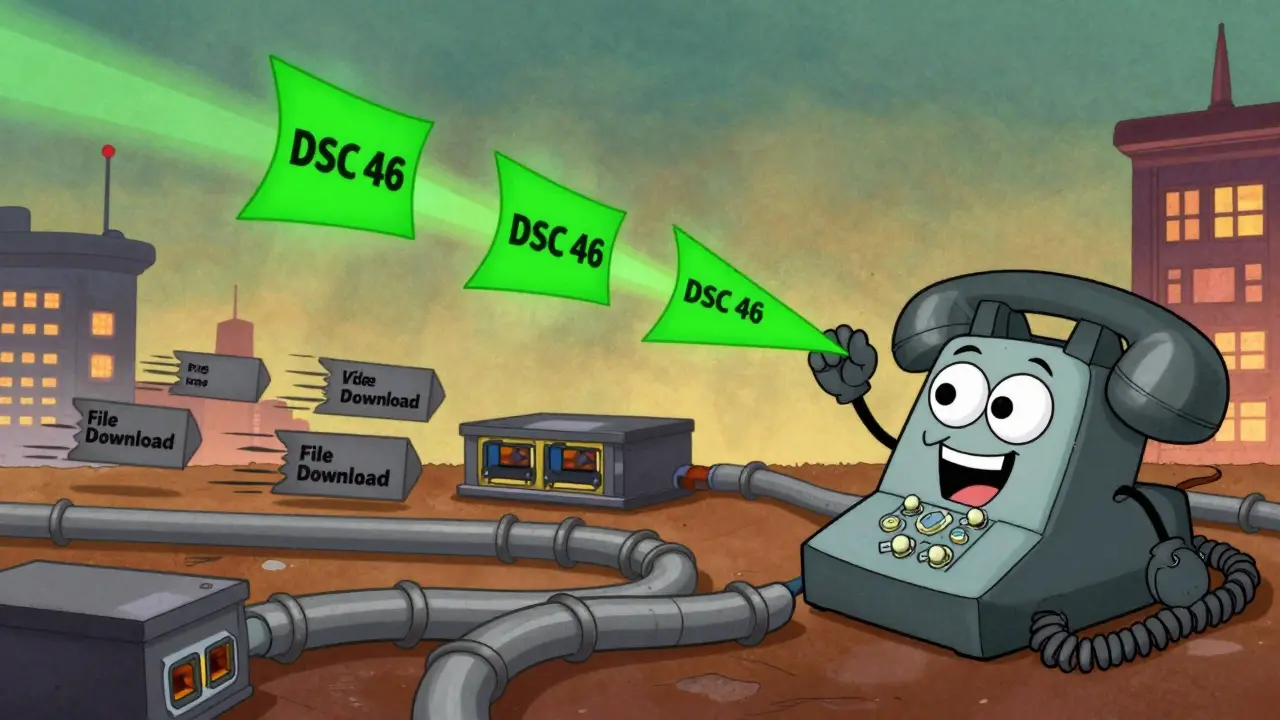

When your VoIP calls crackle, drop, or lag like a bad Zoom meeting, it’s rarely the phone’s fault. It’s the network. And the fix isn’t just buying better hardware-it’s getting DSCP and QoS right from the start. Too many businesses assume their router handles voice traffic automatically. It doesn’t. Without proper DSCP EF marking and queue design, even the best VoIP system sounds like it’s underwater.
Why DSCP EF Marking Is Non-Negotiable for VoIP
DSCP stands for Differentiated Services Code Point. It’s a 6-bit tag inside every IP packet that tells routers and switches: "This packet matters more than others." For voice traffic, there’s one value that matters above all: DSCP 46, also known as Expedited Forwarding (EF). This isn’t a suggestion. It’s the industry standard. RFC 3246, published in 2002, defined EF as the only DSCP value meant for real-time voice. Cisco, Avaya, RingCentral, and every major enterprise VoIP vendor use it. Why? Because it gives voice packets the highest priority across every hop-from your office switch, through your ISP, to the other side of the world. Compare that to alternatives like AF31 (DSCP 26), which is meant for business-critical data, not voice. Testing by AVOXI in late 2024 showed networks using EF instead of AF31 had 37% less packet loss and 52ms lower latency. That’s the difference between a call that feels natural and one where people keep saying, "You’re breaking up."How VoIP Traffic Actually Works Under the Hood
VoIP doesn’t send one big file. It sends hundreds of tiny packets every second. Each packet carries a fraction of your voice-about 20 milliseconds worth. If those packets get delayed, reordered, or dropped, your voice sounds robotic or chopped up. The codec you use determines how much bandwidth each call needs:- G.711: 80-100 Kbps per call (high quality, common in offices)
- G.729: 24-32 Kbps per call (compressed, good for bandwidth-limited sites)
- Opus: 6-510 Kbps (adaptive, used in WebRTC and modern systems)
Queue Design: LLQ Is the Only Real Option
DSCP marking tells the network what kind of traffic you have. Queue design tells it what to do with it. There are many queueing methods. But for VoIP, only one works reliably: Low Latency Queuing (LLQ), also called Strict Priority Queuing (SPQ). This creates a dedicated lane for voice traffic. No matter how busy the network gets, voice packets jump to the front of the line and get sent immediately. Cisco recommends reserving at least 25% of the link’s bandwidth for this priority queue. Why? Because if you reserve too little, voice packets can still get stuck behind other high-priority traffic. Too much, and you starve data applications. Here’s how to size it: For every 10 concurrent G.711 calls, reserve at least 256 Kbps. That’s 80 Kbps per call × 1.2 (for overhead). For 20 calls? 512 Kbps. For 50 calls? 1.28 Mbps. Simple math, but 63% of VoIP failures happen because this step is skipped or underfunded.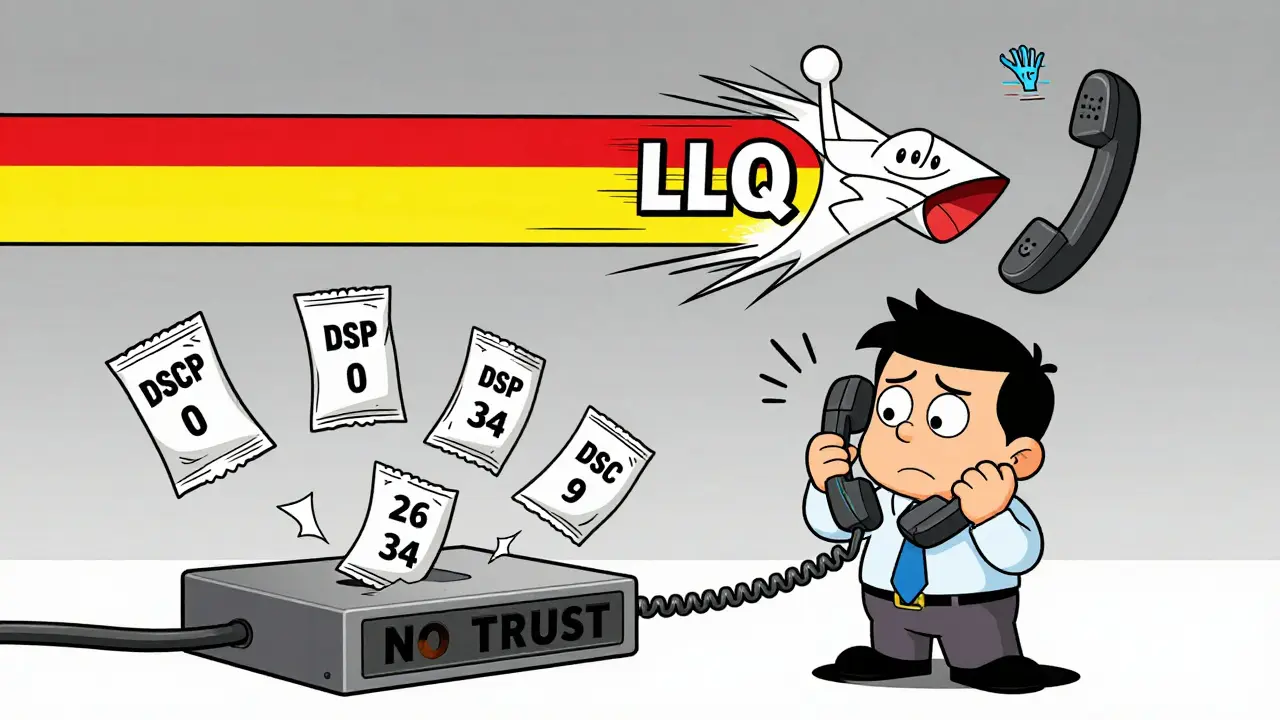
Trust Boundaries: The Silent Killer of VoIP Quality
Here’s the dirty secret: DSCP markings don’t mean anything unless devices trust them. Your VoIP phone tags packets with DSCP 46. But if your switch doesn’t know to trust those tags, it ignores them. It treats all traffic the same. That’s called a "trust boundary misconfiguration." It’s the #1 reason networks fail. On Cisco switches, you need this command on every port connected to a phone or VoIP system:mls qos trust dscpOn Meraki switches, it’s under "QoS Settings" → "Trust DSCP." Same for Fortinet, Juniper, HPE-every vendor has an equivalent. If you skip this, your entire QoS setup is theater. And don’t forget wireless. VoIP phones on Wi-Fi need both DSCP 46 and 802.1p CoS PCP 6. If your access point doesn’t map DSCP to CoS correctly, voice packets lose priority the moment they hit the air.
Implementation Checklist: 7 Steps That Actually Work
You don’t need a Ph.D. to get this right. Follow these seven steps, and your voice quality will improve overnight.- Identify VoIP traffic: Look for UDP ports 16384-32767. That’s where RTP (Real-time Transport Protocol) runs.
- Verify QoS is enabled: On Cisco devices, run
show mls qos. If it says "QoS is disabled," you’re starting from zero. - Create an ACL: Match your VoIP traffic. Example:
access-list 101 permit udp any any range 16384 32767 - Define a class map:
class-map match-all VOICE→ then match the ACL you just made. - Mark with DSCP 46:
set dscp efinside a policy map. - Build the policy map: Create a policy that applies LLQ and reserves bandwidth. Example:
policy-map QOS-POLICY→class VOICE→priority percent 25. - Apply it to the interface:
service-policy output QOS-POLICYon your WAN and LAN interfaces.
Testing and Validation: Don’t Guess, Measure
You can’t say "it’s working" based on how one call sounded. You need data. Use Wireshark to capture a call. Filter forip.dscp == 46. Every voice packet should have that tag. If you see 0 or 34 or 26, something’s wrong.
Run a stress test: Generate 50% network congestion-download a 10GB file, stream 4K video, sync cloud backups. Then make a call. Monitor:
- One-way latency: Should stay under 150ms
- Jitter: Under 30ms
- Packet loss: Less than 1%
- MOS score: Above 4.0 (4.2-4.4 is excellent)

Common Pitfalls and Hidden Risks
Even experts mess this up. Here are the mistakes you’ll actually see in the wild:- Service providers remark DSCP: Comcast Business, Spectrum, and others often reset DSCP values above 40 to 0. If you’re using a business ISP, check their QoS policy. You may need a custom SLA.
- Windows doesn’t tag VoIP traffic: Windows 10/11 don’t set DSCP by default. You need Group Policy or third-party tools to force it.
- Consumer routers lie: Many claim "VoIP optimization" but don’t support DSCP at all. If it’s a $50 router from Best Buy, it’s not helping.
- Security risks: Misconfigured trust boundaries can let attackers flood your network with fake "priority" traffic. It’s a known DDoS amplification vector.
The Future: AI, SD-WAN, and What’s Next
Cisco’s latest IOS-XE 17.12.1a (released December 2024) now uses machine learning to auto-tune QoS queues based on real-time traffic patterns. That’s huge. But it still starts with DSCP 46. SD-WAN is changing how enterprises manage QoS. Instead of configuring every router manually, you define policies at the cloud controller: "All voice gets EF, all video gets AF41, all backups get BE." It’s faster, more consistent, and easier to scale. And with 5G and WebRTC becoming the backbone of remote work, DSCP isn’t going away. The IETF’s new Deterministic Networking (DetNet) standard, RFC 9023, doesn’t replace DSCP-it builds on it.Final Word: This Isn’t Optional
VoIP isn’t a luxury. It’s your business phone line. If your calls sound bad, you’re losing deals, frustrating customers, and hurting productivity. DSCP EF marking and proper queue design aren’t "nice to have." They’re the foundation. Don’t rely on auto-QoS features alone. Don’t assume your ISP has your back. Don’t skip the trust boundaries. Do the math. Test it. Fix it. Your team deserves clear, crisp calls. Your customers deserve to hear you clearly. And your network? It’s ready-if you are.What is the correct DSCP value for VoIP traffic?
The correct DSCP value for VoIP traffic is 46, known as Expedited Forwarding (EF). This is defined in RFC 3246 and is the universal standard used by Cisco, RingCentral, Avaya, and all major enterprise VoIP vendors. It ensures voice packets receive the highest priority across network devices to maintain low latency, minimal jitter, and near-zero packet loss.
Why is my VoIP call quality poor even though I enabled QoS?
The most common reason is a broken trust boundary. If your switch or router doesn’t have "trust dscp" enabled on the port where your VoIP phone connects, it ignores the DSCP 46 tag. Other causes include not reserving enough bandwidth for the priority queue, service providers remarking DSCP values, or consumer-grade equipment that doesn’t support true QoS.
Does Wi-Fi affect VoIP QoS?
Yes. Wireless networks require both DSCP 46 marking and 802.1p Class of Service (CoS) PCP 6 to maintain voice priority. If your access point doesn’t map DSCP to CoS correctly, voice packets lose priority the moment they go wireless. Meraki and Cisco Meraki documentation confirm this is a frequent cause of dropouts on Wi-Fi phones.
How much bandwidth should I reserve for VoIP?
Reserve at least 256 Kbps per 10 concurrent G.711 calls. That’s 80 Kbps per call × 1.2 for overhead. For G.729, reduce to 77 Kbps per 10 calls. Always use Low Latency Queuing (LLQ) and reserve at least 25% of your link’s bandwidth for the priority queue to prevent congestion from starving voice traffic.
Can my ISP interfere with VoIP QoS?
Yes. Many ISPs, including Comcast Business and Spectrum, remark all DSCP values above 40 to 0 by default. This strips your VoIP traffic of priority before it leaves your network. To fix this, you must negotiate a custom SLA that guarantees DSCP 46 preservation. Otherwise, your QoS configuration is useless beyond your firewall.
What tools can I use to test VoIP QoS?
Use Wireshark to verify DSCP 46 tags on voice packets. Use Meraki’s packet capture for wireless environments. Run stress tests with 50% network congestion while monitoring latency, jitter, packet loss, and MOS scores. A MOS score above 4.0 is acceptable; 4.2-4.4 is excellent. Avoid relying on subjective call quality-measure it.







Write a comment