

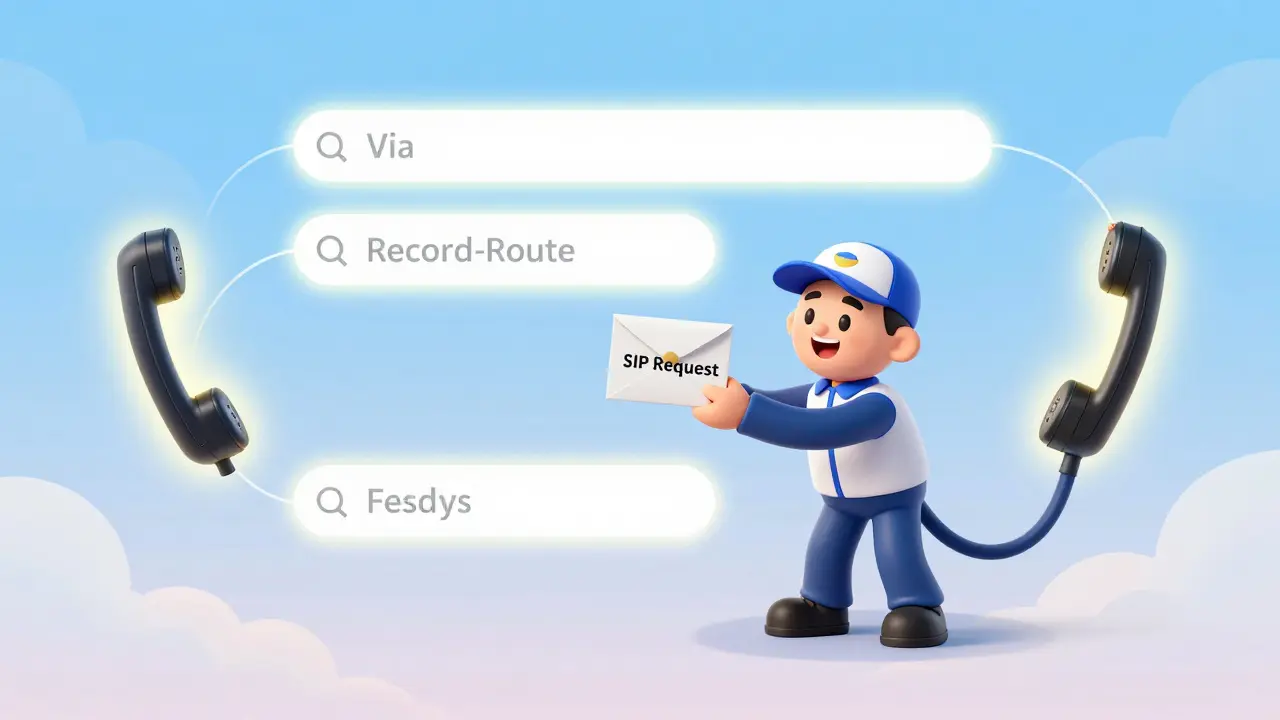

When you make a VoIP call, it doesn’t just go straight from your phone to the person you’re calling. Somewhere in between, there’s a decision being made: SIP proxies or Back-to-Back User Agents (B2BUA)? This choice determines whether your call flows cleanly and efficiently-or gets tangled up in extra steps that can slow it down, break features, or even introduce security risks.
At first glance, both SIP proxies and B2BUAs look like middlemen. They sit between callers and answerers, forwarding signals. But how they handle those signals is where everything changes. One keeps things simple. The other takes control. And that difference shapes everything from call quality to whether your company can use call recording, transfer, or conferencing.
How SIP Proxies Work: The Simple Relay
A SIP proxy is like a postal worker who delivers letters without reading them. It doesn’t care what’s inside. It just makes sure the message gets from point A to point B, adding a few routing notes along the way-like Via and Record-Route headers-so replies know how to come back.
According to RFC 3261, the official standard for SIP, proxies only manage transaction state. That means they track whether a request was sent and if a response came back. They don’t track the entire call. No memory of who said what, when, or how long they’ve been talking.
This simplicity has advantages. Proxies use fewer resources. They add almost no latency-maybe 1-3 milliseconds. And because they don’t touch the media stream (the actual voice data), the call stays direct between your phone and the other person’s. That’s called end-to-end communication, and it’s what SIP was designed for.
But here’s the catch: because proxies don’t control the call, they can’t do advanced features. No call waiting. No transferring a call to another extension. No whisper coaching during a customer service call. If you need any of that, a proxy alone won’t cut it.
What Is a B2BUA? The Call Controller
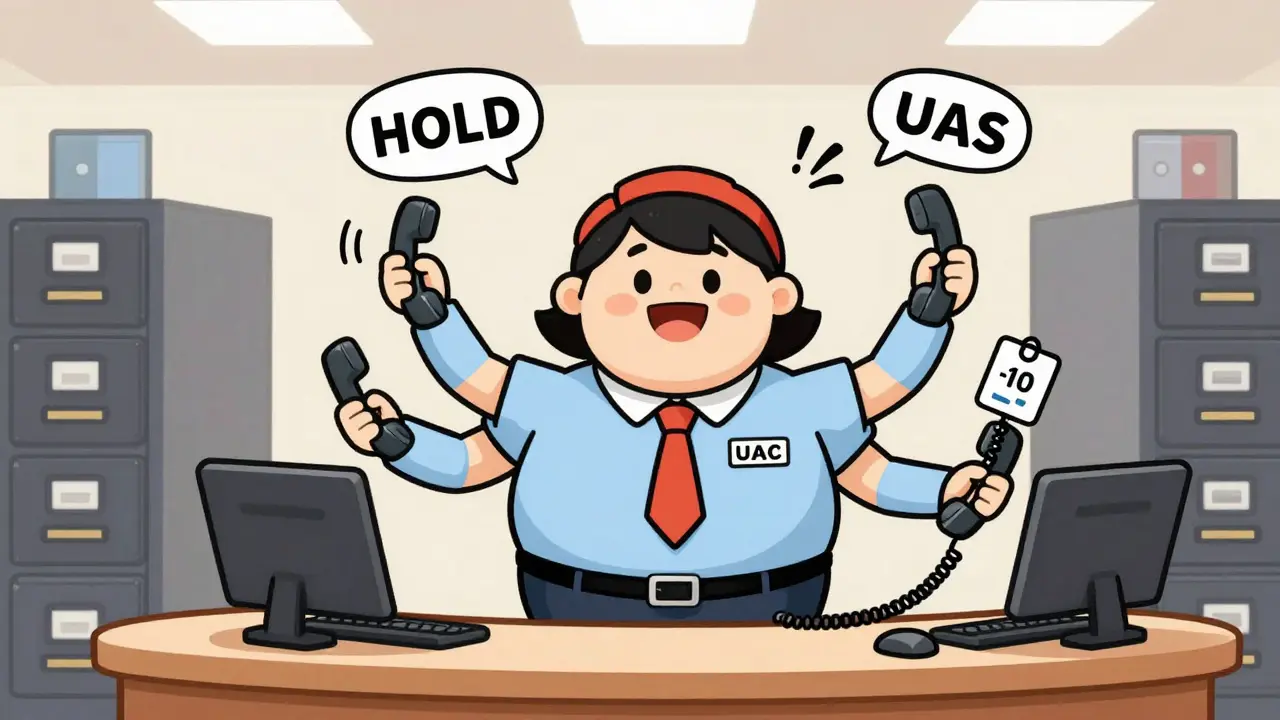
A Back-to-Back User Agent (B2BUA) is not just a middleman. It’s a full participant. Think of it as a receptionist who answers your call, then dials the person you want to reach-and connects the two. But here’s the twist: it doesn’t just connect them. It becomes part of both sides of the conversation.
Technically, a B2BUA acts as a User Agent Client (UAC) to one side and a User Agent Server (UAS) to the other. It creates two separate SIP sessions, each with its own Call-ID. One for you-to-B2BUA. Another for B2BUA-to-the-other-person.
This is why IP-PBX systems like Cisco Unified Communications Manager, Avaya, or even cloud-based services like RingCentral and Zoom Phone all rely on B2BUA architecture. They need to control each leg independently. To put someone on hold? The B2BUA pauses one leg. To transfer a call? It drops the first leg and starts a new one with the third party.
And because it’s fully in the middle, a B2BUA can also manipulate the media stream. It can record calls, mix audio for conference bridges, or even inject prompts like “Your call may be recorded for quality purposes.” It can block unwanted codecs, enforce encryption, or even throttle bandwidth on a per-call basis.
The Big Difference: One Call vs. Two Calls
The most important distinction? SIP proxies see one call. B2BUAs see two.
With a proxy, the Call-ID, From, and To headers stay exactly the same from start to finish. The call is a single, continuous session. If something breaks in the middle, the entire call drops.
With a B2BUA, the Call-ID changes at the boundary. You have one session between you and the B2BUA, and another between the B2BUA and the recipient. This separation is what makes advanced features possible-but it also breaks the end-to-end model SIP was built on.
Why does this matter? Because when you’re troubleshooting a call, you’re not looking at one stream. You’re looking at two. A packet loss on one leg doesn’t mean the other is broken. A firewall blocking SIP on one side might not affect the other. That makes diagnostics harder.
And here’s something most people don’t realize: a B2BUA can’t just forward media. It often has to receive it, process it, and send it again. That adds latency-typically 15-25ms extra. In high-traffic situations, this can cause jitter or even packet loss if the B2BUA is overloaded.
Why Enterprises Use B2BUAs (Even Though They’re Messier)
Let’s be honest: B2BUAs are more complex. They need more CPU. They’re a single point of failure. They can introduce delays. So why does 65% of enterprise VoIP use them?
Because businesses need features that proxies can’t deliver.
Think about a call center. An agent needs to consult a manager before answering a customer. That’s whisper coaching-only possible if the system can inject audio into the call. A sales rep needs to transfer a call to billing without dropping it. That’s attended transfer-requires two separate legs. A company needs to record every inbound call for compliance. That’s only possible if the system touches the media stream.
Healthcare providers using HIPAA-compliant systems? B2BUAs handle encrypted call recording. Financial firms under GDPR? B2BUAs can strip out sensitive info from call logs before storage. These aren’t nice-to-haves. They’re legal requirements.
And let’s not forget Session Border Controllers (SBCs)-the gatekeepers at the edge of enterprise networks. Nearly all SBCs are B2BUAs. They protect against SIP floods, block unauthorized devices, and enforce encryption. Without them, VoIP networks would be wide open to attacks.
When to Use a SIP Proxy
SIP proxies aren’t obsolete. They’re essential for the right use case.
If you’re running a small business with basic calling needs-just direct dialing, no transfers, no recording-a SIP proxy is cleaner and cheaper. It’s what many cloud providers use internally to route calls between data centers.
Proxies are also preferred in environments where compliance demands minimal data processing. In Europe, under GDPR, minimizing the number of systems that handle personal data (like call content) is a big deal. A proxy that only routes signaling, not media, reduces your compliance footprint.
And for developers building SIP-based apps? Proxies are easier to test and debug. You’re working with a single session. No hidden state. No media processing to troubleshoot.

Modern Hybrid Approaches: The Best of Both Worlds
The industry is moving toward hybrid models. Modern SBCs and IP-PBX systems now use “intelligent media anchoring.”
What does that mean? The system starts as a proxy-keeping the call direct. But if a feature is triggered (like a call transfer or recording), it automatically switches to B2BUA mode. Once the feature ends, it drops back to proxy mode.
For example, Oracle’s Acme Packet 6500 (released late 2022) does this. So do newer versions of Cisco’s Unified Communications Manager. This reduces latency when it’s not needed and only adds complexity when required.
Some systems even use AI to predict when a call will need advanced features. If the system detects a call coming from a known sales team number, it pre-activates B2BUA mode. If it’s a routine support call, it stays in proxy mode.
Implementation Realities: Time, Cost, and Skill
Setting up a SIP proxy? If you know SIP basics, you can get it running in a few days. Configuration files are straightforward. Open-source tools like Kamailio have over 500 pages of documentation.
B2BUA setup? That’s a different story. Enterprise-grade B2BUAs like Asterisk, FreeSWITCH, or commercial PBXs take 3-4 weeks to deploy properly. You need to configure call flows, media policies, codec negotiation, and security rules. One misstep, and calls drop, or worse-calls get routed to the wrong person.
Resource-wise, a B2BUA handling 100 concurrent calls might need 2-3x the CPU of a proxy doing the same job. That means bigger servers. Higher power bills. More cooling.
And support? The SIP-Implementors mailing list has been active since 1999. Thousands of engineers have argued over B2BUA behavior for decades. You’ll find answers-but you’ll need to dig.
The Future: Will B2BUAs Go Away?
No. And here’s why: businesses aren’t going to stop wanting features.
Even as AI-powered assistants, real-time translation, and smart call routing become standard, they all require the system to be in the middle of the call. You can’t translate audio if you’re just passing it through.
Industry analysts at IDC predict that by 2025, 80% of enterprise SIP deployments will include B2BUA functionality-up from 65% in 2023. The demand for collaboration tools, compliance, and security is too strong.
But the trend is clear: B2BUAs are becoming smarter, not just more common. They’re being optimized to minimize their impact. They’re being deployed only when needed. They’re being embedded in cloud services so you don’t have to manage them.
For you? The choice isn’t about which is better. It’s about which fits your needs.
If you just want to make calls? Use a proxy.
If you need control, compliance, or features? You’ll need a B2BUA.
And if you’re building something new? Start with a hybrid system that can switch modes on the fly. That’s where the future is.









Sarah Meadows
28 Jan 2026 at 20:25SIP proxies are for hobbyists and startups that think VoIP is a toy. Real enterprises don’t play around with stateless routing-when you’re handling HIPAA, GDPR, or PCI-DSS, you need a B2BUA that owns the entire session. No excuses. If your system can’t inject compliance headers, record media, or terminate malicious SIP floods at the edge, you’re not securing anything-you’re just forwarding noise.
And don’t get me started on this ‘hybrid’ nonsense. If your SBC switches modes based on ‘AI predictions,’ you’ve got a black box that’s harder to audit than a Chinese supply chain. Compliance isn’t a feature toggle. It’s a architectural mandate. Proxies? They’re relics waiting to be deprecated by every serious telecom vendor.
Bottom line: if you’re not running a B2BUA in production, you’re not in the enterprise game. You’re just renting bandwidth and hoping for the best.