CRM Switching: How VoIP Integration Makes the Move Smarter
When you switch CRMs, you're not just changing software—you're risking your customer history, your team’s productivity, and your ability to track what actually matters: CRM switching, the process of migrating customer data and workflows from one system to another, often to improve automation, reporting, or user experience. Also known as CRM migration, it’s a high-stakes task that fails when call logs, notes, and interaction history get lost in the shuffle. Most teams think the hard part is exporting data. The real problem? Keeping your calls connected to your customers after the switch.
That’s where VoIP CRM integration, the direct link between your phone system and your customer database that automatically records and tags every call makes all the difference. Without it, your team spends hours manually entering call details after every conversation. With it, every inbound and outbound call logs itself—time, duration, caller ID, even call recordings—into the right customer profile. This isn’t just convenience. It’s accuracy. Top teams using auto-logging CRM, a feature that updates your customer record in real time after every phone interaction without manual input report 60% fewer data errors and 30% faster onboarding for new hires. And when you’re switching systems, that consistency is everything.
But integration isn’t just about logging calls. It’s about connecting your phone system to the metrics that drive performance. call center metrics, quantifiable indicators like First Call Resolution (FCR), Average Handling Time (AHT), and Customer Satisfaction (CSAT) that measure how well your team serves customers only work if they’re pulled from real call data. If your new CRM doesn’t talk to your VoIP system, those numbers are guesses. With proper integration, your FCR and AHT stats update automatically. You stop guessing what’s working and start seeing it. And if you’re scaling or adding features, VoIP API, a set of tools that lets your CRM, helpdesk, or analytics platform communicate directly with your phone system lets you build custom workflows—like triggering a follow-up task after a missed call or updating a lead score based on call duration.
Switching CRMs doesn’t have to be a nightmare. The companies that do it right don’t just move data—they move how they work. They stop treating calls as separate events and start treating them as the core of every customer relationship. The posts below show you exactly how: from fixing broken call logs during migration, to setting up auto-logging without IT help, to using VoIP analytics to prove your new CRM is actually improving performance. You’ll find real setups used by teams in healthcare, engineering, and call centers—all of them kept running during the switch. No theory. No fluff. Just what works when your business can’t afford downtime.

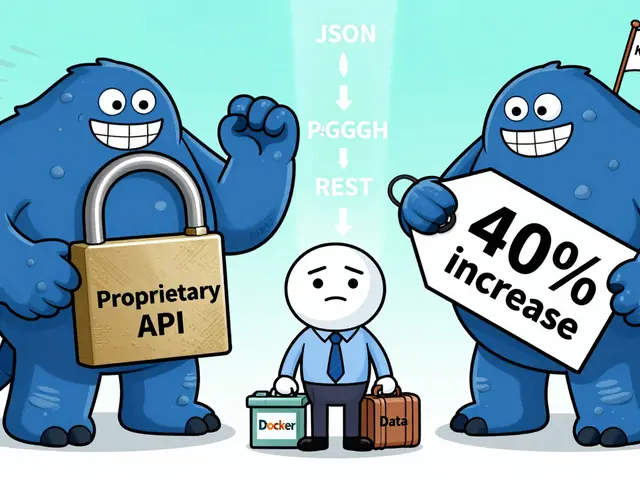
Switching CRMs fails often because teams ignore integrations. Learn how to migrate CRM connections without breaking workflows, tools, or revenue pipelines - with real data, tools, and steps that work.