Encrypt VoIP Calls: Secure Your Calls with SRTP, DTLS, and Best Practices
When you make a VoIP call, a voice call sent over the internet instead of traditional phone lines. Also known as internet phone call, it’s fast, cheap, and surprisingly easy to spy on if you don’t encrypt VoIP calls. Unencrypted calls? Anyone on your network — even a neighbor on the same Wi-Fi — can listen in with free tools. That’s not paranoia. It’s how SIP and RTP protocols were built in the 90s: trust-based, not secure.
That’s where SRTP encryption, a standard for securing real-time audio and video streams. It’s the backbone of secure VoIP. comes in. SRTP scrambles your voice data so only the right device can decode it. But not all SRTP is equal. You’ve got DTLS-SRTP, a modern method that exchanges encryption keys securely over the network using TLS. It’s the default in WebRTC and required by most cloud phone systems today. and the old, broken SDES-SRTP, a method that sends keys in plain text through SIP headers. It’s like locking your front door but leaving the key under the mat.. If your provider still uses SDES, switch. It’s a security risk that’s been known for over a decade.
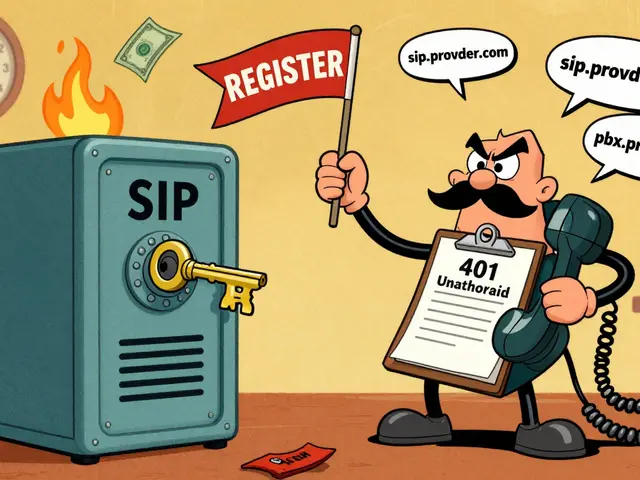
Encrypting VoIP calls isn’t just about privacy. It’s about stopping toll fraud, when hackers hijack your system to make expensive international calls. It’s how businesses lose thousands in a single night.. Criminals target unsecured SIP endpoints. They don’t need to crack your password — they just need to find an open port. That’s why SIP vulnerabilities, weak points in VoIP signaling that allow unauthorized access. They include default passwords, unpatched firmware, and misconfigured firewalls. matter more than ever. You can’t just rely on encryption. You need network segmentation, strong passwords, and regular updates.
Good news: modern VoIP systems handle encryption automatically. If you’re using Zoom, RingCentral, or any WebRTC-based app, you’re already protected. But if you run your own PBX or use SIP phones, you’ve got work to do. Check your device settings. Make sure DTLS-SRTP is enabled. Disable SDES. Turn off unused ports. Update firmware. These aren’t optional steps — they’re your first line of defense.
You’ll find posts here that break down exactly how DTLS-SRTP works under the hood, how much it slows down your calls (spoiler: barely), and which providers still use risky methods. You’ll see real-world examples of what happens when encryption fails, and how to fix call recording issues caused by encrypted streams. Whether you’re a small business owner, a remote worker, or managing a contact center, the tools to protect your calls are already out there. You just need to turn them on.

Secure remote VoIP calls with a properly configured VPN using SRTP encryption, VLAN segmentation, and firewall rules to prevent eavesdropping, toll fraud, and data leaks. Essential for hybrid teams.