



Recording meetings on Zoom, Teams, or any unified communications platform isn’t just convenient-it’s often expected. But in the University of California system, it’s also legally risky. If you’re a faculty member, researcher, or staff person recording a class, advising session, or lab meeting, you’re not just capturing audio or video-you’re handling sensitive personal data under some of the strictest rules in the country. And failing to follow them can cost the university thousands per violation.
Why California’s Consent Law Changes Everything
Most states let you record a call if one person knows. That’s called one-party consent. California isn’t one of those states. Here, everyone on the call must give consent before recording starts. That includes students, patients, visiting scholars, or even someone calling in from out of state. If even one person is in California-and most UC meetings involve someone in California-the state’s law applies. This isn’t a suggestion. It’s enforced by California Penal Code Section 637.2. Violations can lead to $5,000 in statutory damages per incident, as confirmed by the 2025 California Supreme Court ruling in Smith v. TechCorp. That’s not a fine. That’s a lawsuit waiting to happen. And it’s not just about phone calls. It applies to every video meeting, Zoom session, Teams call, or even a recorded lecture. Even if you think no one will notice, someone might. And under the California Public Records Act, any recording could be requested by a student, journalist, or regulator at any time.When and How to Get Consent
Consent isn’t just a checkbox. It’s a process. UC policy requires three steps before hitting record:- Advance notice in the meeting invitation. You must state clearly that recording will occur and that consent is required.
- Verbal confirmation at the start of the meeting. Hosts must pause, say aloud: “This meeting will be recorded. Do all participants consent?” and wait for verbal agreement.
- Address objections immediately. If someone says no, you must stop recording. No exceptions. Even if it’s a class. Even if it’s for research. Even if you think it’s “just for internal use.”
What You Can and Can’t Record
UC classifies data into four protection levels. Recordings containing P3 (sensitive personally identifiable information) or P4 (highly sensitive data like health records, financial details, or research data under HIPAA) trigger immediate action. If a meeting veers into P3 or P4 territory-say, a student talks about mental health, a researcher discusses unpublished clinical trial data, or an HR rep reviews a personnel file-you must stop recording right away. Not later. Not after the meeting. Now. And here’s where things get messy: research data. Under UCLA’s policy, all research-generated recordings are owned by the UC Regents. That means even if you’re a PI collecting audio from patients, you can’t delete it on your own. But if those recordings contain protected health information, you’re also bound by HIPAA. That’s a legal tug-of-war many researchers are still trying to untangle.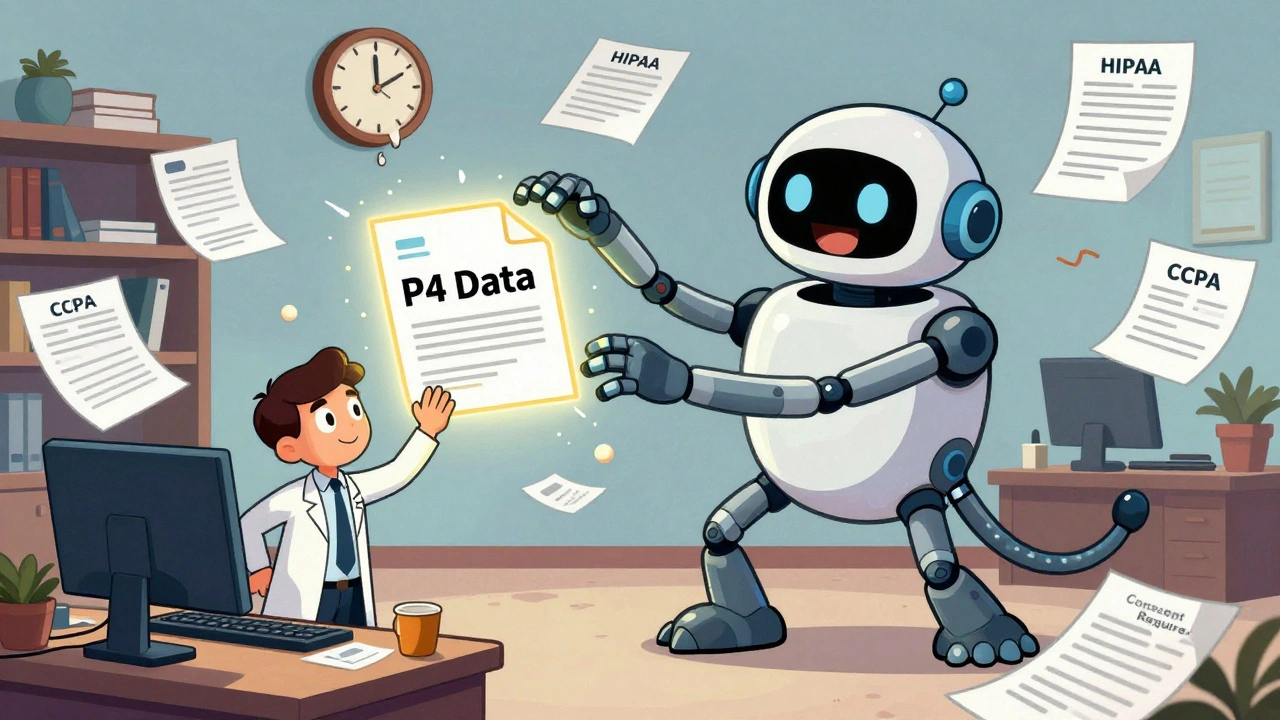
Retention Rules: Delete When Done
You can’t keep recordings forever. UC policy requires prompt destruction when the purpose is fulfilled. That means:- Class recordings? Delete after the term ends unless approved for accessibility accommodations.
- Research interviews? Destroy after data analysis is complete and transcripts are secured.
- HR meetings? Retain only as long as required by employment law-usually no more than 7 years.
Accessibility Isn’t Optional
In 2024, the Americans with Disabilities Act was updated to require all recorded content to be accessible. That means every recording must have accurate captions, transcripts, and be compatible with screen readers. No more “we’ll get to it later.” The U.S. Department of Education opened 147 investigations into universities for accessibility failures in 2025-a 38% jump from the year before. UC campuses are struggling. Legacy systems don’t auto-caption. Many faculty don’t know how to generate transcripts. And some recordings are still stored in formats that screen readers can’t read. UC Davis Health requires all recordings to be captioned within 72 hours. UCLA mandates transcripts be uploaded to the learning management system alongside the video. But across the system? Only 38% of departments have consistent workflows. The result? Students with disabilities are being left behind-and the university is exposed to federal enforcement.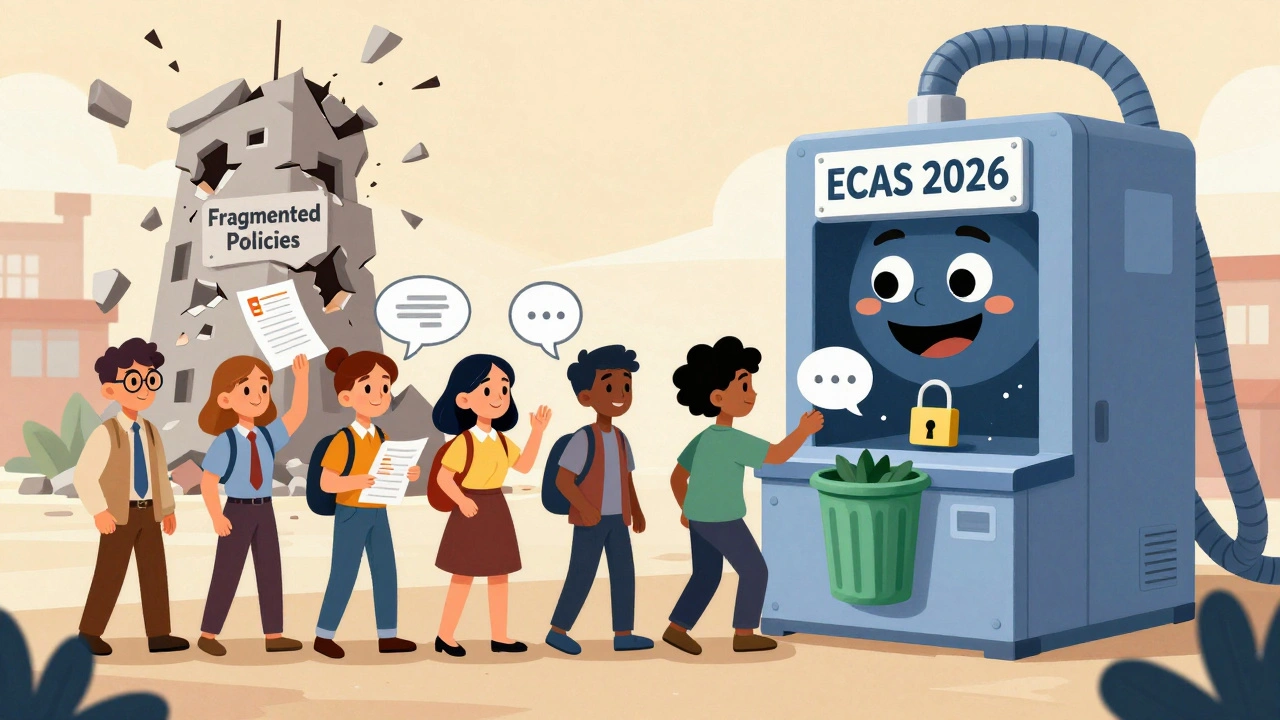
Common Mistakes and Real Consequences
People think they’re being careful. But mistakes happen every day:- A professor records a lecture, forgets to ask for consent, and later gets a complaint from a student who didn’t know they were on camera.
- A research team records a focus group with patients, stores the files on a shared drive, and never deletes them-even after the study ends.
- An advisor uses Zoom AI to summarize a student’s mental health discussion, then shares the summary with a dean without consent.
What You Need to Do Right Now
If you’re part of the UC system, here’s your checklist:- Complete the UC General Compliance Briefing if you’re staff, or the UC Ethics and Compliance Briefing for Researchers if you’re faculty or a PI.
- Review the ECAS “Recording Compliance Decision Tree” (released August 2025) before every recording.
- Always state the purpose of the recording in the invite and say it aloud at the start.
- Stop recording immediately if P3 or P4 data is discussed.
- Delete recordings within 30 days unless legally required to keep them.
- Ensure every recording has captions and a transcript uploaded to a secure, accessible platform.
What’s Coming in 2026
The UC system isn’t standing still. In 2026, federal regulations may expand the definition of protected health information to include AI-generated meeting summaries. That means if your Zoom AI tool turns a conversation about a patient’s symptoms into a written summary, that summary could be treated as medical data under HIPAA. ECAS is building a new Governance, Risk and Compliance (GRC) tool to track all recording-related risks across campuses. A pilot launch is planned for Q2 2026. But until then, the burden is on you. The UC system’s strength is its commitment to privacy. Its weakness? Fragmentation. Ten campuses. Ten interpretations. One set of laws. Until there’s systemwide standardization, compliance will remain a patchwork of confusion. Your job isn’t to fix the system. It’s to protect yourself, your students, and your institution by following the rules-exactly as they’re written.Do I need consent to record a Zoom meeting with students if I’m teaching online?
Yes. California law requires all-party consent, even for educational purposes. You must notify students in the course syllabus and ask for verbal consent at the start of each recorded session. If even one student objects, you must stop recording. Automatic Zoom notifications alone are not enough.
Can I record a meeting with a patient for research without their written consent?
No. If the meeting involves protected health information (PHI), you must comply with HIPAA and UC’s P4 data rules. Verbal consent is required at the start of the recording, and you must document it. Written consent is often required under IRB protocols. Never assume oral consent is sufficient without checking your research compliance office.
How long can I keep a recording of a faculty hiring interview?
Hiring recordings are considered personnel records and must be retained for at least 7 years under UC policy. However, if the recording includes sensitive information like disability disclosures or salary negotiations, it must be stored securely and access restricted. After 7 years, it must be destroyed unless subject to litigation or audit.
Are AI-generated meeting summaries covered by UC recording policies?
Yes. Tools like Zoom AI Companion generate transcripts, summaries, and insights from recordings, which means they’re treated as derivative recordings under UC policy. You need the same consent for using them as you do for recording. UC Davis has already restricted their use to exceptional cases with management approval. Expect systemwide restrictions in 2026.
What happens if I don’t delete a recording after the retention period?
You risk violating the California Consumer Privacy Act (CCPA) and creating a data breach exposure. Undeleted recordings can be discovered during public records requests or litigation. If sensitive data is found, the university could face fines, lawsuits, or federal investigations. ECAS considers unmanaged retention one of the top three compliance risks across the system.
Do I need to caption every single recording?
Yes. As of 2024, ADA updates require all UC recordings to be accessible. This means accurate captions and transcripts. Automated tools like Otter.ai or Zoom’s auto-captioning are acceptable only if they meet 98% accuracy. If a student requests accommodations, you must provide a human-reviewed transcript within 72 hours. Failure to comply can trigger an Office for Civil Rights investigation.








saravana kumar
11 Dec 2025 at 21:30Wow. So now we’re turning every Zoom call into a legal minefield? Just record the damn thing and move on. Everyone knows they’re being recorded-why make it a 5-minute ritual before every meeting? This is bureaucracy at its finest. I’ve been recording classes for 10 years. No one’s sued me. No one’s even noticed. Now I gotta get a notary to sign off before I hit record?
And don’t get me started on the 72-hour caption rule. You think I’ve got time to babysit AI tools that can’t tell ‘there’ from ‘their’? I’m a professor, not a transcriptionist. This isn’t compliance-it’s performance art.
Meanwhile, in India, we just record and share. No consent forms. No audits. Just knowledge. Maybe the UC should stop overthinking and start teaching.