


Imagine calling a coworker, only to hear the phone ring six times before it goes to voicemail. You leave a message. Five minutes later, you see they’re online in Slack, typing away. Frustrating? Yes. Avoidable? Absolutely. This is where VoIP presence changes everything for remote teams.
VoIP presence isn’t just a status icon like "Online" or "Busy" you see in chat apps. It’s a real-time communication signal built into your business phone system that tells others exactly when you’re available to talk - whether by phone, video, or instant message. It’s the digital version of leaning over your cube to say, "Hey, are you free?" - except it works across time zones, countries, and devices.
What VoIP Presence Actually Does
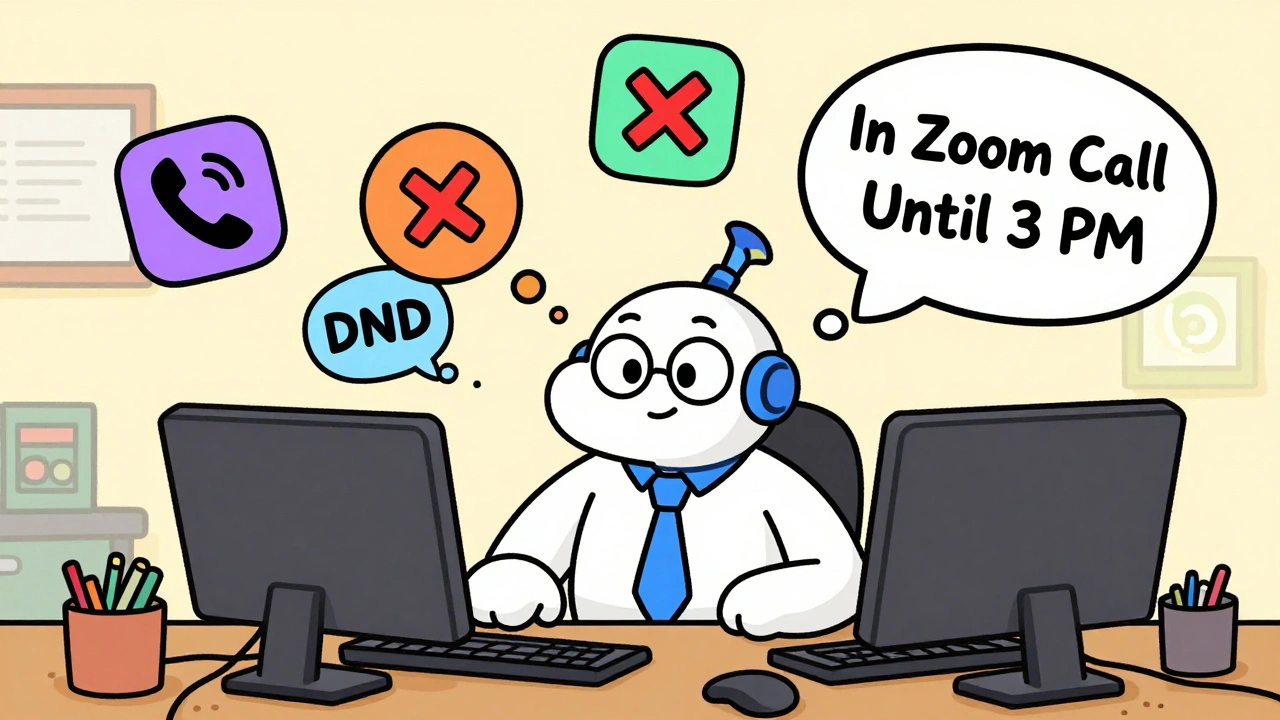
At its core, VoIP presence lets users set their availability status using predefined states: Available, Busy, Away, Do Not Disturb (DND), Unavailable, or Chat. But it goes deeper. You can also type custom messages like "In a Zoom call until 3 PM" or "Working on Q4 budget - DM if urgent." These updates sync instantly across all your devices - desk phone, mobile app, web client - so no one wastes time calling when you’re in a meeting or offline.
This isn’t magic. It runs on SIP (Session Initiation Protocol), the same standard that powers VoIP calls. When you change your status, your phone or app sends a SUBSCRIBE message to the PBX server. The server then broadcasts a NOTIFY message to anyone who’s subscribed to your status - like your team members or call queues. It happens in under two seconds on a local network. Even over the internet, updates typically arrive within three seconds.
Companies using this properly see real results. Yeastar’s 2023 data shows a 27% drop in unnecessary call interruptions. On Reddit, one sysadmin reported call wait times falling from 47 seconds to 29 seconds after enabling presence. That’s not just convenience - that’s saved hours per week across a team.
Why It Matters More for Remote Teams
Remote work isn’t just about having laptops and Zoom links. It’s about reducing friction in communication. Without presence, teams default to guesswork: "Is Sarah in a meeting? Did she leave for the day? Is she ignoring me?"
Presence removes that ambiguity. A manager in Berlin can see that their developer in Manila is marked "Available" and call without hesitation. A support rep in Chicago knows their supervisor is "Busy" and sends a Slack message instead. No more dialing blindly.
And it’s not just about saving time. It’s about respecting focus. When someone sets their status to "DND," your system can automatically route incoming calls to voicemail or a backup team member. No ringing. No disruption. That kind of control reduces stress and boosts productivity - especially for deep work roles like developers, writers, or analysts.
How It Beats Simple Busy Lights
Old-school business phones had Busy Lamp Fields (BLF) - little LED lights that showed if a line was in use. But BLF only told you if the phone was ringing or connected. It didn’t say if the person was in a meeting, on lunch, or just stepped away.
VoIP presence adds context. It’s like upgrading from a traffic light to a live GPS tracker. You don’t just know if someone’s busy - you know why. And that changes how you communicate.
Agility Communications found that presence systems provide 37% more actionable info than BLF systems. That’s not a small edge. That’s the difference between guessing and knowing.

Integration With Call Routing
The real power of VoIP presence comes when it talks to your call routing rules. Most modern PBX systems - like Grandstream, Yeastar, or Nextiva - let you set automatic call handling based on status.
- If you’re Available: Calls ring your desk phone and mobile.
- If you’re Busy: Calls go to voicemail or your assistant.
- If you’re Away: Calls route to a team queue.
- If you’re DND: Calls are blocked unless from a manager or emergency number.
This isn’t theoretical. One customer in Madison configured their system so that when they marked themselves as "In a Client Call," their incoming sales calls went to their team lead. They closed 12% more deals in three months because no lead slipped through the cracks.
You can even tie presence to calendar apps. If you have a meeting scheduled in Google Calendar, some systems automatically set your status to "Busy." No manual updates needed.
Limitations and Common Problems
VoIP presence isn’t perfect. It’s strongest in single-vendor environments - like a full Grandstream or Yeastar setup. If you’re mixing Microsoft Teams, Slack, Zoom, and an old PBX, things get messy.
CloudTalk’s 2023 report found that 22% of users experience inconsistent status across platforms. One user complained: "My desk phone says I’m Available, but my Linkus app says Busy. I had to reboot the PBX every week." That’s a real pain point.
Other issues include:
- Delayed updates (especially on mobile apps over weak Wi-Fi)
- Manual status changes being forgotten (people forget to switch from "Busy" to "Available")
- Poor documentation from low-end PBX vendors
Most of these problems come down to configuration. Adjusting SUBSCRIBE refresh intervals, enabling TLS encryption, and ensuring NAT settings are correct can fix 80% of sync issues. You don’t need a PhD - just a little patience and access to your PBX settings.
Who Needs This Most?
Mid-sized companies (200-1,000 employees) are the biggest adopters. They have enough people to feel the pain of miscommunication but aren’t so large that they’ve already invested in expensive, fully integrated platforms like Microsoft Teams.
Small businesses (under 50 people) often skip it because they think it’s overkill. But if you have remote workers, even a team of 10 can save 10+ hours a month by using presence properly.
Enterprises use it too - but they usually layer it on top of AI-driven tools. RingCentral’s "Presence IQ," launched in mid-2023, uses keyboard and mouse activity to auto-set status. Microsoft Teams now predicts your availability based on past behavior. These are the future - but you don’t need them to start seeing benefits.

How to Set It Up
You don’t need to be a tech expert. Here’s a simple 5-step guide:
- Confirm your PBX supports SIP presence (most business VoIP systems do - check Grandstream, Yeastar, or 3CX docs).
- Enable presence in your PBX admin panel. Look for "SIP Presence" or "Status Management."
- Assign users to the system. Each person needs a SIP account on the same server.
- Set default statuses and custom messages. Encourage teams to use "Chat" for quick replies and "DND" for focus time.
- Train your team. Show them how to change status via phone (*48 on Grandstream) or app. Make it part of your onboarding.
Basic setup takes 2-5 hours. Advanced rules (like routing based on time of day) might take 3-8 more hours. Most teams get comfortable in one or two training sessions.
The Future: AI That Knows When You’re Free
The next leap isn’t manual status updates - it’s predictive presence. By 2026, Gartner predicts 70% of enterprise systems will auto-set availability using AI, up from just 15% in 2023.
Imagine this: Your calendar shows a 30-minute break after your 10 AM meeting. Your system detects you haven’t opened your email or Slack since 10:15. It auto-changes your status to "Available" at 10:30. No input needed.
That’s the goal. But right now, the biggest win is simply letting your team know - clearly and reliably - when you’re free to talk. And that’s something any remote team can do today.
Final Thought: Presence Is a Culture Tool
VoIP presence isn’t just a feature. It’s a signal of respect. When you set your status to "DND," you’re saying, "I’m focused - don’t interrupt unless it’s urgent." When you set it to "Available," you’re saying, "I’m ready to help."
Teams that use presence well communicate less, but more effectively. They interrupt less. They respect boundaries. They get more done.
If your remote team is still guessing who’s available, you’re not just wasting time - you’re burning trust. Fix that with presence. It’s not fancy. But it works.
What does VoIP presence actually show?
VoIP presence shows real-time availability status like Available, Busy, Away, DND, or custom messages (e.g., "In a meeting until 3 PM"). It syncs across all devices - desk phone, mobile app, and web client - so teammates know exactly when you’re free to talk or should leave a message.
Is VoIP presence the same as Slack or Teams status?
No. Slack and Teams show presence only within their own apps. VoIP presence is built into your business phone system and directly controls how calls are routed. If you’re marked "Busy," incoming calls can auto-forward to voicemail - something chat apps can’t do without extra integrations.
Can I set my status from my phone?
Yes. Most VoIP systems let you change your status using a feature code on your desk phone. For example, on Grandstream systems, dial *48 to toggle between Available, Busy, DND, and other states - no app needed.
Why does my status sometimes show wrong on my phone vs. app?
This usually happens due to network delays, incorrect NAT settings, or mismatched SUBSCRIBE refresh intervals. Try restarting your PBX, checking your Wi-Fi connection, or adjusting the presence update frequency in your system settings. Most sync issues are fixable with basic configuration tweaks.
Do I need special hardware for VoIP presence?
You need a VoIP phone or app that supports SIP presence (RFC 3856). Most modern business phones from Grandstream, Yeastar, or Polycom do. Even smartphones with compatible apps like Linkus or 3CX Workplace can display and update presence. You don’t need expensive gear - just a system that supports the standard.
Is VoIP presence secure?
Yes, when configured properly. Presence data travels via SIP with TLS encryption and requires SIP authentication. But if left open, anyone on your network could see who’s available - which could be a privacy risk. Always enable TLS and restrict access to trusted devices and users.
Can VoIP presence work with Google Calendar?
Some advanced VoIP systems integrate with Google Calendar to auto-set your status to "Busy" during scheduled meetings. This feature isn’t universal - check if your PBX vendor supports calendar sync. If not, you’ll need to update your status manually.
How much bandwidth does VoIP presence use?
Very little. Each presence subscription uses about 0.5 kbps - less than 1% of a typical home internet connection. Even with 50 users, total bandwidth usage is under 25 kbps. It’s negligible compared to voice or video calls.









Dmitriy Fedoseff
10 Dec 2025 at 05:31Man, this is the kind of thing that separates real remote teams from the chaotic messes. I used to work with a crew in Manila and Berlin, and we were all just dialing each other like it was 1999. Once we turned on VoIP presence? Total game-changer. No more ‘Hey are you there?’ texts. No more awkward silences after five rings. I even started using ‘DND’ for deep work blocks - and guess what? People actually respected it. No guilt trips. No ‘but I thought you were free.’ It’s not tech, it’s culture. And culture matters more than any Slack integration ever will.